- Yes
- No
It will be possible to switch between the two interfaces, as shown in the following image from Rowan’s video.

Preamble
My suggestion is to add a purely visual, user-selectable option to display the rangefinder range immediately above or below the corrected range.
There is a wonderful suggestion by william_parker that proposes naval sight customisation; however, its focus is on the gradation lines and doesn’t address the challenges I will outline here. My suggestion could complement it.
Naval reticule customisation
Norris_Aznable’s amazing suggestion proposes an option for changing crosshair lighting. My suggestion could complement it.
Light Up Relevant Details in Naval for Crosshair Lighting Option
My suggestion captures part of the idea Bombe18 expressed in this comment.
Player nameplates style setting does help with one of three of my issues Naval Aiming HUD Glowing Red
Background
In update 2.9 “Direct Hit” (7th September 2021), when major weapon control changes were made for artillery ships, the interface in naval binoculars was also altered. The rangefinder range is now tied to the selecting frame on targets in the naval RB.
The rangefinder range is the number currently displayed below the enemy ship that the player is targeting. The rangefinder’s range is also known as the target’s range, range-to-target, actual range or distance-to-target.
The corrected range is the number currently displayed under the horizontal reticle.
Issues with Current Positioning:
- The target’s range visibility is affected by environmental effects such as fog, muzzle flashes, impact flashes, glare, UI elements and background clutter (e.g. islands and vegetation). This makes it difficult to read. It can be improved by changing the nameplates to light.
- The target must remain inside the binocular view to read its range, reducing ease of use and sometimes forcing the player to zoom out more than they want.
- Previously, one could do a quick at-a-glance reading of both the target’s range and the corrected range because they were stacked together at the centre of the screen. Now, one can find themselves shifting their gaze from the centre of the screen to the edge of the screen, which feels disjointed and uncomfortable.
Pictures
Target Range affected by Weather Conditions
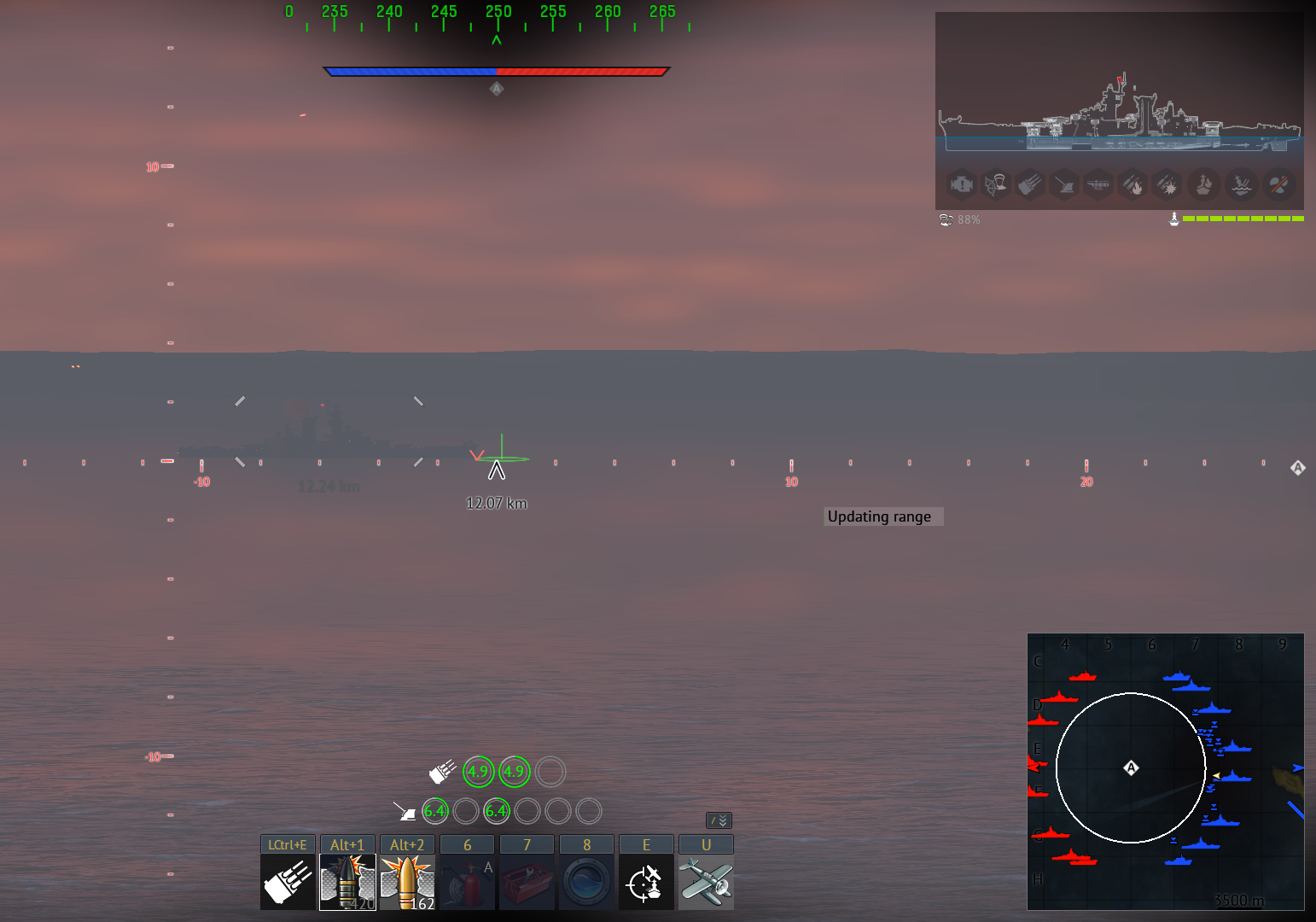
Target Range overlaps with corrected range
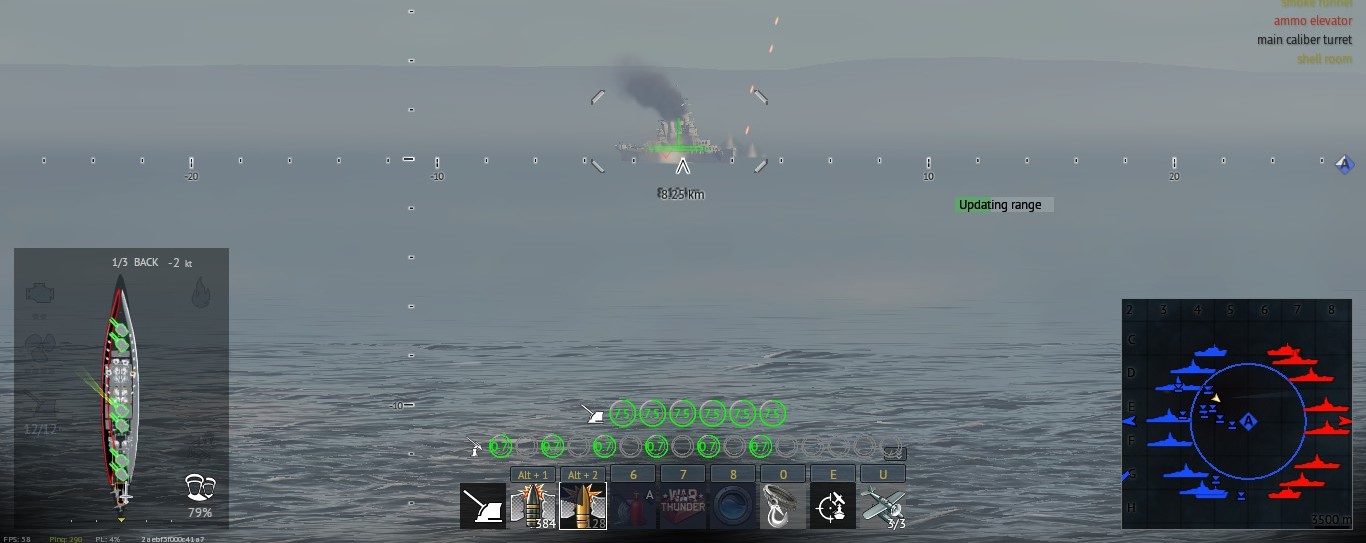
Target Range overlaps with Horizontal Reticle
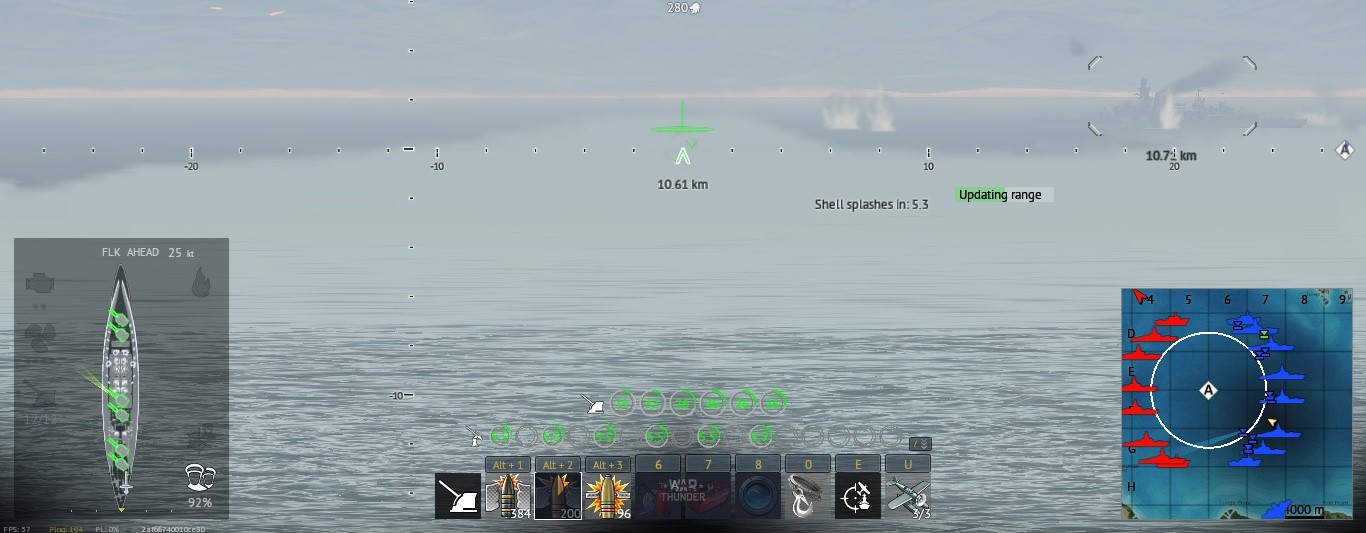
Target Range affected by the Island

Target Range affected by Trees

Target Range at the Edge of the Binocular View
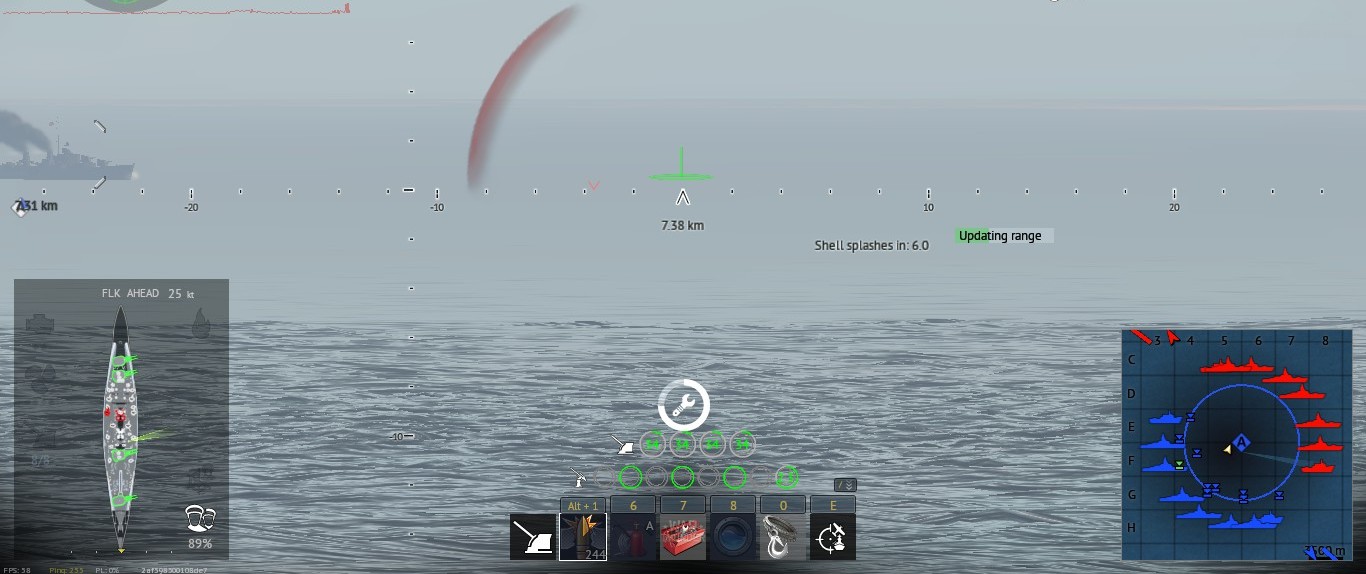
Proposed Change:
Introduce a user-selectable option that places the target’s range immediately above or below the corrected range on the horizontal reticle scale, similar to how it appeared pre-2.9.
This will be a purely visual interface change.
Similar Opinions
As Rowan’s guide to War Thunder Naval noted:
The one change I am less of a fan of is the fact that the range to target and your correction to it in the realistic gaming system are now bright red text on your target instead of being in the centre of your sight like on the current live server [2.7].
From Bombe18’s Comment