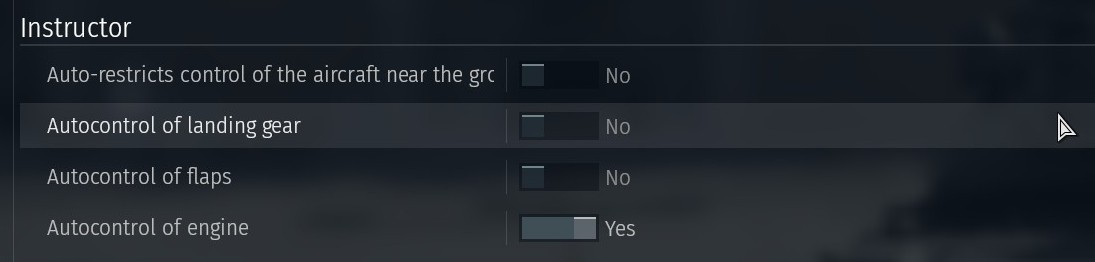
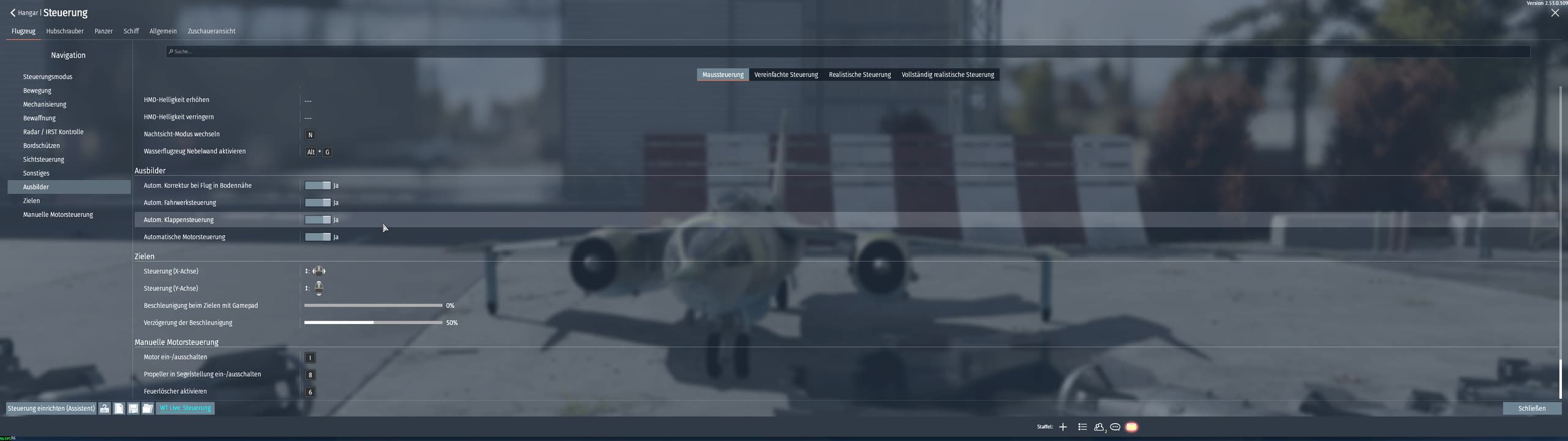
Wtf…
Since when can this feature no longer be turned off? I have absolutely no control during takeoff, landing, or low-level flying; even the flaps deploy automatically. When I try to turn it off, the entire control system switches to full-realistic controls.
If i try to land, the instructor trys to pull up my plane
If i try fly low-level i cant roll my plane, what bull****
better to save your controls and reset the whole thing.
then use the save up controls to get back your keybinds
So my controls are reseted? Just my bindings are the same? My backup is 5+Years old because i never need that
I don’t think it has ever been able to be turned off completely in mouse aim mode, just the separate parts of it further down in the controls settings.
2 Likes
Ok, i think that was my mistake
1 Like
I hope that solves it for you :)
1 Like
Uh you can still turn it off?
You can even turn all 4 options to off and the Instructor will still be on.
It controls things to a degree no matter what if you are in mouse aim.
A good way to see it is to fly straight up or straight down . . .
your plane will start turning/rolling as the Instructor tries to “compensate”
It loses track of your plane and what it is doing momentarily and kinda
goes bonkers for a moment . . . can be very distracting in the heat of battle
. . . to say the least, lol . . . but that is rare and any angle off straight up or down
and you do not get it. Always freaks me out for a second when it happens.
But I have run it just like Necromica has shown it, for years . .
You can even turn the engine control off and I see no difference really
All I fly is AB for planes & in tank battles, some in RB naval (very little cuz planes are
pretty useless in naval … to me anyway)
Turning those items off gives you more “control”, but not complete . .
1 Like