I looking for a way to recover from spins, undamaged, all methods ineffective. Crew >50xp
I GOT YOU (give me a sec gotta find it)
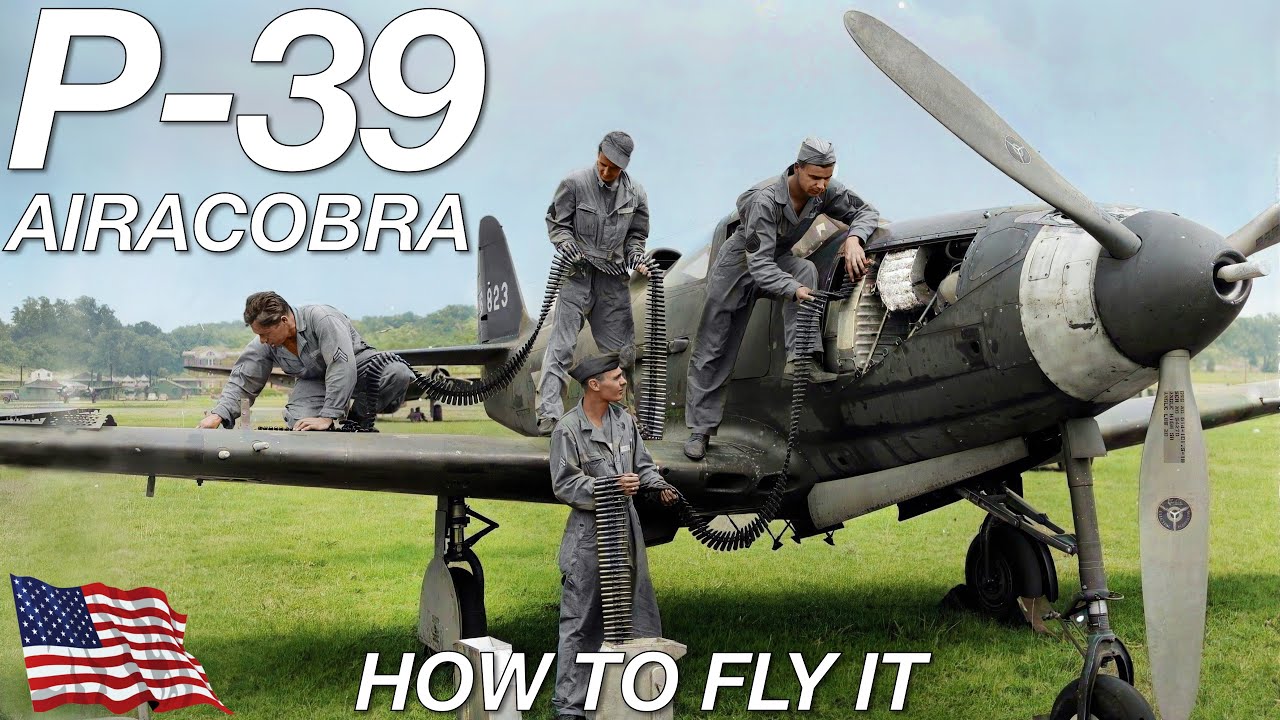
not for the Spitfire, but might help, does talk about spin recovery at about 14:30
What controls are you using?
If you’re flying Realistic Battles with Mouse Aim, you shouldn’t experience spins.
If you’re flying sim - standard PARE applies:
- Zero POWER
- neutral AILERONS
- opposite RUDDER
- Stick forward/pitch down with ELEVATOR
Notably, spitfires are VERY sensitive in sim. You want to play with non-linearity for your pitch response, trim negative pitch and maybe even change multiplier on pitch response to 0.8 or so.
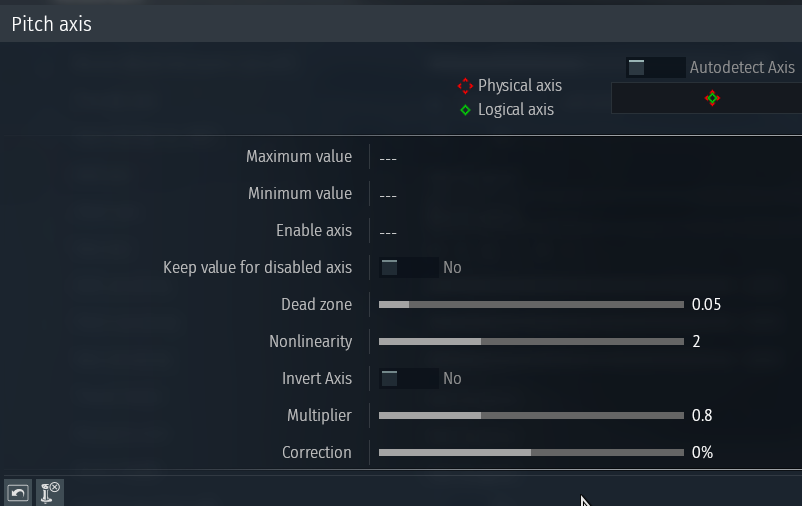
Also if using MOUSE JOYSTICK - you don’t use simplified. Simplified worsens spins (video showcases it - basically, SIMPLIFIED makes it so that you get a pseudo-instructor wiggling your stick with no input):
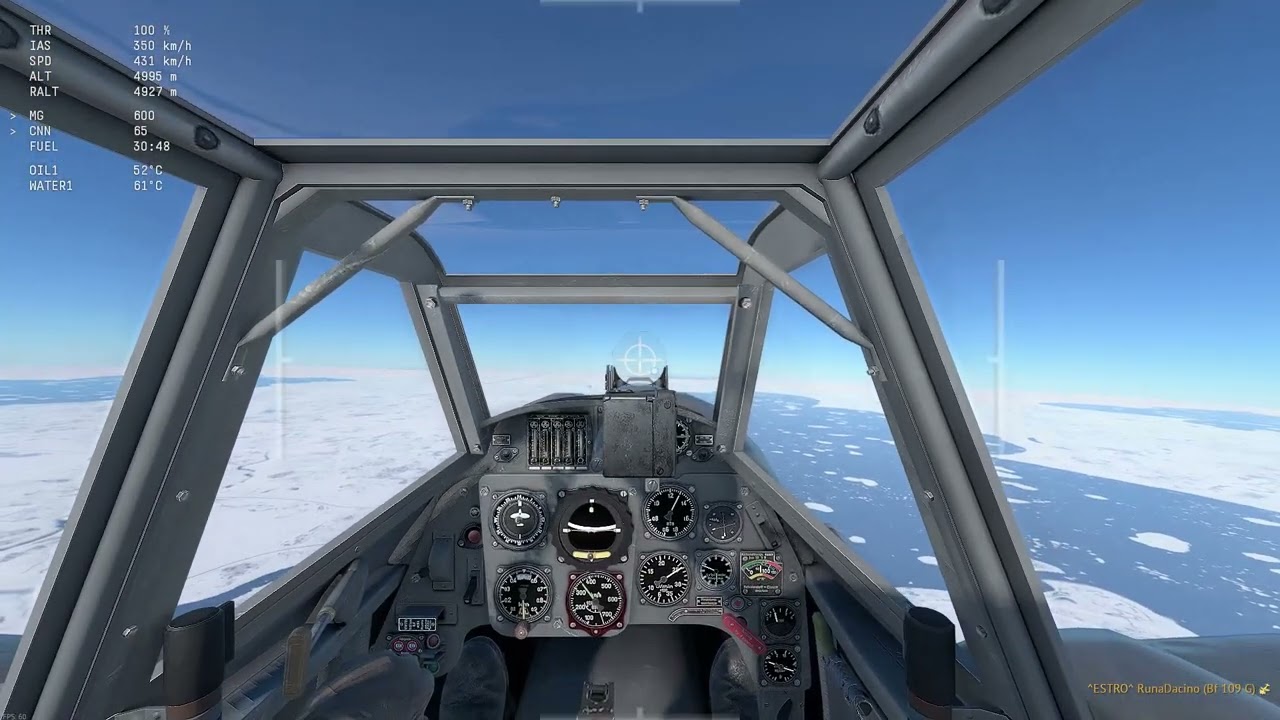
And if you’re flying with joystick (whether HOTAS, simple flightstick, Xbox controller, mouse joystick) in air RB - DONT. Use Mouse Aim. You are massively gimping yourself if you don’t use mouse aim unfortunately.
If you do want to use proper stick and rudder - I recommend coming to air sim instead. WingalingDragon on youtube has a great tutorial series for getting into sim!
Edit:
I checked your profile after being unable to find Lf Mk2. I imagine you meant Spitfire Mk Ia (it’s the only spitfire you ever flew).
I went ahead and made a demonstration of spin entry and recovery using my own controls (WT Live // Controls by RunaDacino for reference).
In this video:
- I spawn in
- I trim rudder using my Turn & Slip gauge until the upper needle is centered.
- I trim nose heavy (negative values) so that I make the spitfire more flyable
- I apply gentle left rudder (-5% on overlay) and enter a left-hand turn.
- I pull my stick back completely in a violent manner
- My spitfire begins to spin
- I maintain left rudder (-5%) and keep stick full back, letting the spin become violent and out of control
- I proceed to cut throttle and move my stick neutral (the little white ball is now centered).
- I input FULL right rudder (100% on overlay)
- I gently move my stick forward
- I wait
- Once the spinning eases up I release my rudder (in my case: I press “2” to reset rudder axis).
- I let my plane pick speed up and gently reapply throttle as I level out. I also apply slight left rudder to keep my angle of slip low (AOS) which I ease once I pick up speed.
2 Likes
spitfire LF mk2?
you mean a LF mkIX (9)?
spitfires are sensitive and responsive planes, dont just rip on the rudder, aelierons or elevators unless REALLY needed.
Also unrecoverable on Mosquito xvii.
Climbed and let stall via no joystick input.
Plane flipped, rotated, no recovery possible.
I might have to create a special joystick profile that is very sensitive, likely too bobbly unstable to use.
the mosquitos have a really bad flight model. dont bother with them ever