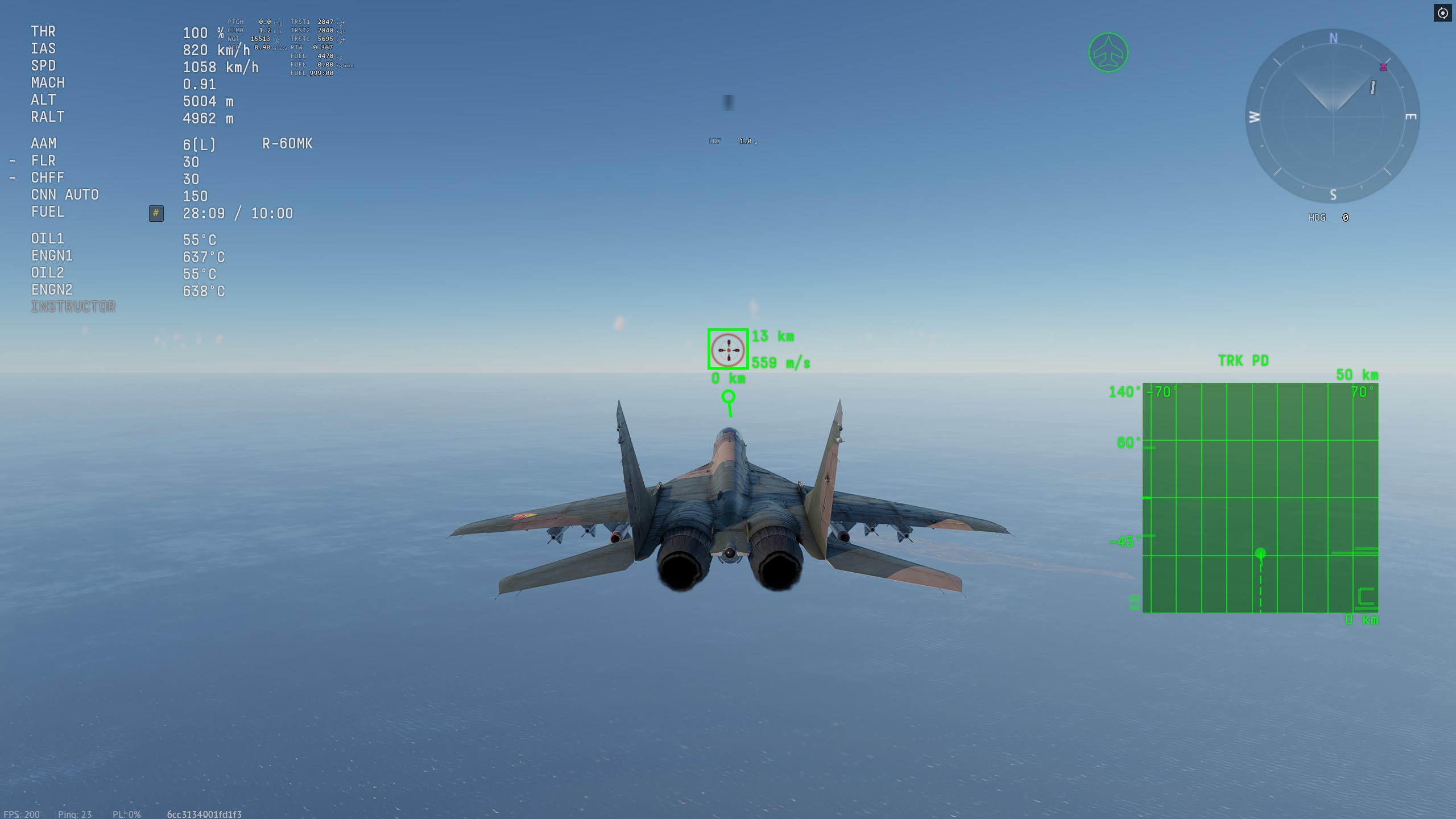
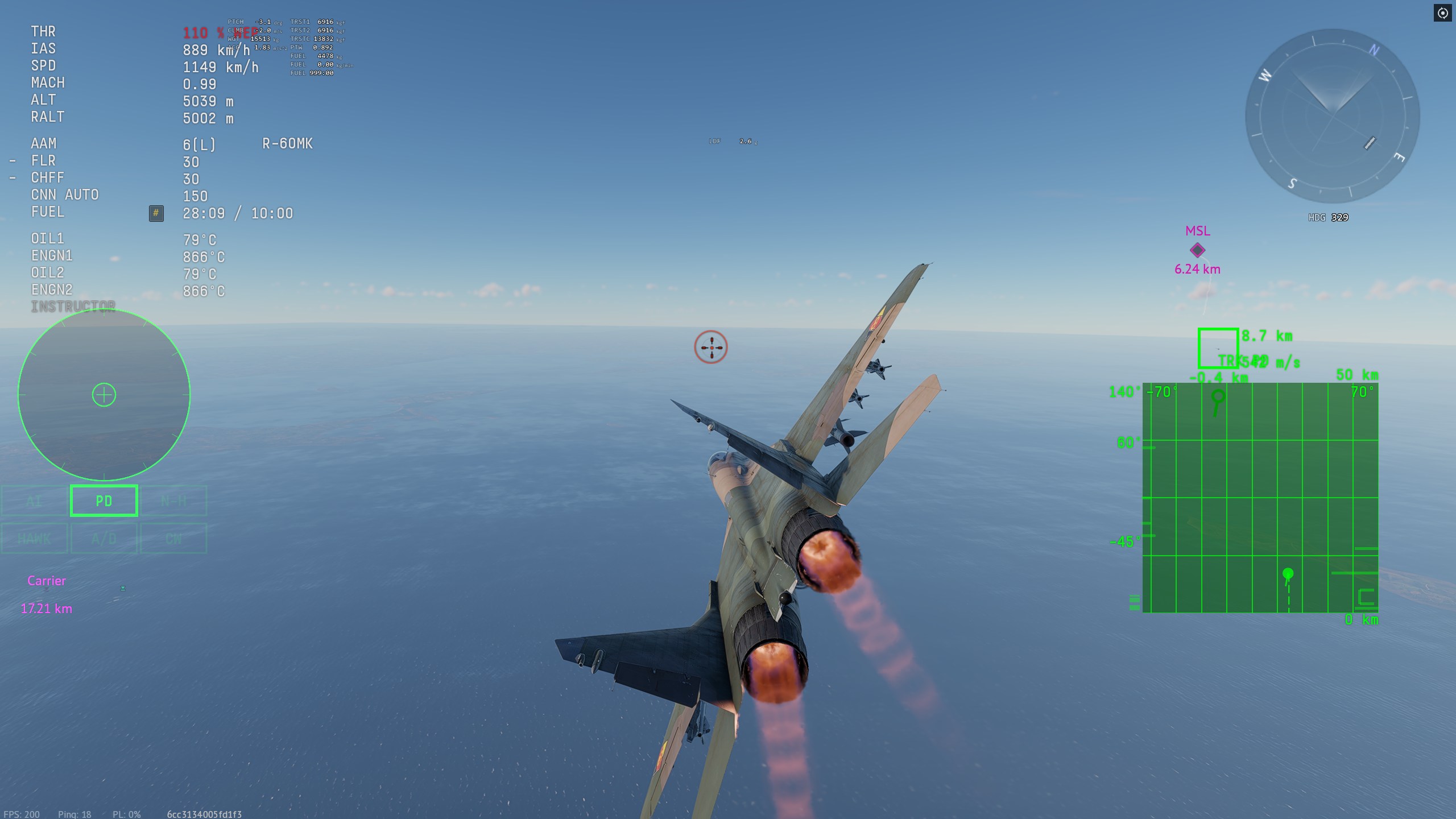
I’ve lately had a few people ask if i could make a custom mission that allows you to practice notching and defending against different types of missiles in general, so i made some!
You start about 15km away from the enemy plane, it is straight ahead of you and should attack you automatically, with different versions of the mission for different missiles. The enemy unit resets when you respawn or kill it.
*Edit:
AND the first special mission made on request, defending against 3 or 2 aim120s at the same time, with multiple positional options for the enemies:
Second on-demand mission against an f15GE armed with aim120D starting at 9km altitude and at like 60km distance from each other, AI will launch missiles once it gets within ~25km of the player from what i tested.
If you have any suggestions for changing the parameters, like a higher altitude/longer distance version or different missiles you would want let me know, it’s fairly simple to modify the base mission to accommodate you when i have the time.
How do i run these missions?
You need to be on PC and have spent at least 10$ or regional equivalent worth of money on a single item in the gaijin store, otherwise you will have to ask for someone who has to open the lobby for you and invite you. Same deal for console players unfortunately, you will have to ask someone on PC to open a lobby for you.
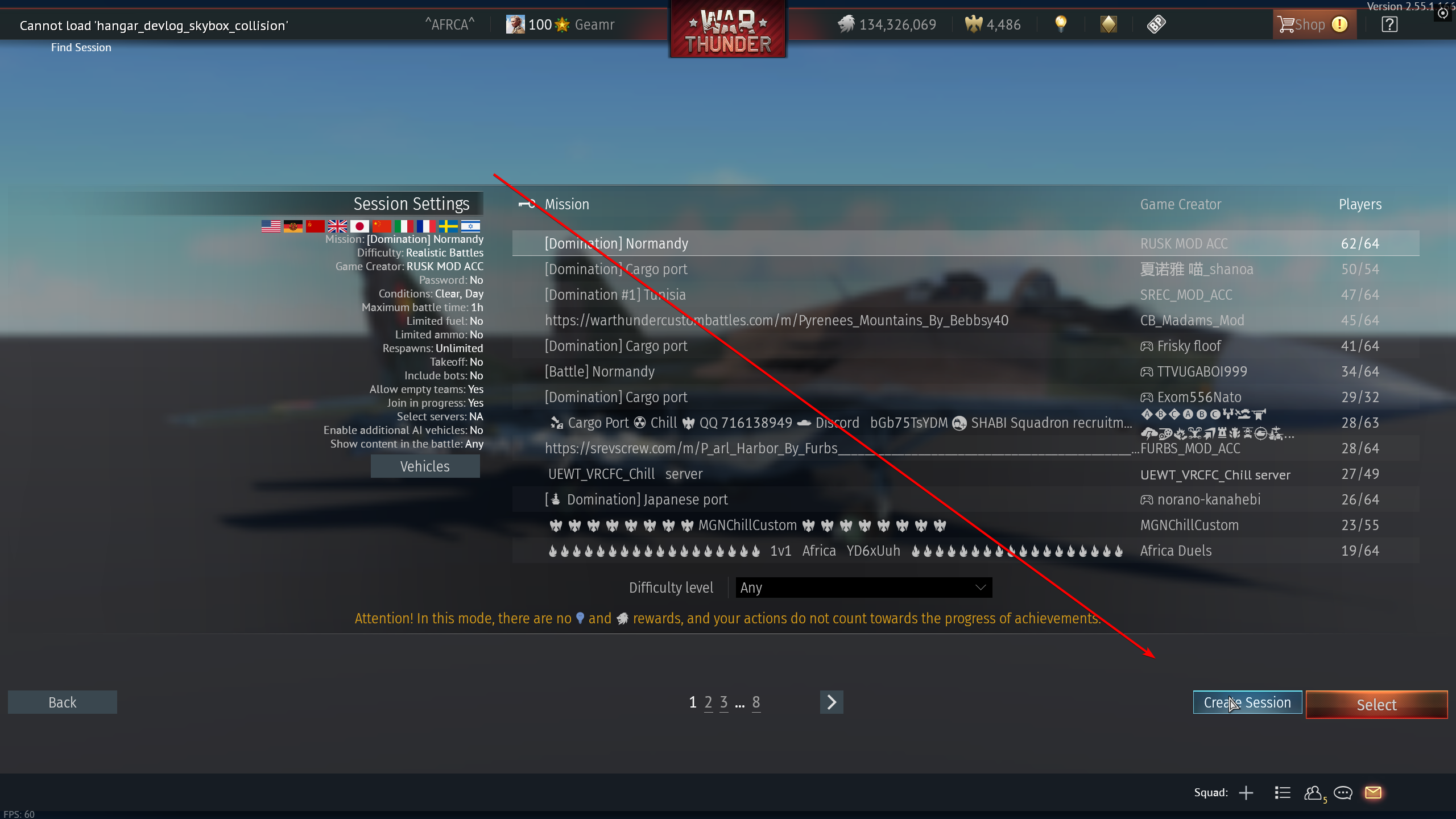
You open the custom battles screen and press “create room” in the bottom right
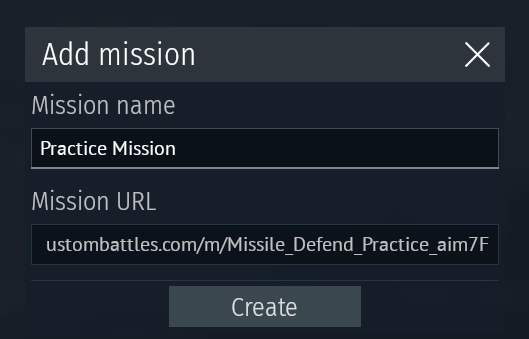
You switch to the tab “Custom URL Missions” and click the “Add mission” button at the bottom, enter the URL and mission name, then click on the mission you just created to launch it.
Set up your mission parameters like fuel/ammo/gamemode etc. and start the mission!
Yeah the latest update broke neutral spawns, i’ll have a fix for it uploaded in a bit, hang on!
*Edit: I fixed the non-working spawns, the missions should be fully functional again. I did run into some trouble with the aim-7F one, the unit just wouldn’t engage but i think i fixed that too. If you have problems with the AI ignoring you just respawn and try again i guess.
I just installed the CDK to try to make my own. Many people have issues notching in Sim specifically and with these missions even in sim difficulty it starts in 3rd person with the red missile indicator so I will be trying to make it a bit more realistic for sim players. Probably 15mi head on start at 25/30kft mach 1.2. Will try with every ARH missile as well. Great idea.
If you could that would be great - I’m trying to mess around in the CDK and I have no idea what I am doing. Is there a way I could open the missions you already have set up and change the spawn parameters?
Should be working now! The forced RB thing was something you would have to manually add to the blk file with a text editor, so don’t worry about it, by default you can use any mode you like. I just had it in there cause i based this mission on some of my previous work for our custom battle.
As for the mission file, I’d like to keep that private for the moment, but if you have any specific requests for setups then let me know, I’ll probably make them for you.
The only real limitation is that the AI will only engage with its missiles at relatively short ranges, but i suspect stuff like aim120D the ai will fire from further out, will have to test that at some point.
I was specifically interested in longer range defense - so I guess that isn’t very useful. If you would set one up with a 120D I’d gladly give it a test. I was trying to make a basic 1v1 mission like yours with a starting alt of 30kft and a distance of about 15mi/25km to more accurately simulate how BVR engagements start in sim. I will also assume there is no way to have to AI go defensive once they are launched on as well?
I thought the flat nothing but water map would work well for that since there is nothing for the NPC to get distracted by.
I appreciate your responses. If you do ever have time to hop on a call and walk me through the basics of setting up these missions in the CDK I would appreciate it. I have no clue how you figured it out!
Sorry it took me so long, but here is a version close to the parameters you wanted, roughly 30k feet and at a large distance. While the Ai will start tracking you at about 35km I’ve only ever seen it fire starting at 25km distance, that sounds like what you wanted though, right?