Today, we’ve rounded up and will be covering some of the fixes and improvements that we’ve made to the game today and over the past weeks. If you’d like to catch up on every fixed bug, then be sure to check out the changelog section on our website.
If you’ve found a bug that you’d like to report, you can do so on our community bug reporting platform.
Managing Aiming Points
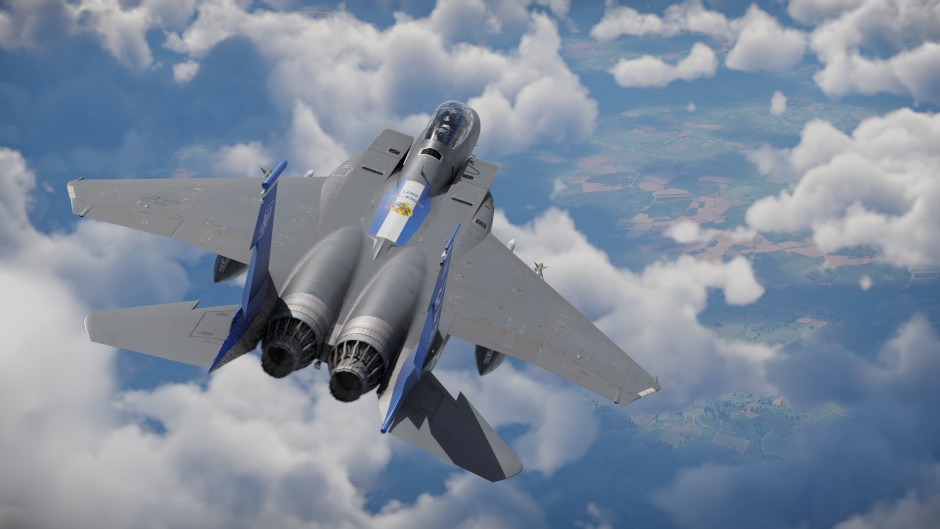
The recent major update introduced the ability to set aiming points in the game. To make it easier for players to get to grips with this new feature, we’ve added on-screen hints to the tactical map showing which key combinations control these points. You’ll only see these hints if your aircraft is capable of setting aiming points in the first place (i.e., it’s equipped with GNSS-guided weapons or has an advanced enough navigational system). While we were at it, we also fixed a related bug: previously, the feature only worked if the aircraft currently had GNSS-guided munitions mounted. However, aiming points are also useful for navigation and for other weapon types, so the mechanic now works regardless of the current loadout.
Adding key bindings for aiming point control created conflicts with certain free-look actions, so to avoid this, we removed the new default bindings. However, key bindings were still needed to make full use of the mechanic, particularly for assigning weapons to aiming points. Since we know not everyone has enough spare keys to bind, we’ve planned the interface to be the main means of controlling the mechanic from the start and so now we’ve made it possible to assign munitions to aiming points without needing separate key bindings at all, they can be assigned simply by using the tactical map. To assign a weapon to a point, just right-click on it (a hint about this now appears at the side of the map), then use the left and right mouse buttons to select as many suitable munitions as you like from the menu that appears, where handy counters show both the current and maximum available amounts.
Radar Display Improvements
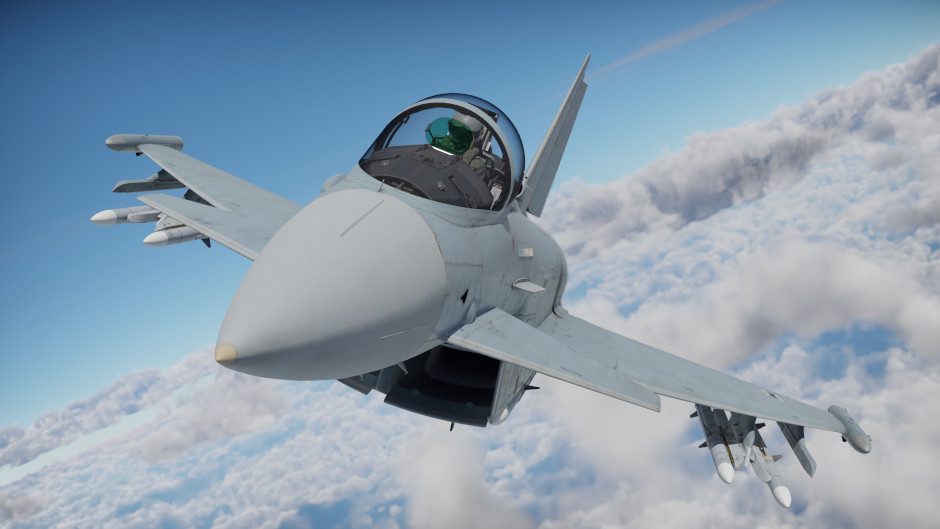
With the introduction of electronic support measures (ESM) functionality, the radar/IRST display gained an additional feature: showing ESM data. However, not everyone finds it convenient to bind a separate key or fly with a radar display showing its full set of buttons. So we’ve added two small new buttons to the minimal radar display view — one to toggle the ESM screen on and off, and another to switch between radar and IRST modes, both of which previously required either a key binding or enabling the display’s full button set. Enjoy!
Also, for aircraft that use their weapons as the ESM sensor, the display will now automatically exit ESM mode once all missiles have been expended (as at this point it is non-functional), so you no longer need to switch back to radar mode manually.
Radar Mode Presets
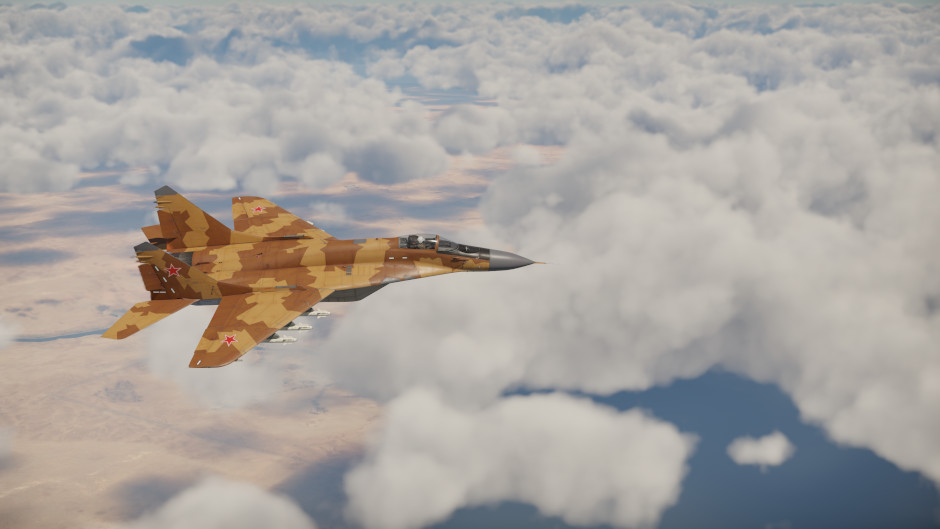
A logic error in the interface meant that, for a number of aircraft, the game was unable to match certain radar modes with their corresponding ranges, causing both to be skipped and left out of the preset list on the respawn and test flight screens. All values are now back in place, so you can once again fully configure your radar the way you want before spawning in.
Distorted Decorators
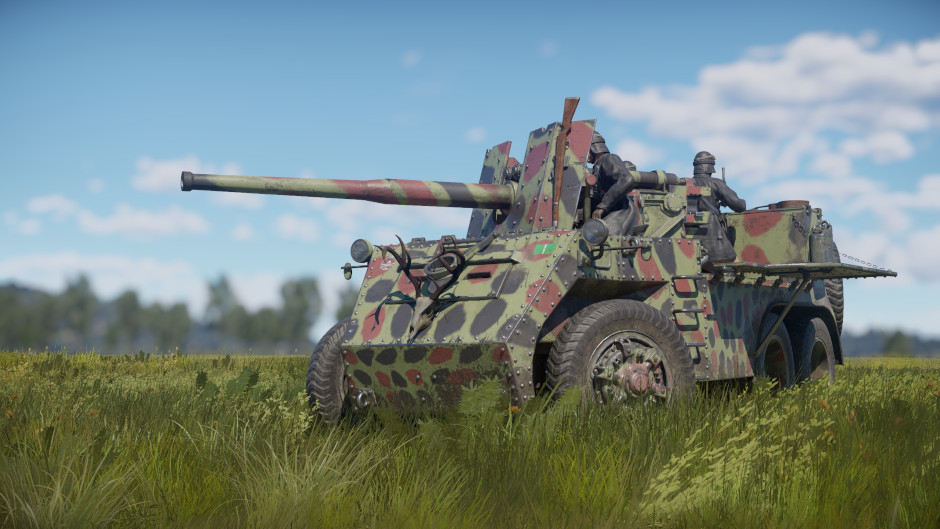
When decorators are mounted on vehicles, they get rotated in space based on the slope of the armor at the mounting point. As with everywhere else in 3D graphics, this is done using transformation matrices (without getting too deep into linear algebra, these are essentially tables of numbers that point coordinates get multiplied by in order to rotate objects). A bug meant that when mounting on heavily curved armor, this transformation matrix could be calculated incorrectly, resulting in the new X, Y, and Z axes not being perpendicular to each other, which made the decorator appear warped. This has now been fixed, so decorators should display correctly as intended even on especially curved armor.
Déjà Vu!
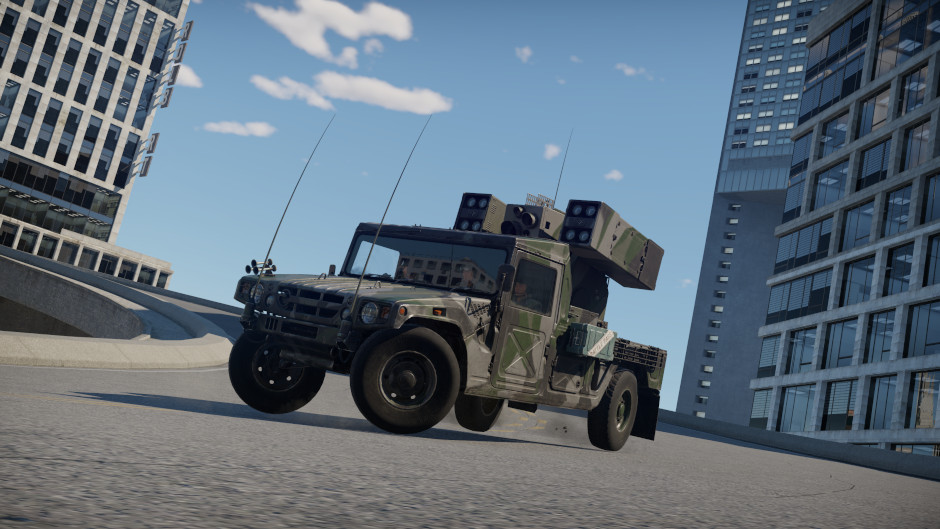
The last major update introduced a bug where when moving in reverse, friction force was added to the force produced by the tracks or wheels instead of being subtracted from it, which allowed vehicles to reach some rather unseemly speeds. Some players compared it to a racing game and joked about adding a eurobeat soundtrack, while others filed reports. We’re grateful to everyone, both for their vigilance and for their great sense of humor!
That’s not all
Check out the full list of fixes and improvements in the update notes below! Here’s some more: keyboard arrow keys can be assigned to actions again, the “Attention to the Map” command works again when clicking the minimap if the cursor is being shown not via the Alt key, fuel jettison after using rocket boosters works again, trees no longer disappear from optics when zooming in, and the in-battle chat window width has returned to its previous value.