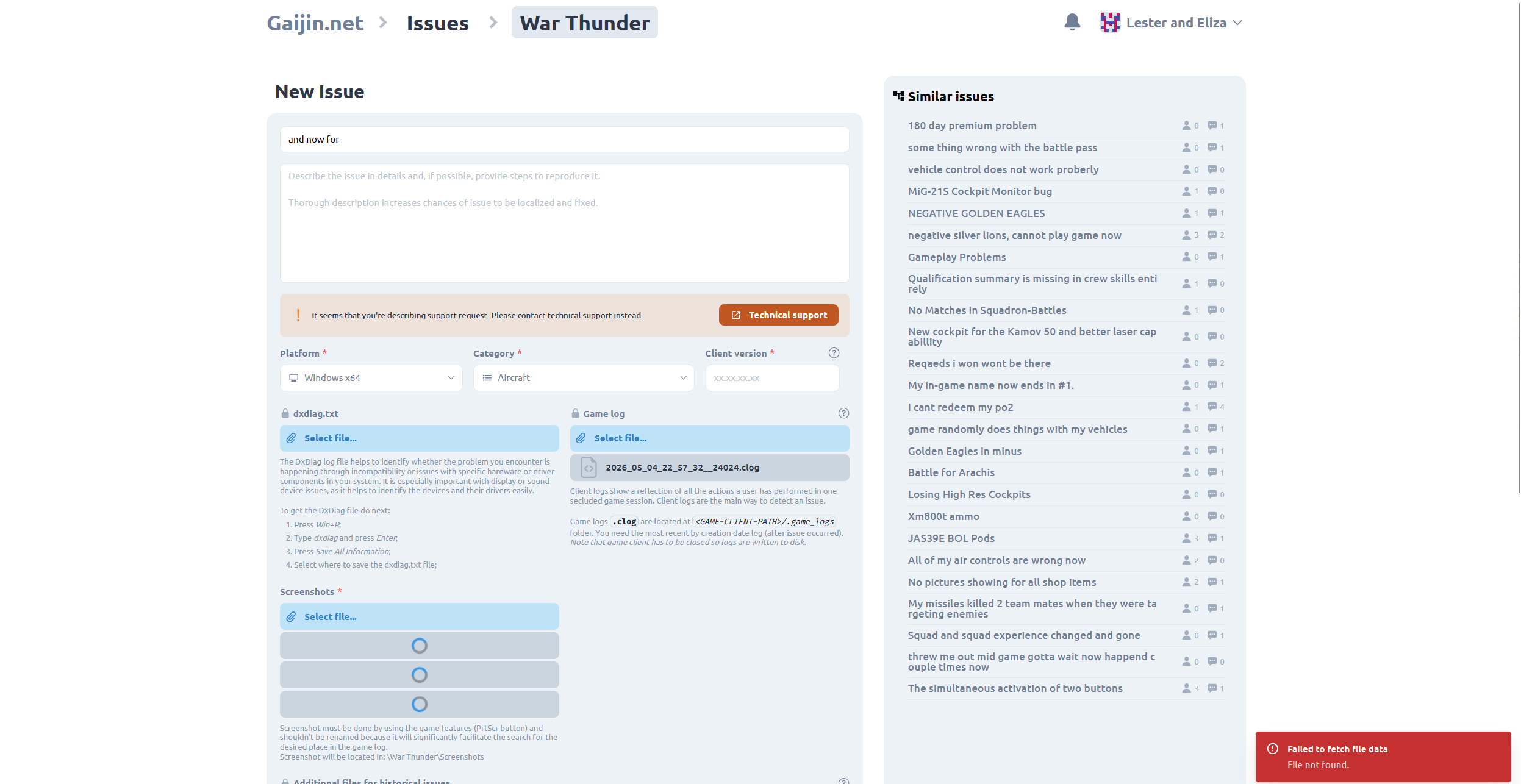
To add files to existing reports follow the instructions below.
1> To add files to this thread. Go to your original post. In the bottom right hand side you will see three dots ( … ). Please click the dots and select the Edit option and add the files accordingly.
If the issue still persists after carrying out the above in the current version of the game, then please add recent files and information in accordance with the In Game Wiki Knowledge base.
Issue with Title typing
2> Not something I can replicate. I just created a report and typed normally into the title etc.
Also, Gaijin just uses this forum system. It is a commercially available product. They are not really responsible for some of the functionality. These are decisions of the developer for the forum software. Not everything is done ‘in house’.
- The version is asked for because issues can be fixed in a particular version. We need to know which version the issue was in. Also, some reports take ages to be looked at. You are welcome to make a submission to give up some of your spare time to assist in the administration of the game.
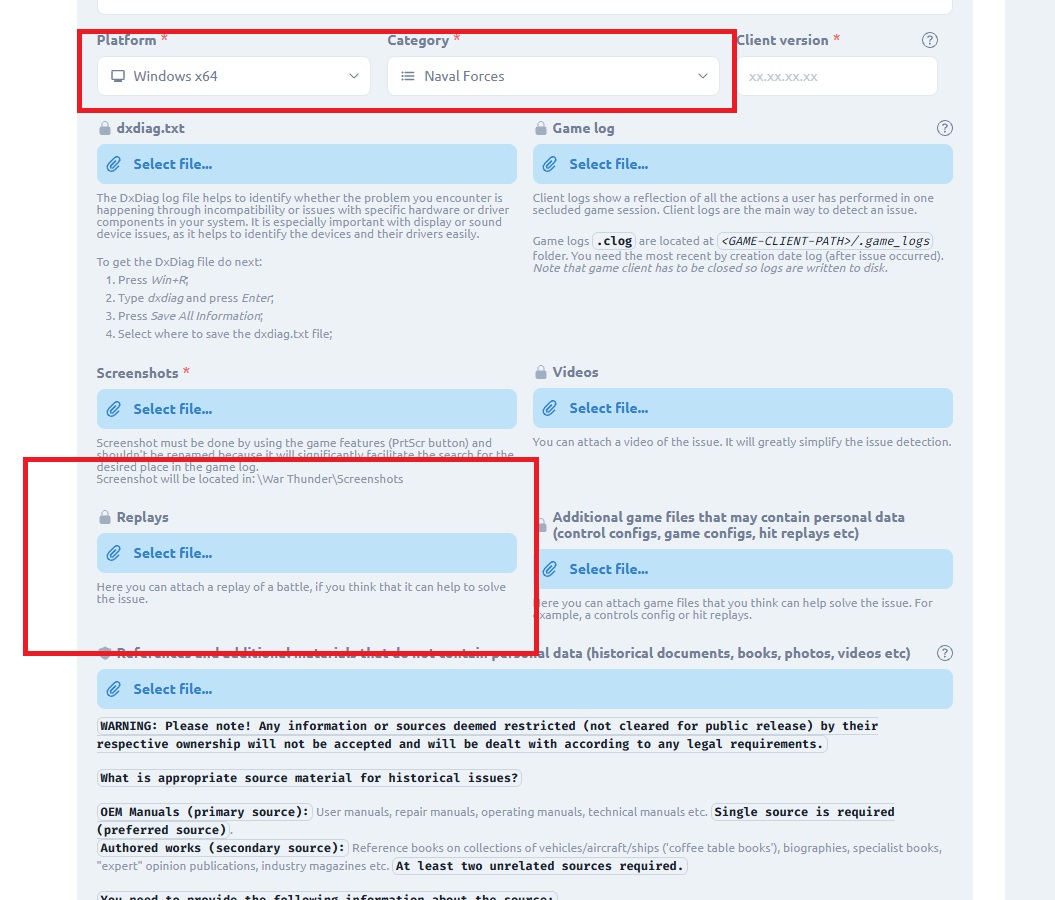
As you can see if you select Naval and Win 64, There is a slot for replay files. Each report can have its own file requirements etc.
Complaint about the time it takes to address issues.
Please be advised that the order of report evaluation is in the following manner.
Issues that impact players being able to play. Login ,Installation or Crash issues etc.
Those issues that are time constrained - such as issues related to an Event, Challenge or specialist game (tank football etc)
Those issues of a graphical nature that are impacting players. Especially multiple players.
Gameplay issues not covered previously.
Historical issues. These are the lowest priority reports(unless it is impacted by the above).
The Developers time is constrained. There are only ‘so many’ of them and like everyone, they have families and other commitments on their time. They address issues of higher importance first.
You can ASSIST your report by actually reading the referencing requirements and fulfilling them.
This means we can address your report quickly and go on to look at the reports from OTHER players.
There are thousands of reports and a limited team of paid and volunteer staff. We are always looking for new people prepared to assist with the administration of the game. If you don’t have a technical background, you could be a Forum Mod, or a Games Master or work in Suggestions or Live etc. :)
Also, there are certainly those who want to argue with the Developers about what constitutes a ‘bug’. Often these individuals have no actual (or limited) knowledge of software engineering. And it can be a difference of opinion, rather than an actual bug.
Suffice to say. If you do indeed continue to post because you believe we should handle your report first and ignore all the other ones we have, or you post it multiple times. You may indeed be removed from the forums. Please follow the forum rules.
Also, I might add. That responding to your post; where a great deal of what I have highlighted to you is actually available as information elsewhere on the forums. And while we are happy to interact with the players. I would point out that the time we spend doing this for information that is already available in some form. Takes our time away from actually doing the investigation, testing and reporting etc of issues that have been reported by you or other players.
When we have canvassed this with other players, it is hardly unsurprising that they would prefer we spend our time actually doing the job we are asked to do. Which is investigate, test and report issues that can be readily replicated and are indeed ‘real’ bugs. Not those imagined by some. Ghost shells is one that comes to mind. These are usually caused by latency. This has been discussed several times by the Dev’s previously. Also, a quick search of the Internet will find hundreds of thousands of pages on the subject when it comes to MMO’s and why they are particularly impacted by bad connections. :)
Thanks
Happy hunting