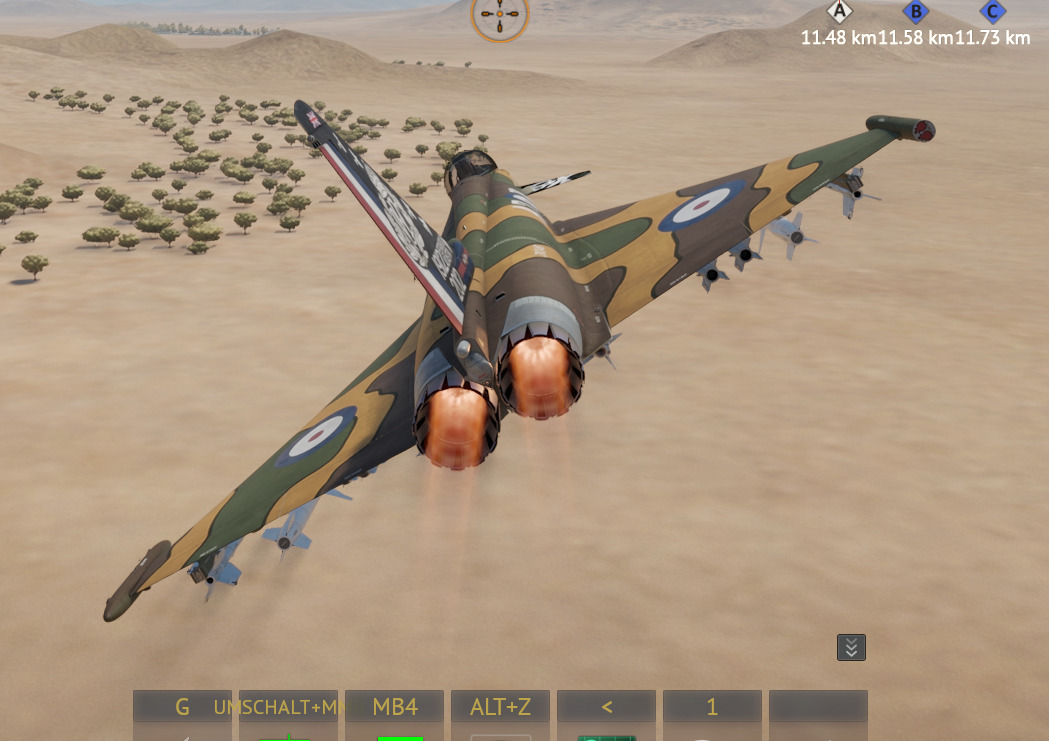
Does anyone else get absolute horrendous ghosting in planes ? Especially desert maps ?
No matter which antialiasing i try, it doesn’t go away, with DLSS being the worst of them all.
On the picture it actually doesn’t look as bad as it really is.
what is your gpu and what driver version are u using ?
3080 With the newest ones.
I’ve had the same for a long time. Using DLSS on native, have high fps but still blurs like crazy
weird, ngl i use an rtx 5050 with the latest ones and dont really see the blur
Does that for me when I used a bit of SSAA (configured manually through config file) and FSR. They vibe coded it as usual, it’s the only game I have this issue.
i was testing some diff configs , try to use native dlss, it should be better in trade of alot of performance
I am using native on that screenshot.
oh, well i use dx11 with dlss 4 on the auto model and native, all on movie and i dont see any ghosting, might be the diff on the gpu gen maybe ?
I am using DX12, i will try DX11.
This post was flagged by the community and is temporarily hidden.
I play on a Windows Surface Laptop 4 Pro and i don’t get this lol
Likely temporal anti aliasing related.
TAA causes ghosting in high-speed situations.
It’s fixed if the dev refines the parameters of the implementation, but otherwise…
Gaijin added temporal shadows.
The only way to disable them is to set your Shadows Quality to Low.