VEHICLE DECORATION REWORK
THE IDEA
If you love to spend some time decorating your tanks, planes and vessels, you have probably been frustrated several times with having to spend lots of time scrolling and scrolling to rotate the decal so it fits the lines of the aircraft or tank, or in any of the ways you would like to have it. Not to mention you need to do it several times each time you select a new decoration, as well as having to look or search for the specific decal you used again afterwards. That’s why i am suggesting a minor rework or improvement of the current system.
When the option to create your own weapon loadouts for planes was added, eventually the option to copy the preset you made was available, having a similar system for the decoration slots would be great. When you have placed one decoration, you can right click on that specific decal and have the option to copy it, simply.
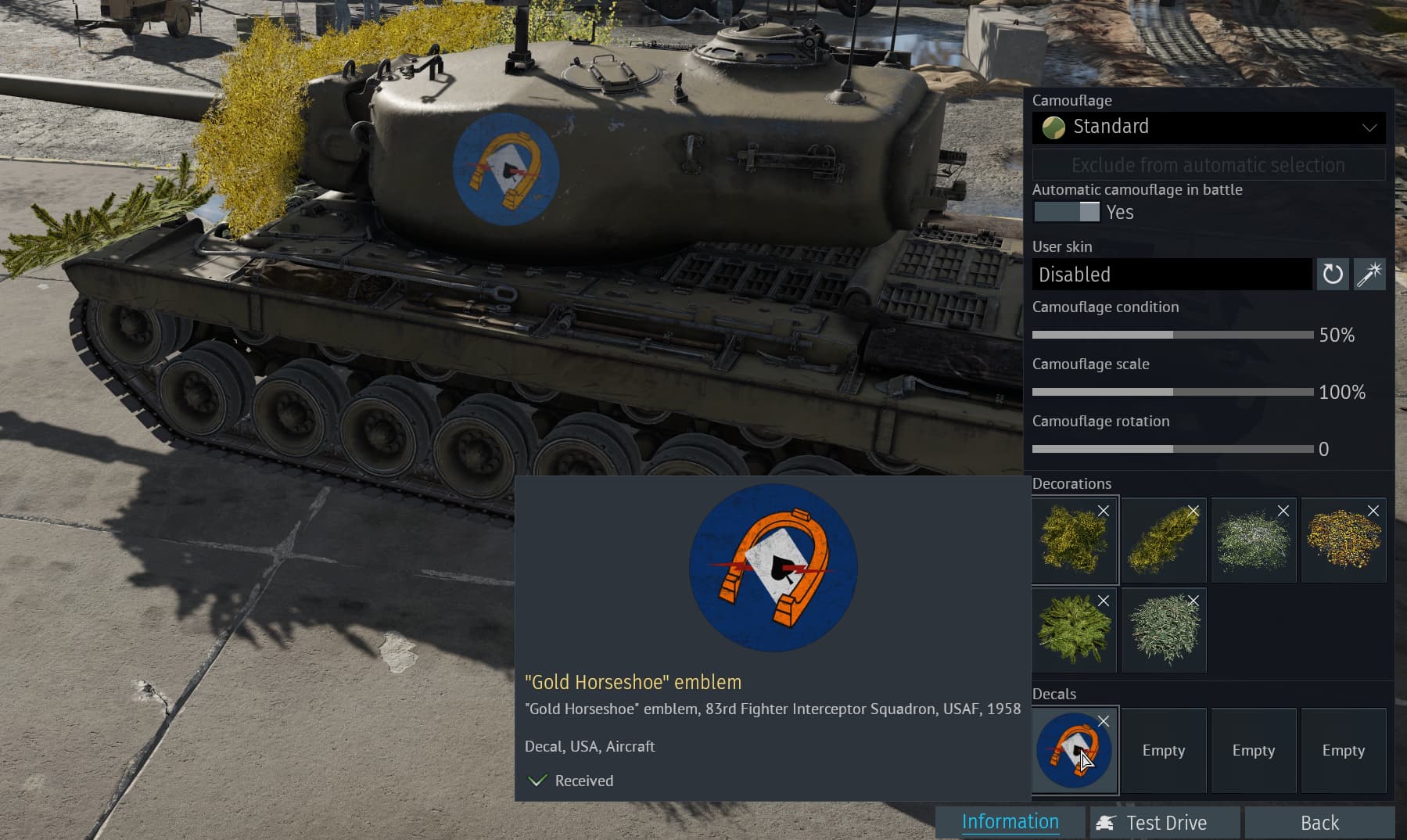
Regarding the rotation & size speed, you could be given a key bind, like for example F, where if pressed you will scroll trough 3 or 4 rotation speed settings. Rotation and size should be equally fast.
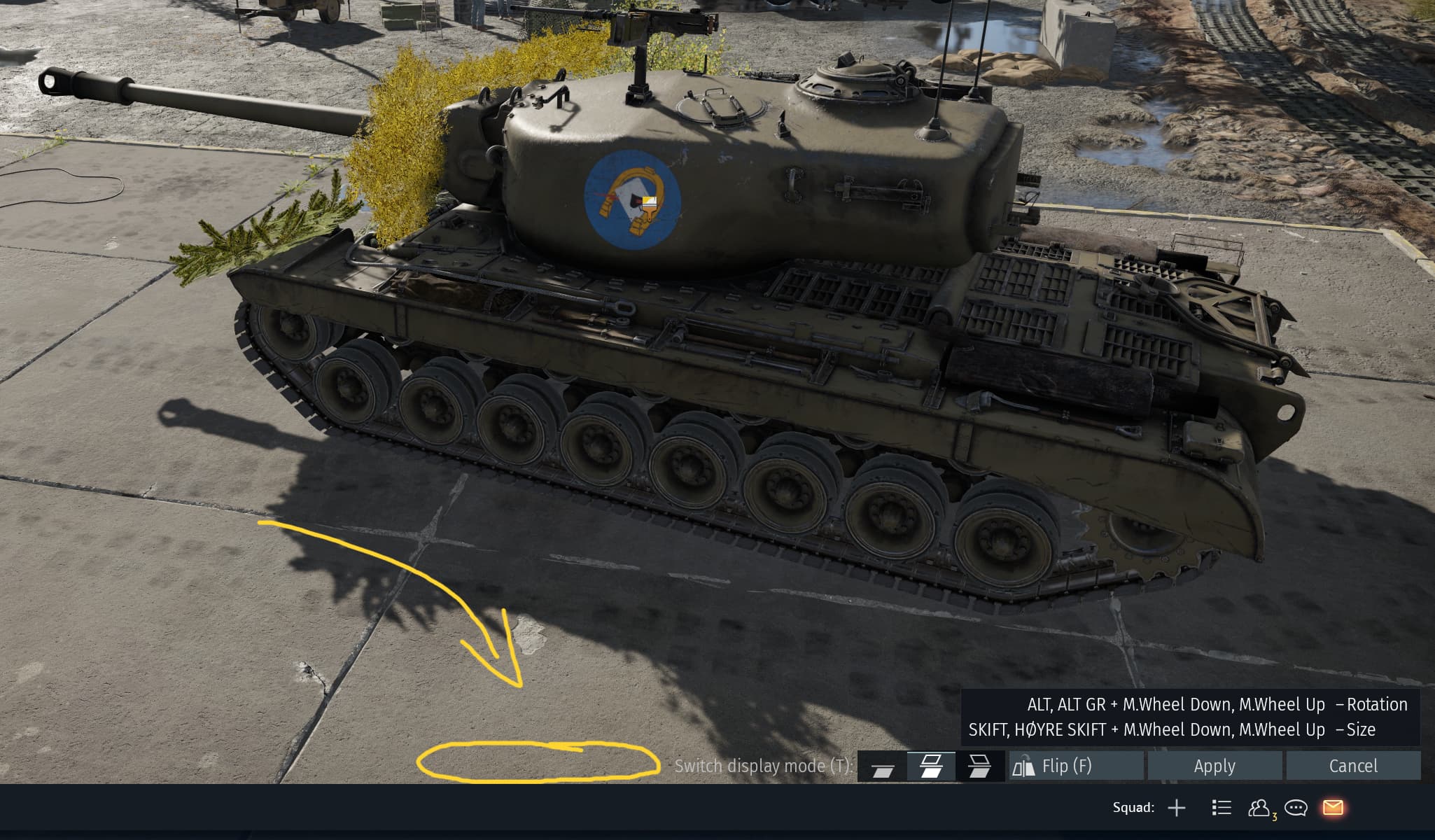
For quicker and less complicated decoration, where you don’t want or need to rotate the decal very much or the size doesn’t matter, there should be another key bind, for example G wich toggles an option for the decal to rotate 45 degrees with each scroll, and the size increases equally in radius.
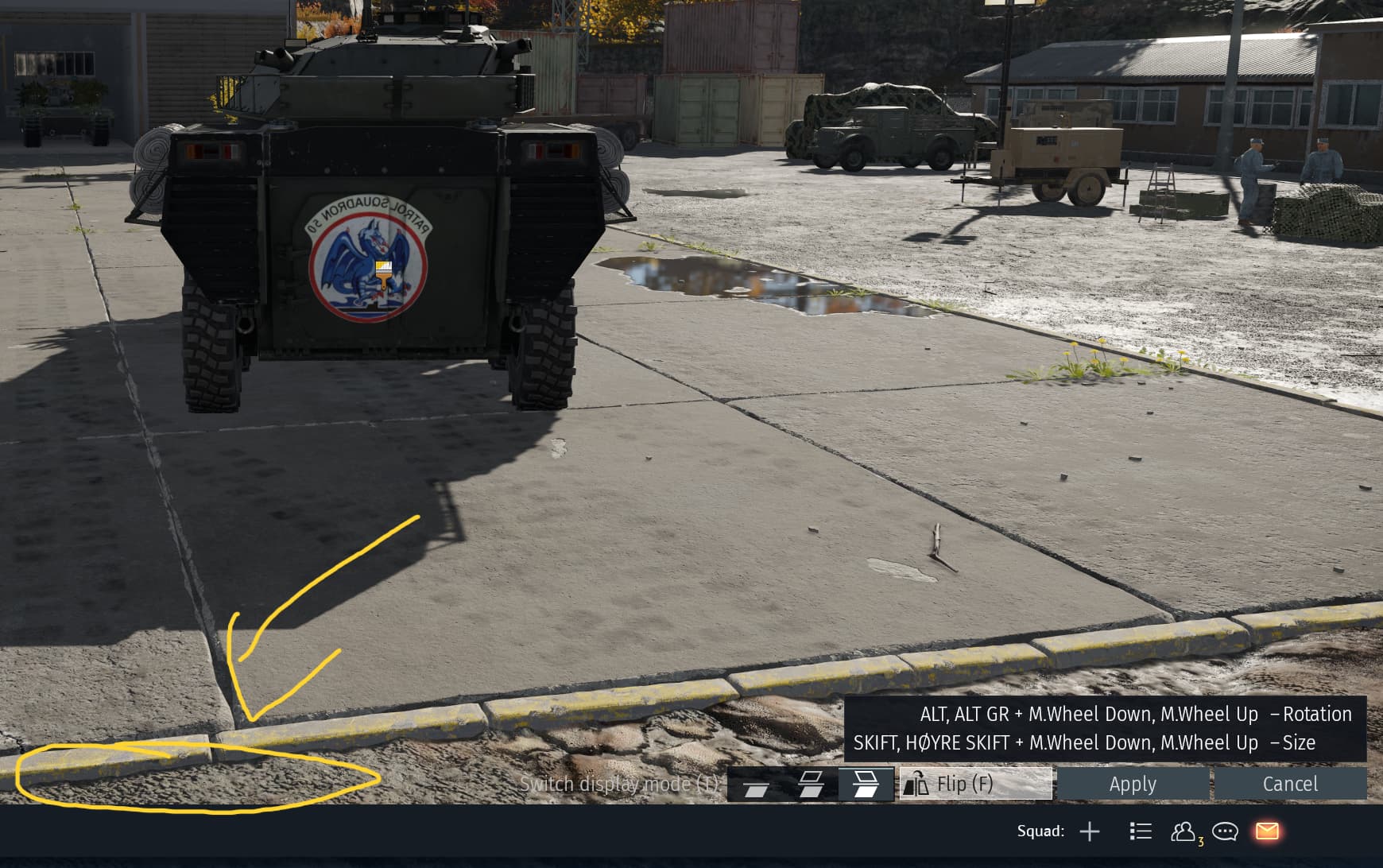
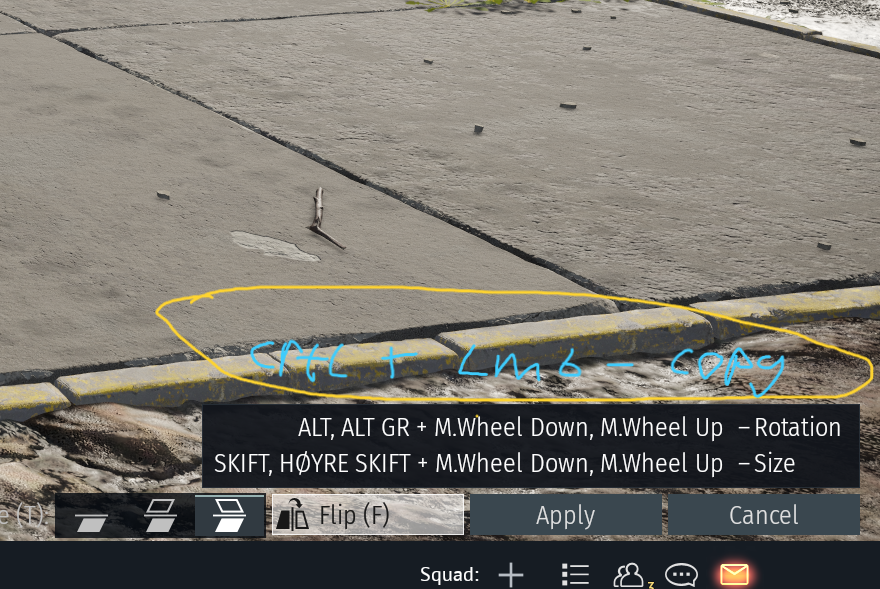
If you are decorating a plane, and want to use 4x roundels to for example cover the original ones, instead of having to return to the list and look up the decal all over again, there could be a key bind option like CRTL + LMB, and if pressed you get a copy of your current setting. to place wherever you would like, this can be done over and over until the max amount of decals is reached. And if you placed down the decal without doing this key bind, you can just right click and copy it again as i mentioned earlier.
Is this Idea for a rework something you would like to see in game?
- Yes
- No
0
voters
This post was made by
Til_Dovre_Faller