Understanding Naval Aiming After Ninth Wave: Settings, Perception and the “Cheating” Debate

Ahoy There Captains, Over the last few days I started playing around and looked more closely at the control settings in War Thunder and experimenting with how they influence aiming behaviour. After spending time adjusting things and testing different configurations it became clear that the control system in the game is far deeper than most players probably realise. There are a large number of settings that influence how aiming behaves and many of them are buried deep in the menus. Because of that I created a separate control profile so I could experiment properly without affecting my main setup.
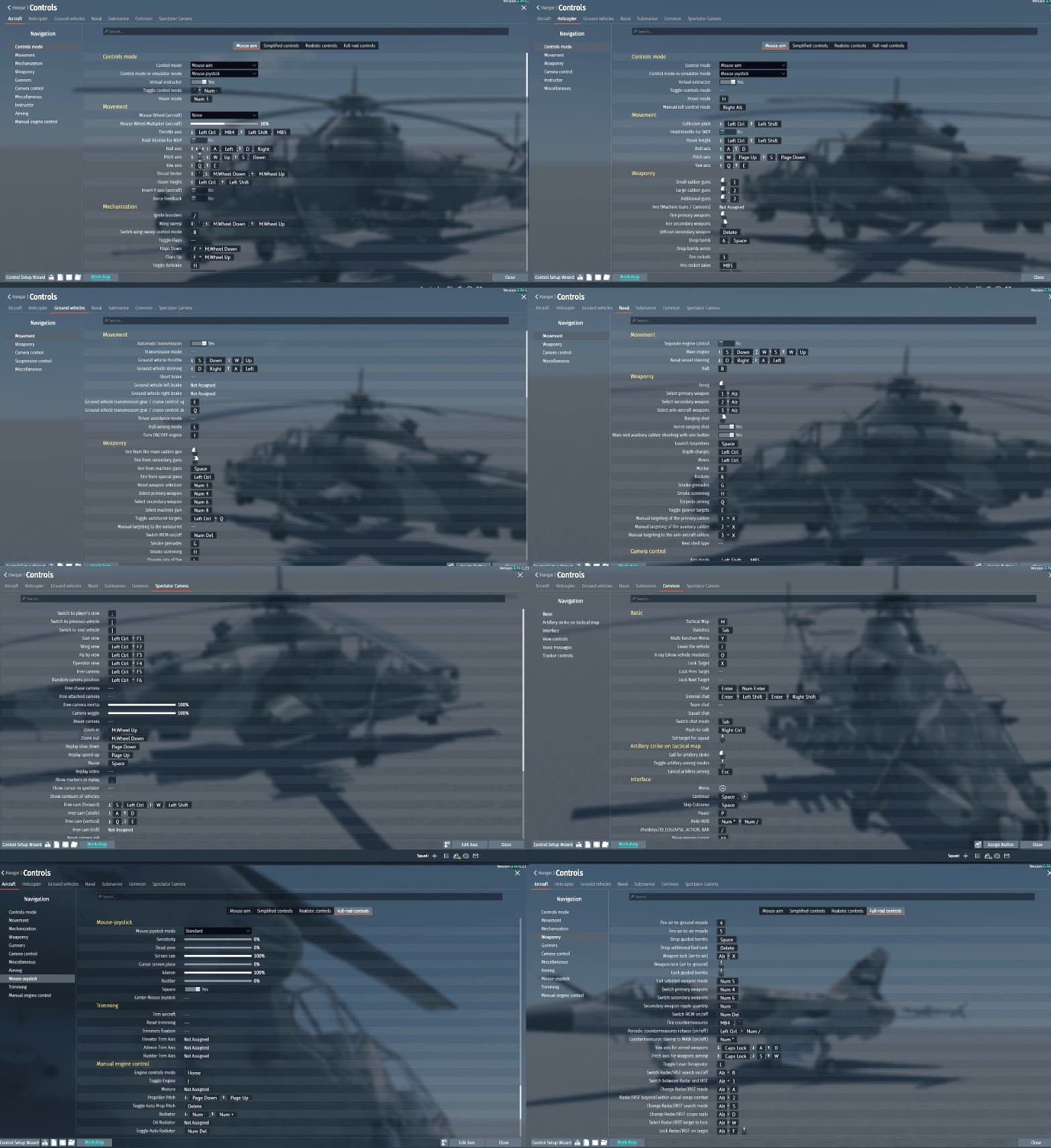
Daunting Control tables, One thing that is obvious is that War Thunder has an extremely powerful control system with a huge number of variables.
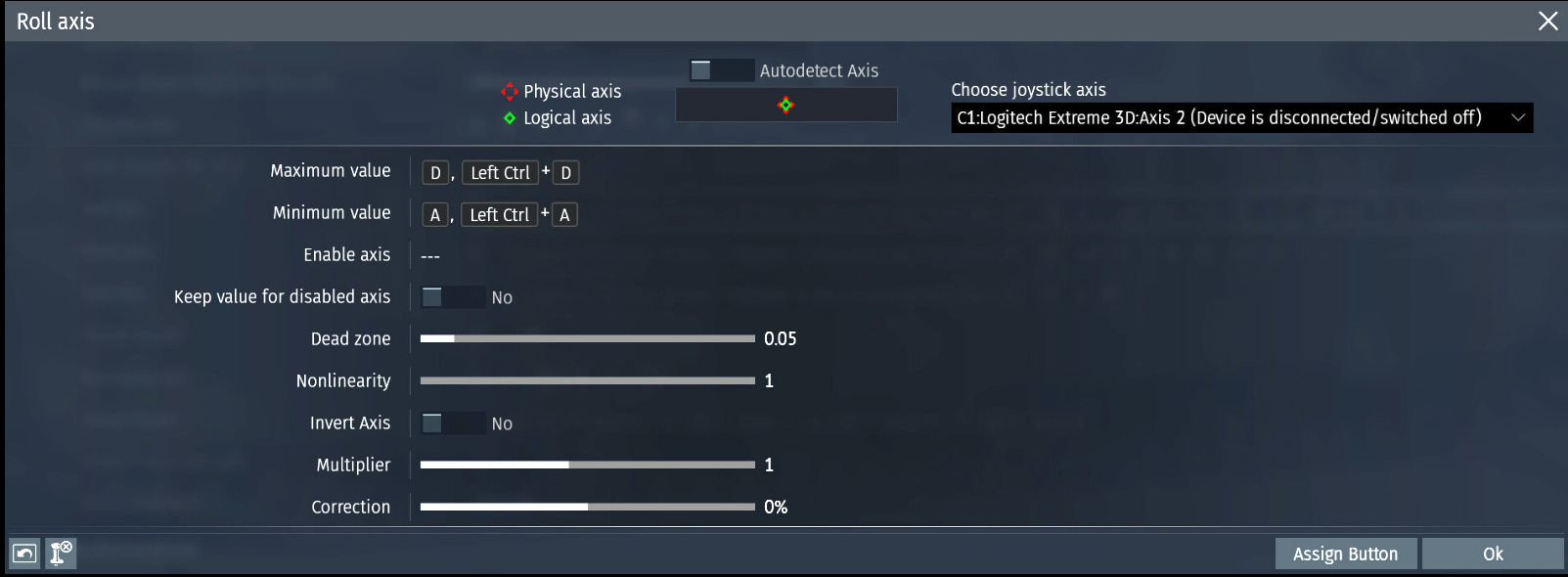
Between axis controls, camera behaviour, sensitivity scaling, range adjustment bindings, smoothing options and different key combinations there are many ways a player can configure the game.
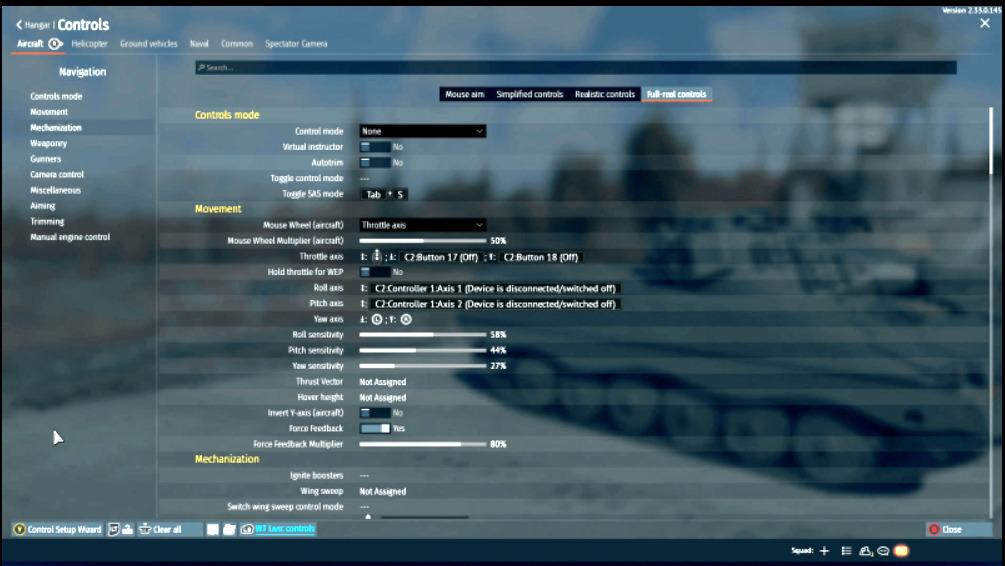
The difficulty is that while there are plenty of tutorials about tactics and vehicle gameplay there is very little clear guidance explaining what many of the control settings actually do or how they interact with each other to influence aiming.

This matters because small changes in these settings can noticeably affect how smoothly you can track targets, correct your range and maintain a firing solution. Sensitivity, camera response and input behaviour all directly influence how the game translates your input into movement on screen.

When these are tuned well turret tracking becomes smoother and micro adjustments become more consistent, which improves overall accuracy.
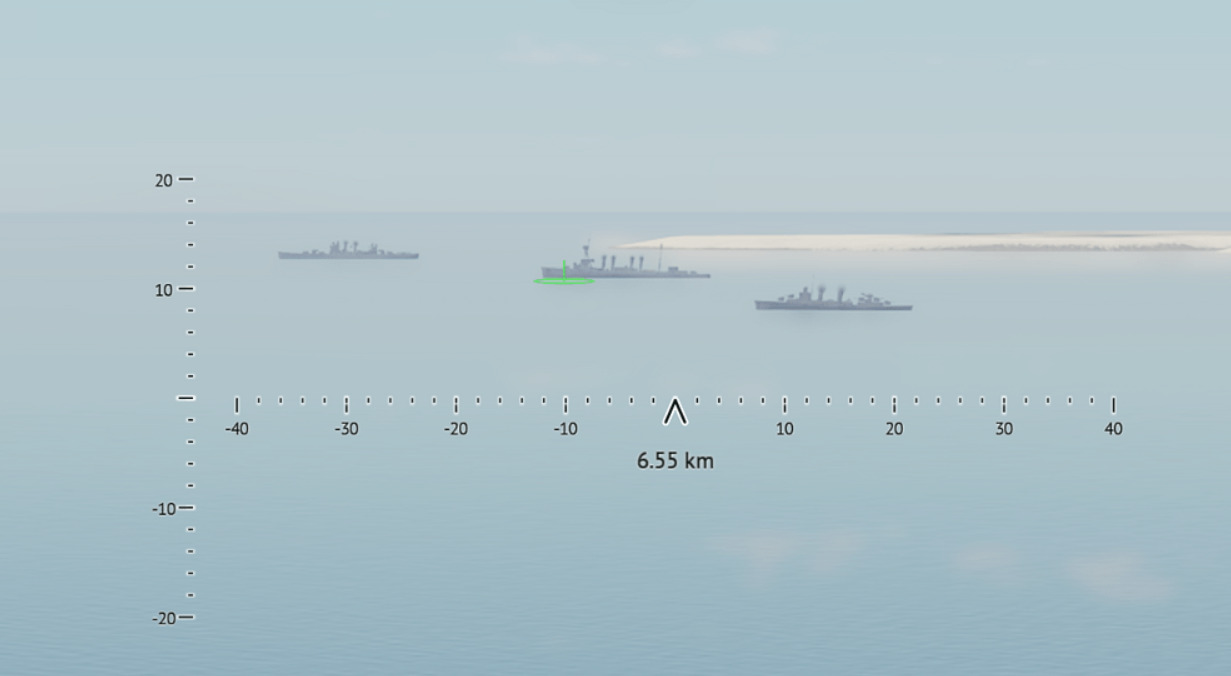
When they are not tuned well the controls can feel jittery or delayed which makes maintaining a firing solution more difficult.

With the release of the Ninth Wave update this has become even more relevant. A number of changes directly affect how players perceive and react to combat situations.

Naval combat in particular has received several updates including visual improvements to water,
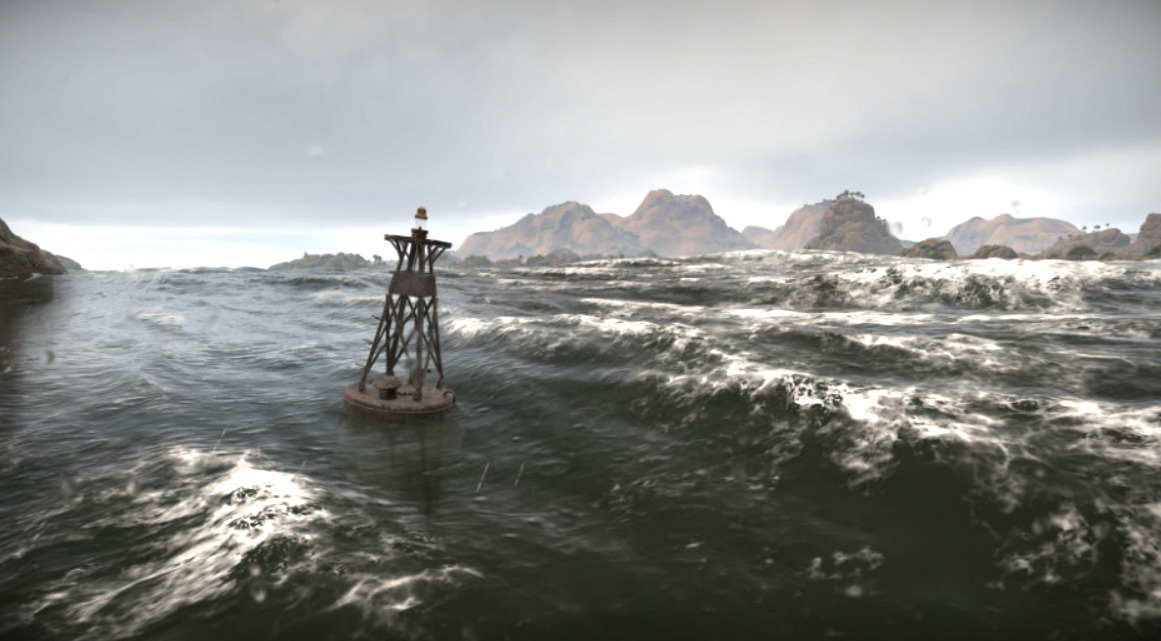
redesigned shell impact effects and more visible projectile tracers when approaching your ship. These foundational changes improve visual clarity but also change how players read incoming fire and adjust their aim.
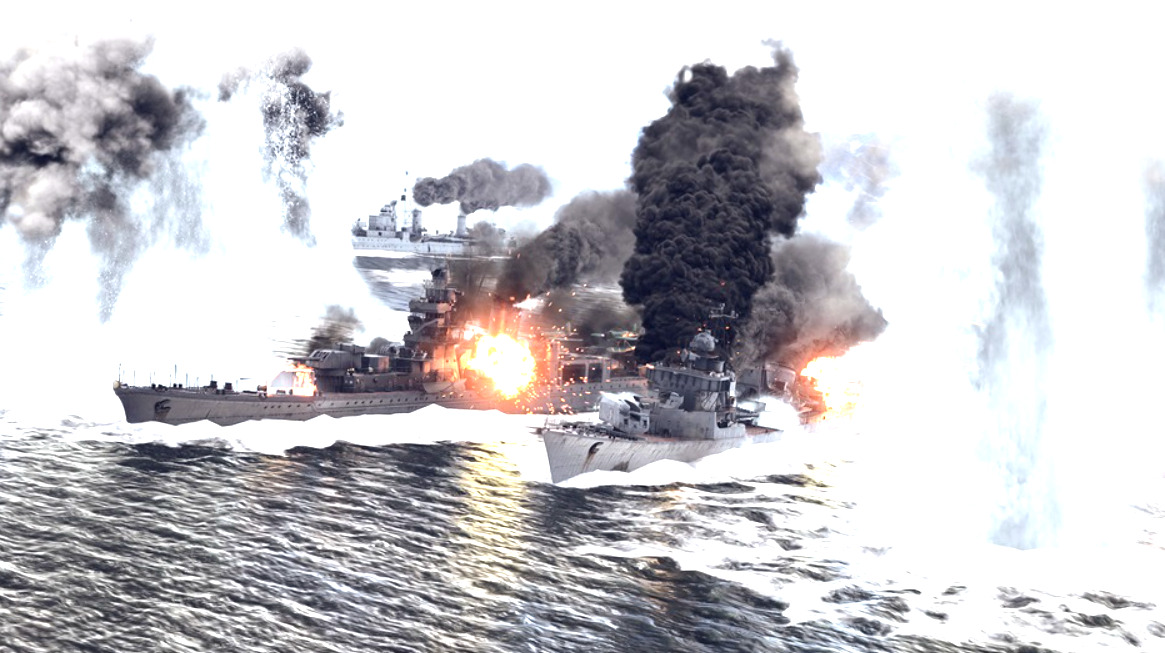
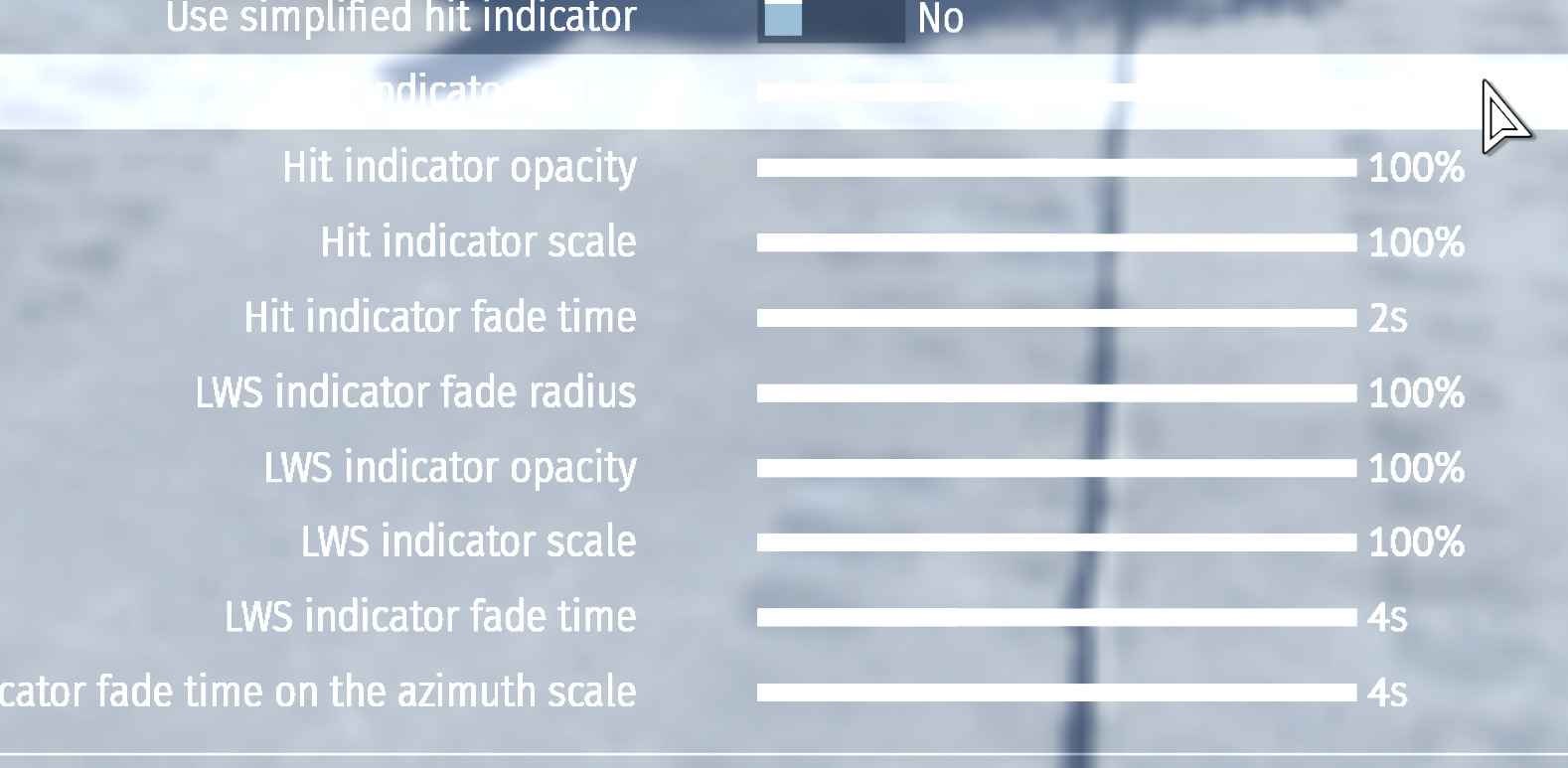
The update also introduced new interface elements such as improved damage indicators,
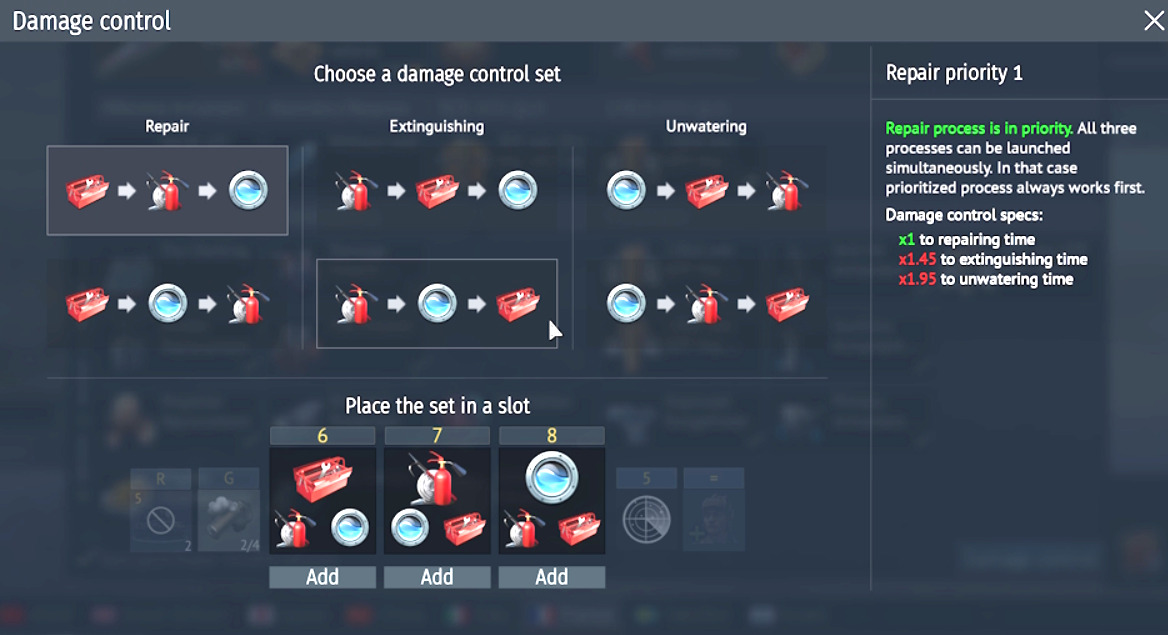
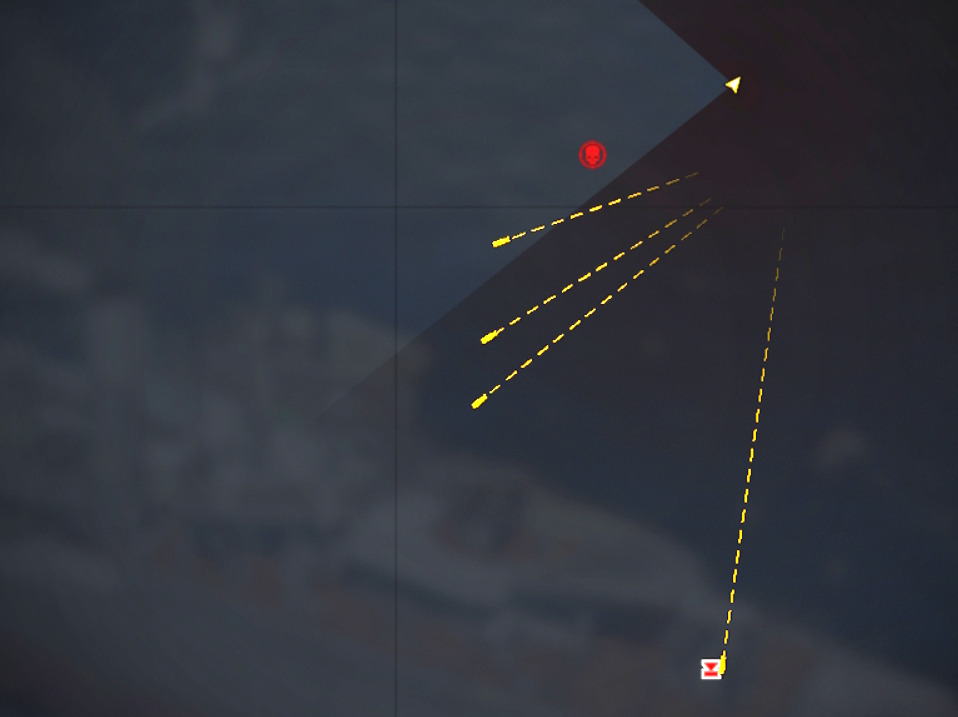
clearer crew loss feedback and visible torpedo tracking on the map and minimap.
image

These additions provide more immediate information to the player which can speed up decision making and adjustments during a round. In naval gameplay especially this can influence how quickly a you refine your firing solution.

At the same time a number of fixes to ship behaviour, damage models and physics have been implemented. Corrections to turret behaviour, armor layouts and ship handling all contribute to more consistent and predictable outcomes in combat. This means that player input and control tuning now translate more directly into results, making control optimisation even more important than before.

CONTENSIOUS ARGUMENTS

This relates to something that happens quite often during matches which is players accusing others of cheating. War Thunder does operate professional anti cheat systems along with server monitoring and replay analysis and there are regular ban waves for players who use prohibited software. The game is now protected by BattlEye which monitors both client and system behaviour to detect interference with the game.

Like any online game there will always be a constant struggle between cheat developers and anti cheat systems but the protection itself is not weak. What often happens instead is that Captains encounter someone with very consistent accuracy or fast corrections and assume something unusual must be happening.

Put simply. A large number of captains simply use the default control settings and never explore the deeper configuration options. Others spend time experimenting with their setups and refining them. When those two groups meet in battle the difference in control responsiveness and aiming stability can be quite noticeable.

A captain using more refined controls may be able to track targets more smoothly, adjust range faster and maintain a stable firing solution more consistently. With the recent improvements to visuals and feedback systems this difference can appear even more pronounced because better Captains are able to take advantage of clearer information and react faster.

Important to Note, Make another setting Folder.

While experimenting with these settings myself I created a separate settings folder and began testing adjustments to sensitivity, axis behaviour and key bindings. I wanted to isolate changes and see how each one affected aiming behaviour rather than changing everything all at once. Some adjustments noticeably smoothed turret tracking and made fine corrections easier, particularly in naval battles where maintaining a firing solution over longer ranges is essential.

The Games control system is very powerful but not well documented.

In War Thunders many settings exist that Captains do not fully understand because the game does not clearly explain them. As a result some Captains never adjust them at all while others slowly discover useful combinations through experimentation or discussion with other players. This creates a knowledge gap within the community where some players unknowingly limit their own performance simply because they are not aware of what the available tools actually do.

When combined with ongoing updates like Ninth Wave which improve visuals, feedback and mechanics, this gap can become even more noticeable. Captains who understand both the control system and how to use the new information effectively will naturally perform more consistently.

So It could be useful for the community to develop a clearer guide that not only shares effective control setups but also explains what each change actually affects. Not everyone will want to optimise their controls and that is perfectly fine but players who are interested should have access to explanations of how these systems work. A collaborative discussion where players share their setups and reasoning could help clarify how the mechanics influence aiming behaviour. Look out for an article on this soon, please follow me and i will share what i have learned following this.

The goal is not to suggest that there are secret settings or a single perfect configuration. Skill experience and game knowledge will always remain the most important factors. However the control system offers a large amount of flexibility and learning how to use it properly can improve aiming stability and overall consistency.

Sometimes what appears to be unusual accuracy is not anything mysterious at all. It may simply be the result of someone who has taken the time to understand how the control system functions and how different settings influence the way the game responds, especially in combination with the latest changes to visuals, feedback and gameplay systems.

Hopefully this encourages more Captains to explore the control options available to them and share their findings. War Thunder gives players a large amount of control over how the game behaves but much of that potential remains hidden unless people begin experimenting and discussing it together

we’ve put together a more in-depth guide Follow
7 Likes

Do most players actually adjust these settings or just leave everything on default?

Because after testing this properly the difference in tracking and correction feels quite significant.

Good read(I did not read everything thoroughly, I am old and life is short . . .lol)

And some very good points.

One of the biggest problems with the entire Control Settings configuration is,
a huge lack of explanation for a great many of the settings . . a VAST number.

“What does this do??” . . . I do not know how many times I have asked myself
that question while going thru things there.

A hover or right click feature that would give the players a more detailed explanation
would be a god send. I mean seriously, what good does having all these control
settings if the majority of players have no idea what they do or how they work.

I would love to have a more detailed explanation of so many things there . .
I can’t even count.

4 Likes

Glad I’m not the only one noticing this.

I’m hoping more captains share what they’ve picked up through trial and error. Over time this should turn into something genuinely useful.

Thanks for the reply as well.

Out of curiosity, have you changed much from default or mostly left it as is?

2 Likes

I have changed a good deal over the years I have played(12 years actually) and keep
a copy of my .blk files outside the game … . . just in case
(I only had to reset everything ONE time to learn that lesson . . .lol)

But I have not been able to find anything directly related to “view controls” as far
as naval is concerned.

I was discussing with some others the lack of explanation over MANY of the control
settings earlier as well. Just nothing there . . .

I have not even ventured into higher tiers because guided weaponry & BVR simply
does not hold the “game” part like the lower tiers do . . . too much “automation” for me.
But the main and still viable reason for me is . . . WAAAAAY TOO MANY control settings.

Ain’t nobody got time for all that.

I bought a low end joystick way back, when helis were new, and after and hour and a half
of fiddling with the settings, I just gave up(I also realized I prolly needed pedals too . . lol)
It just wasn’t going to happen.

So, I don’t fly helis … . oh well. I just prefer simple, easy controls, eye/hand coordination
and tactical/critical thinking with a side of strategery(not everyone wants to speed head
on to certain death like many seem to think the player base only does/wants, I disagree)

But I digress . . .
Not only does the mini map lose all markings at times, but I just noticed the “lock” circle
around your targeted ship also disappears at the same time . . . problematic.

And the new naval UI is . . . not very good, the old one worked just fine

2 Likes

love your honesty, yes i like the strategy too you should come join us on enduring confrontation sometime its imo more paced and tactical you might enjoy the longer format. thanks for your valuable comments in your reply

1 Like

If my duties and dedication to doing the BP stuff ever wanes(or I get far enough ahead . . lol)
I would like to spend a day or two trying naval EC.

I gave it go a good while back(couple years maybe . . I forget) and at the time I had only
done naval in AB(I am pretty much an AB all around usually), so I tried the RB EC, and . …

This was before I had set my distance correction to my MMB/Wheel and frankly,
I just had no idea where my shots were even going, I literally saw no splash or
anything to make adjustments off of, so . . . . yeah I bailed.

But since making the distance correction adjustment, I have really enjoyed playing
naval in the RB mode. (I have to admit I have been doing AB for the last 2 events tho)

That one little setting changed how I approach an entire mode, so . . .
That makes a lot of what the OP was talking about make a good deal more
sense to me . . . but, still not sure I wanna spend the time deciphering the
“Enigma Code” that a good deal of the Control Settings section seems to be.

But that’s just me . . remember, life is short, and being old like I am . . .
sometimes that is not as much of a joke as it is . . . . “prophecy”
lol

animal-house 10,000 marbles

2 Likes

Absolutely! I have wondered why this isn’t already a thing since I started playing!

1 Like

I agree with everything you wrote and have only recently started diving deeper into some of these settings and keybinds. Switching distance correction to scroll wheel and fine tuning its sensitivity was a literal game changer when it comes to naval RB. The number of settings available that don’t seem to do anything is what really gets to me, like the “lock guns to target” (or something like that, sorry I’m at work and not my computer) keybind that’s available. You would think it would lock your guns to the targeted vehicle regardless of where you were looking but that’s not the case, and using “C” for free camera looking is your only option. We either need a description of what each setting/keybind actually does or for the setting/keybind to actually do what it’s supposed to do. I have searched far and wide for anything that describes these settings and have come up empty handed, maybe Gaijin, or anyone for that matter, could release an article or point us in the direction of an already existing article or forum post.

3 Likes

Agreed, you make some great points, and I strongly think each control setting should be better explained within the settings tabs. I have also found that I sometimes try to assign key bindings that conflict with others I have already set, or even with defaults that I had not noticed in the first place. In those situations, it becomes a matter of working out where the conflict actually is, which is not always obvious.

That said, I think if more of the settings were self explanatory, the controls would feel far more intuitive and straightforward. It would likely reduce some of the skill gap across the player base, particularly for newer players trying to get to grips with the basics.

It is obvious to me now, after years of experimenting and struggling to understand things at the start, that familiarity comes slowly over time. Gradually, you begin to understand how the developers have structured the game mechanics and how everything connects.

It is also true that the game is constantly evolving. If you had been away for the last three years, for example, you would probably notice that the control menus seem to have become more streamlined over time, with some controls removed, merged, or reworked. It feels like a continual work in progress, which is part of what attracted me to the game all those years ago.

Like many players, I started when there were only a handful of tanks and the graphics were fairly rough. Those were the days. I began on console, and the sensitivity and control setup there could be quite complicated. A friend once took over my PS4 settings and adjusted them to feel more like Battlefield, and that really started a long stretch of trial and error, confusion, and plenty of time spent staring at a single setting trying to make sense of it.

So yes, either a simpler and more intuitive set of controls, or clearer explanations, would go a long way. The controls section could even be integrated into the early missions, with some kind of reward for completing a controls and options tutorial. It would also be great to see someone from Gaijin explain these systems clearly. The promotional videos are good, but it is not all about the graphics.

1 Like