Support Team,
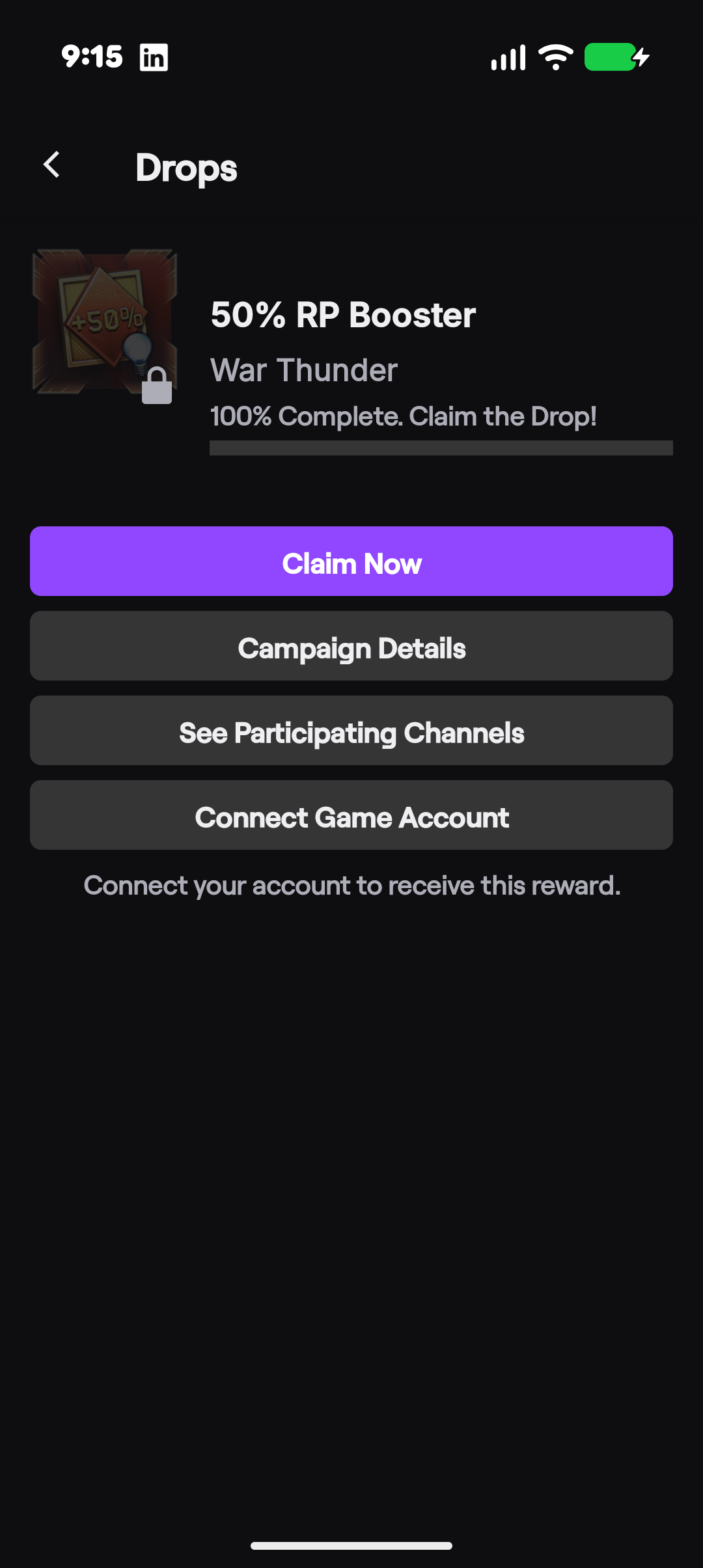
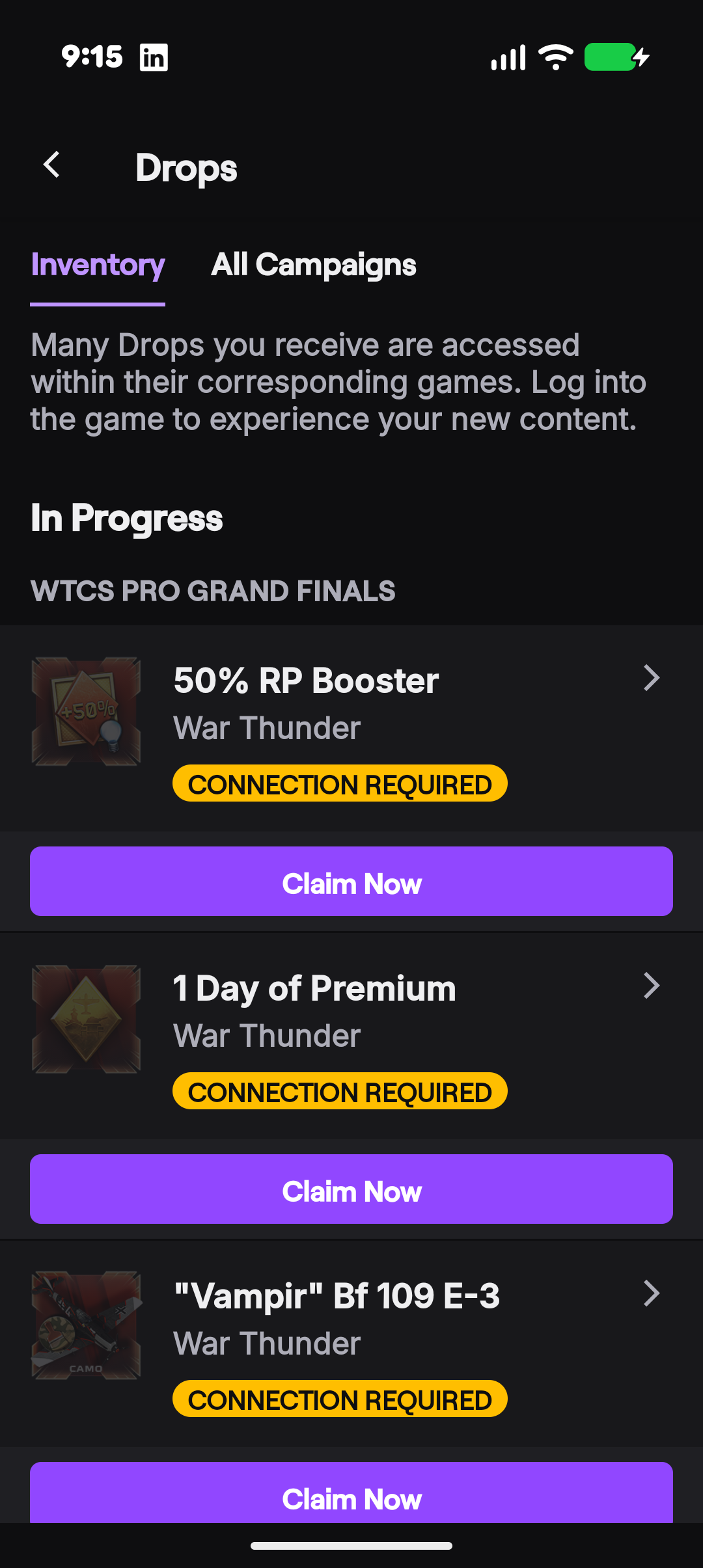
I am experiencing an issue with claiming Twitch Drops for War Thunder during the WTCS Pro Grand Finals campaign.
I have completed the required watch time, and the rewards show 100% progress, but I am unable to claim them.
The Twitch Drops inventory continues to display “CONNECTION REQUIRED”, even though my Twitch and Gaijin accounts are correctly linked.
Account details:
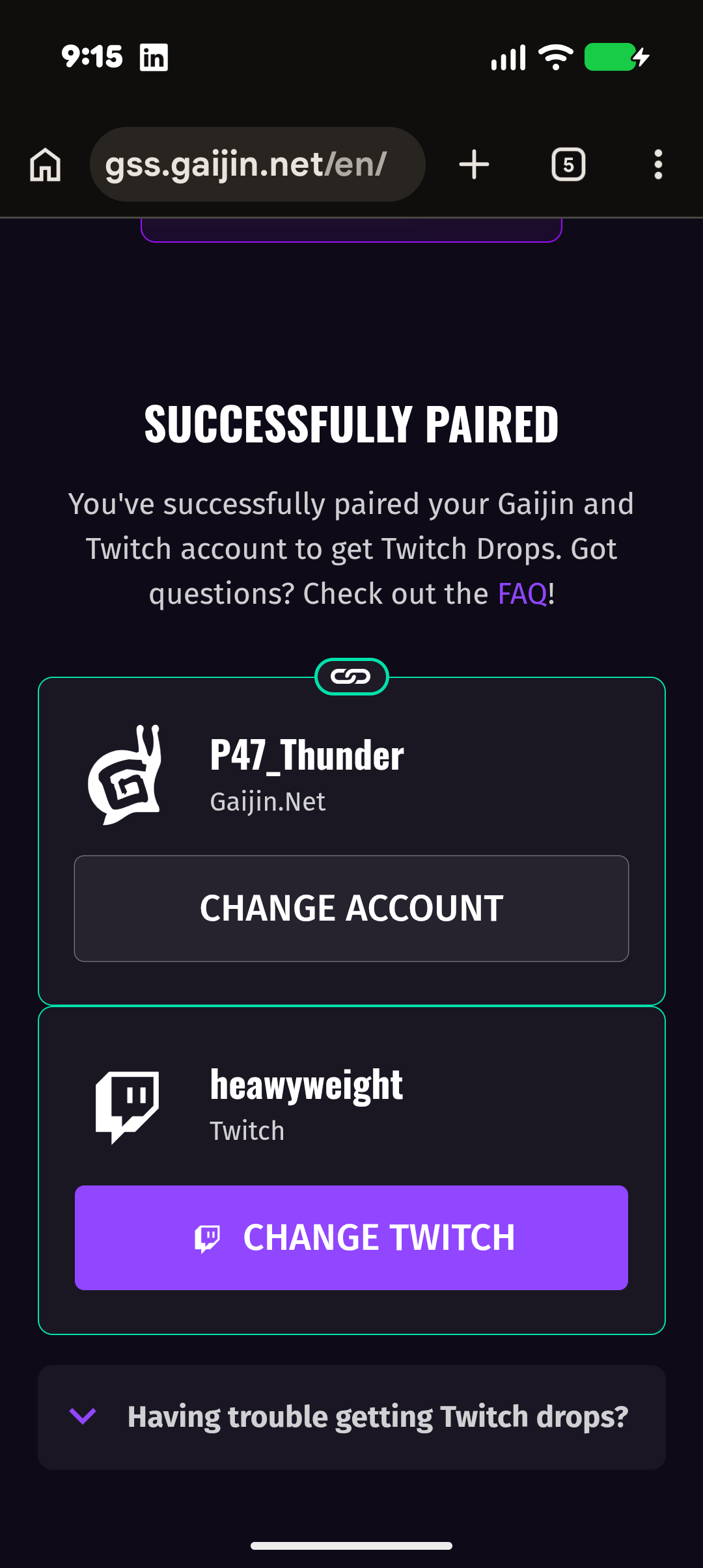
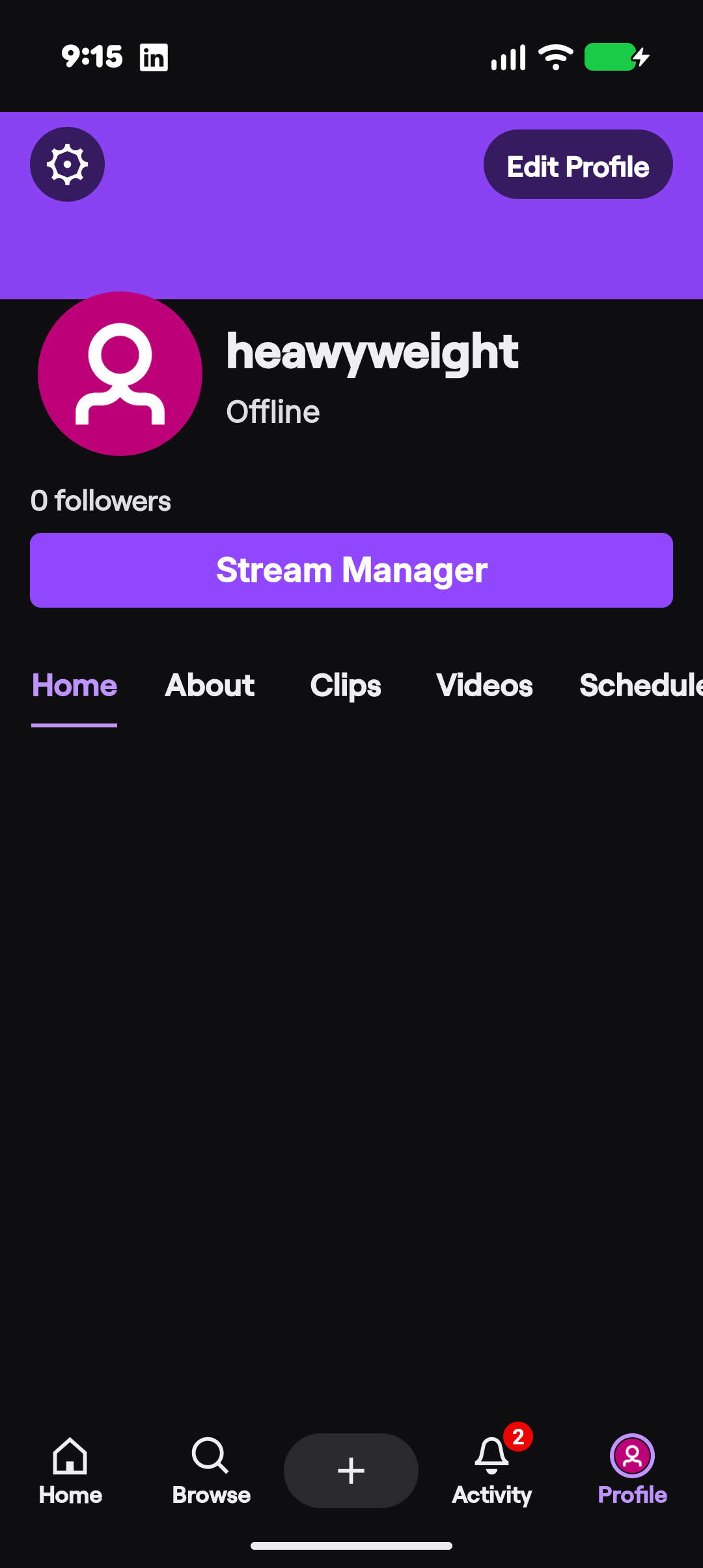
Twitch username: heavyweight
Gaijin username: P47_Thunder
Game: War Thunder
Campaign: WTCS Pro Grand Finals
Affected rewards:
50% RP Booster
1 Day of Premium
“Vampir” Bf 109 E-3
Steps I have already taken:
Verified that I am logged into the correct Twitch account.
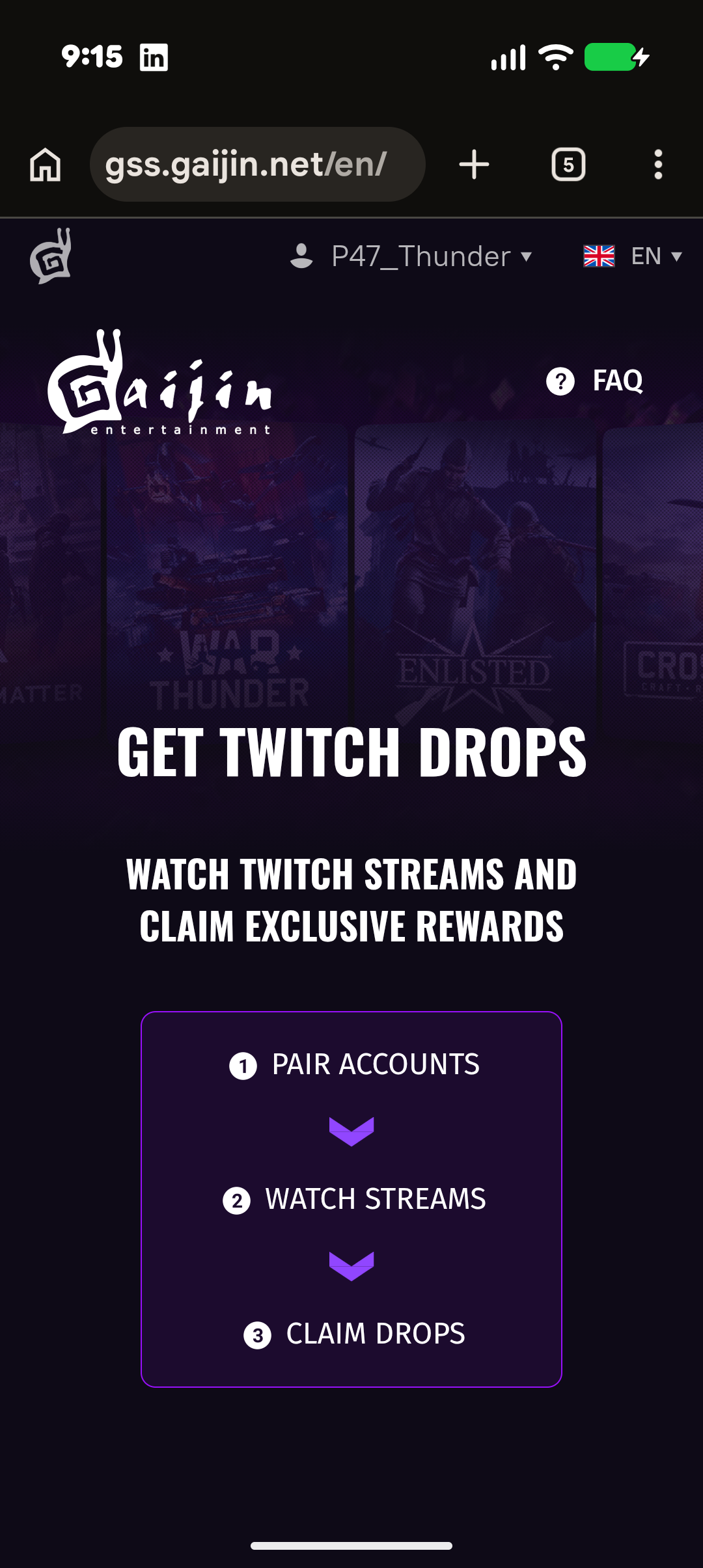
Followed the official Gaijin account linking process.
Confirmed that the Gaijin website (gss.gaijin.net) explicitly displays “Successfully Paired” for both accounts.
Returned to Twitch Drops Inventory, where the rewards still show “CONNECTION REQUIRED”.
Despite the successful account connection confirmation, Twitch does not seem to recognize the linked account, preventing me from claiming my earned rewards.
I have attached screenshots demonstrating the issue, including the Twitch Drops inventory and the successful account pairing confirmation.
Could you please investigate why the account connection is not being recognized and help me claim the rewards I have already earned?
I would also appreciate confirmation that my rewards will not be lost due to this technical issue if the campaign ends before it is resolved.
Thank you for your assistance.
relink your twitch account
It doesn’t help
Click the “change twitch” and re-authorize.
Do you really think that I didn’t do it?
How would i know you did if you didn’t write that you already did that?
Contact support for help. You can find support and instructions on how to contact them here: https://support.gaijin.net/hc/en-us/articles/360000262858-How-to-submit-a-support-request