- Yes
- No
As it is, it takes a few hours to happily set all settings from a default account from naval, air, ground, and soon to be infantry, you have a ton of different binds that need to be set in a way each individual person feels comfortable playing. I had mine set up pretty comfortably, mind you i play all 4 gamemodes as i was also part of the Infantry CBT.
Once a year, i do a factory reset on my PC to give it a fresh facelift, get rid of any old files from tomfoolery modding i did in other games, and just kind of clean it up.
Warthunder is always one of the first games i install when i do this, keep in mind I have been playing since 2012 when it was just WW2 aircraft.
Something I have always been frustrated with, is having to reset all of my binds, normally this happens in the moment of gameplay i realise i havent bound something, radar, missile launch, missile lock, fire from primary/secondary etc.
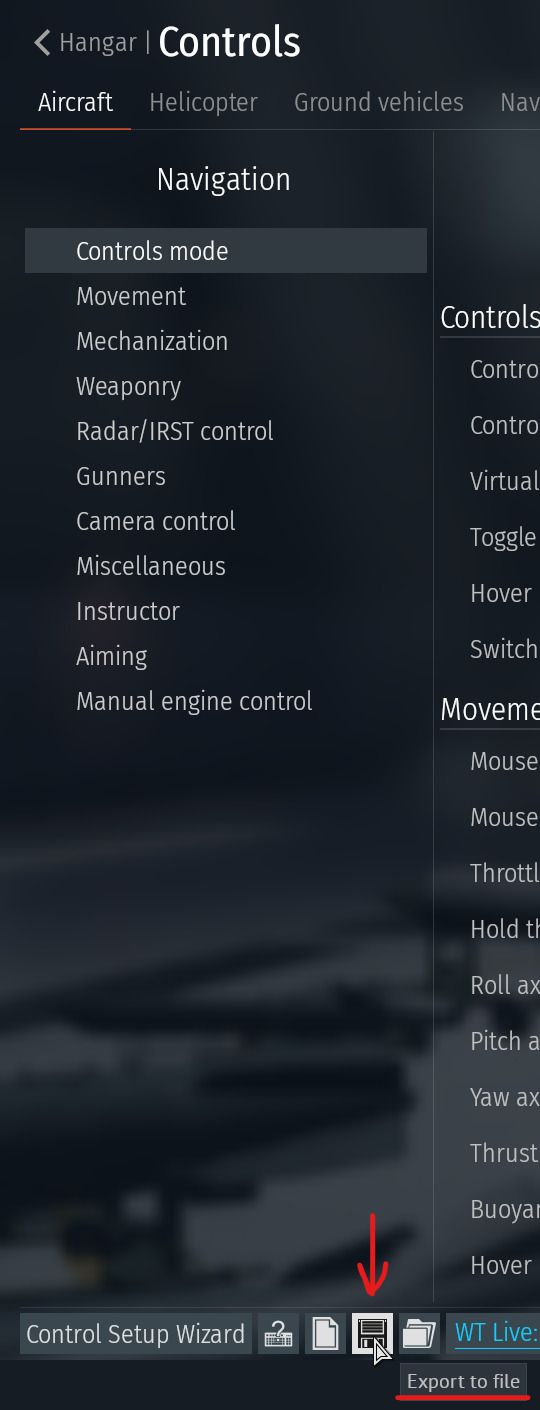
I would love to see Gaijin implement it so controls are saved to my profile, not the PC i am playing on, uninstalls or new pc, playing on a laptop on the go.
So my request is: Please save settings to profiles, not to individual computers. Possibly make it a tickable option so Steam deck players can tick on steam deck binds, and PC players can keep ther PC binds.