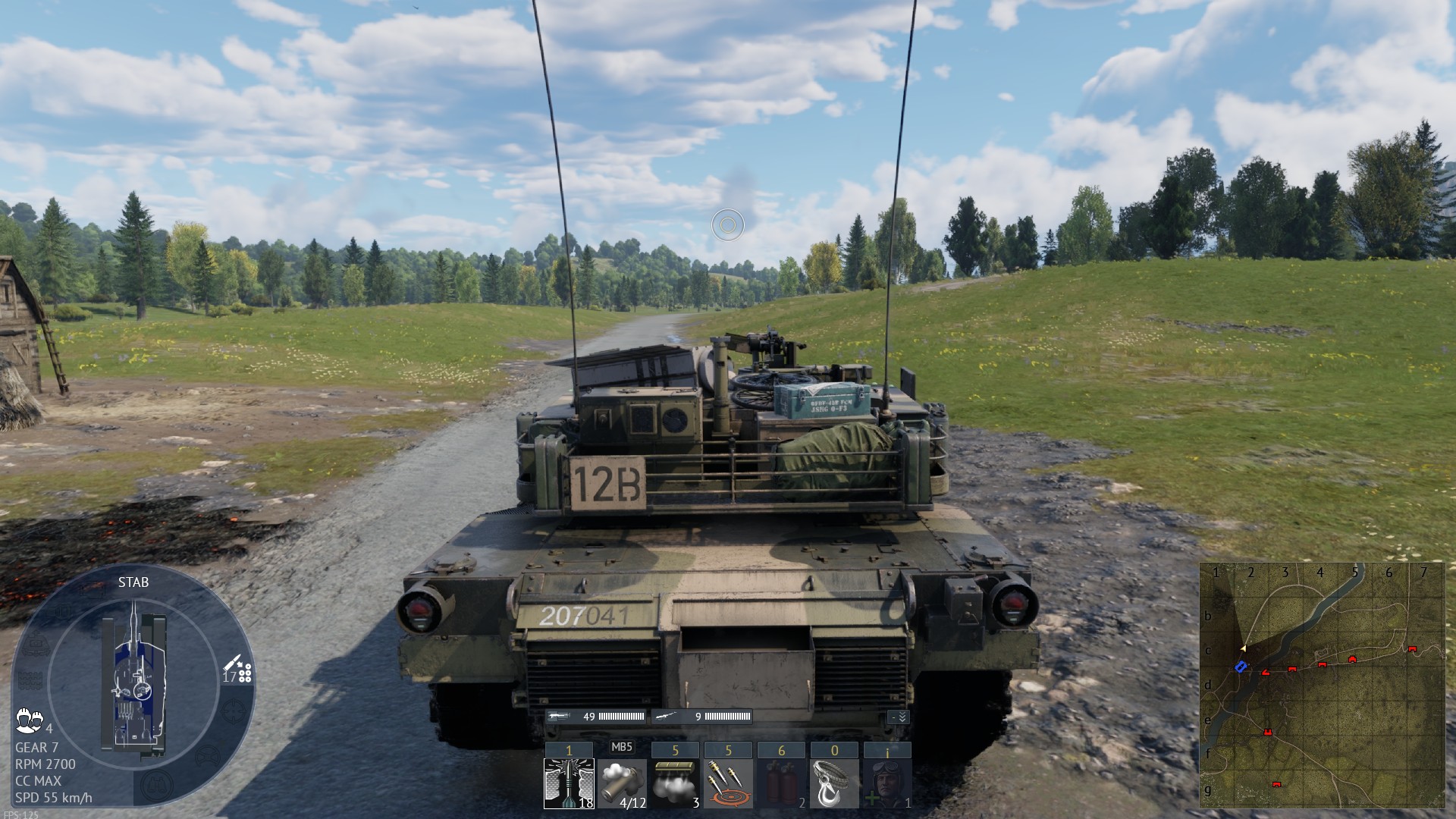
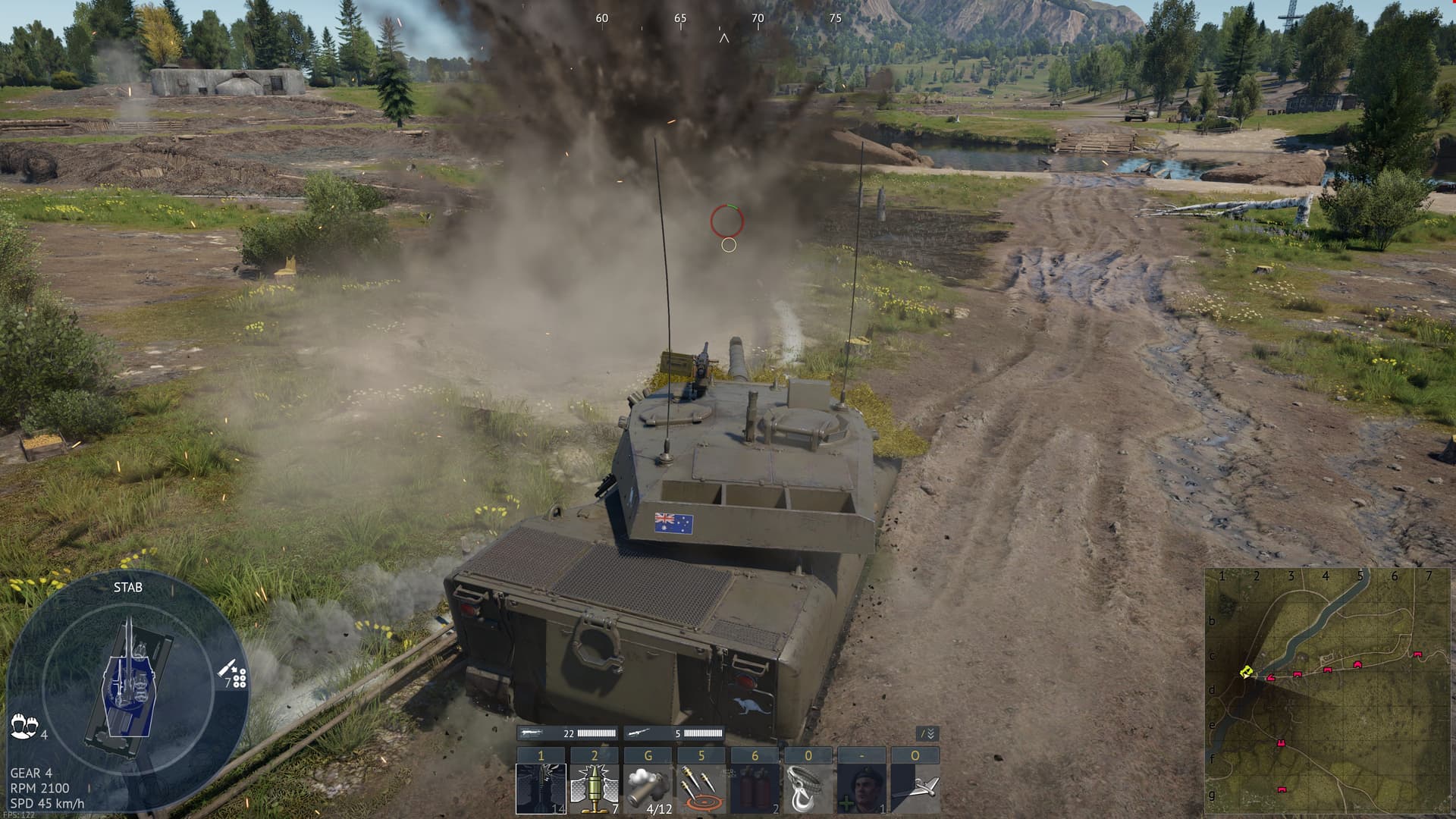
Oh… so RT is indeed simply poorly optimised, I see, so far!
Since it’s a very new addition, I expect them to optimise and polish it over the next months.
I have a 3060, which is less powerful than a 4090, but our performance is similar because my resolution is just 1080p; I go from 160-ish FPS to 75-80, and, as you said, with drops when changing sights, etc.
I am now going to see if it’s true that it’s working better now on the dev server!
@Stona_WT , I have conducted tests on the Dev Server, and I am now getting 103-122 FPS with Upscaling: Quality (which looks very good, unlike Balanced) and Ray Tracing enabled!
I wanted to ask therefore; are the developers indeed working on optimisations for RT for the next update, or is this improved performance on the Dev Server caused by something else on my end?
If this improved performance is translated into the live server, I will finally be able to use Ray Tracing reliabily, even on my RTX 3060!
I am testing more and more- and it definitely appears that the developers are currently working in optimising Ray Tracing. I’m getting 30+ FPS on average on the Dev Server with RT compared to the Live Server; not only on the test drive, but on matches as well.
I am so glad of this! If the developers continue to do such a good job with optimisation, I will definitely be able to enable RT when the major update is released. War Thunder’s team has always done an excellent job at optimising graphical improvements. Ray Tracing’s release came with an uncharacteristical performance drop (it was expected since it’s a huge change), but it was definitely partly due to being a very new and drastic implementation. Now that they are working on the signatura optimisation, it’s getting much better! Yay!
Still total waste to this day. I have a RTX 4090 and still can´t max Raytracing. Heck, i can do cyberpunk 2077 Pathtracing and still have above 30 FPS in 4K.
But WT manages to drop below 30 regularly.
Thats besides constant crashes.
This isn´t a Beta, a beta is rough and unpolished, but is fully playable.
This is more an alpha if anything and that you people released it taht way with all trailer and everything is embarrassing to say the least.
I’m finding Ray Tracing to be pretty decent on my end, I can get 60FPS test drive on movie settings with low ray tracing on a 6gb 3050, which in my opinion is definitely really good. I don’t use it because I prefer to have higher FPS but it’s stable for me and definitely playable. Well done!
That’s unusual you might be the only “One” experiencing this. Could you share a screenshot of your ray tracing settings and your screen resolution, please?
For context, I’m using a 4090 with a resolution of 3840x2160. With maximum ray tracing enabled, my frame rate drops from 140 to 70 FPS, and when viewing through a tank sight, it further decreases to around 40–50 FPS.
I’m eagerly anticipating the NEW patch to see if it’s made any improvements.
RTX 3060, 1080P, TSR, upscaling native, ray tracing medium and it’s really good.
I had 3-4 drops to 2-3 fps and I thought my computer will explode but after that it’s actually stable 60 fps, sometimes 50-55 fps.
Before the update I had regular drops to 35-40 fps no matter what upcalling and what ray tracing preset I used.
So far so good, at least on maps without windows, I just played on remastered Rhine and it’s gorgeous.
DLSS 4 support added !!!
I don’t think I can use DLSS 4 cuz im on 30xx series, but very interested to see if this works well for the 40xx / 50xx users!
EDIT: Soooo looks like there were some improvements to DLSS (with DLSS version 4) even for 30xx series cards? I don’t quite understand the articles, but if anyone understands more and/or sees improvements for 30xx cards with DLSS, please let me know! I currently do NOT use DLSS on any game with my 3090ti due to the “blurring” that occurs.