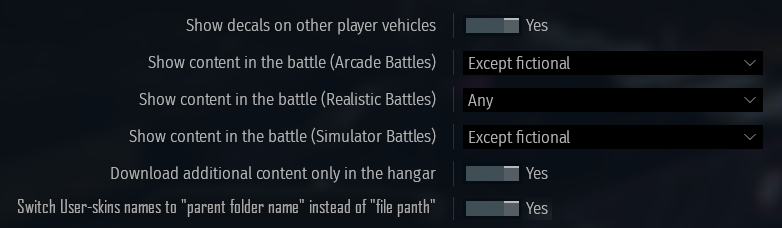
- Yes
- No
Hi everyone and welcome! This suggestion is about userskins, and more precisely the way their names are rendered ingame.
Problem :
For people using userskins, having a lot of them is relatively easy to achieve (my userskin folder is around 65Gb large for example, by only playing France air and ground vehicles).
That’s why when you start to have a lot of userskins, you organize them : for example \UserSkins\Ground_Vehicles\France\Leclerc_S1\Skin_Name\*Skin*
The problem when doing this is that when selecting your skin in-game, the game doesn’t directly indicate the skin name but it indicates the path to the skin, which is rather impractical when searching for a precise one.
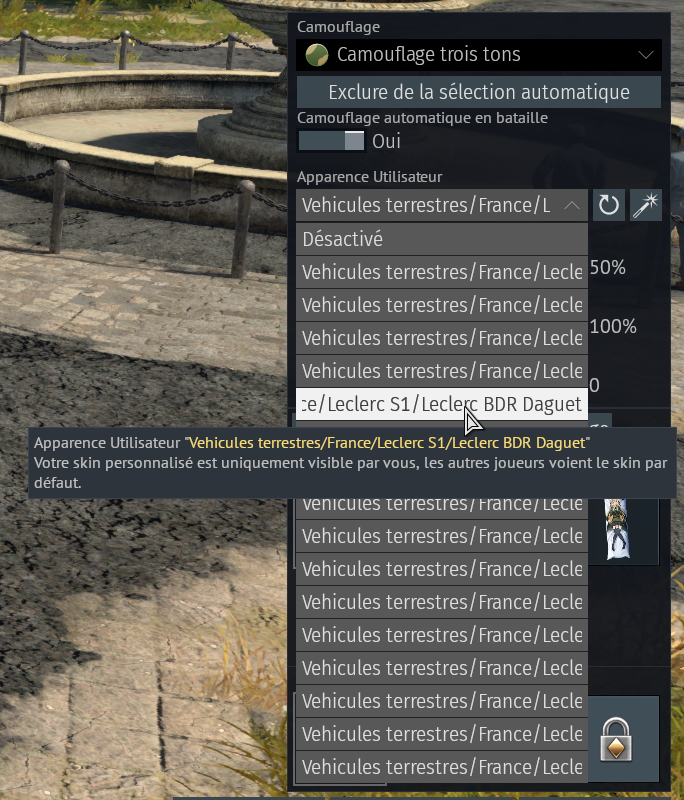
Note on how the naming system works in-game
The game renders the name of the skin differently depending on how the files are organized :
-
If the skin is directly at the root of the userskin folder (
\UserSkins\VehicleID.blk), the game will attribute the name of the .blk file to the skin (here the name would beVehicleID), the thing is, you don’t want to do that unless you only have a single userskin. -
If the skin is in a folder at the root of the userskin folder (
\UserSkins\Skin_Name\VehicleID.blk), the game will attribute to the skin the name of the folder in which the .blk file is located (here the name would beSkin_Name). -
If the skin is in a subfolder within the userskin folder (
\UserSkins\Vehicle\Skin_Name\VehicleID.blk), the game will define the name of the skin as the path to the .blk file (here the name would beVehicle\Skin_Name).
Solution :
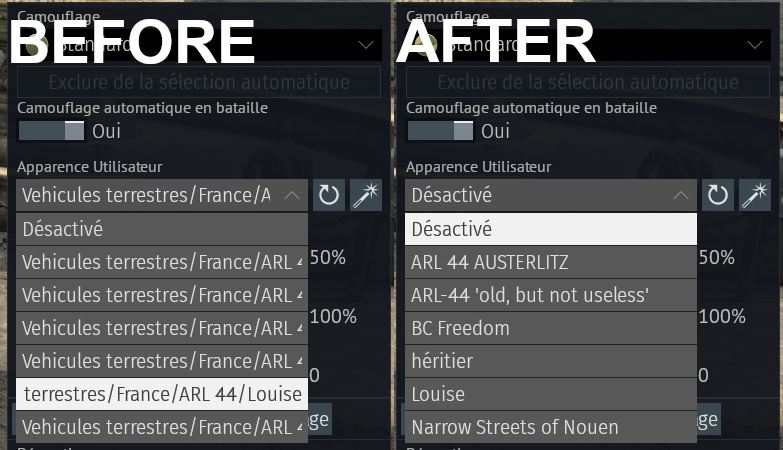
My idea would be to add a toggle in the settings to change the display name from the userskin from “path to skin” to “parent folder”. This would be globally more pleasing visually but also more convenient when choosing a skin in the hangar.
Why making it a toggle instead of a hard-coded feature? Simply because sometimes the “file path” version of the name can be useful to find skins that wouldn’t be located in the right folder.
Before and after activating the setting :