All that and direct x 12 still terrible lol
3 Likes
While DX 12 still needs work in War Thunder, I have had MUCH better frame rates, and much better stability with DX 12 than I ever did with DX 11 in War Thunder.
Oh great.
The vibecoders embrace more of the AI slop.
Impressive, who cares?
1 Like
Guys, it’s an option. Why so negative?
I do not disagree that it is AI “fake” frames, I do not plan on using it, but who cares if someone else wants to use it? It is an OPTION in the settings. You do you, let other people do their thing too. Jeeze, so man negative Nancys.
3 Likes
Trillion better things for them to do but they do this. That’s why.
Oh, I’m sorry, hands off the billion dollar company you say?
I’m sorry lmfao
Could start fixing their game for AMD cards. This is the only game that hard crashes when I select DX12
7 Likes
I feel like the whole idea about DLSS 5 is just wrong. If it looks better, then just use it as a goal for your color grading and lighting mechanics, and you can achieve nearly the same without the yassification and performance cost. It makes much more sense as a developer tool to get a benchmark image than something running for every client.
I think the same every time xD
time to melt my pc
I think that was one of the August AMD updates for me that caused that, and War Thunder wasn’t the only game affected, both later AMD and WT updates fixed it for me (9070XT).
1 Like
AMD Can it be used?

It doesnt look any better.
I appreciate that its very toned down so its not just an AI slop filter lazily slapped on top but man… thats even less worth the performance tax than raytracing is
1 Like
Ground EC 👀
I have the RTX 5060 and when I use the DLSS, it sometimes gives me quite considerable pulls, going from 200 fps to 90 fps for example, and it is somewhat annoying, I am not an expert in setting up the graphical options. It would be helpful if War thunder did a kind of tutorial on that.
1 Like
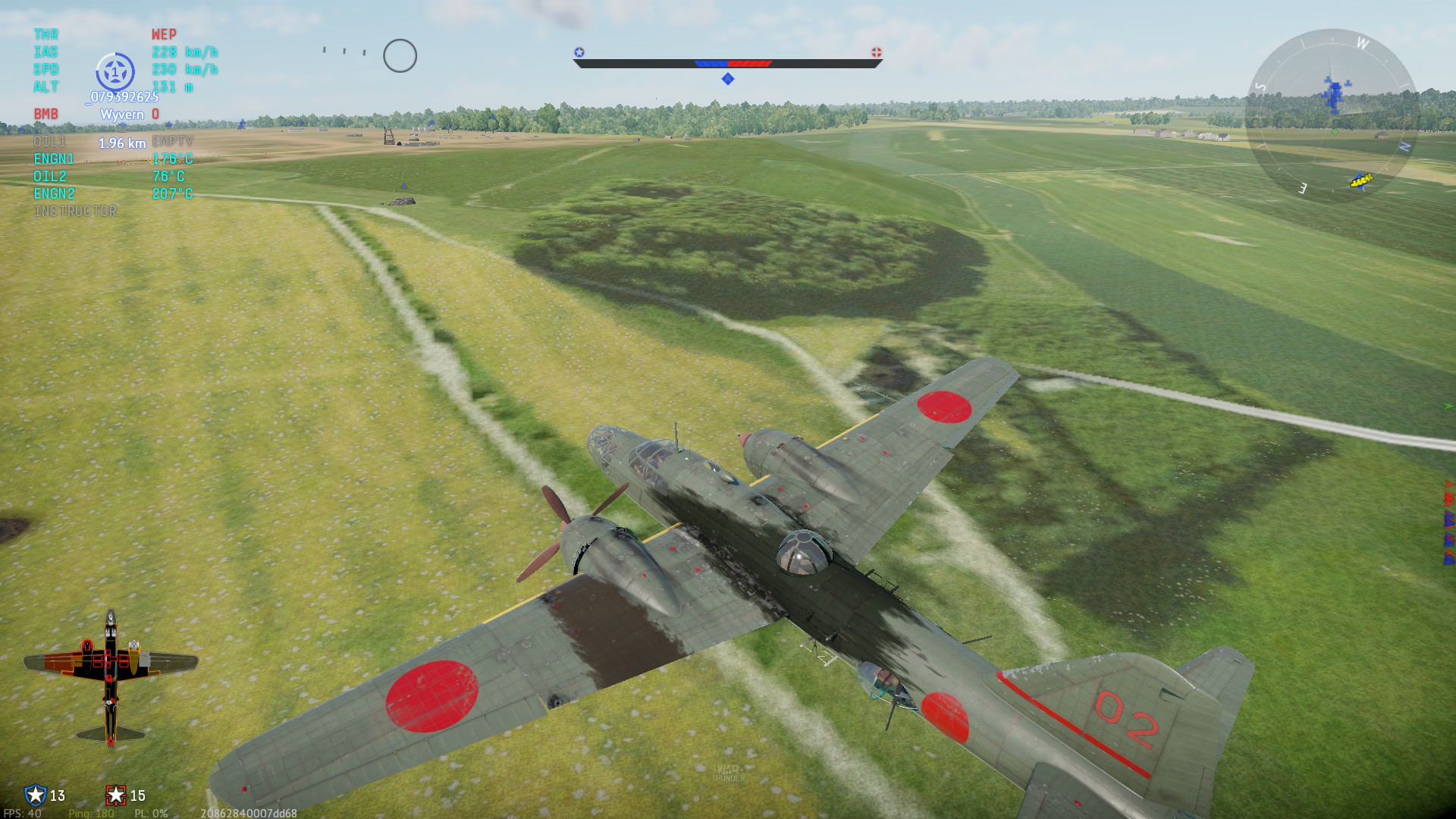
It was about time I put my 5090 to work.
DLSS 5 certainly improves materials all around.
2 Likes
Looks great!
Excited to use it assuming the performance hit is reasonable thats basically my only concern as when its done well it looks amazing but its always not worth the performance hit in the cases ive seen
Granted this is the first game i actively play that is getting native DLSS5 support now so maybe its gonna run better than i think
1 Like
That’s good news ! Can’t wait to try it.
Im curious about the performance hit and how it will look in motion.
But im sure it will be great for taking photos.
Hopefully it will be soon available in dev server to try it.
1 Like
Does it automaticly turn on?
I find that using the Nvidia App (previously Geforce Experience) works very well. Start at the max recommended graphics settings for your game, then lower it a notch at a time until you get to the FPS you want. (Close the game before making changes.) I rarely make manual changes to the graphics settings after lowering the slider to get to my preferred FPS.
1 Like