New fixed and improved WebUI
The game’s WebUI has been a little broken and lagging behind for years.
I haven’t seen any change since the days it was launched.
For a year I’ve started doing this in a way that worked for myself by overriding the scripts using a browser extension.
But 2 weeks ago I decided to take this further (and further every day) and I have big plans to make it even better.
I’ve been trying for a while to contact some “high profile” people to show them what I’ve done but without success.
My focus was mainly in having a simple but still functional WebUI. I saw some other initiatives there, and I applaud them, one was looking quite fancy, but I prefer functionality and simplicity.
So, what has been doing so far:
- one bug I solved which started for me the whole thing was that the map image wouldn’t refresh without reloading the page, in ground battles when you switch from ground to air it remains stuck in air mode and not going to match the map type requested (
map_info.hud_type), pretty annoying especially after the bug introduced (P.S. seems to be fixed now) where map would auto-switch by itself to the default map mode based on your vehicle type. - another weird fact I addressed was that they generated a FONT file (?!) where some unit icons were in fact characters in the font. So cumbersome to fix and probably why devs never bothered to add new icons to the font. Some units don’t even have a proper symbol character, I guess having to edit the font file is cumbersome.
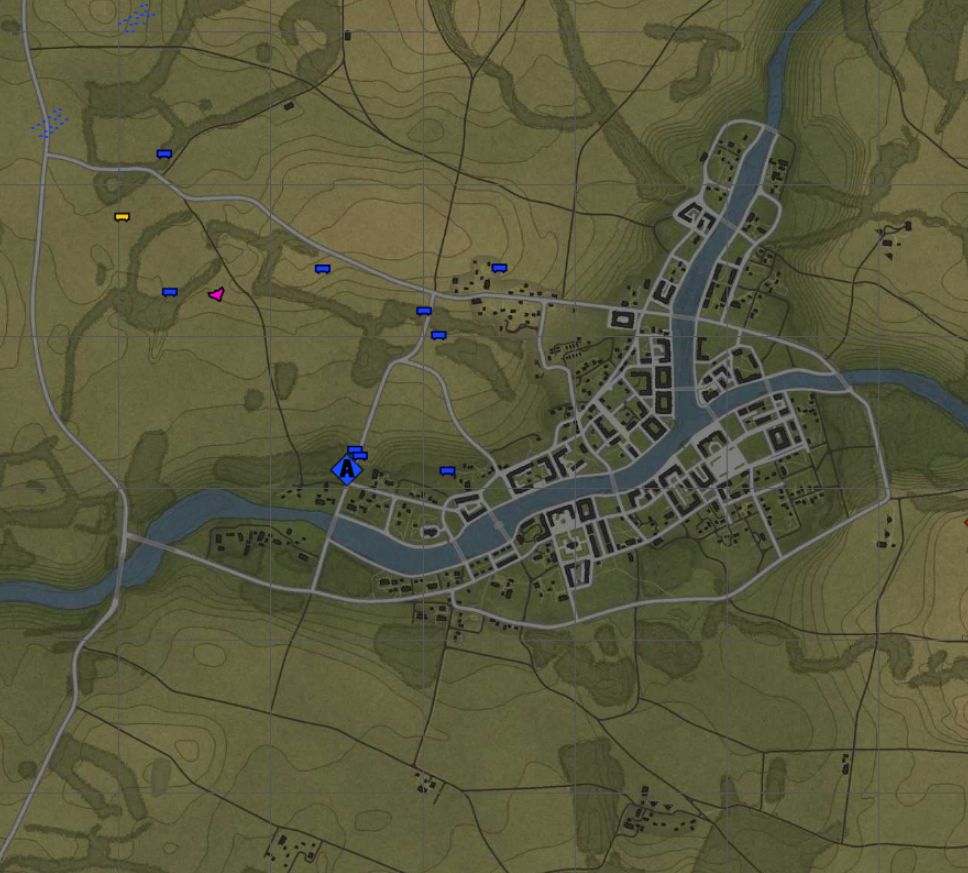
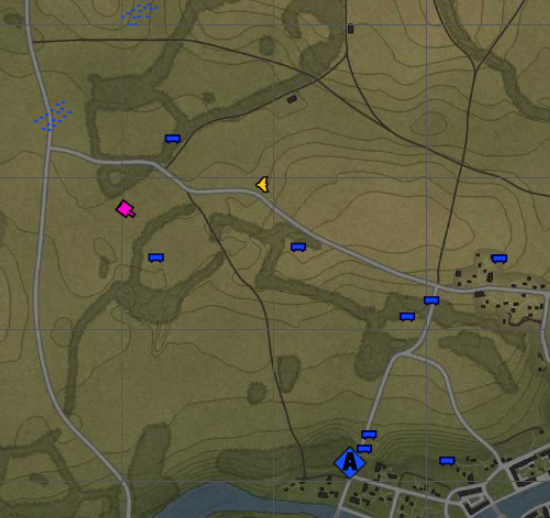
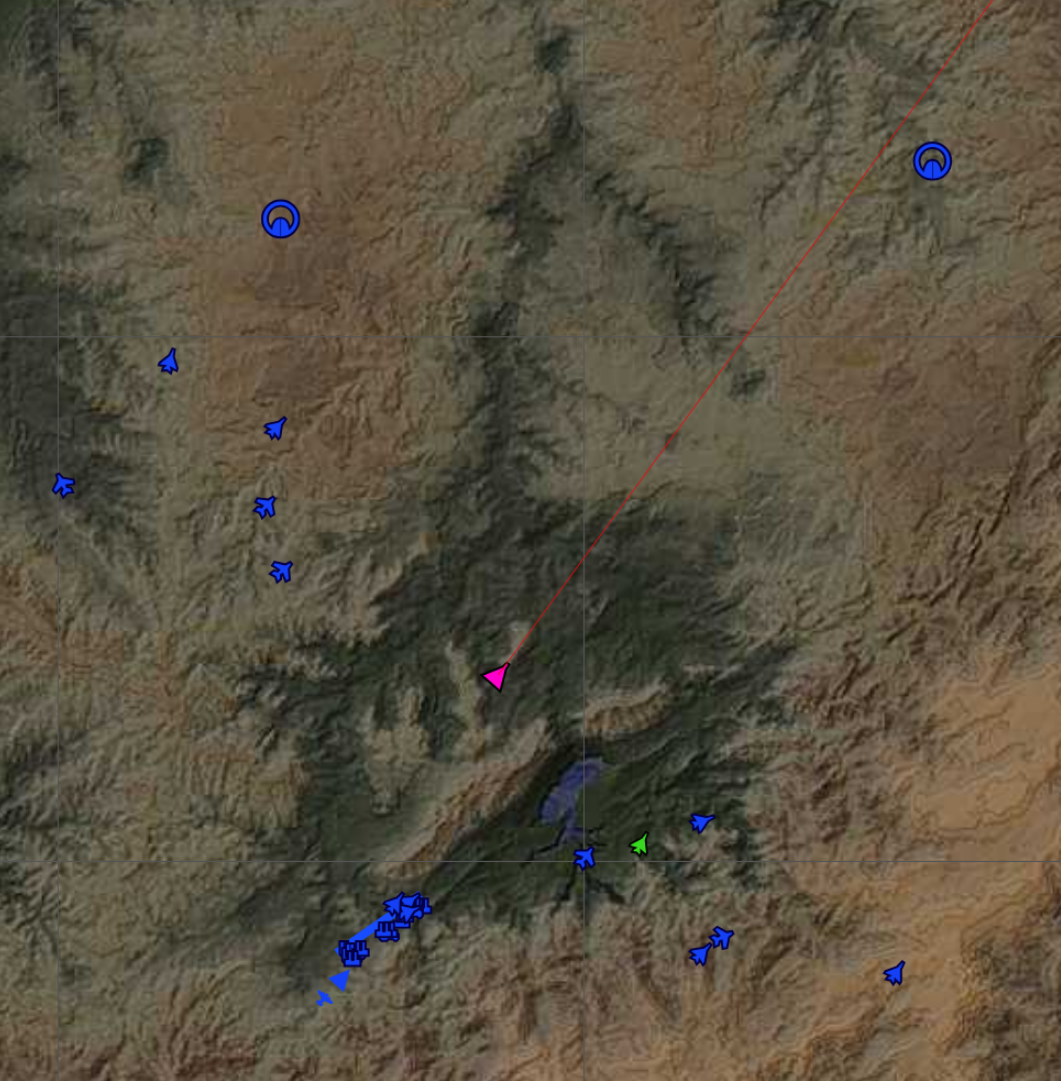
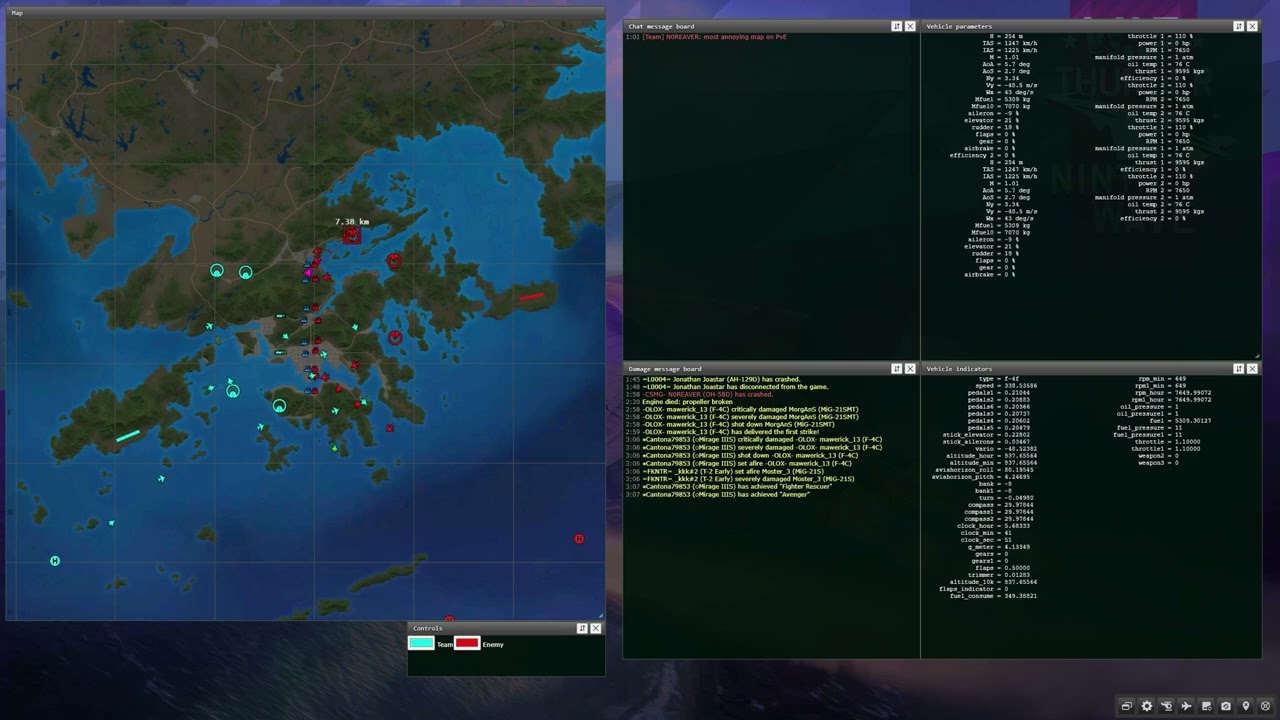
Now the units (almost … still need to draw a few more and new ones) are drawn using a simple SVG path, which can be very easily made and imported (svg path) as a string in the script. This means icons can be very easily generated, properly scaled (even individually), and most important customizable even by the player.
I improved the interface’s windows behaviors:
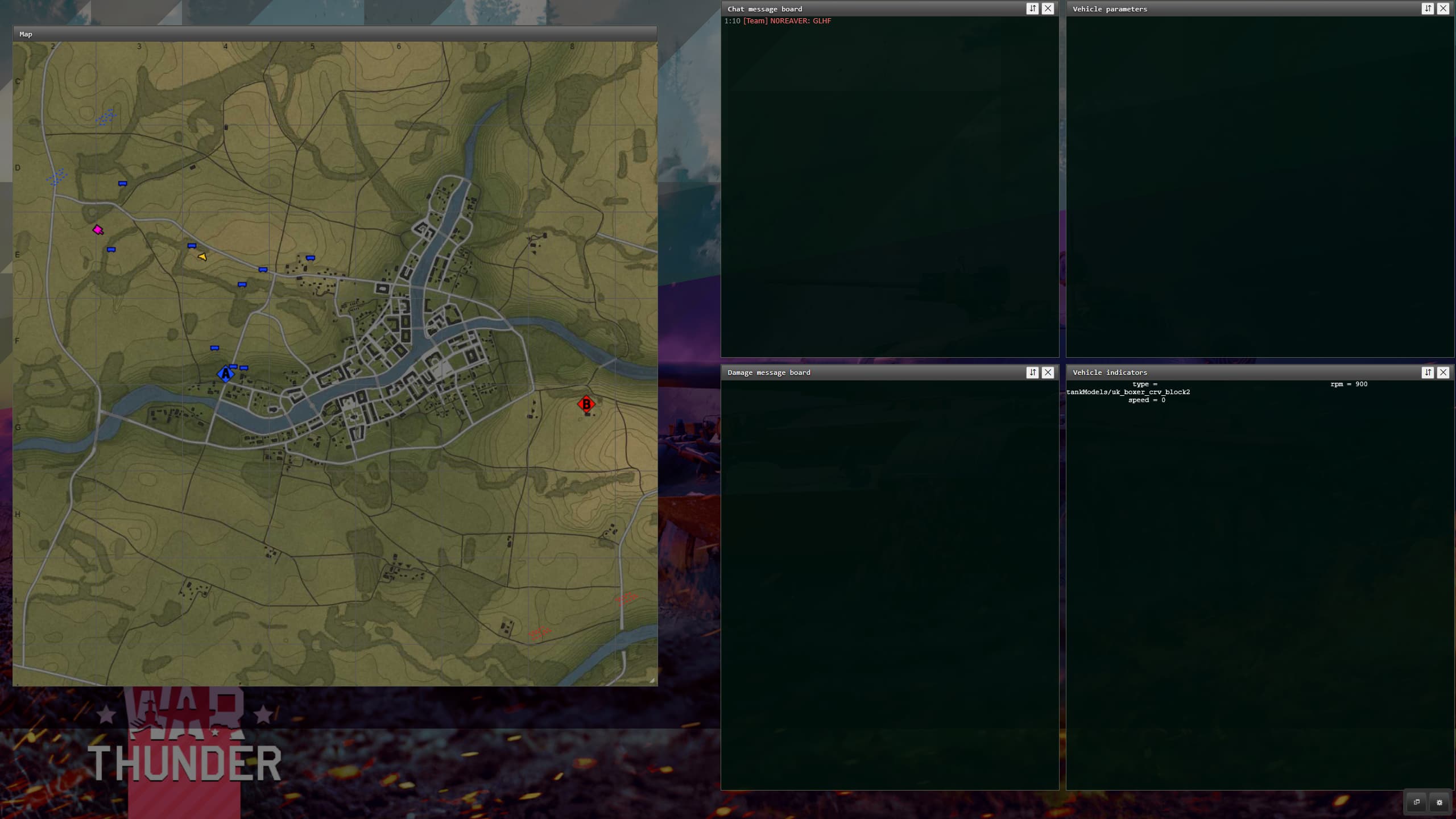
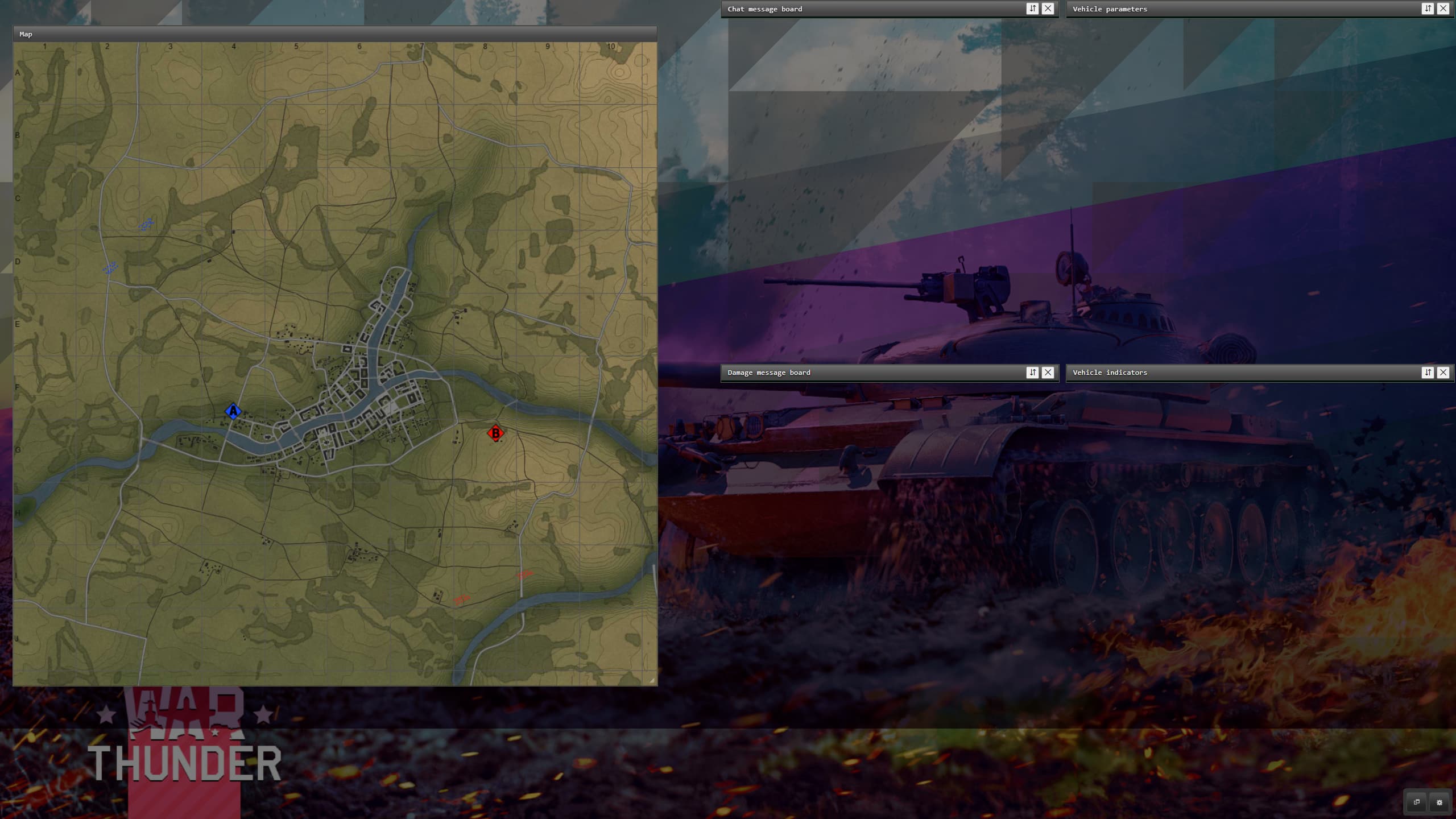
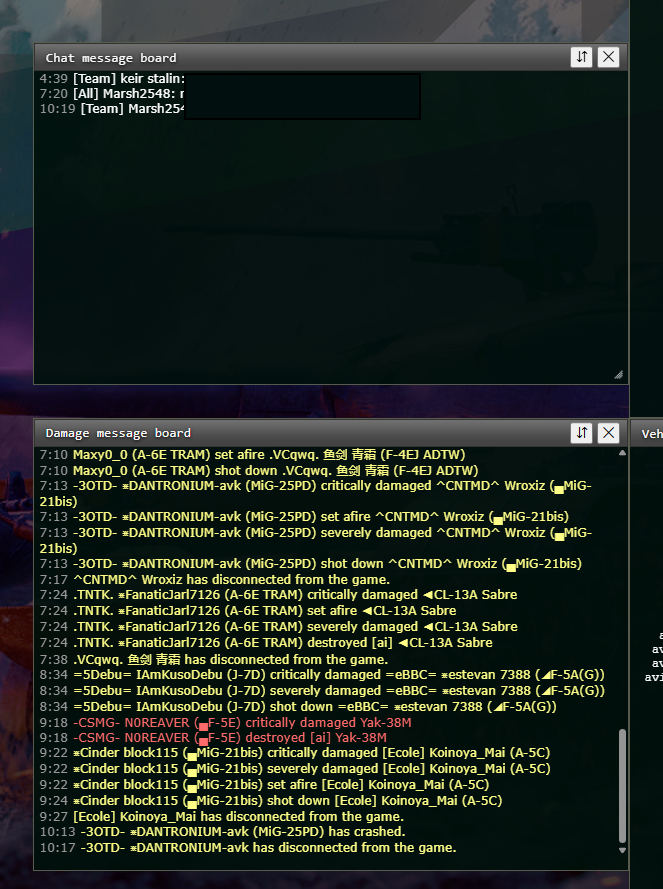
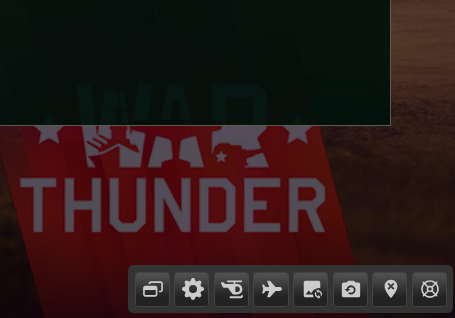
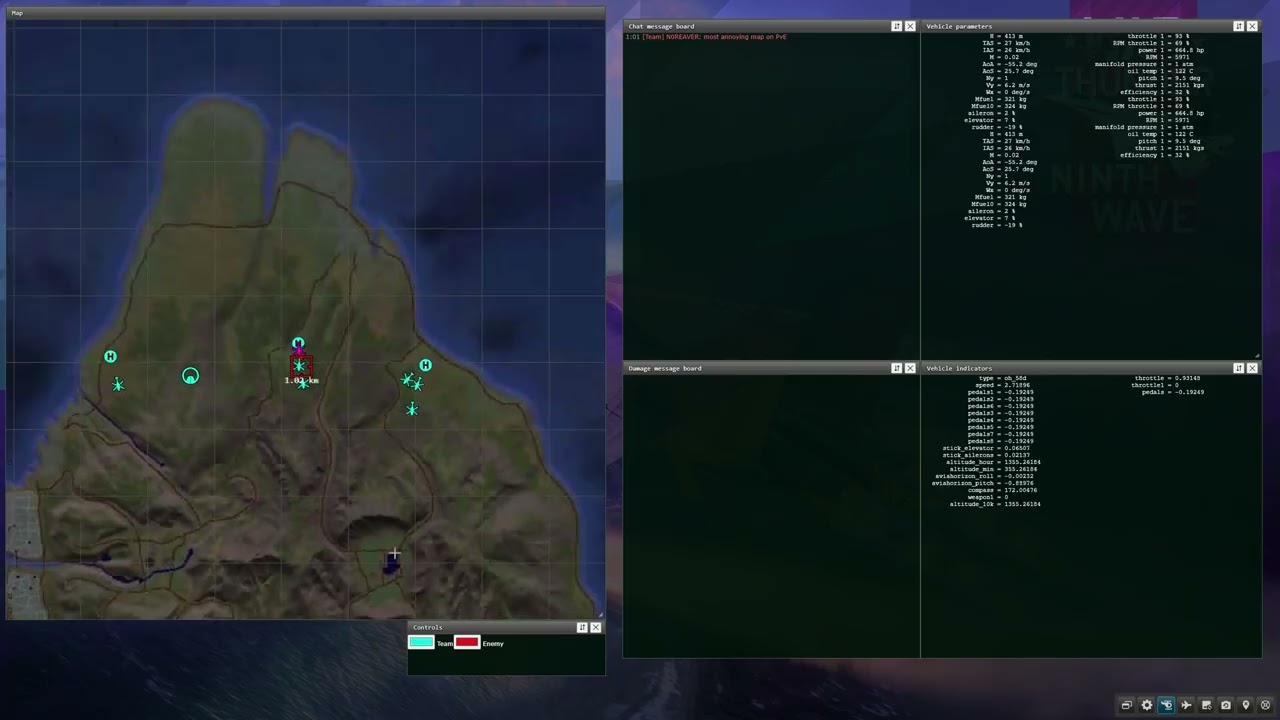
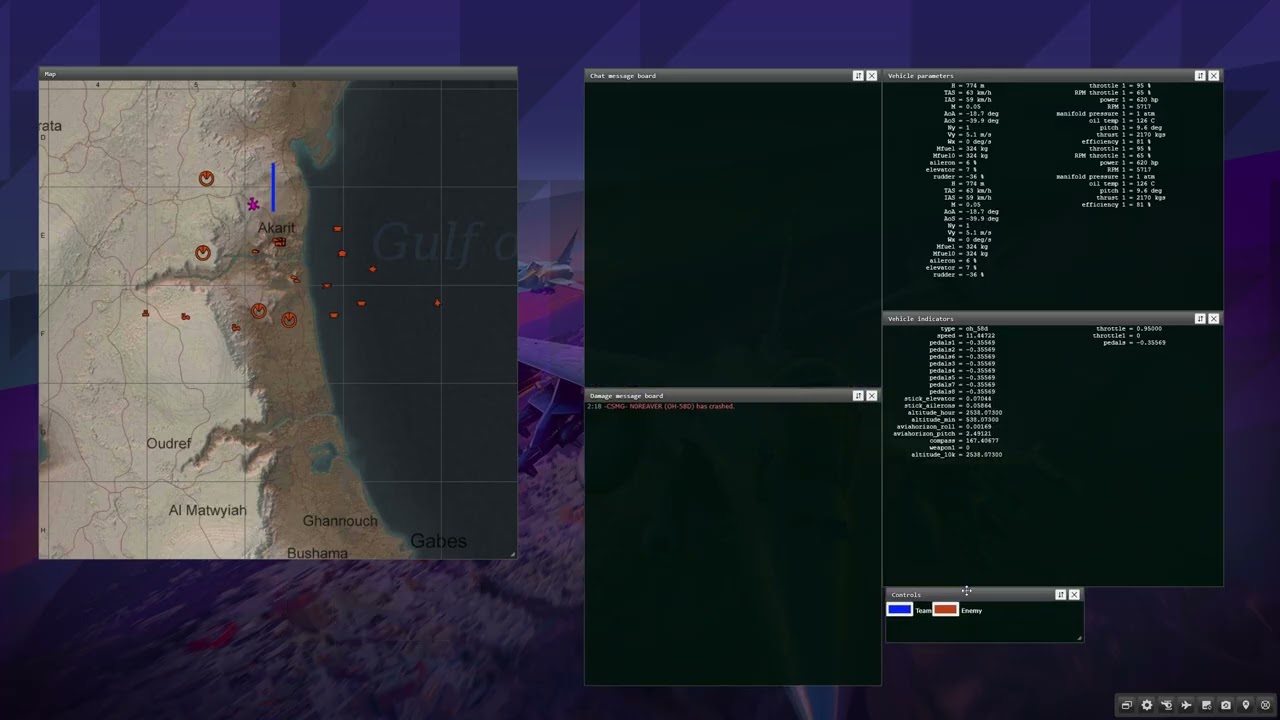
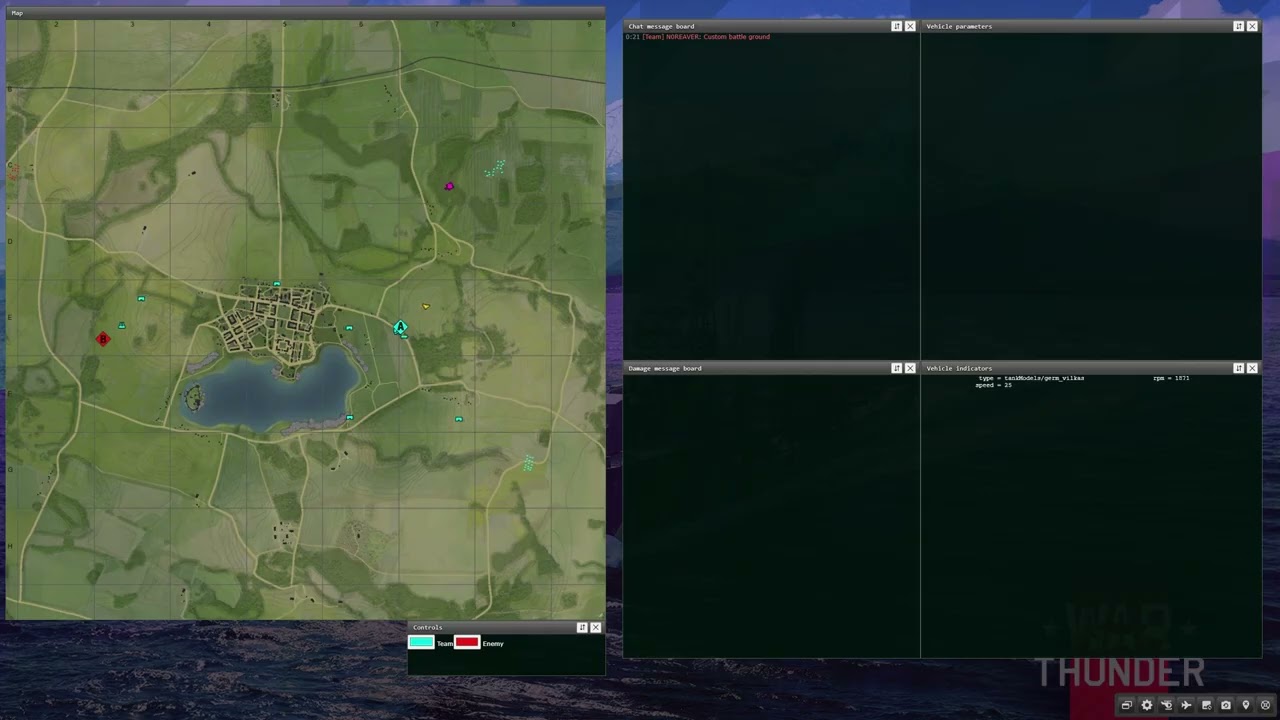
- propper title bars with buttons (toggle collapse/expand, hide/close)
- dragging and resize are now snapping to each window, and to a grid
- windows remain within the view’s boundary
- new random background image on reload and on button press.
Chat and battle damage windows:
- added feature to filter out unimportant messages, leaving mostly those messages sent by players (chat)
- added highlighting of own or which contain player’s nickname.
- STOP!!! autoscroll while hovering over the messages so player could read! Even in the game this is so annoying that the messages will auto-scroll to the bottom whenever a new message was added, and is frustrating trying to navigate to read the wanted message and the list scrolls back instantly.
- stats and indicators have better padded alignment, and they don’t blink annoyingly any more (change some logic there, plus a typo in the defined columns arrays)
- toolbar button to clear chat and damage message windows
Map:
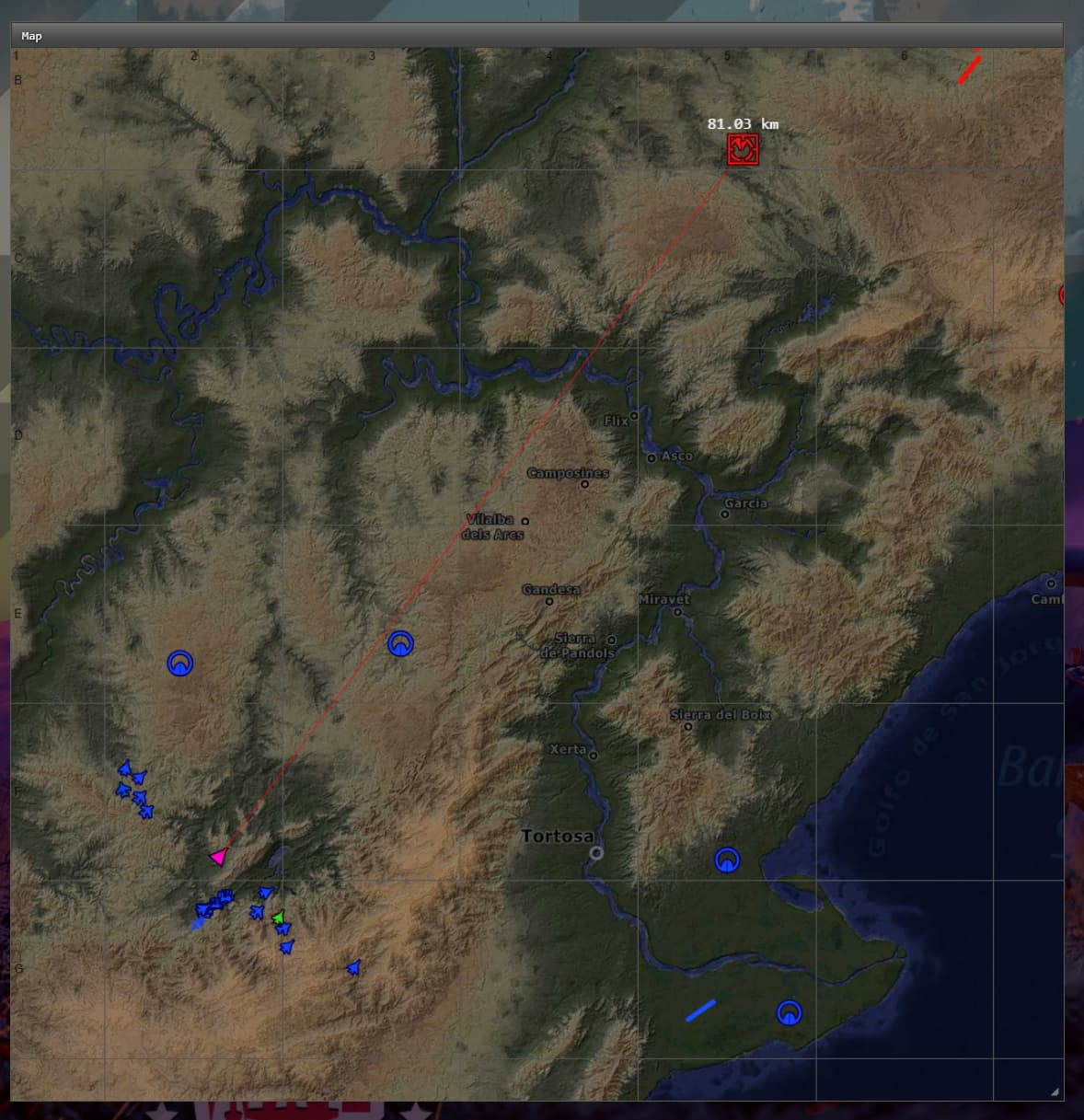
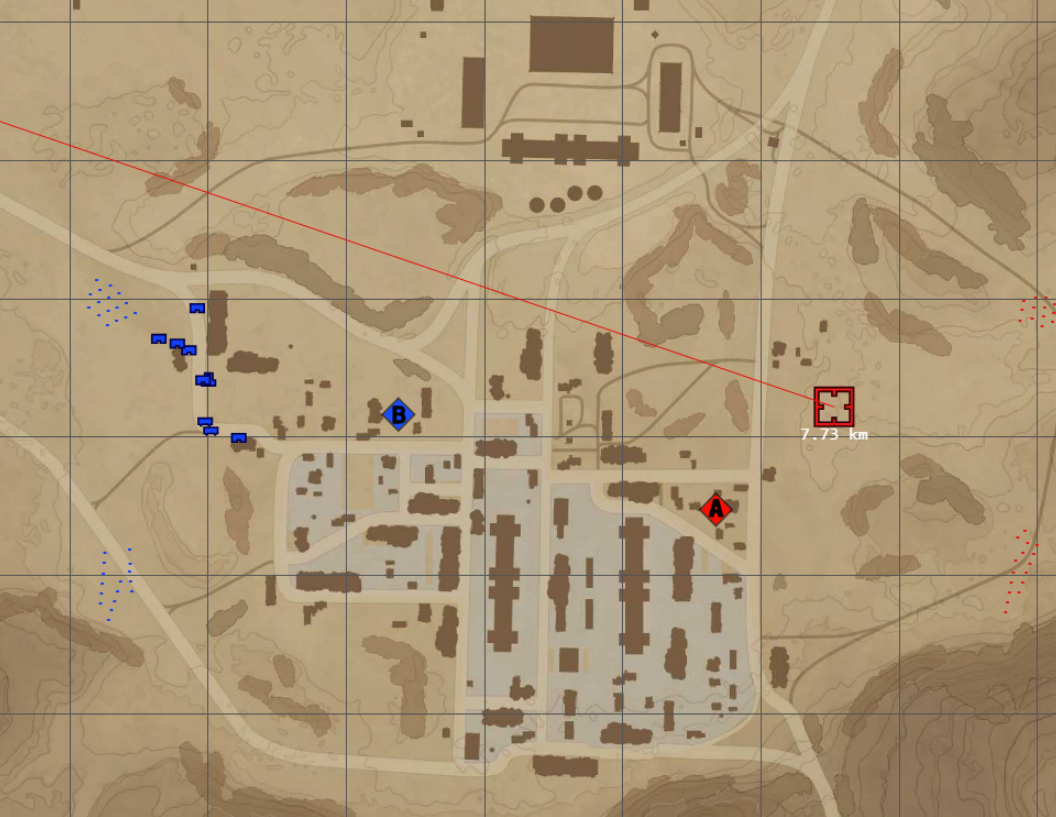
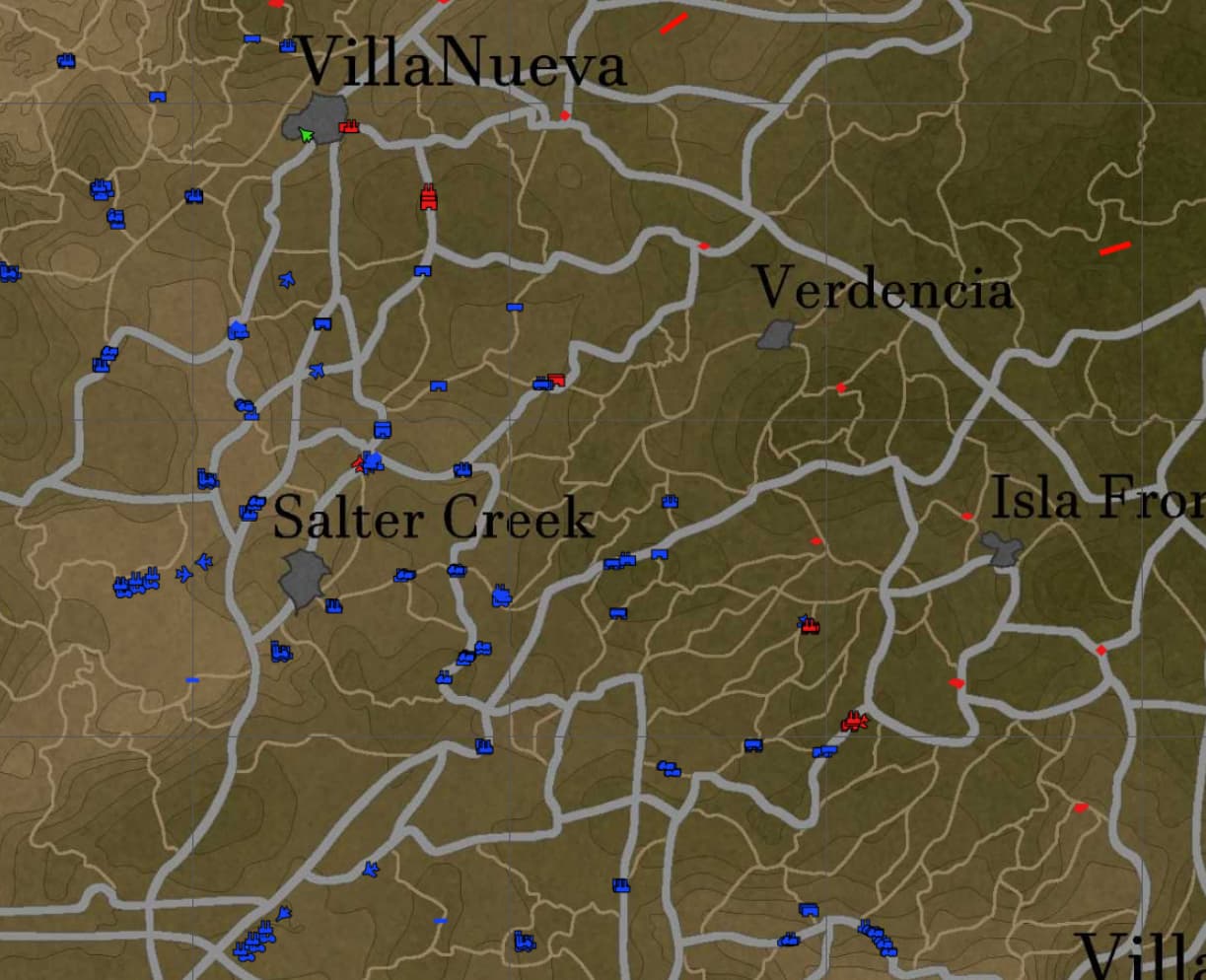
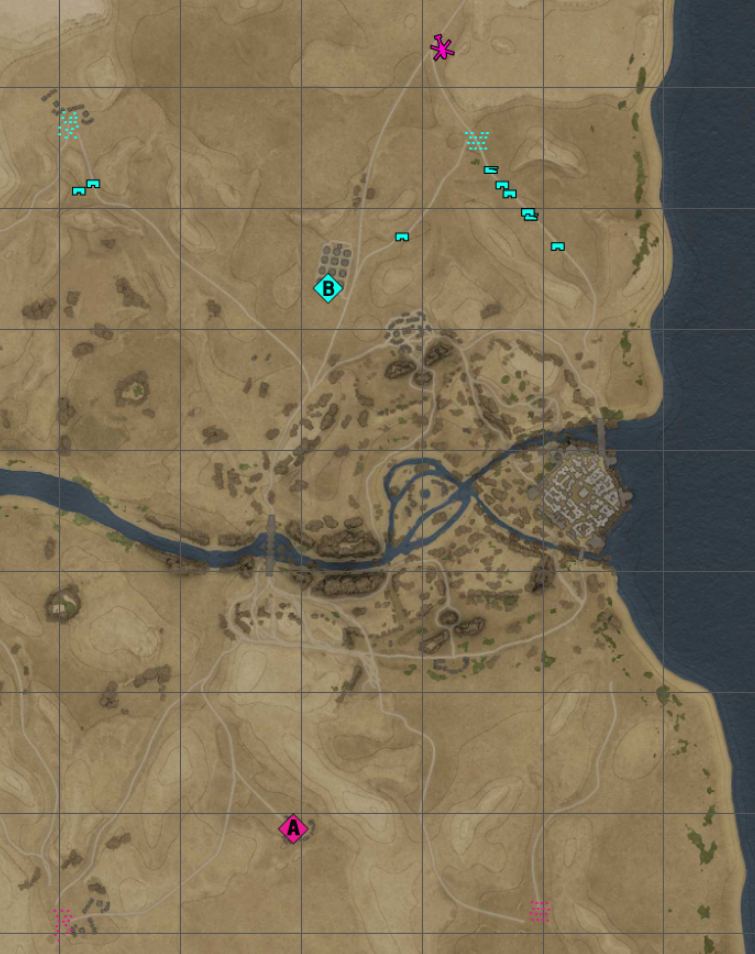
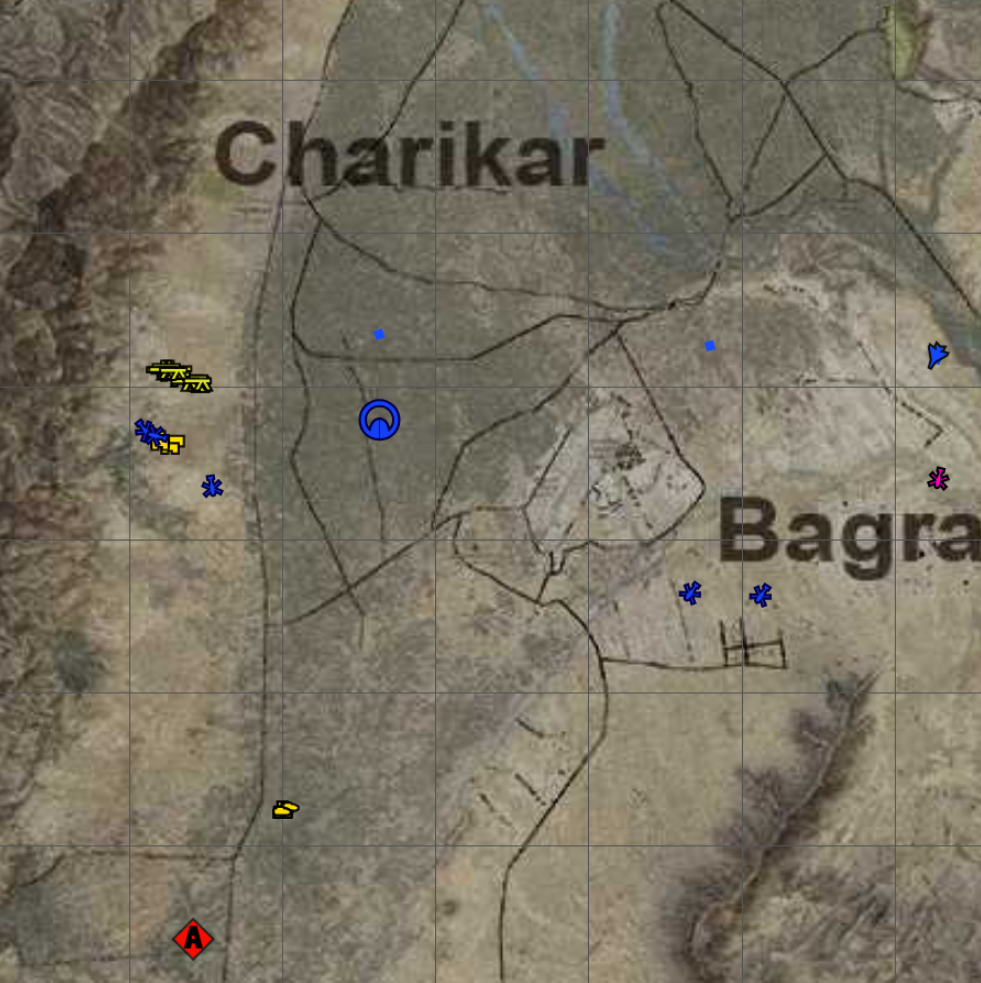
- map now changes and always in sync with what map is shown in the game map
- each map’s scale and pan is saved per map. That means it will remember next time when same map appears. I mean the map image scale and pan, not just the map window.
- icons now are rendered from “svg” (the svg paths)
- custom colors, also with option to change them live from a color picker.
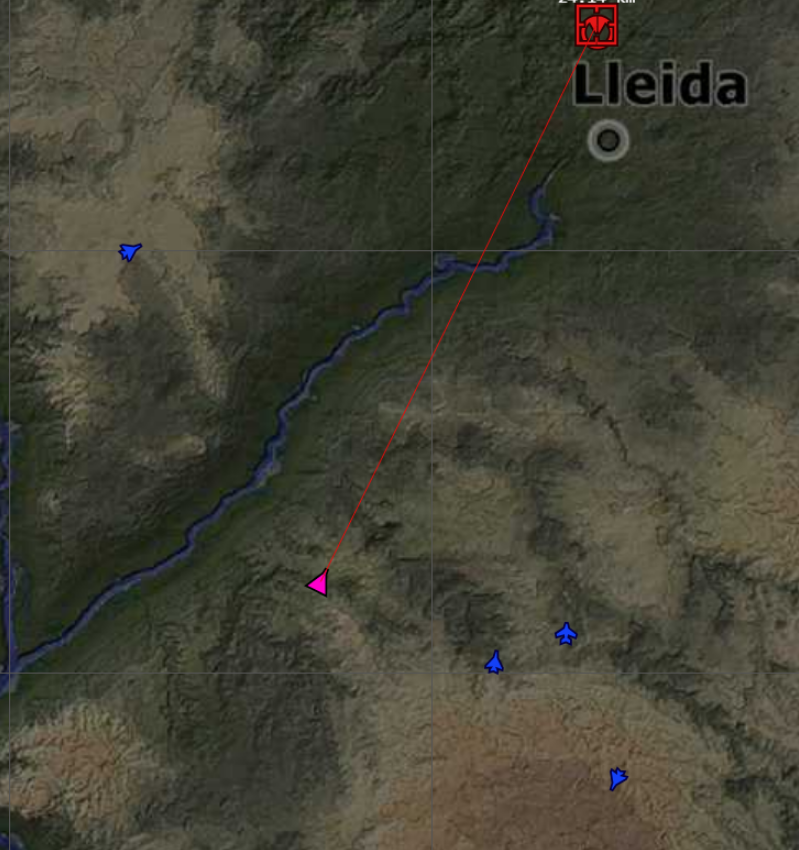
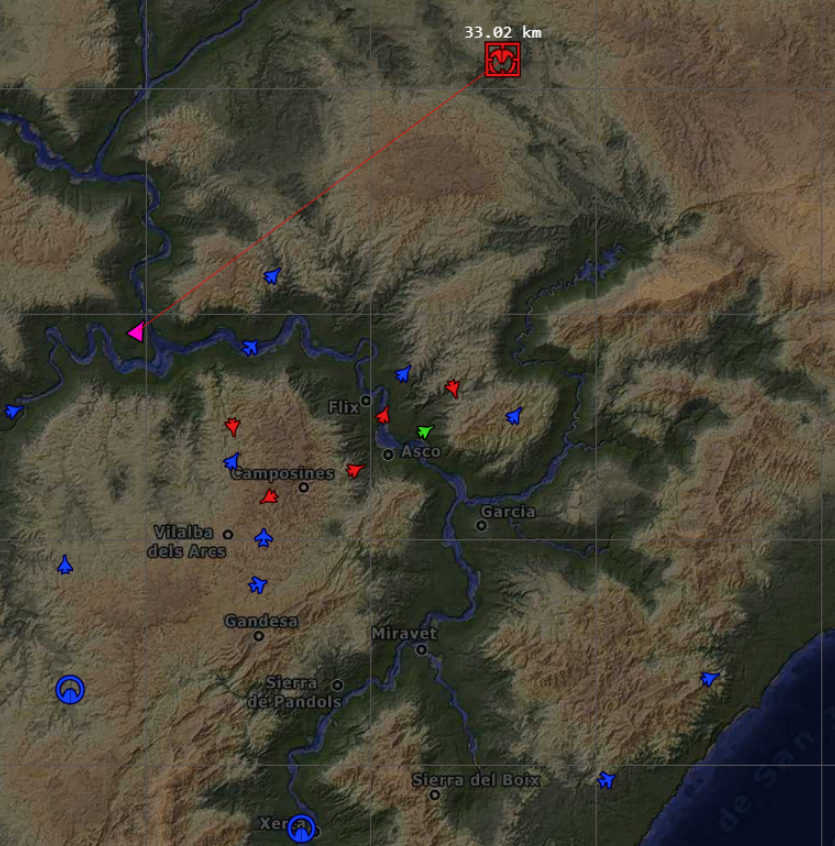
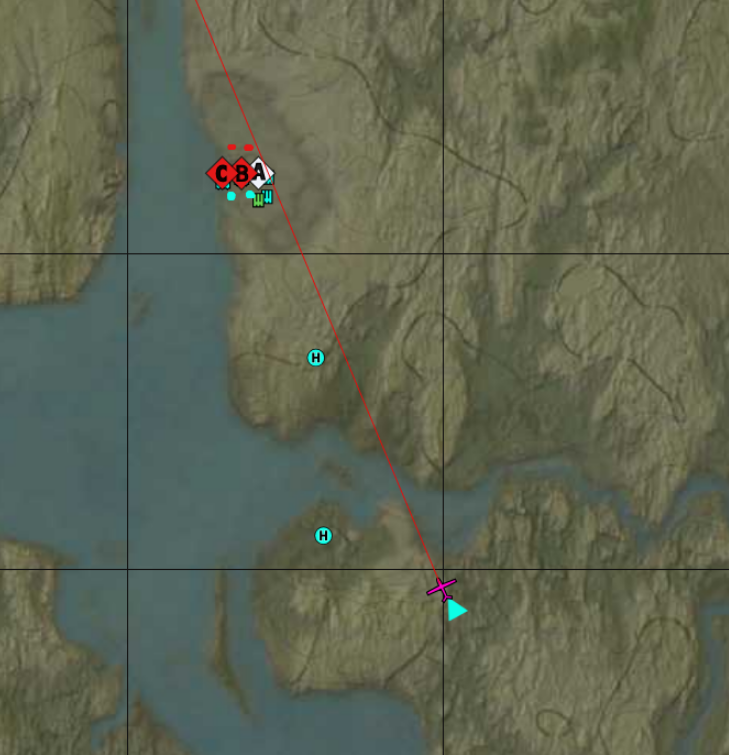
- aircrafts now also face their flying direction, is not only a simple character symbol on the map.
- introduced new icons for:
- planes now have distinct icons for fighter, bomber, assault
- NEW: helicopter icons. This was tricky as Gaijn team decided that a helicopter is an
aircraftwith icon name ofFighter!? was so much simple if they just made the icon say “helicopter”. But I managed to figure out. The only way to securely know is a helicopter was to compare theindicators.typeto a list of ALL helicopters in the game. This is tricky when in PvE it doesn’t show anything about other flying helicopters, so they are all Fighters! But I have a button for that too. - new icon for microdrone!
- you know you have distinct icon name for SPAA and SAM? yeah, both start with S. Now they have separate Icon.
- Helipads (sort of … aircraft carriers seems to fall in the same category of “short airfields”) have a different icon.
- a lot of other units and items were redrawn using the svg technique (about 30), but some more to do (7+ as I always discover more, and haven’t spent much time on naval battles).
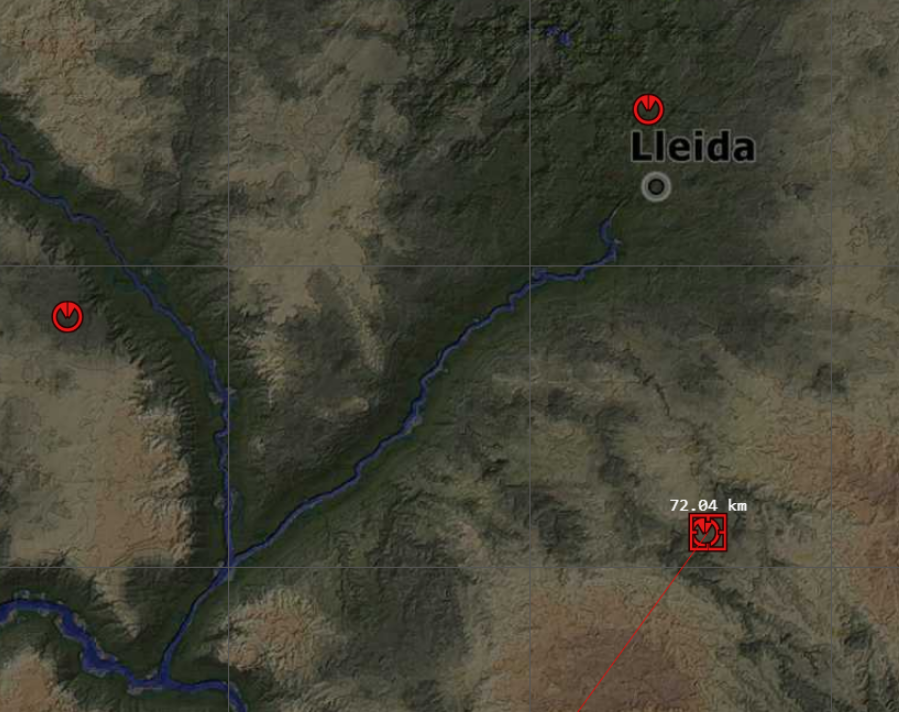
- point_of_interest (the red target square) now has (had even before it was added to the game in Sky Odyssey) a distance attached.
I’ve done some more optimizations and have some more plans with it.
A lot can be done:
- [x] option to choose a custom color for units (and grid). Now is done through constants in the script, and I plan to add color sliders/picker to change from the interface and save the preferences.
- [x] the interface will still remember windows position and size, but the logic was reworked.
- [x] plan to add settings and options toolbar.
- [ ] add better indicators for vehicle stats/indicators (instruments gauges)
- [ ] set notifications/alarms, so you have better visibility over various indicators and vehicle stats? (brake is on, fuel>range remaining, so you know if/when you can get back to airfield)
The whole client is a work in progress (simple html css javascript) as i try to optimize more and more the old scripts + trying new things.
I haven’t published it yet, as I am still trying have a “real” conversation with some "high profile” people.
If anyone is interested to see it live (demo), find me on WT Discord, but
would you think is something that’s worth having over the old client?

And I made a few changes since then.