2 Likes
Yes, I have had it happening playing naval this morning as well.
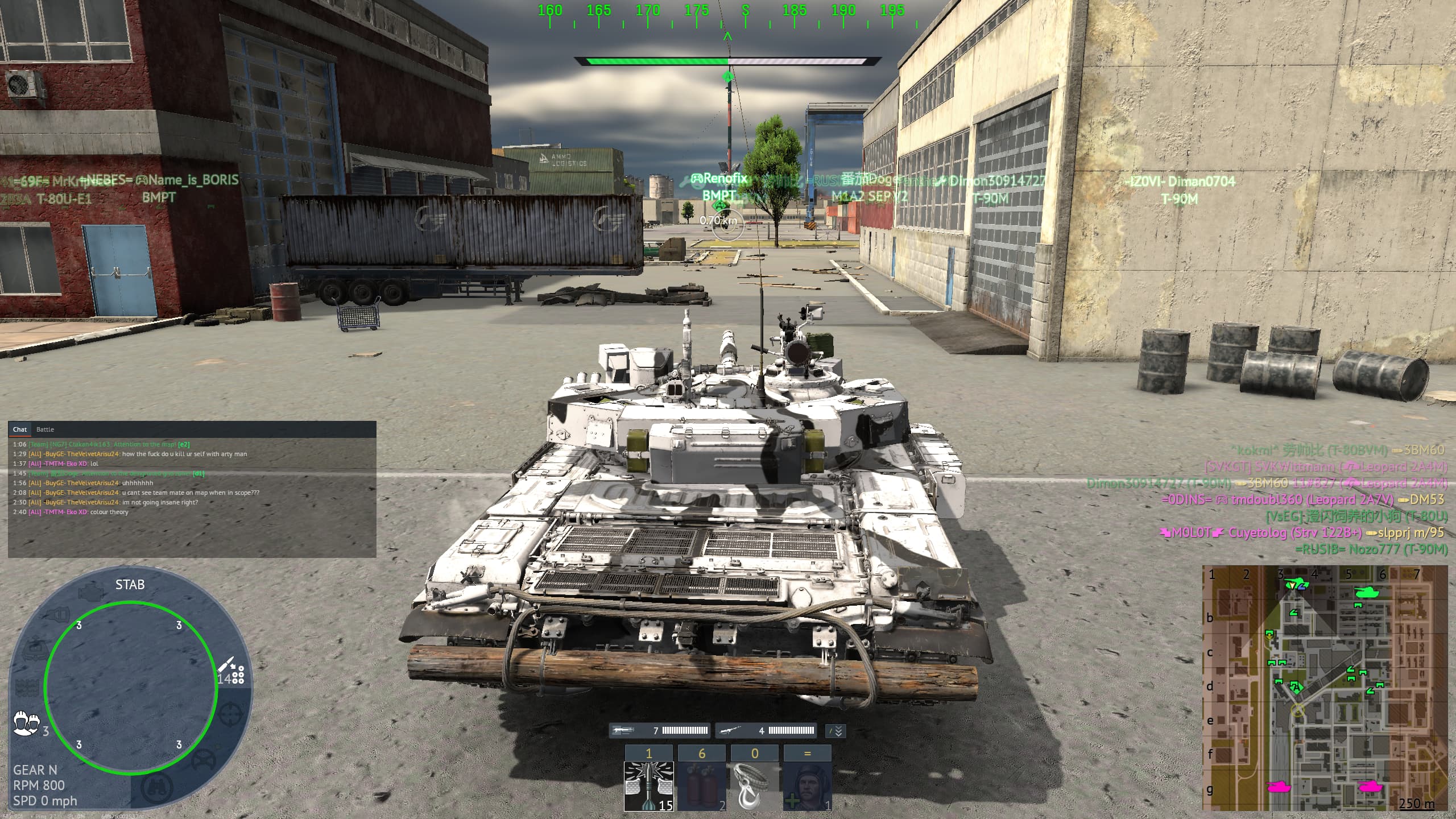
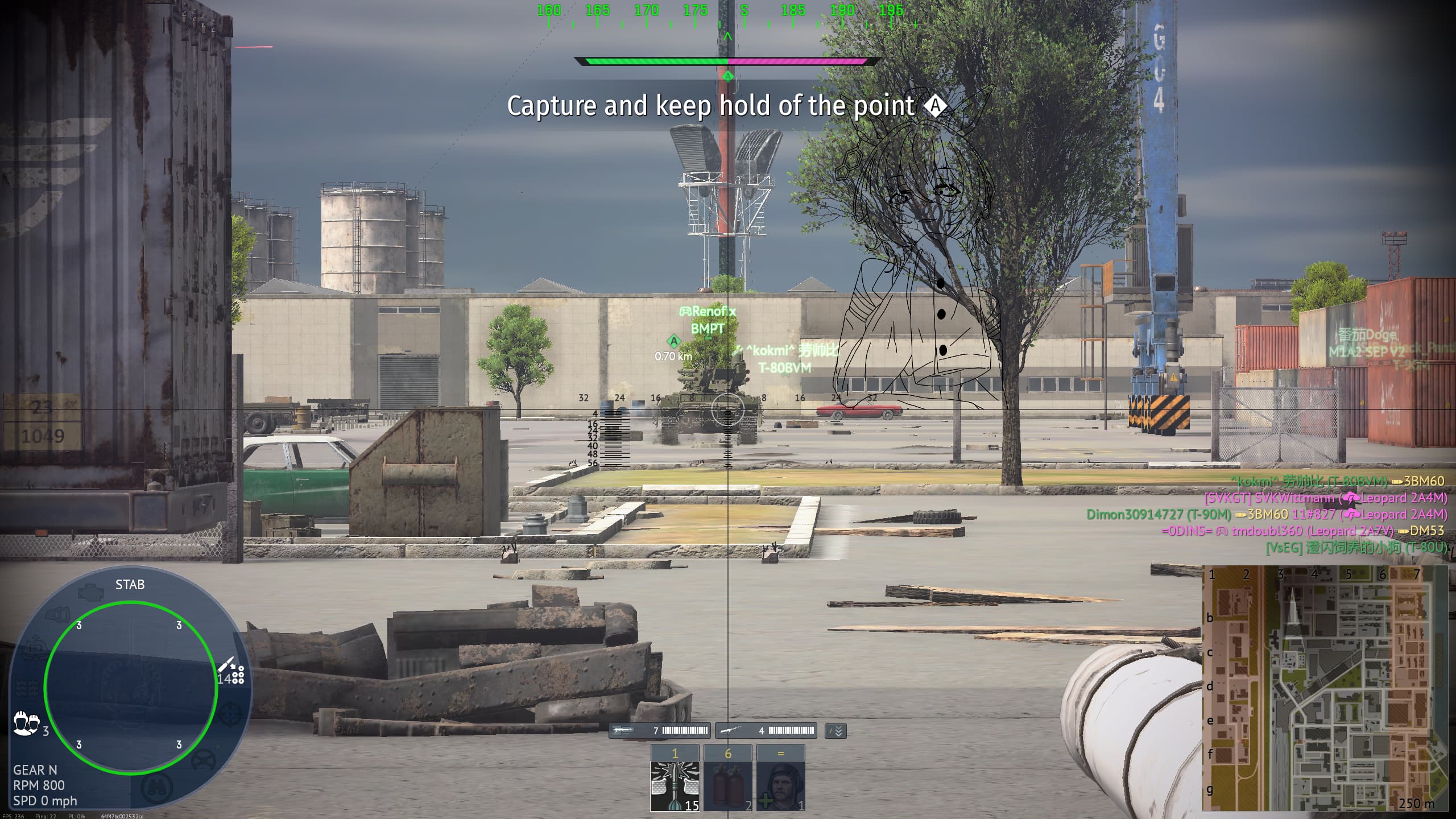
Seems to be a mini map glitch or some sort
1 Like
You can bug report it here (just search a bit first so that you don’t report something that is already reported and known about): (Gaijin.net // Issues)
A guide on how to report bugs can be found here: ([Navigation] Technical Knowledge Base | War Thunder Wiki)
thnx for letting me know. Ive posted it on there
https://community.gaijin.net/issues/p/warthunder/i/n2awhf04NSFw
I listed here what caused the bug and what fixes it for anyone still having issues.
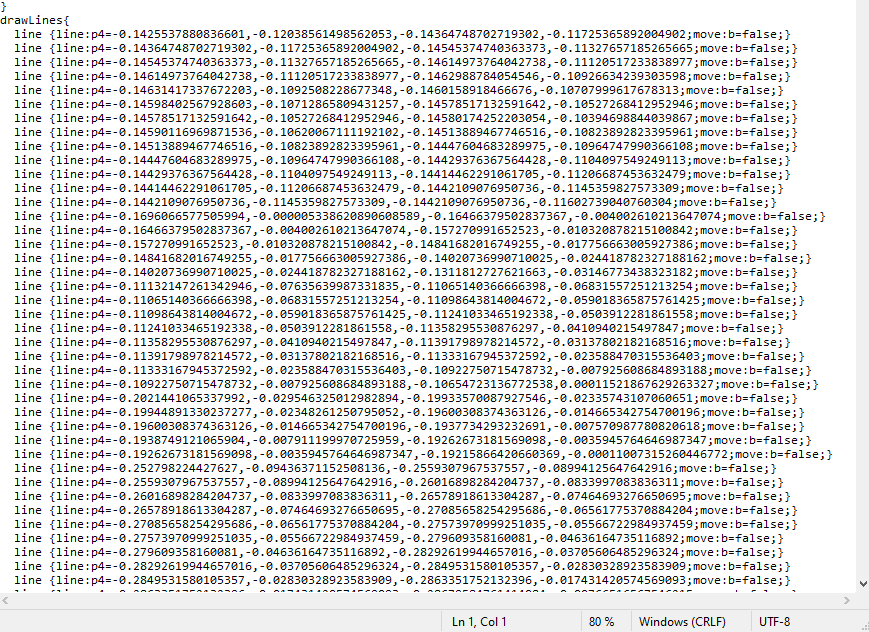
So I think I found the fix you need to open the custom sight in some app and delete some of “drawlines” i disscussed it with ai and its something with UI and it cant load so much lines with minimap and stuff so just find some useless lines. I started deleting from bottom and every line I alt tabbed into game and pressed alt+f9 and watched what line i deleted after like 10 lines the icons started appearing on minimap. If you have any other questions reply here.