- Add a manual Aspect Ratio option in Graphics settings
- Leave it as is / I don’t want this change
Hey everyone,
I’d like to submit a suggestion regarding an important graphics issue on non-standard aspect ratio displays, especially 16:10 screens. Currently, War Thunder has no aspect ratio setting, which causes problems with FOV, scaling, and available resolutions for these users.

Players using 16:10 displays (for example, 2560×1600 resolution) are currently at a disadvantage because War Thunder’s FOV system is locked to vertical FOV, unlike horizontal FOV, which can be adjusted on ultrawide monitors to avoid black bars.
This causes the game to narrow the horizontal field of view on 16:10 screens, resulting in less peripheral vision compared to players on 16:9 displays.


Here is a near-real gameplay example of how the reduced FOV affects visibility. With a proper 16:9 FOV you can clearly see the enemy tank behind the building, but on a 16:10 FOV it completely disappears from view.


To compensate, I tried running the game at 2560×1440 (16:9) on my 16:10 laptop. In theory, this should produce black bars and maintain a correct 16:9 FOV. But, because War Thunder has no aspect-ratio control, the game stretches the 2560×1440 image to fill the 2560×1600 screen. This results in a intended 16:9 FOV, but with a distorted stretched image and HUD.


When the game is running on a specific aspect ratio (such as 16:10), War Thunder only shows resolutions that correspond to that aspect ratio. This means many common 16:9 resolutions like 2560×1440 simply never appear in the in-game settings, because the game filters resolutions based on the system’s current aspect ratio. Since there is no aspect ratio setting in War Thunder, 16:10 users cannot manually choose 16:9 resolutions or force proper letterbox output.

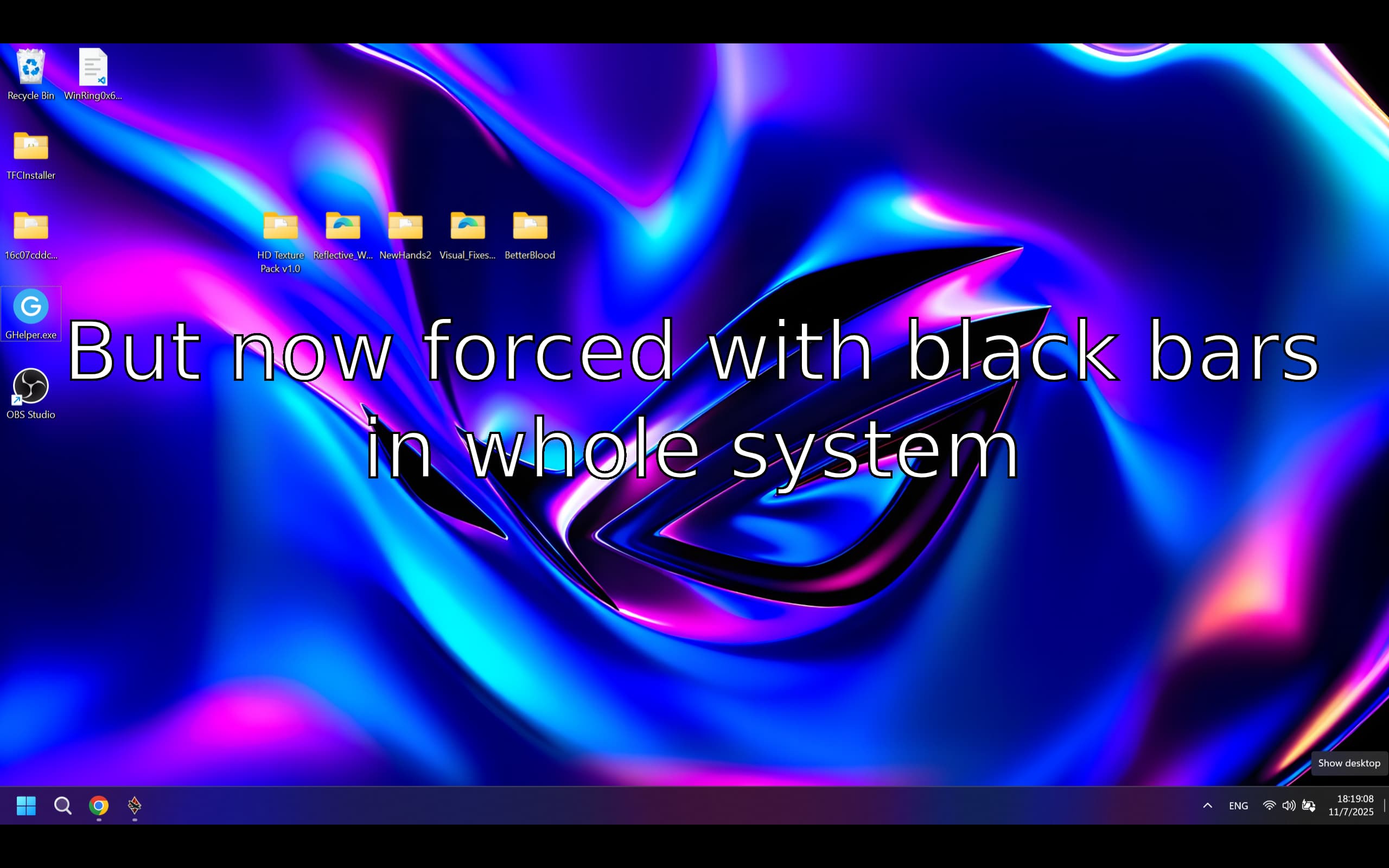
At the moment, the only way to achieve the correct aspect ratio and use letterboxing (black bars) so that 16:10 users can finally have the same FOV as 16:9 players is to change the entire system’s desktop resolution to 16:9. However, this forces letterboxing (black bars) on every other application and the operating system itself, which is an unacceptable trade-off.

Suggested solutions:
-
Add a manual “Aspect Ratio” setting under Graphics → Display:
[Auto / 16:9 / 16:10 / 21:9 / 4:3] -
Unlock vertical FOV scaling only for 16:10 users, to ensure fair and consistent horizontal FOV without distortion.
Why this matters:
16:10 displays are rapidly becoming the standard for modern laptops, with resolutions such as 2560×1600 and 1920×1200 now very common. As more players move to 16:10, this issue will affect a growing part of the community. Proper FOV handling is essential for both fairness and visual consistency, and 16:10 users are currently at a disadvantage compared to those on 16:9 screens.
At the same time, adding an aspect-ratio wouldn’t only help 16:10 users it would improve War Thunder overall. It would provide consistent FOV across all screen formats, fix distortion on non-native resolutions, and ensure correct output on external displays. Almost every modern game offers these options, and implementing them would bring War Thunder’s graphics settings in line with current industry standards.
