Today, we’ve rounded up and will be covering some of the fixes and improvements that we’ve made to the game today and over the past two weeks. If you’d like to catch up on every fixed bug, then be sure to check out the changelog section on our website.
If you’ve found a bug that you’d like to report, you can do so on our community bug reporting platform.
Track all of your fired ordnance!
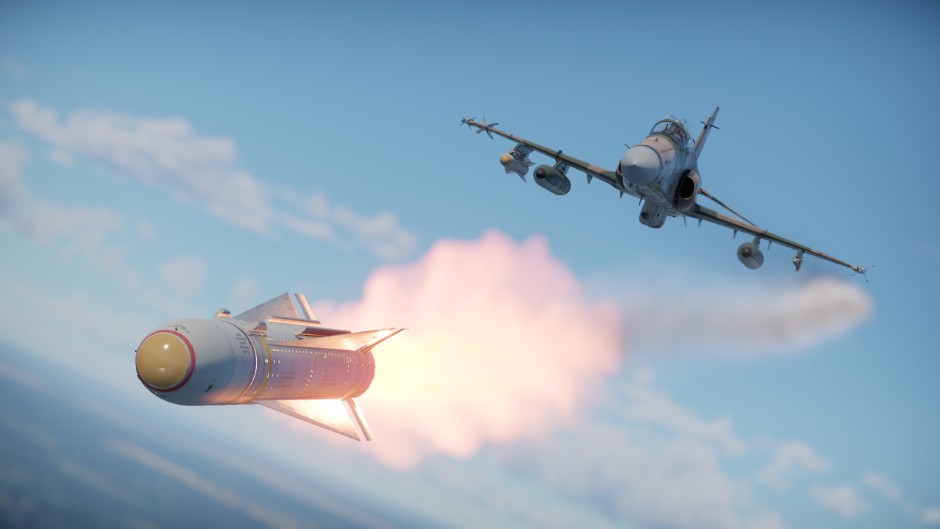
An ordnance tracking camera has been in the game for a long time, but previously was only able to track the last munition that was launched/dropped. While this was fine for unguided weapons in most cases, it’s a different situation with guided weapons, especially those operating on a “fire and forget” principle. Let’s be honest, you’ve often wanted to see what all the missiles fired at different targets were doing!
And guess what, now you can! In a recent update, we added icons for fired weapons to the tactical map in Air Battles, as well as the ability to select the weapon you want to track by simply clicking on it on the map and pressing the assigned tracking button. So be sure to double your situational awareness and take advantage of this new feature!
Bombs not dropping fix
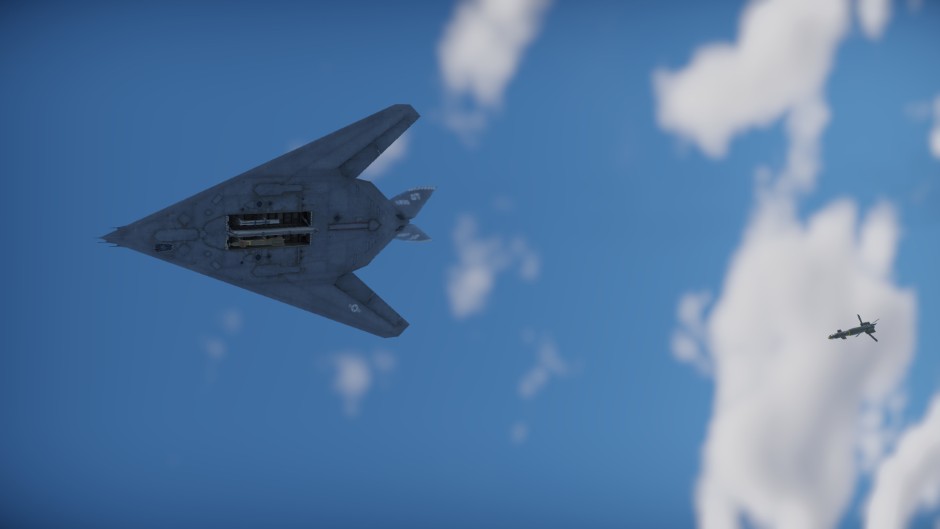
Players flying high-ranking aircraft might have occasionally encountered a problem when pressing the bomb release button. It didn’t work! Additionally, some message about the drop point appeared. If you’ve played the game for a long time, you know what the CCRP (Continuously Computed Release Point) is and how to use it, but it may cause confusion for less experienced pilots, especially considering that some aircraft automatically set target points points due to onboard system peculiarities. We’ll explain what this means and what we’ve done to prevent players from finding themselves in this situation.
Setting a target point (also known as a point of interest) activates navigational bombing mode. By default, this also activates automatic bomb release. Simply put, when flying over the desired point on the trajectory and holding the bomb release button, the aircraft will automatically release bombs at the appropriate time. Manual bomb release at other targets is unavailable during this time — you must either deactivate the aiming point or disable automatic bomb release with a dedicated keybind.
To avoid confusion for players encountering advanced systems for the first time, we’ve added a hint informing them that manual bomb release is not possible and offer to disable the aiming point. New players will no longer encounter this situation, as the setting that regulates automatic bomb release at the start of the mission is now disabled by default. If you don’t use this feature, you can disable its automatic activation in the menu “Settings > Air Battle Settings > Activation of automatic bomb release in CCRP mode at mission start”. Also, don’t forget that you can turn it on and off whenever you like by using the key combination assigned to the “Automatic Bomb Release in CCRP Mode” setting.
Players missing in server replays fix
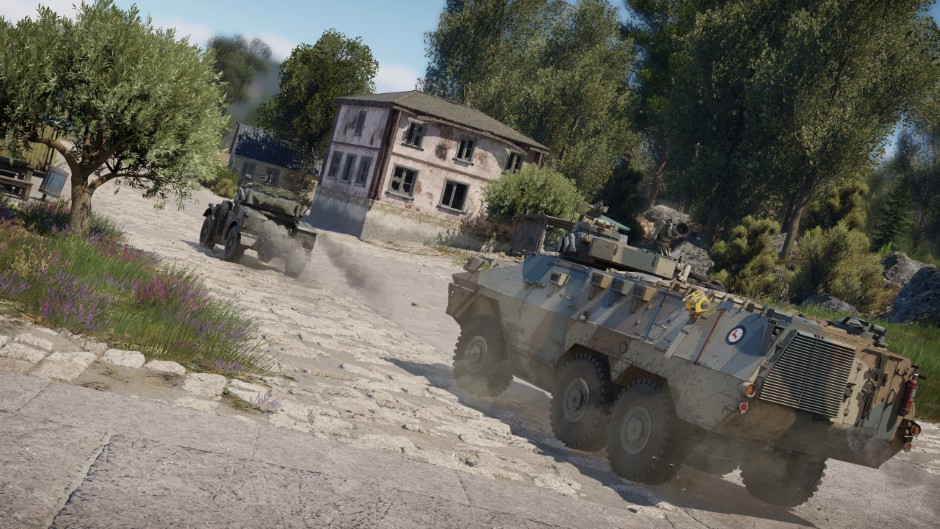
There was a compression error that caused some data to be lost when replays were played back. The position of a player’s vehicle was completely lost, resulting in a message saying “Player’s position is temporarily unknown”, which became increasingly common after the release of the Ninth Wave major update. This error was fixed in Update 2.55.1.39, released on April 7th. All players should be visible in server replays made after that date.
That’s not all
Check out the full list of fixes and improvements in the update notes below! For your convenience, marker filters have been added to the tactical map, stat cards of ground vehicles now display the correct armor type, and air defense missiles at airfields no longer run out of missiles.