The day before yesterday, WT was running buttery smooth with no issues
The next day, after I was done with my uni homework, I booted up WT as usual, but then, after being in the flash screen with that T34-85 for a bit longer than usual, my system crashed. My laptop just straight up restarted.
I was worried my GPU died or something and I checked my drivers and updated them, but it occurred again under the same circumstances.
I booted up WoWs and played that for a while without any lag or any issues.
I dug up the dump files created from the crash, and it turns out Battle Eye is the culprit here and unsurprisingly the game works just fine if I just disable Battle Eye in the launcher but the downside to that is I can’t play RB without it, which sucks.
I found about 3-4 people on Reddit who are having the same issue since 15/10/2026.
There was a patch today, 16/10/2026 and that didn’t fix it in any way.
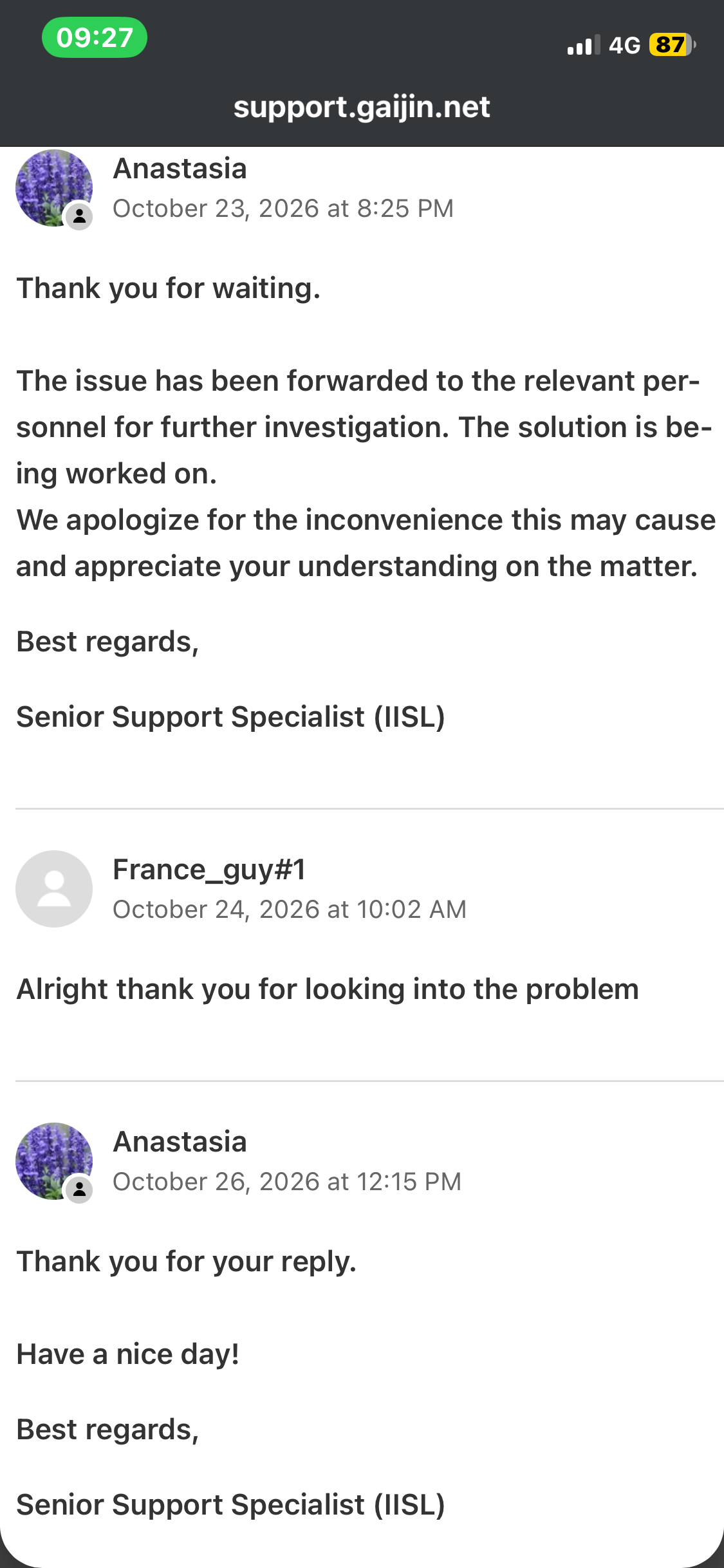
I sent a ticket in support and they saiid they will look into it as usual but idk.
Is there anyone else having the same issue since yesterday.
Update:
Switching to Dx12 worked for a while but today I got the same issue while using Dx12 so I am completely out of options
A bug reporting manager just replied to me.
So despite more than 20 people having the exact same issue on different brands of devices and everyone got the error at the exact date and time they said
“ The game can’t be a cause of the BSoD, the issue lies either with hardware or drivers.”
yeah I found a handful of people on reddit and in here. hopefully they will fix ts
Currently I found that switching to Dx12 kinda works but takes like 3minutes to load the game.
It took like around 1 min to do that when I used Dx11
Nope I have been using the same driver for a while now. WT works when I disable battle eye but I cannot play rb. Switching to dx12 somehow changed how the game interacts with the system I guess. It worked yesterday and I didn’t check the game yet today so it might have stopped working
I install the WT launcher and without the anti cheat and i was able to play in realistic air battle and when i try to play realistic ground battle, the anti cheat system wasn’t actived so i reload the game with and the problem came back so I concluded the problem is from the anti cheat system. I don’t know if you discover this too so it’s why I give you the information
I also encountered a similar error that caused Windows to restart unexpectedly, and I’m fairly certain that this error is only related to War Thunder’s anti-cheat system because the game Enlisted still works normally, and the game can still be launched even without the anti-cheat system enabled
So I think we can say that now we know the problem but currently there is nothing we can do to play realistic battle. And it’s strange this issue append not to everyone
damn. i guess im not the only one who face he same issue as you guys, been trying to fix it tbh, drivers, cleaning windows, repairs and almost this close to actually reinstall windows. but same as you tho… as soon i turn of the anticheat checkmark and log in, it worked just fine… not sure how we able to fix this… kinda annoying tbh. hope Dev realize this very soon
I checked other gaming communities and saw some people mentioning that BattlEye was causing game errors or crashing Windows so I suspect there’s been some recent issue with BattlEye or Windows that’s causing this problem For some reason, I only started experiencing this issue a few days ago with War Thunder even though these problems have been around for a year. As a result, I can’t play above rank 3 without anti-cheat software enabled
from my experience since Oct 16, it only happens with me playing Warthunder, other games that use BattleEye like Destiny 2 (i used to pkay) running just fine. i dont know if its related to update that guys above mention on Oct 15, i do never experience this before
man i just read the bug report manager replies u mention shit makes me boiled mad, cuz like wtf is that response, people were having “SIMILIAR” problem and yet thats the response? typical gaijin tbh. man im done, good luck y’all, peace.
the only way I can launch the game is to let Windows crash or restart my PC, and then quickly open the game right after. currently, this is the only method that allows me to get into the game with the anti-cheat enabled. I suspect that during that fresh boot, Windows hasn’t fully loaded certain services or programs yet, which prevents the crash. However, if I close the game afterwards, there’s a high chance the system will crash immediately
Hello I found where we can make bug report Community Bug Reporting System also in 1 web I found that if u got a wartunder launcher it can help if u will turn a windows 8 compatibility for me it worked