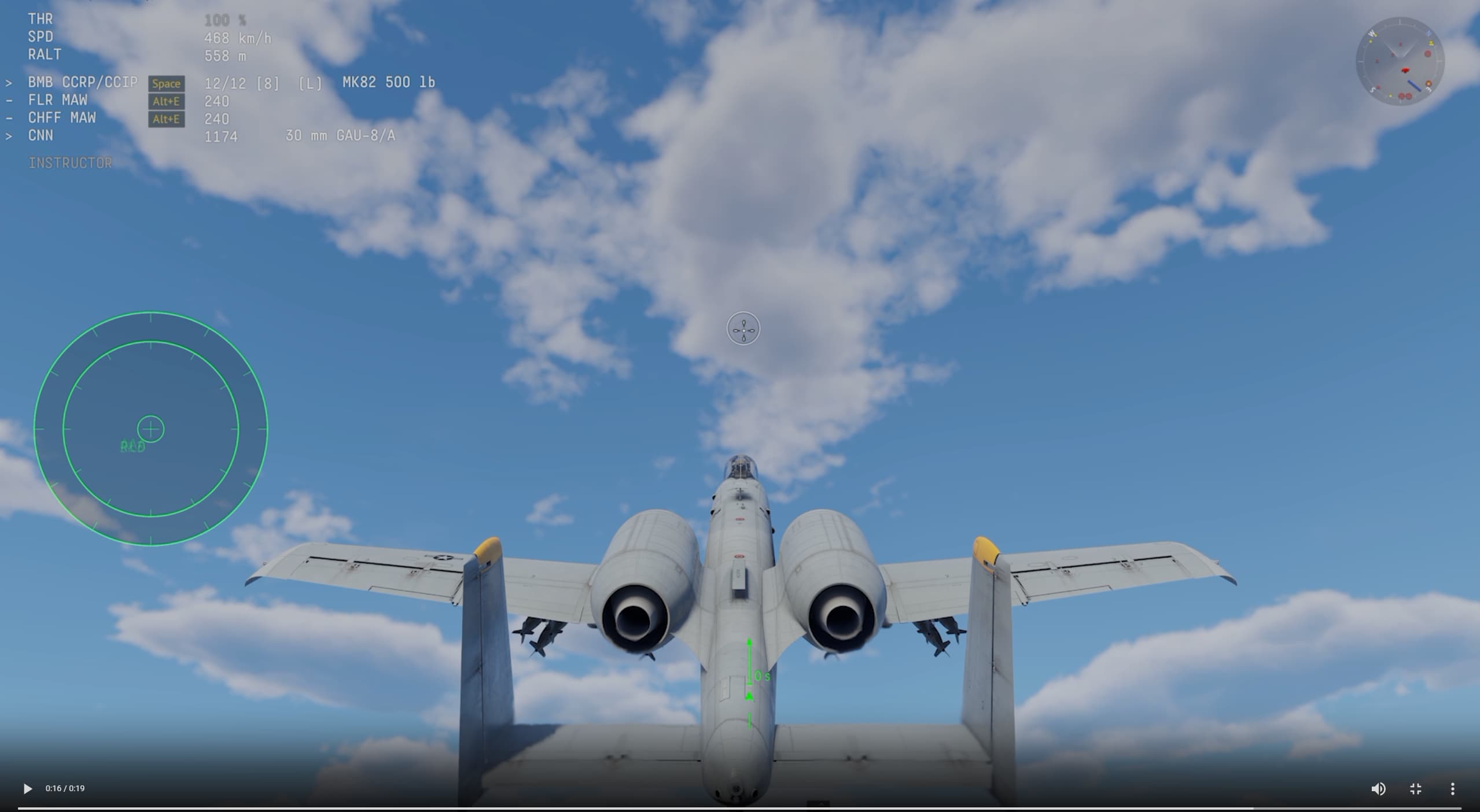
Interesting, but I have a lot of rather significant question marks, wondering if the development goes into the right direction and also caters for all communities.
First of all, I’ve used CCRP as well as CCIP bombing mode a lot, and never had any issue with its mechanic (apart for some reported bugs about failing to release when a mission target is selected at high elevation maps like Afghanistan).
I’ve also written a detailed tutorial about the use of various CCRP implementations in WT in the Wiki.
1) POI selection / marking:
My biggest question is how the new method affects the old mechanic of using CCRP. As of now, the following methods to select a POI worked:
- Select by toggling through Mission Targets (Bases) and Airfield Modules.
- LOS marking via pointing the crosshair at the desired target and marking.
- Map marking by clicking on the map.
- PoI marking via targeting equipment (most powerful method, as it allows to fine-adjust on the fly, without having to lock/mark separately.
Question: Will all those methods continue to work in the new method?
2) Controls:
Up to now, only the controls to mark the POI (see above) as well as “Release Secondary weapon” was needed, now it seems an additional “Automatic Release Button” is needed. We probably can’t assign it to the same button - as would be realistic, with only the one pickle button used for bombing in whatever mode - as this would not only activate the automatic release, but also drop the bombs in CCIP mode at the same time.
Question: Will two buttons be needed where now one is necessary in the new method?
Or follow up question: Will it be possible to chose to use the old method with only one button as an option?
3) Relevance for Sim:
As was to be expected, I look at the whole topic of course also in view of Sim, where the player is restricted to 3D-Cockpit view only, and where the old and new described GUI markers of course are not visible.
Now, this has already been topic of many bug reports and discussions, with still many open points like for example most of the F-4E family (see F-4E family), but also F-105, A-4’s and others not able to employ CCRP methods in Sim, simply because there instrumentation of those models lack the correct and authentic CCRP indicators.
I’ve spent a lot of time and effort on this topic, but so far didn’t get very far (with the exception of the F-111’s, which now have added their authentic CCRP markers on their sights). Often it was mentioned that a certain bombing method is not implemented yet (toss bombing), while the game perfectly well included this method as well, and it was hinted that improvement of CCRP methods are a possibility for the future.
As it looks however now in this DevBlog, none of those concerns were addressed, and the improvements only can be used in AB and RB, and no actual improvements or fixes are atm planned.
Question: Does the new method have any implication for Sim, apart from the suspected negative effects (see above)?
I hope you could shed some light on those questions, and any feedback would be highly appreciated! = )