Hey, the Intel Arc series has received all necessary updates and is stable. I’ve also tested several earlier driver versions. My GPU is only 9 months old, and so far, games have been running smoothly at over 140 FPS. As I said, there seems to be another issue at play.
I submitted a bug report and the reply was:
According to your DxDiag file, you have two videocards. Please make sure that your system uses the dedicated videocard.
Please follow these steps:
- Launch the NVIDIA Control panel by right clicking the desktop and selecting NVIDIA Control Panel
Select Manage 3D Settings from top left pane. - Go to the Global Settings
- Find a drop-down menu saying “Preferred Graphics Processor”, click that and choose “High-performance NVIDIA processor” instead of “Integrated graphics”.
I mean come on… I have a 9800X3D. Yes, it has an integrated GPU. No, War Thunder is not using that GPU. Like what about the HWiNFO logs I submitted? Nothing.
My response:
My computer does indeed have an integrated GPU on my 9800X3D. If it were using that GPU, it would not be running RT enabled 4k at 120+ fps, which is why I know it’s running on my RTX 5080. And the fact that in my HWiNFO logs it shows that exact same utilization.
For reference in the HWiNFO logs, specifically HWiNFO_LOG_8516921.CSV please reference the below.
Please refer to lines JH through KF for my integrated GPU which is not being used for War Thunder.
Please refer to lines KG through MF for my RTX 5080 for the GPU which IS being used.
Please also consider looking at lines 39, 61, and 77 which exhibit the bug behavior I’m having. If you notice in LJ 39, 61 and 77 as well as LK 39, 61 and 77 my GPU Core Load % and GPU Memory Controller Load % plummet to almost zero.
4 Likes
I feel sorry for you.
Since iGPUs are built into most CPUs, moderators who claim “It’s the iGPU’s fault!” seem to lack PC knowledge.(*There are exceptions like Intel’s F models.)
By the way, I believe the possibility that this malfunction was caused by load is extremely low.
One point is that the PC configurations reported in this thread (including mine…) have sufficient specs to play WT.
And the stuttering occurs in spikes—it doesn’t happen constantly—and even when monitoring GPU load, the situation doesn’t match up.
If the issue is caused by load, it should be reproducible using the replay, but it does not reproduce in the replay.
I also don’t use ray tracing to prioritize gameplay and play with restricted graphics settings, but even then, I still experience stutter when starting the game.
Therefore, I believe it is reasonable to assume that this update caused some kind of problem.
Sorry this got so long.
1 Like
Not only the issue its bad as a whole but it got me killed countless times since the update dropped
The stutter at some specific time its an 100% death
3 Likes
When you connect the DGPU directly to the monitor instead of the motherboard and adjust your BIOS settings accordingly, the IGPU is entirely disabled. Under these conditions, the IGPU cannot achieve even 10-30 FPS. It seems the developers are not grasping this issue, which is concerning.
2 Likes
think they are running on 1 brain cell combined currently
2 Likes
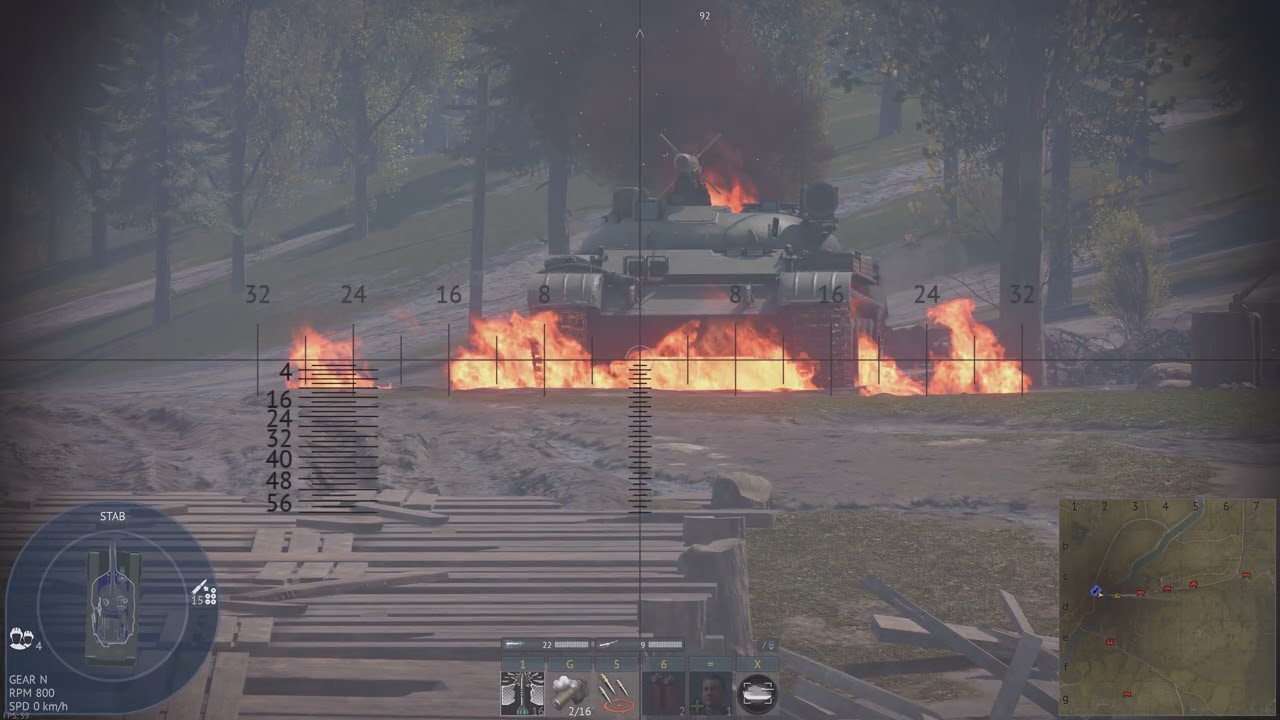
Followed the guide provided to me by Support and the issues honestly seem worse. Now they’re happening as soon as I restart the client, not even disappearing.
I grabbed a video of it (colors are washed out because I use HDR and captured with Nvidia).
2 Likes
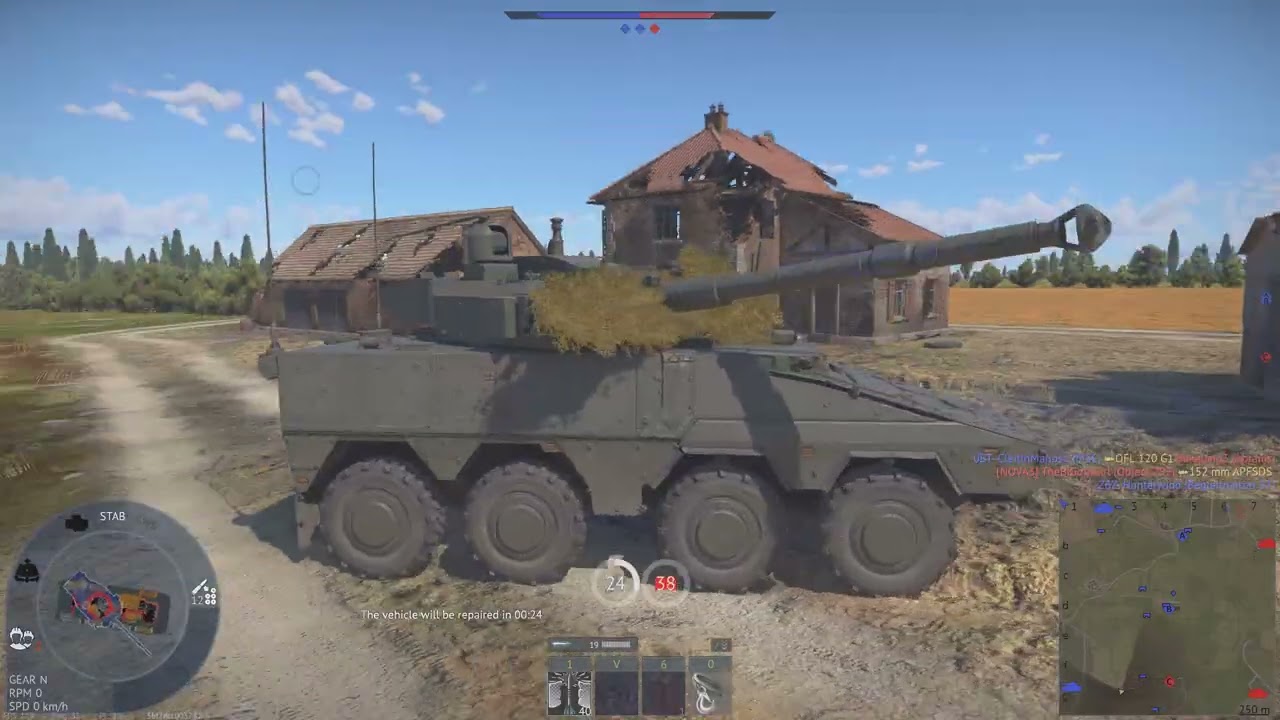
Another clip of it mid game.
2 Likes
this is the EXACT problem I’ve been having. Im really hoping the attention this thread is getting will make them actually do something.
2 Likes
Same, Started happening today when i updated Nvidia drivers and my amd drivers
This bug strongly reminds me of the crashes we used to get with old Nvidia graphics cards.
I don’t know if Gaijin’s dev team is even aware of this issue, but seeing no official announcement or fix after weeks makes it feel like a critical problem.
Maybe the current staff just can’t fix it anymore.
Cheers!
1 Like
I’ve been advised to run with Anti Cheat disabled from the client. I won’t be able to test for a couple days, so if anyone is following and wants to try for themselves I wish you luck. I’ll keep my fingers crossed it helps me.
I have had some luck by uninstalling the latest AMD CPU Chipset, Going to do some more testing to see if it was a culprit
Any luck? I’m running 7.06.02.123 for my Chipset, but I’ve had that installed for a while. Before I ever began having issues. If so what’d you rollback to?
I got so sick of the lag i did a factory reset on my pc and now its performing good, I havent installed any special drivers besides Nvidia gpu ones
My issues got fixed after a released patch btw…so im out
I had a similar problem (my PC AMD Ryzen 7 7800X3D • RTX 5080 GAMING OC 16GB • 64GB DDR5-6000 CL30,…). It helped me to turn off GPU acceleration on Steam (go to Steam > Settings > Interface and uncheck “Enable GPU accelerated rendering in web views ,” then restart Steam). Alternatively, try turning it off in the browser and Discord as well.
I just turned it off for Discord, though I’m not sure that I’ve always had discord running when the game was. I do not use Steam to play though, I run it through the native client.
I was told to make a bug report and have done so.
https://community.gaijin.net/issues/p/warthunder/i/ngQJZhu3Tyeb
1 Like