Yeah definitely seems like they broke something with DX12 this last update. Even with Ray Tracing off in DX12 I was getting the same result, so it appeared to not have any associative effect. At least when X is on X happens. Just that RT is obviously only run in DX12.
clear ur cache on gpu and also delete the cache in warthunder files fixed it for me
am having same issue with new pc i asked community and my dad to fix and we tried a lot of stuff and nothing fixed i think war thunder broke something
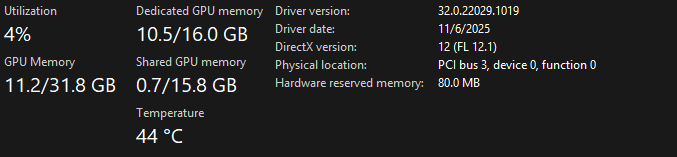 it’s amd card 9070 something idk XD but am having weird stuttering and weird not everything render and fps don’t cap when HAGS is on in dx 12
Just had extremely bad freezes in DX11 (on fresh install). Would be 2 seconds of perfect, 2 seconds of freeze, on and off until I died. I went ahead and cleaned the nVidia cache following their instructions in conjunction with DDU. So we will see.
Here’s video showing slide show effect. At the beginning the fps is around 17 to 20. Then it suddenly returns back to 160.
This happens only when RTX is enabled.
1 Like
We need WarThunder 2 ong
i confirm this. since last major update i have stable 30 fps. before i had stable 164 fps on SSA and DX12. i would love any person from the team making an official post with a rough ETA about when this is going to be fix. but i can dream in color i guess.
1 Like
DX12 is so broken; FPS randomly drops to 4 with 10% GPU usage and remains like that for the entire game unless I change graphics settings.
Meanwhile, DX11 is single-core focused and looks worse overall. There’s no winning here.
The single-core issue of DX11 causes low max fps from time to time depending on the game mode and map.
i always play on Dx11 and still stutter like crazy some times
2 Likes
The first game of the day always stutters for me regardless of DirectX version, caused by assets loading from HDD for the first time. For regular stutters, DX11 is worse because of single-core reliance. Check if any of your CPU threads are at 100% usage when you stutter. I once had my CPU on low power mode, and the game kept stuttering because the CPU was maxed out.
To summarize
DX12: Better CPU multithreading but has an FPS drop bug that lasts the entire game, completely unplayable but not stuttering
DX11: More CPU usage on 1 core leading to stuttering if that core is maxed out.
I dont really have to check much not gonna lie
They should fix their game,not me my pc
Other games runs perfectly,how come WarThunder on medium-low stutters with Dx11?
Games way heavier than WarThunder
Its not our rigs the issue but the game…
2 Likes
I’m not defending them, Dx11 runs badly and unoptimized that’s why they are moving to Dx12, Problem is Dx12 is full of bugs and unplayable so dx11 is the lesser evil but still bad
They need to fix Dx12 so everyone can just use that instead
Dx12 was added a year ago and is very buggy still
All they need its a new engine not gonna lie
Too much dated at this point,just shove a new one
Its so prevalent its even in spookstons BTR video lol, Actually crazy how screwed it is.
Has there been any update on this problem because the game isn’t playable now.
1 Like
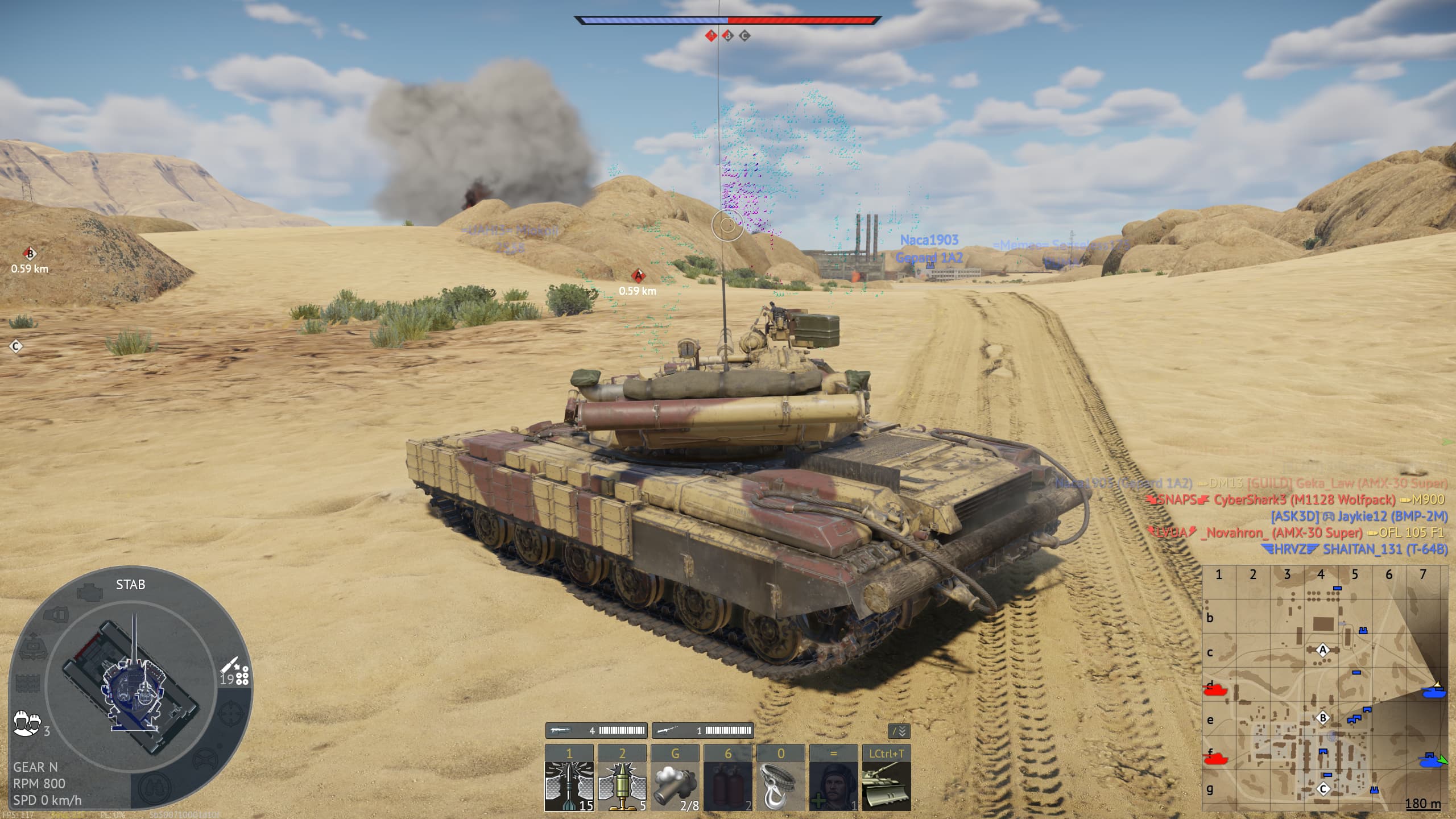
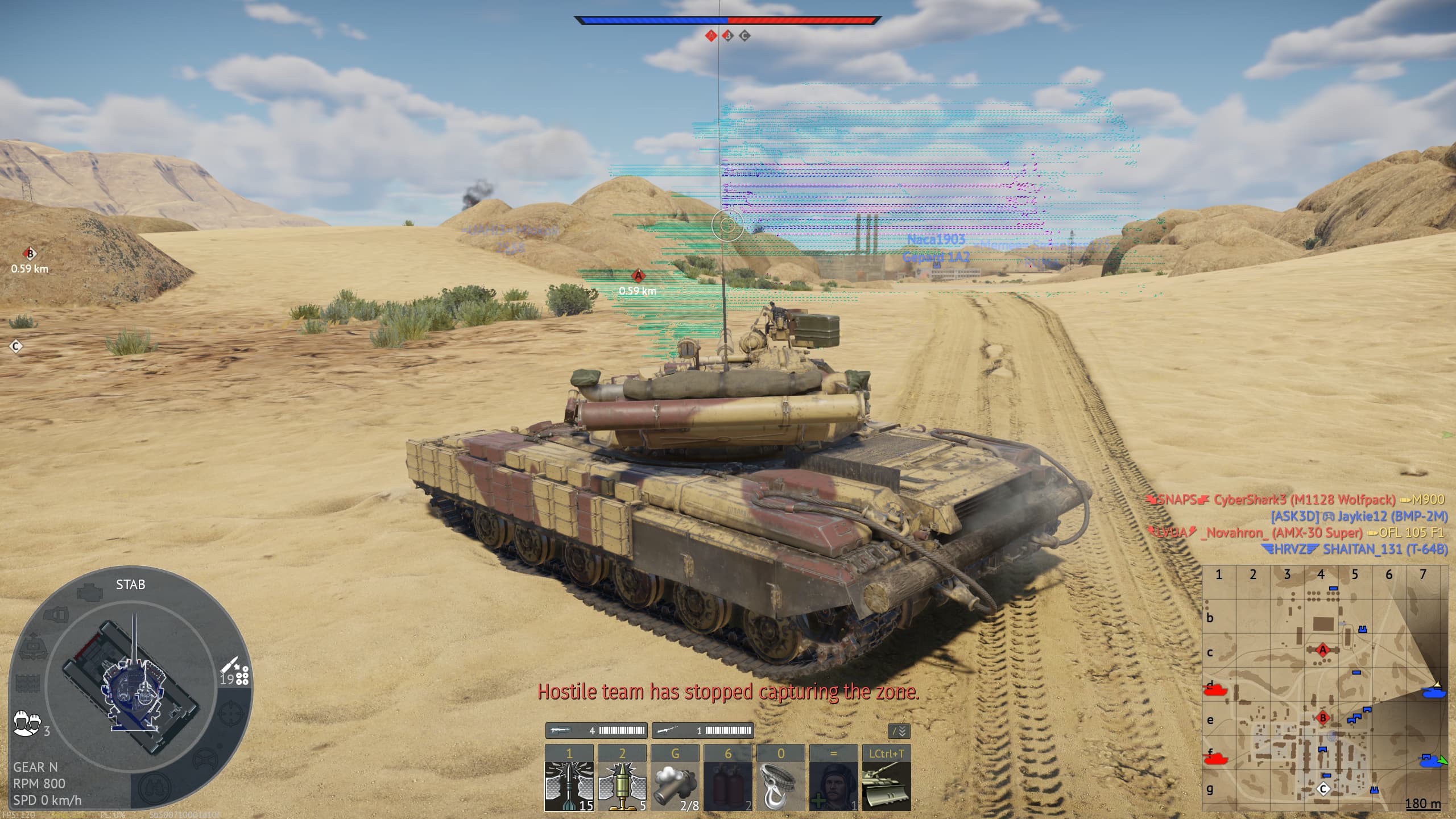
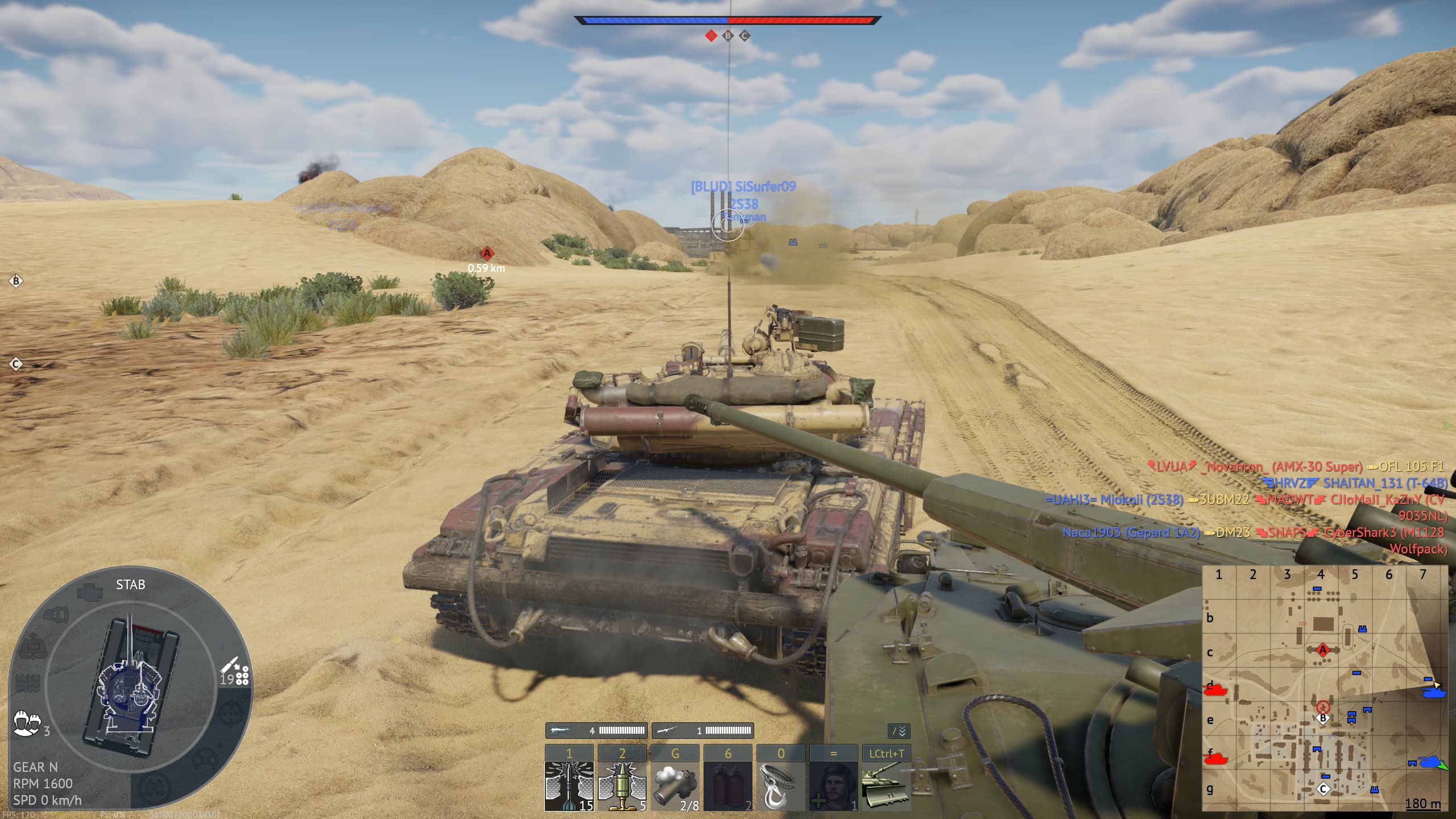
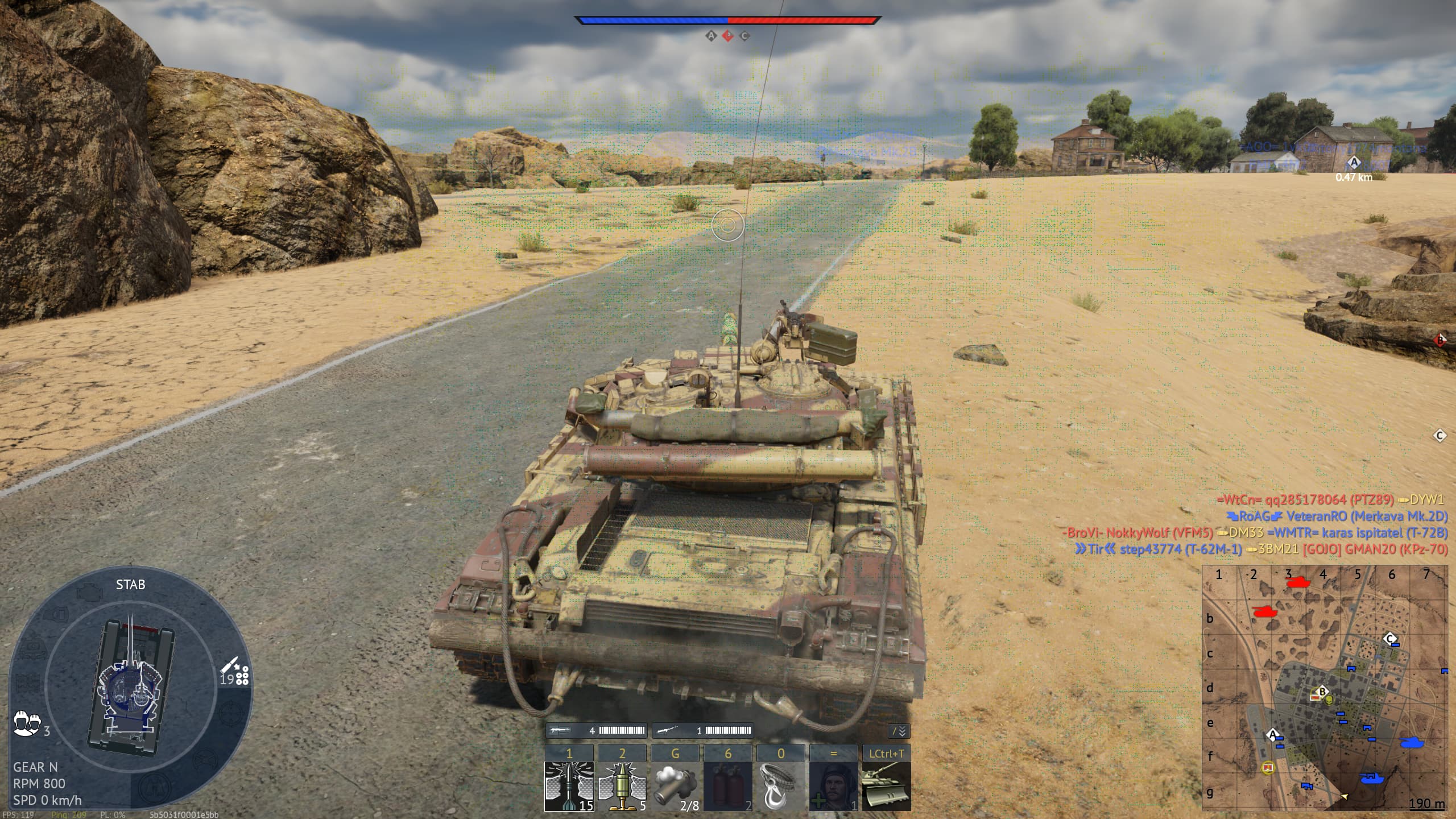
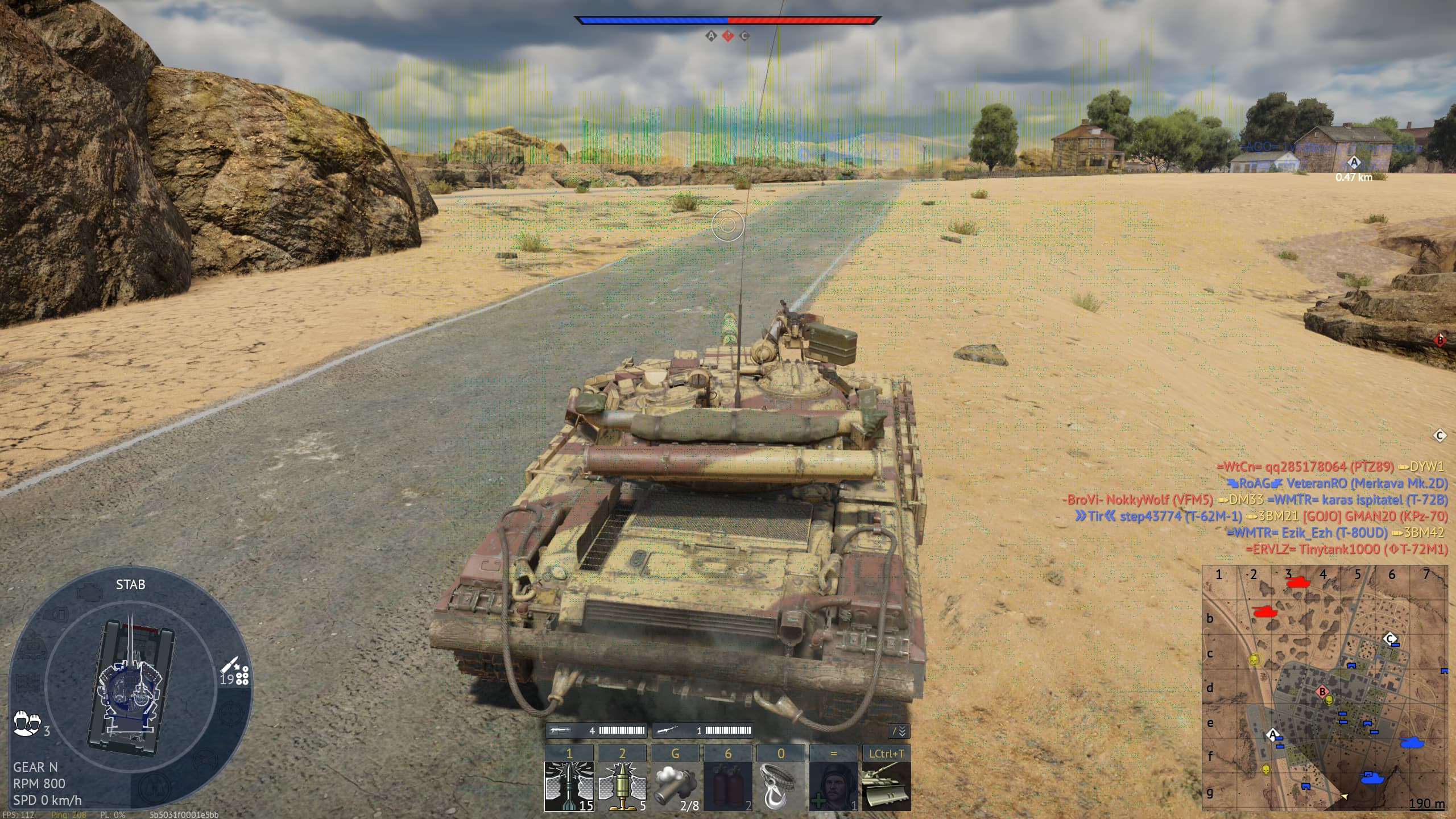
Dotted lines in various colors keep appearing on the screen at the beginning of every match, disappearing only after the scope is opened once. Additionally, the frame rate drops from 120 to around 110 or 105 within the first couple of minutes of gameplay. I have adjusted all settings, but the issue persists. My GPU was capable of achieving over 140 FPS in QHD before the recent update, but after about 15 minutes, the game becomes unplayable due to constant fluctuations in FPS and stuttering. I would appreciate assistance with this issue.
Product Name: B650M GAMING WIFI
OS: Microsoft Windows 11 Pro 64-bit Ver.2009 (OS build 26200.7171)
BIOS Version: 1.70
BIOS Release Date: 08/01/2024
CPU: AMD Ryzen 5 7600X 6-Core Processor
Memory: 16 GB @
- 16 GB DDR5-4800, G Skill Intl F5-5200J4040A16G
Graphics: Intel(R) Arc™ A750 Graphics
Drive: SSD, CT1000P3PSSD8, 931.51 GB
Network: Realtek Gaming 2.5GbE Family Controller
Network: RZ616 Wi-Fi 6E 160MHz
Power Plan: GUID: 381b4222-f694-41f0-9685-ff5bb260df2e (Balanced)
1 Like
Your the first person i see using an intel gpu, and also not an b series one, hell yeah.
In your case could also mean the gpu drivers since , well, intel gpus are quite new but still shouldn’t have the stuttering on a game that used to run perfecly smooth less than a year ago…
Hey, the Intel Arc series has received all necessary updates and is stable. I’ve also tested several earlier driver versions. My GPU is only 9 months old, and so far, games have been running smoothly at over 140 FPS. As I said, there seems to be another issue at play.
I submitted a bug report and the reply was:
According to your DxDiag file, you have two videocards. Please make sure that your system uses the dedicated videocard.
Please follow these steps:
- Launch the NVIDIA Control panel by right clicking the desktop and selecting NVIDIA Control Panel
Select Manage 3D Settings from top left pane. - Go to the Global Settings
- Find a drop-down menu saying “Preferred Graphics Processor”, click that and choose “High-performance NVIDIA processor” instead of “Integrated graphics”.
I mean come on… I have a 9800X3D. Yes, it has an integrated GPU. No, War Thunder is not using that GPU. Like what about the HWiNFO logs I submitted? Nothing.
My response:
My computer does indeed have an integrated GPU on my 9800X3D. If it were using that GPU, it would not be running RT enabled 4k at 120+ fps, which is why I know it’s running on my RTX 5080. And the fact that in my HWiNFO logs it shows that exact same utilization.
For reference in the HWiNFO logs, specifically HWiNFO_LOG_8516921.CSV please reference the below.
Please refer to lines JH through KF for my integrated GPU which is not being used for War Thunder.
Please refer to lines KG through MF for my RTX 5080 for the GPU which IS being used.
Please also consider looking at lines 39, 61, and 77 which exhibit the bug behavior I’m having. If you notice in LJ 39, 61 and 77 as well as LK 39, 61 and 77 my GPU Core Load % and GPU Memory Controller Load % plummet to almost zero.
4 Likes