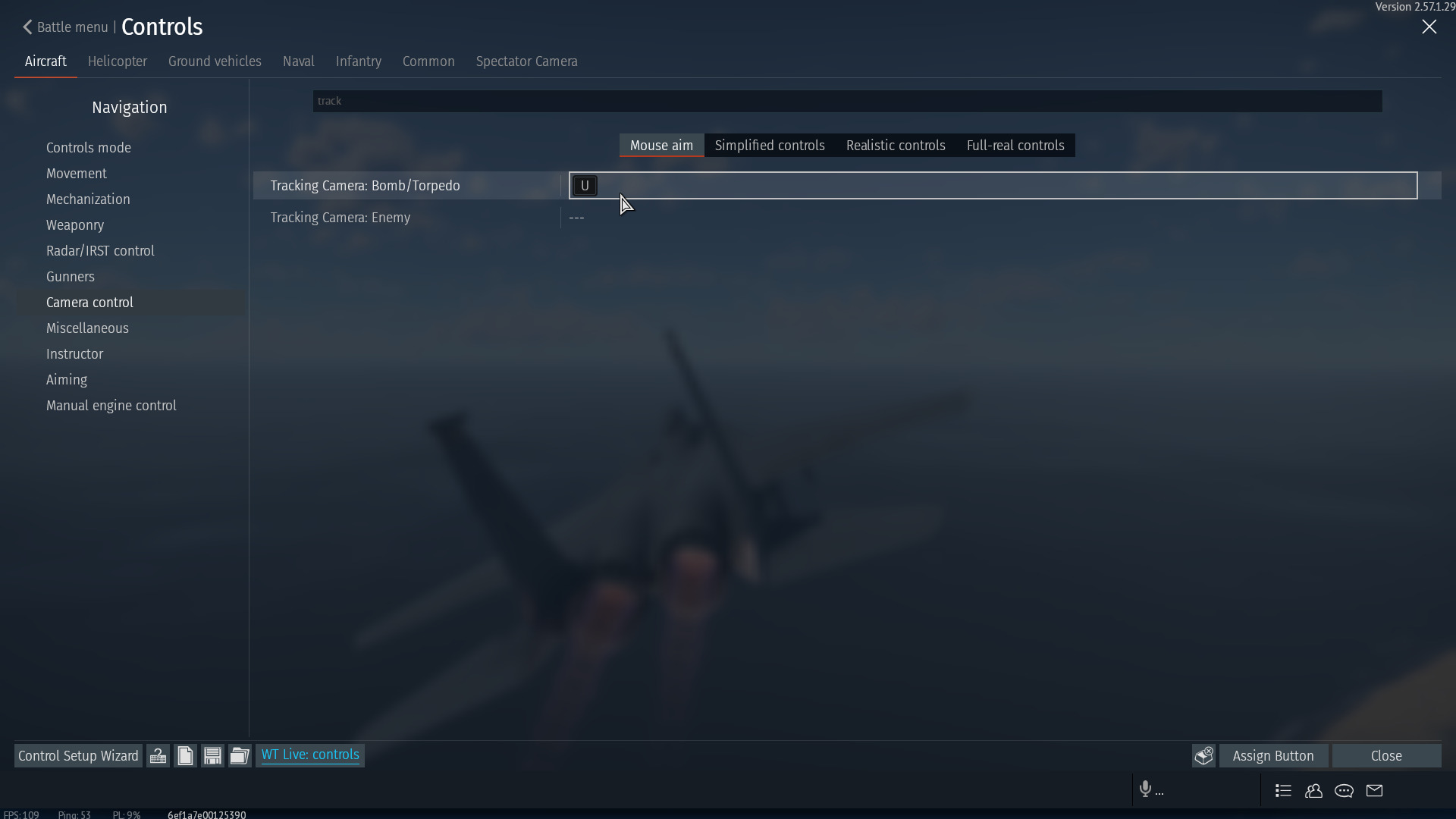
Whenever I hold spacebar for CCRP bombing, I am forced to follow the rest of the already dropped ordnance. Obviously this is annoying, and I cannot find any setting to disable it (unlike Naval, which has a setting…).
Don’t tell me to use bomb series instead. I’m not interested.
Hmm… Im certain there is a way to disable, but a work around is to swtich method of dropping the bomb.
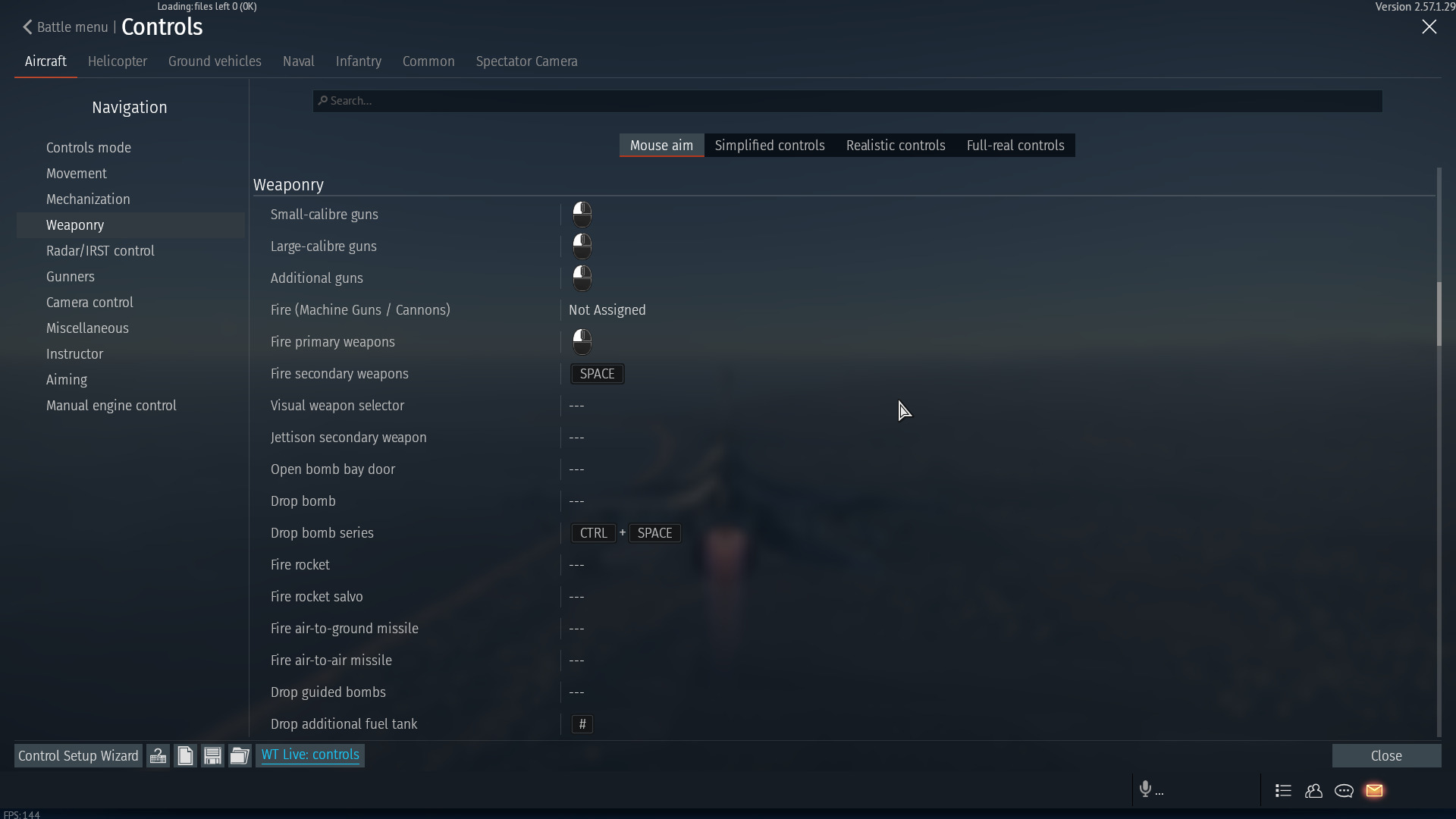
Instead of using “drop bomb”
You can instead use the weapon selector
“Switch Secondary weapons” will cycle through your available bombs
“Fire Secondary weapons” will fire your desired weapon.
“Secondary weapon ripple quantity” can be used to select the amount of bombs you want to drop (like bomb series, but can be changed in flight)
and the setting fully works with CCRP. and it doesnt track the weapon when you press and hold “fire secondary weapons”
It’s still open, it’s just ignored. I just updated the client version in the report along with updating some of the required data with new versions, but I’m not sure if that will help.
That said I have had an issue marked as fixed (and it actually was) with no prior acknowledgement of it.