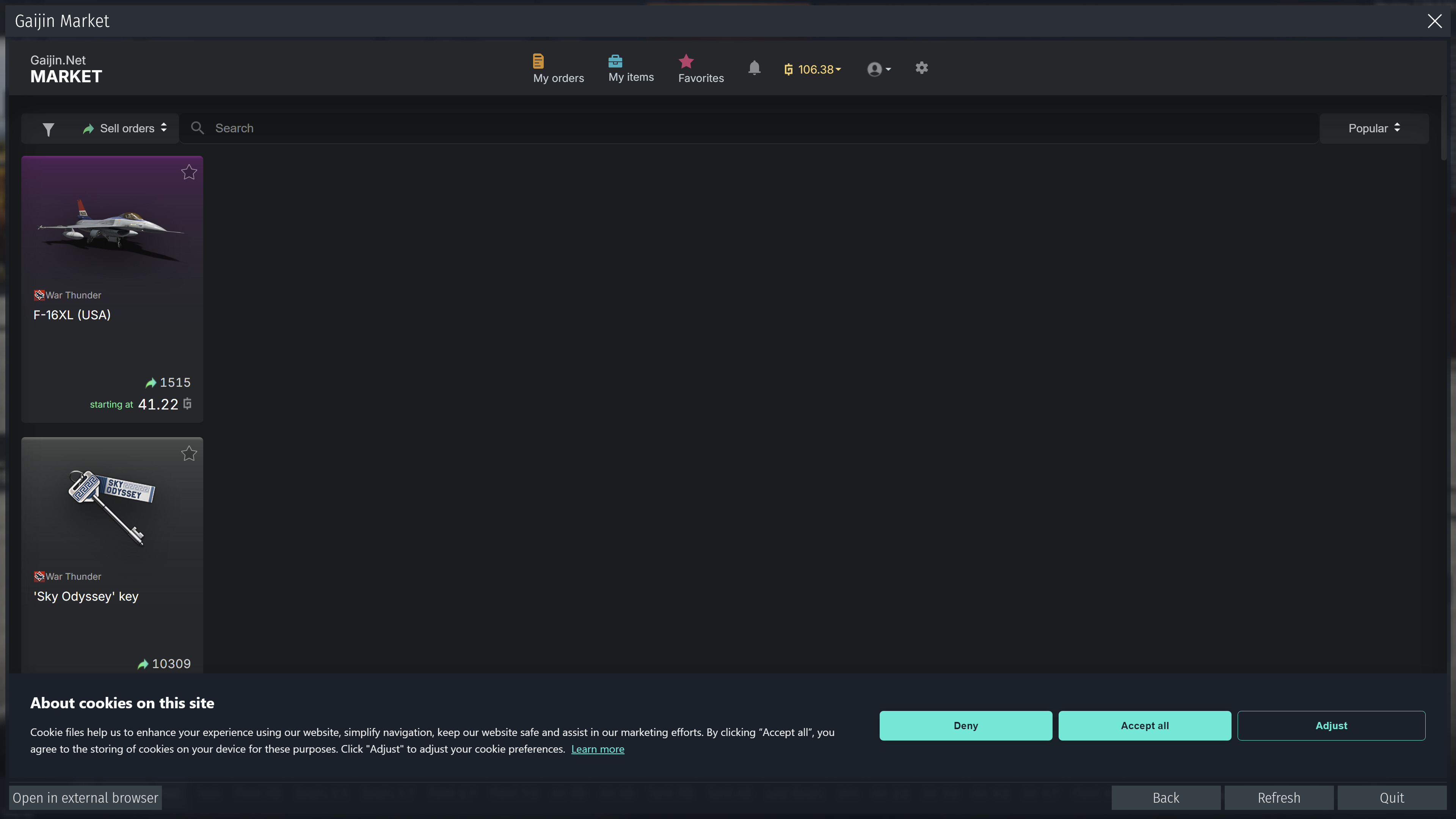
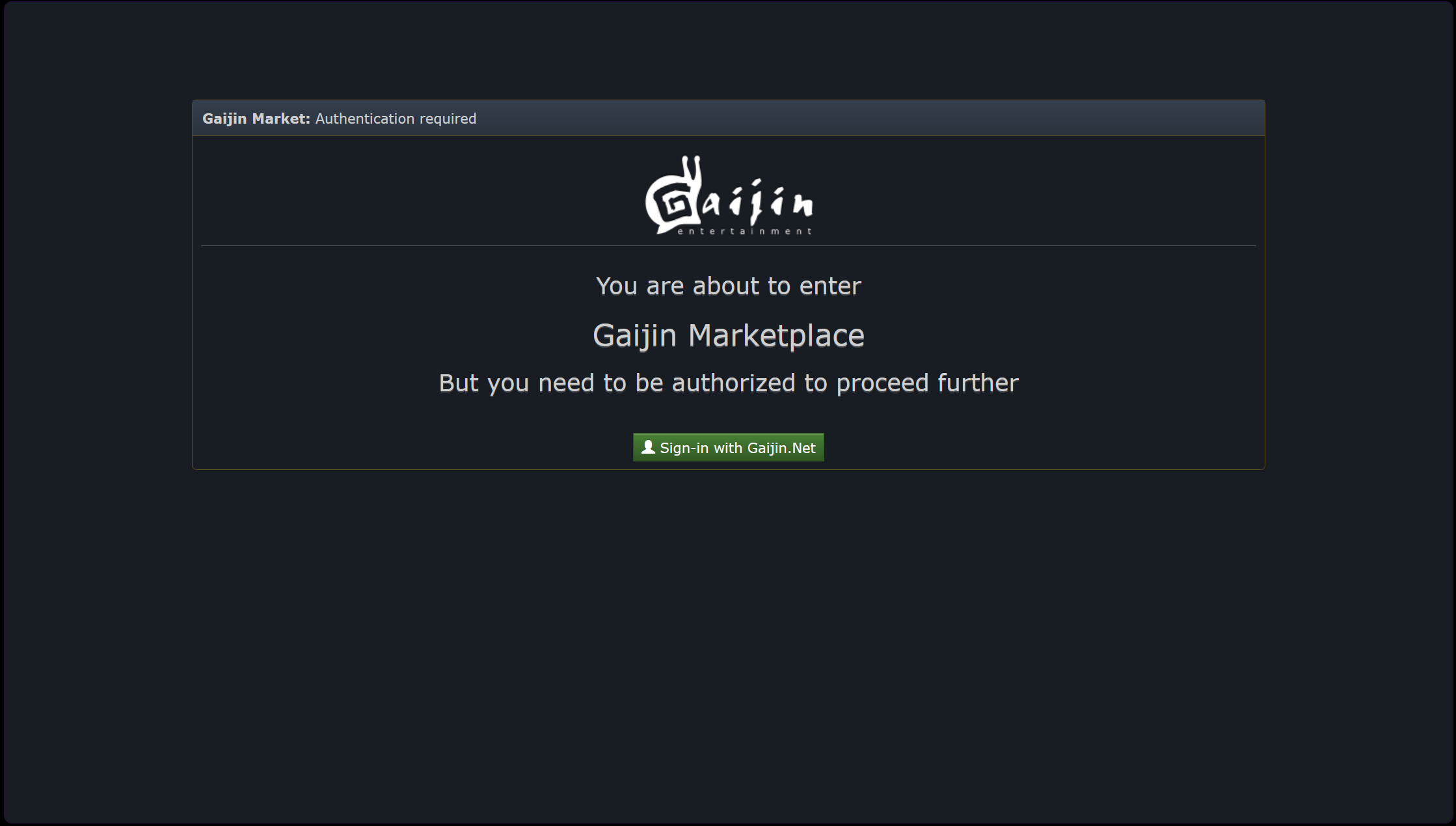
Gaijin how go you manage to break one of the websites best pages, both aesthetically and functionally?
This is up there with just cancelling the old wiki without telling anyone and deleting the legacy forum
Gaijin how go you manage to break one of the websites best pages, both aesthetically and functionally?
This is up there with just cancelling the old wiki without telling anyone and deleting the legacy forum
For anyone still having issues try “CTRL+F5” , it reloads the page without using cashed files.
I logged into the Marketplace just now and it went straight to the
“Legacy” version(my beloved) with no issues and no “tricks” needed.
I am saying it has been fixed . .
Woo Woo!
I went there via a browser & bookmark.
I have not tried in via the game’s “browser”, but I rarely use that anyway.
I much prefer my own browser version, especially for looking around/
“shopping”.
This might be an error with the in-game browser, I’d say just use an external one for now.
I am using the external normally. Just pointing out, the thing still has various bugs.