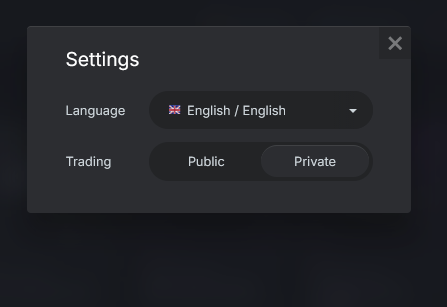
When I just wanted to access the market, I ran into the filter bug. So I switched to legacy-market-mode, which worked just a few days ago. Legacy mode now no longer works at all, white screen with the error: service not found.
The problem is, there is no way back to the working mode. Not in the browser nor in game. Nothing works.
Any idea how to get the market back on regular mode? This is infuriuating. There is a sale and the market is broken!
Seems that you are redirected to a nonexisting server. The setting is saved in your game account. Is there any accessible location for the switch to redirect you?
It happens in game and in my browser! And in another browser. Apparently, it is a setting in the account, not on the machine.
Try yourself, switch to legacy and tell me how you got back.
I have been having issues opening market in game (Gaijin launcher) but it’s seemingly fine if opened externally (brave browser), Just if you are pinging people that can help, maybe that could help isolate the problem… or maybe not, coding is Voodoo to me.
I couldn’t search for things I wanted, I saw the “legacy” option, clicked it and it bricked it completely, ever since it’s a new and different problem every time I open it.
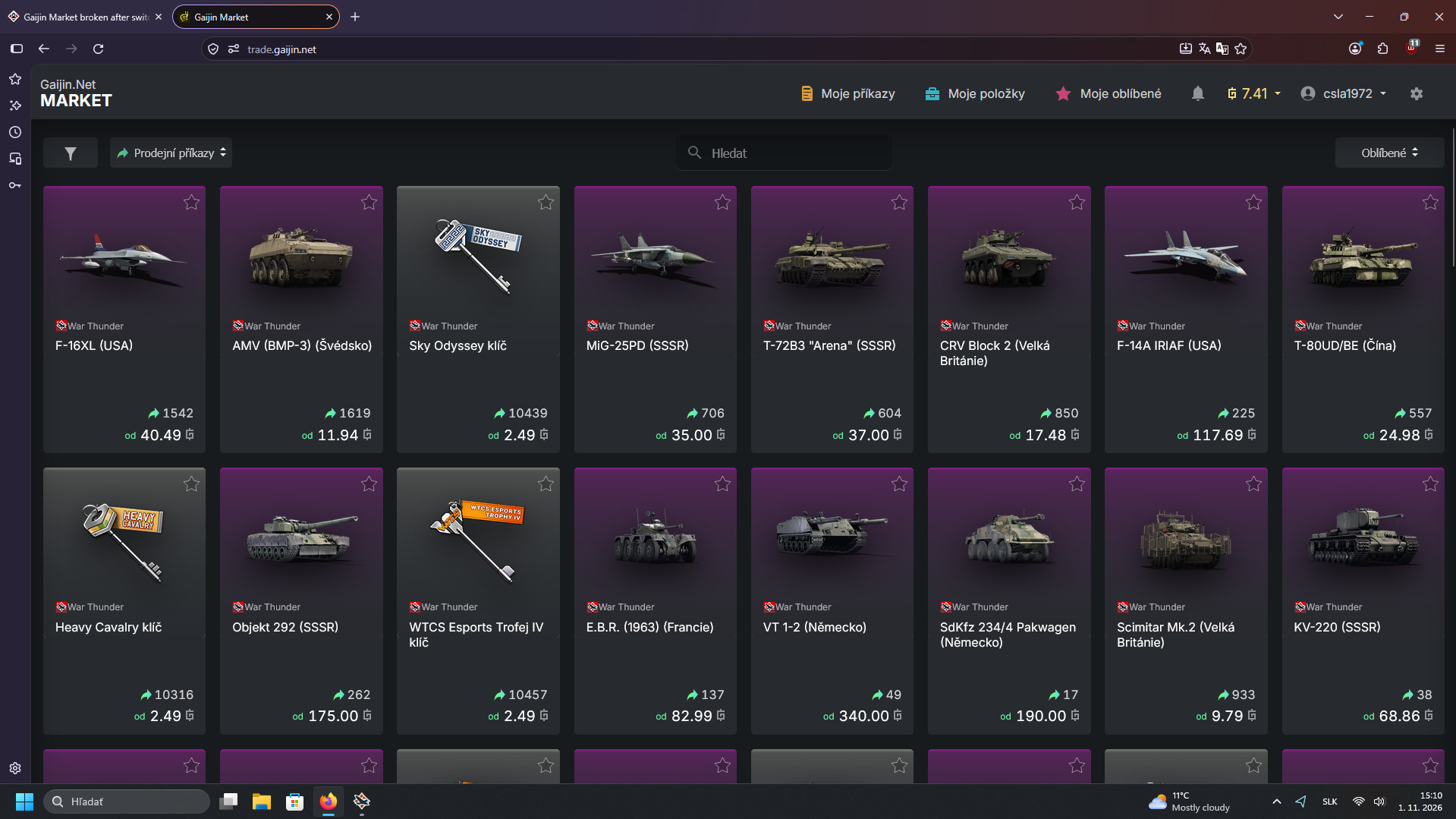
This is what I get currently:
Well it did load into the Marketplace(the new one, not the Legacy one)
and I didn’t change anything. It already had my setting at private, but there
is no longer an option to view the Maarketplace in the “Legacy” mode.
Have they just removed it or what? There has been no annoucement saying
this was going to happen.
But at least I can get in there now, before . . . nothing but the error page.
I merely am curious as I have a thread already going about this very topic.
Trying to get things sorted. I much prefer the “list” format of the Legacy
interface to this jumbo thumbnail new interface version and was trying
to find out if we no longer have that option anymore, that’s all . . .