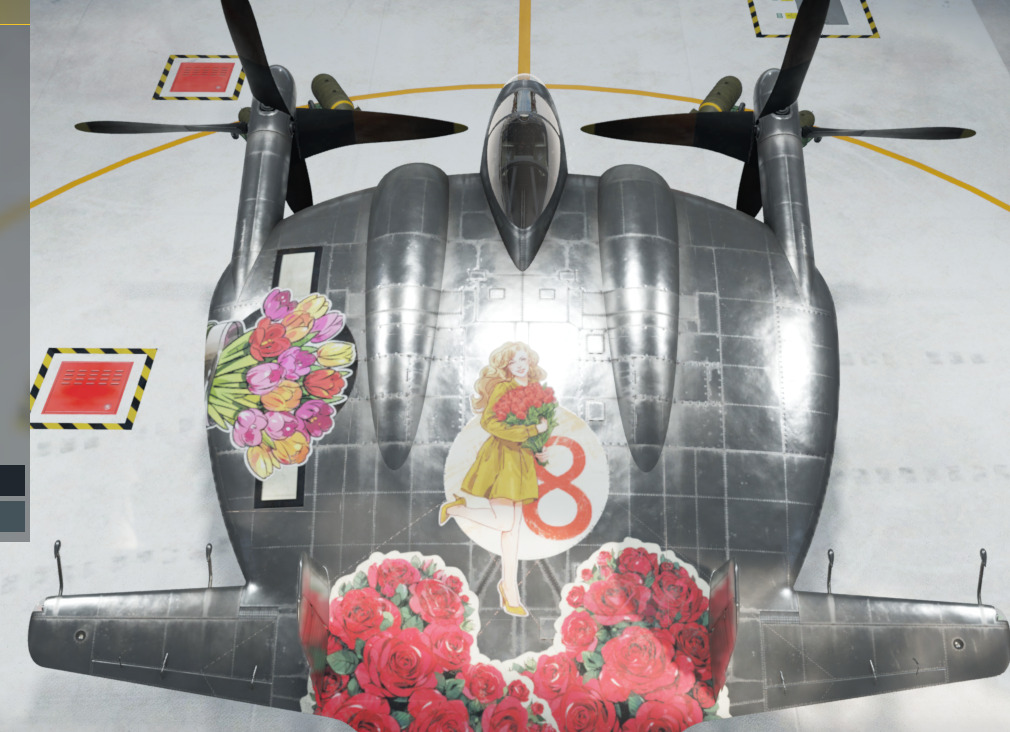
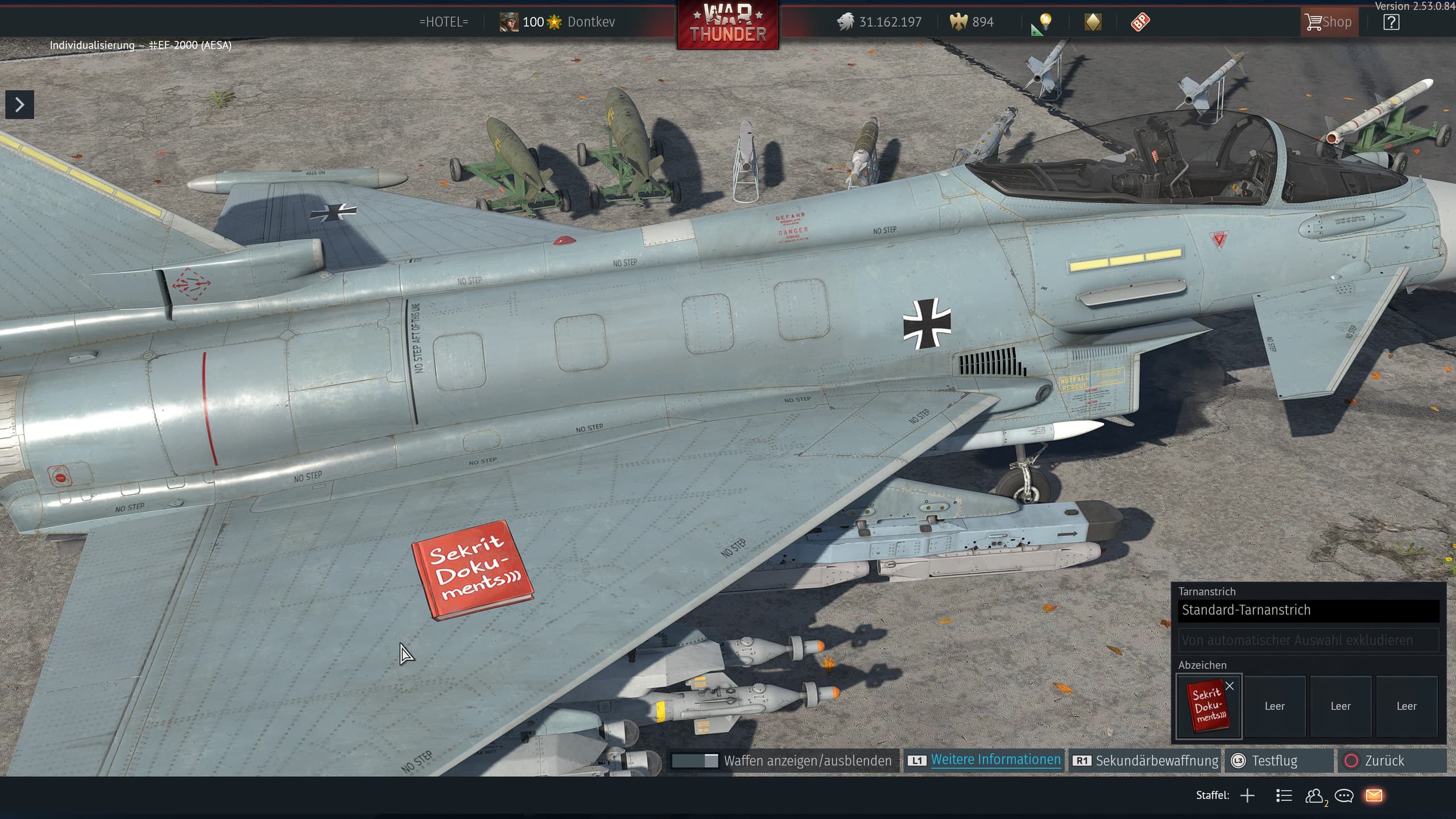
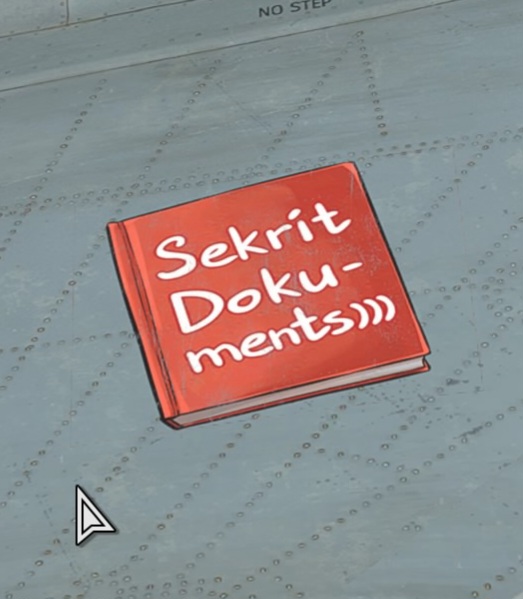
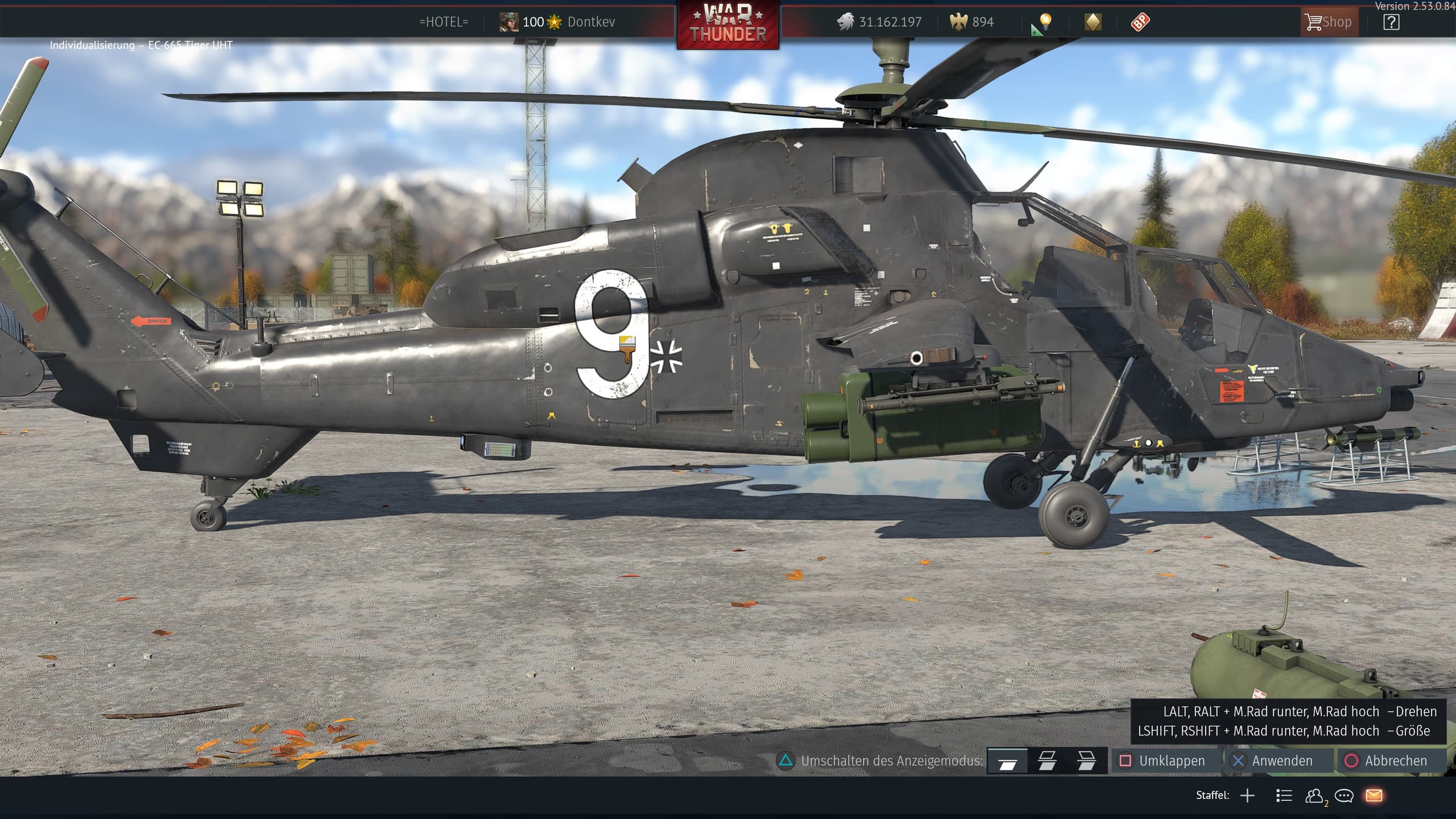
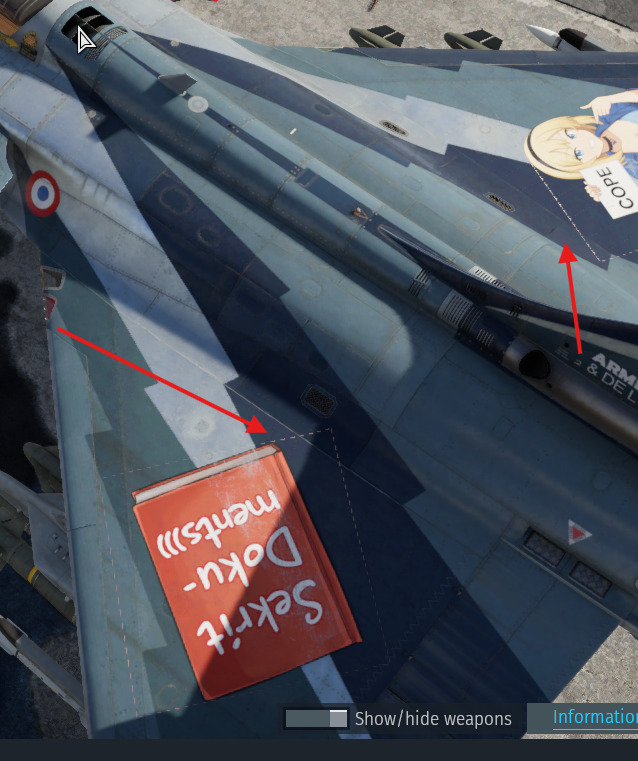
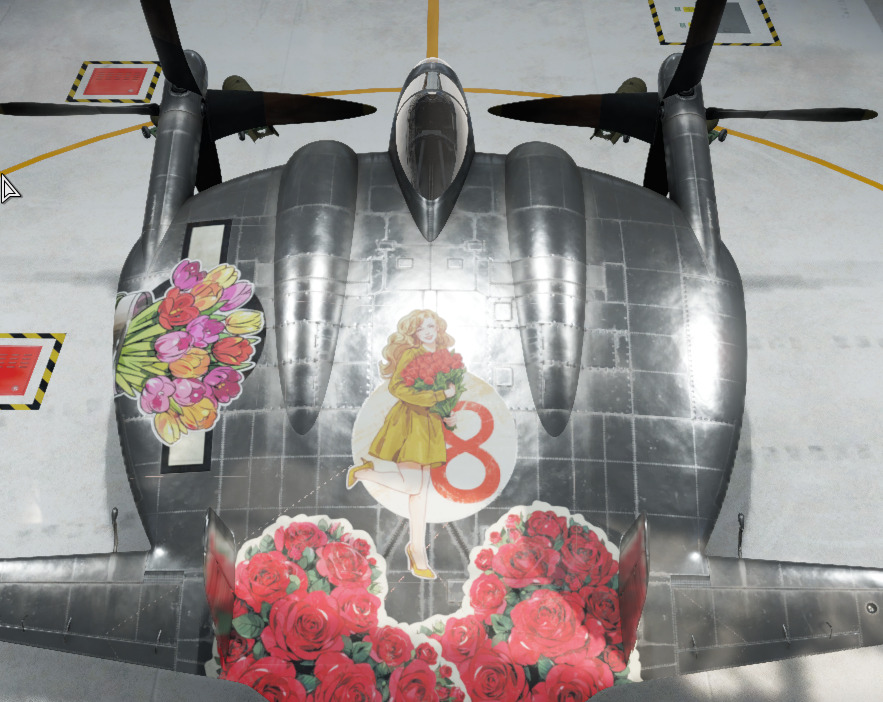
decals have weird lines idk what’s the cause of it.
i reinstalled war thunder and cleared my game cache am still see this weird bug
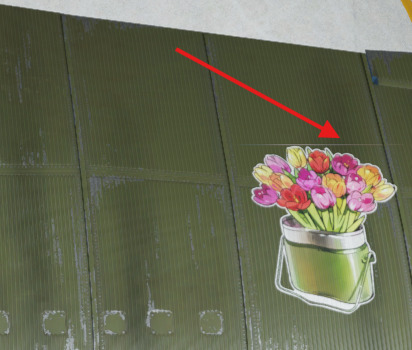
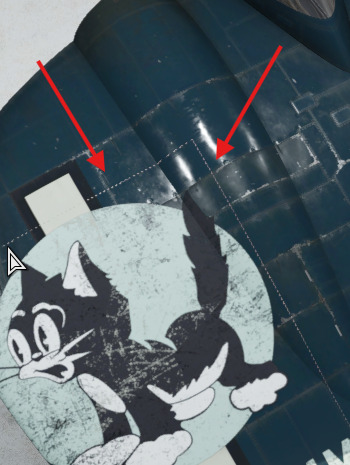
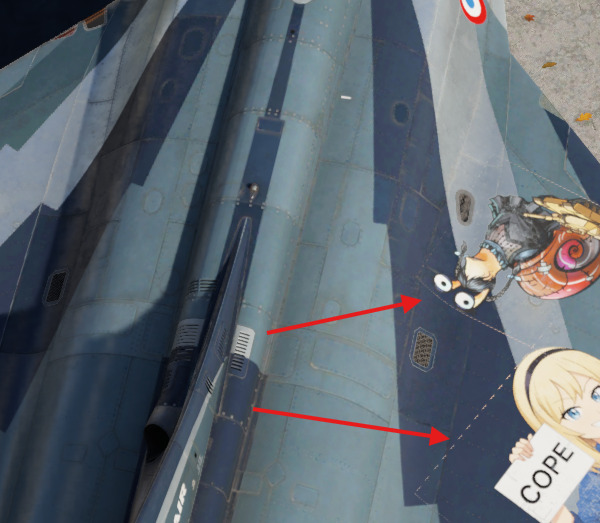
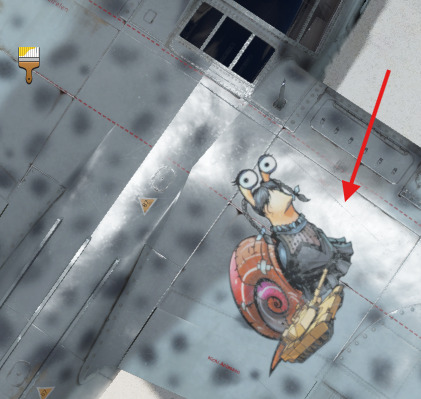
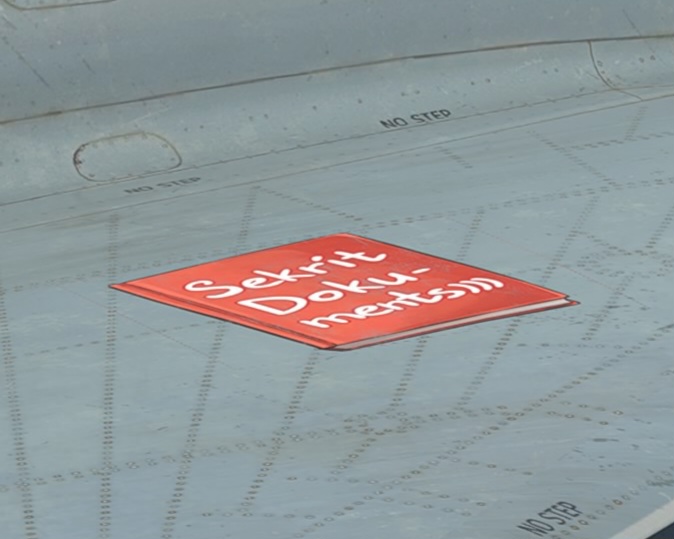
every plane have this weird effect on it idk why.
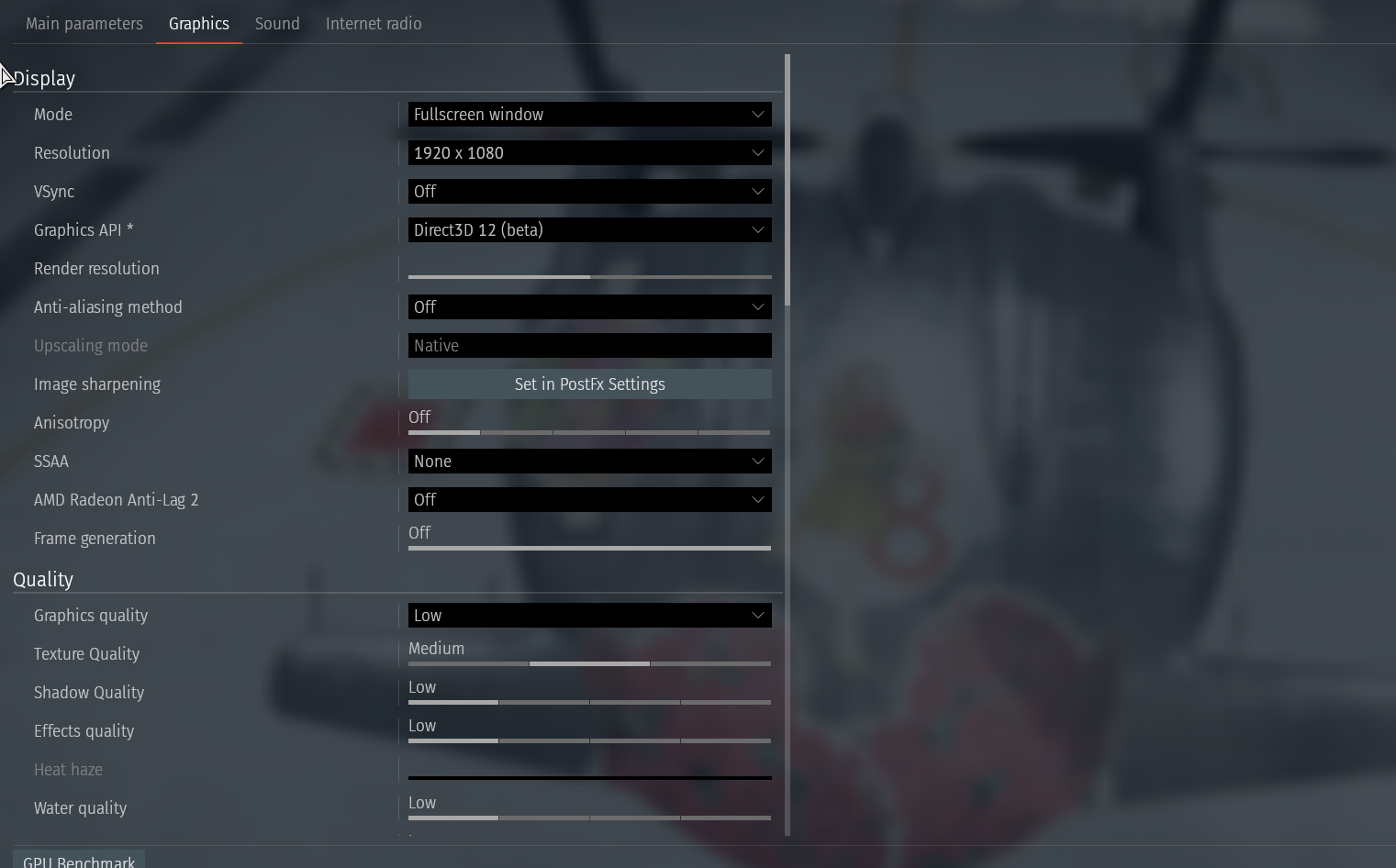
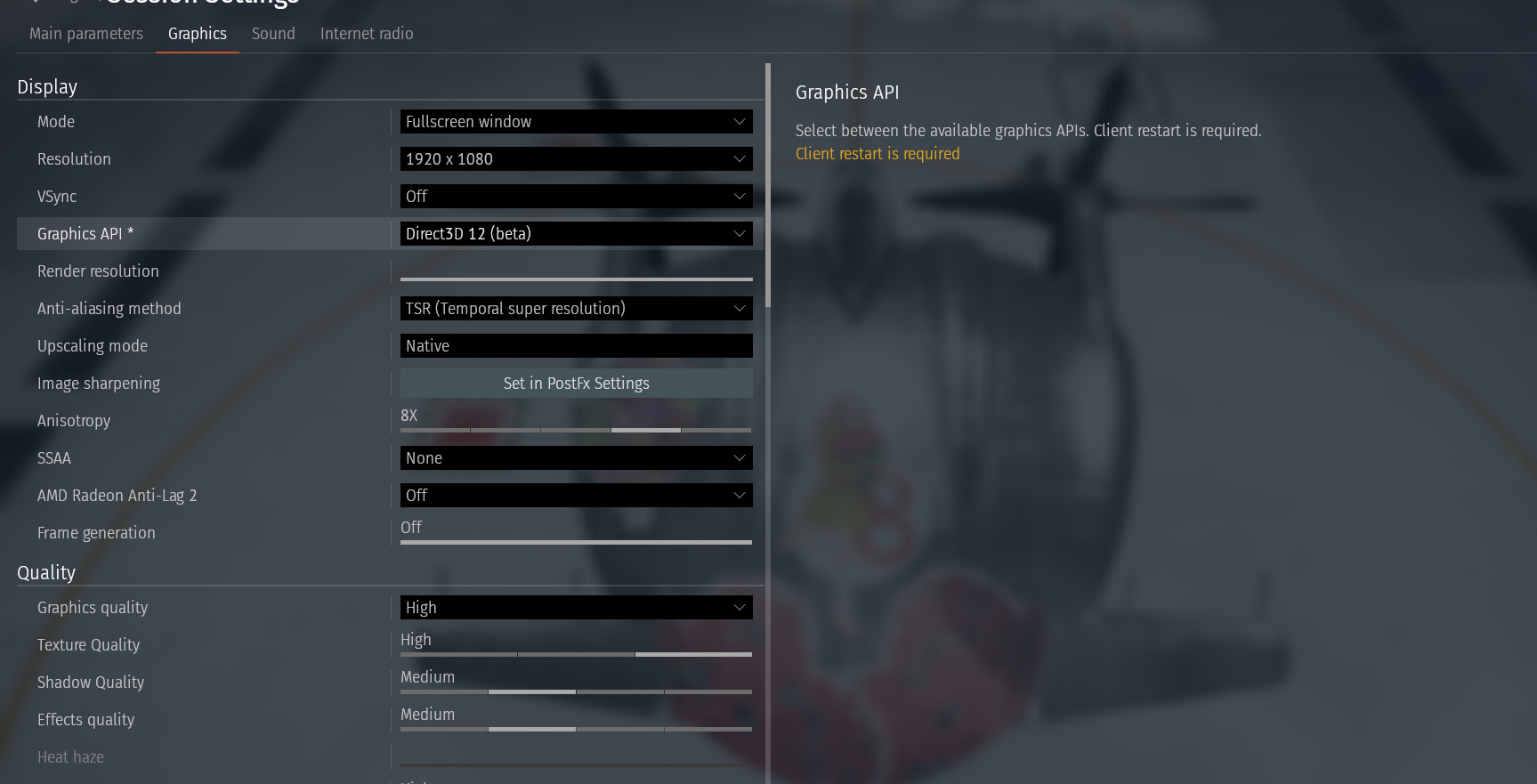
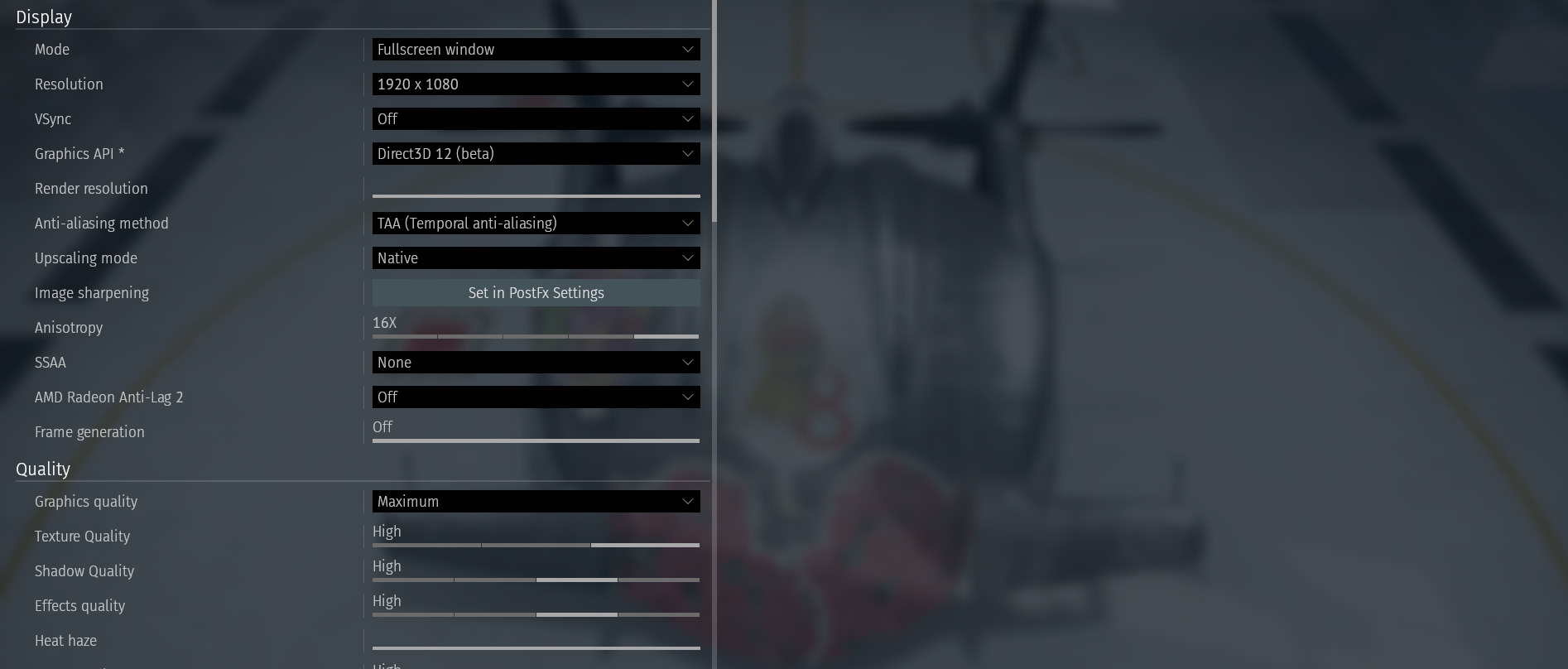
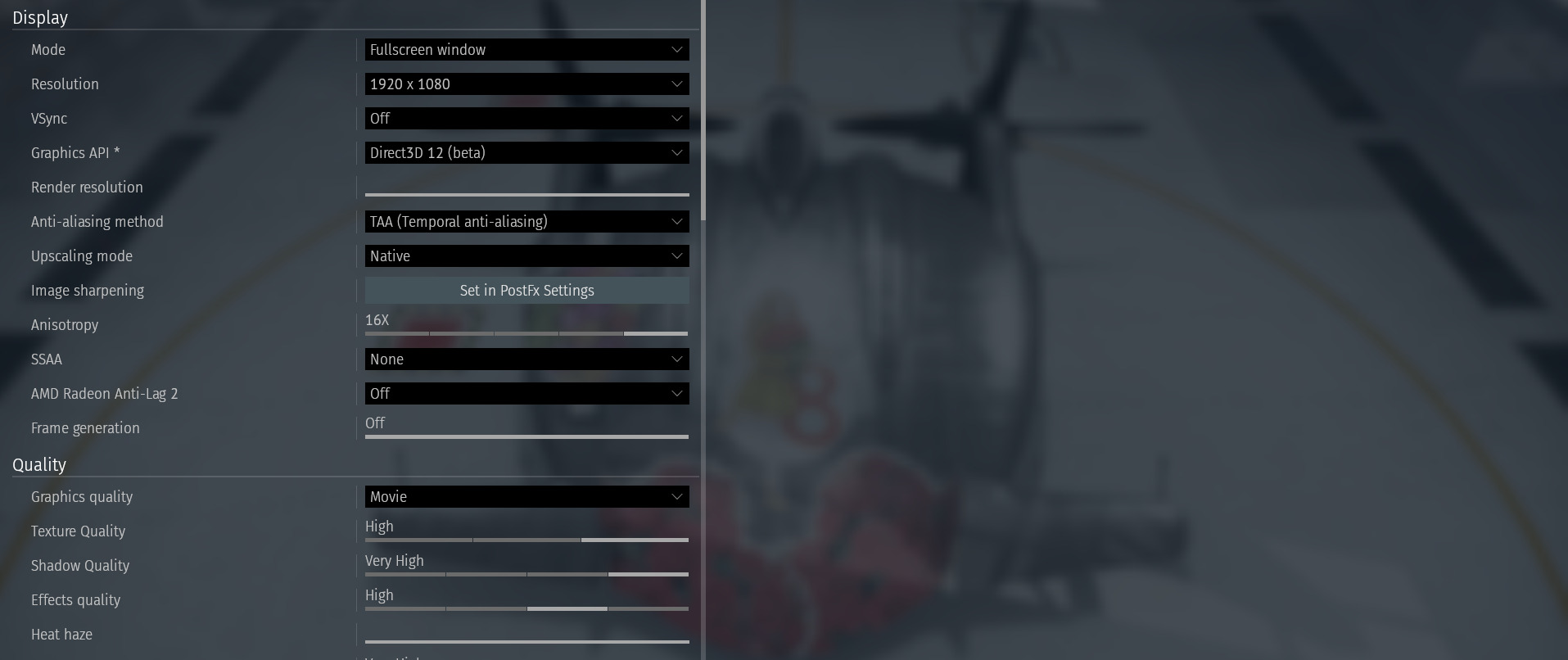
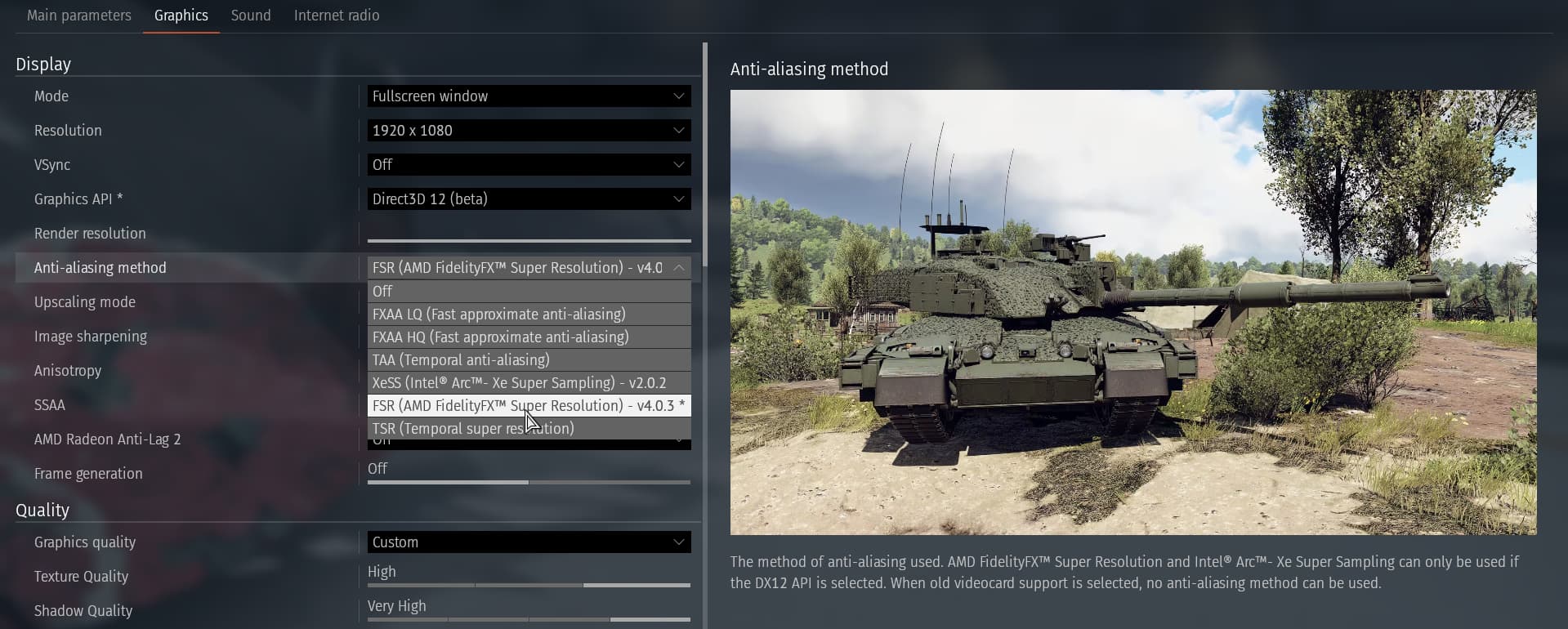
my game settings
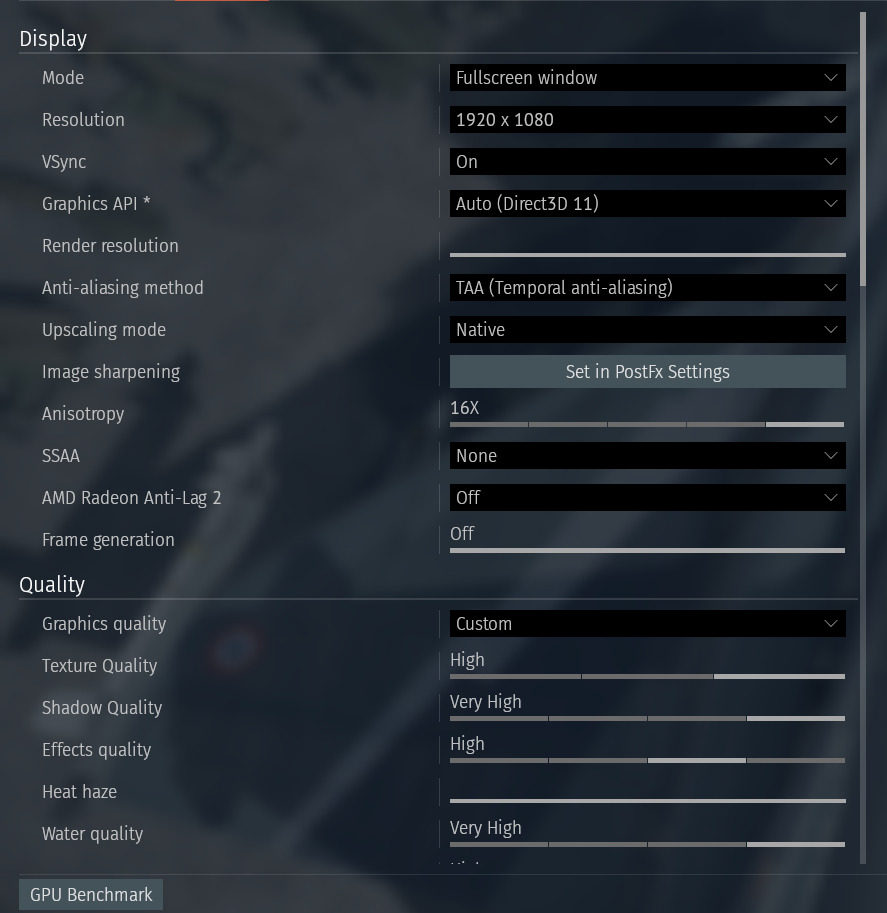
decals have weird lines idk what’s the cause of it.
i reinstalled war thunder and cleared my game cache am still see this weird bug
every plane have this weird effect on it idk why.
my game settings
Must be one of your settings, As i tried with a similar decal and cannot see it. I’ll link my settings for you too.


I get it on very LQ settings.
I’ve also gotten this issue in the past, though I can’t say as to what caused it unfortunately.
Hmm, odd. Not sure then tbh.
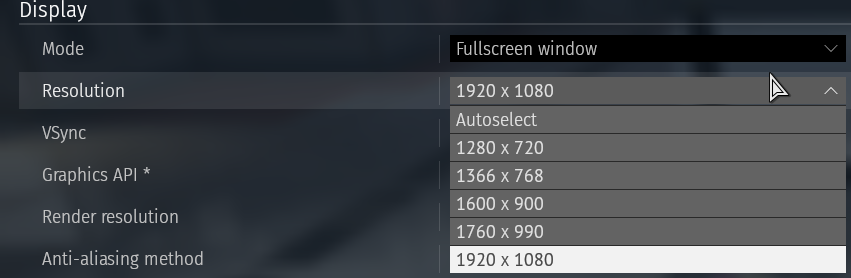
i don’t have the 2560 option and the other
that’s what i see
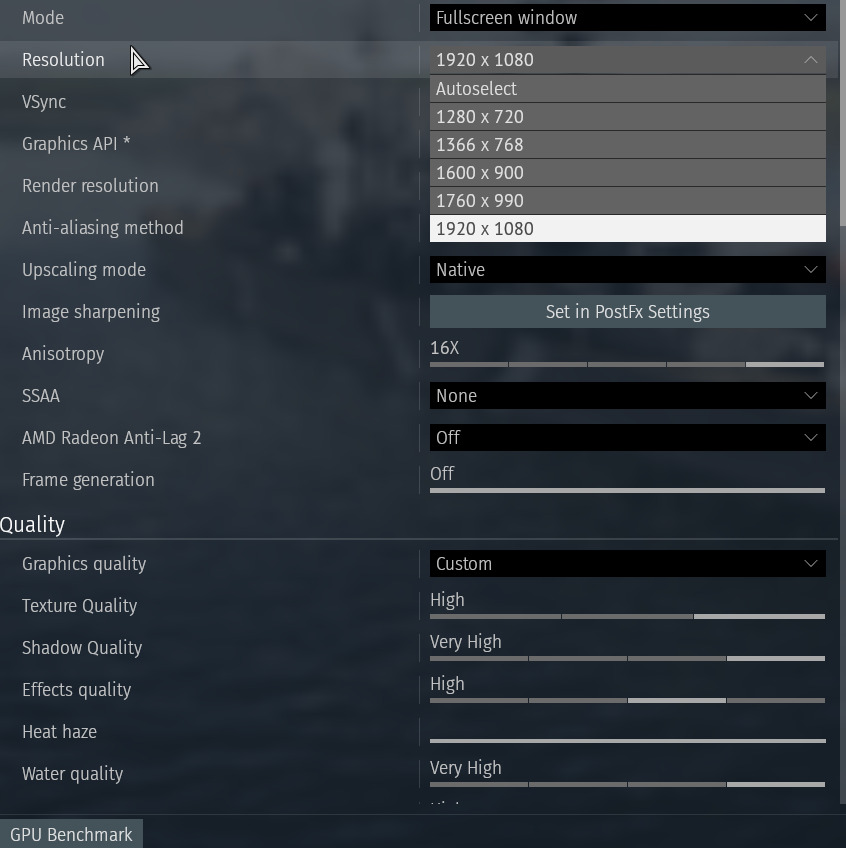
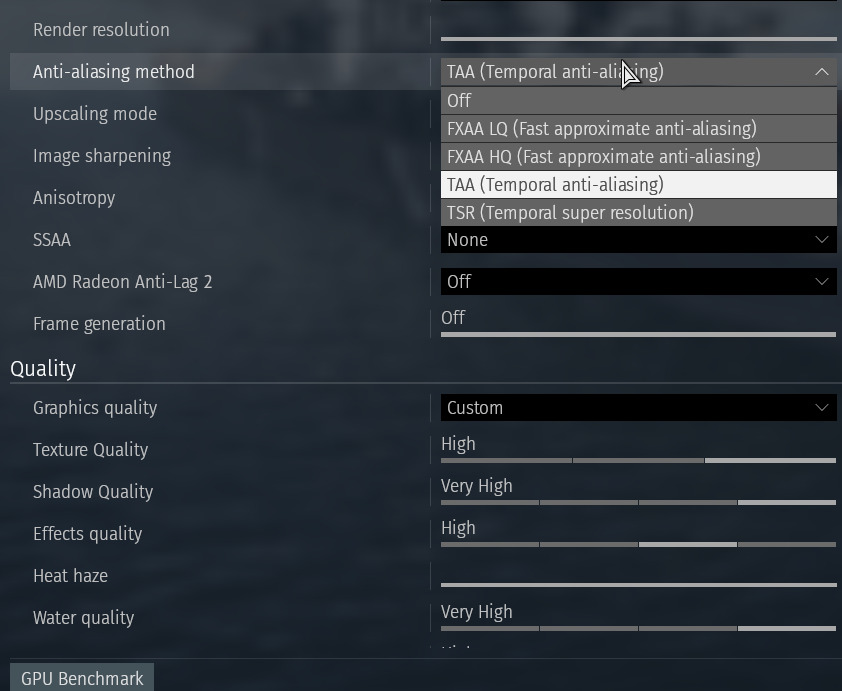
i tested other option still same :(
Side note am dump with pc stuff i apologize my knowledge is so bad with pc stuff
is it because i use steam?
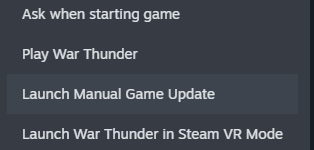
i use this option in steam it’s 77gb but this option it’s 66 gb

Launcher should not matter, It would either be resolution or low detail mode what would show weird effects.
The only thing about this i could find was this post 10 months ago. here
There’s no fix to it in the post, and another user also had the issue. I would say try posting on reddit too. I could not replicate the issue so i got nothing for you unfortunatly.
i don’t have that game
is my pc broken ? my dad got me this pc new months ago i used to own a laptop but i never had this issue with decals !
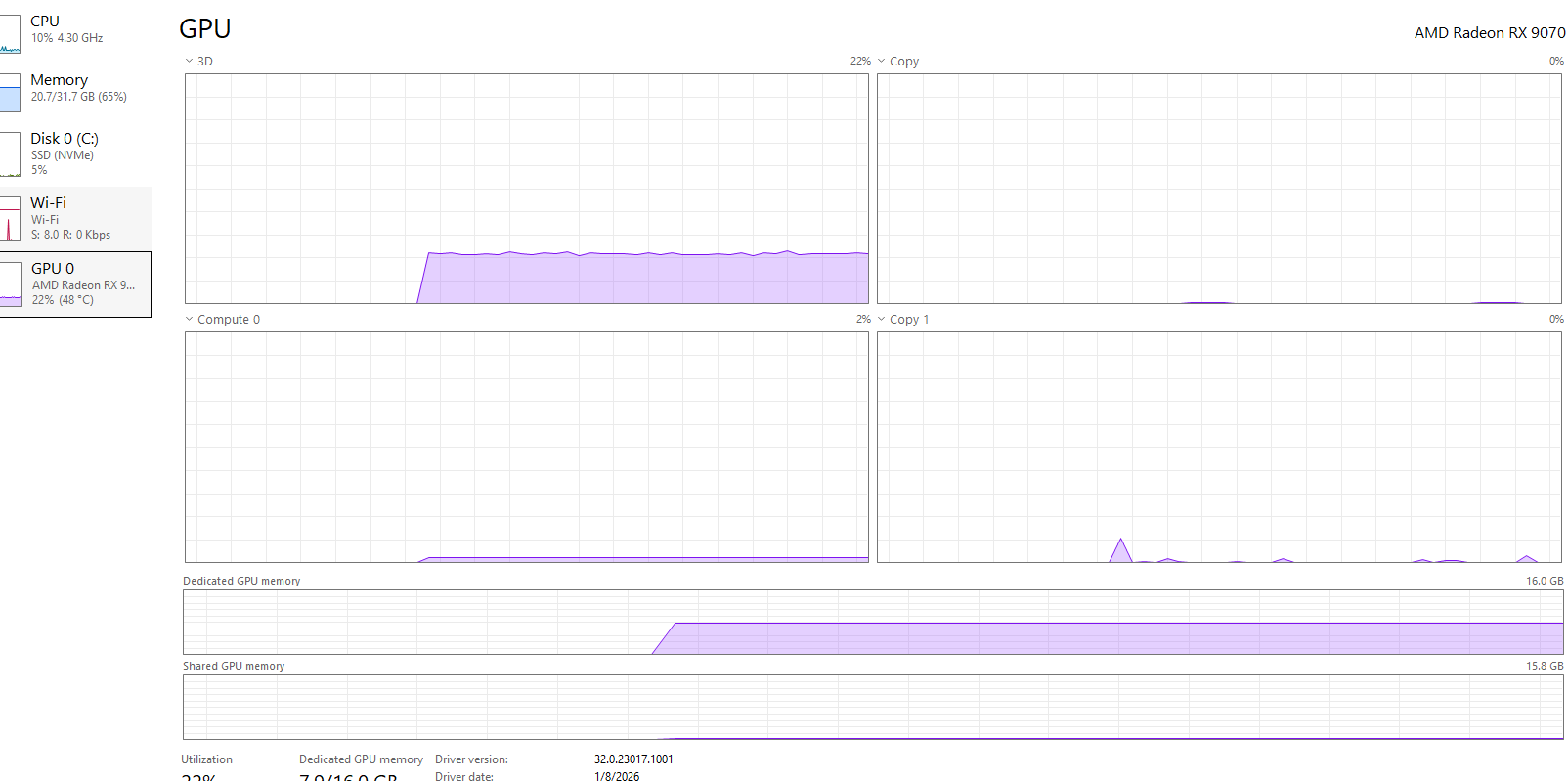
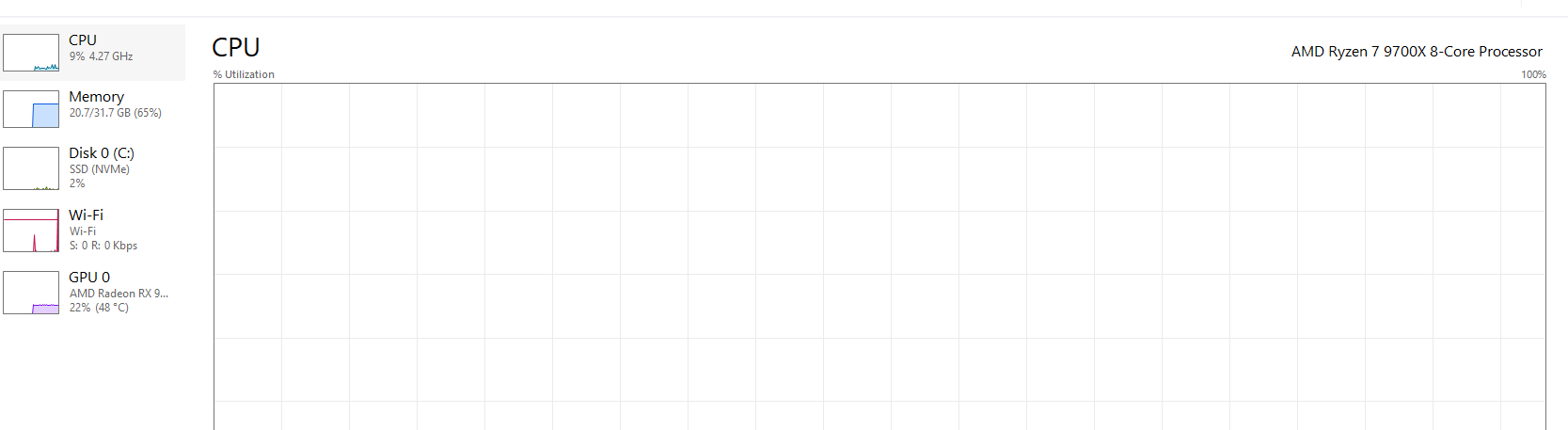
that pc info i have no idea if they could or bad maybe the don’t work with war thunder older parts?
i also changed to DX 12 and still same issue
it’s not a game, It’s a forum so posting there you could get more answers then just here.
You’d see a lot more issues if this was the case, It will be a setting like a user pointed out here that they get it on low settings. Try messing around with the settings & anti - aliasing setting.
1-low setting
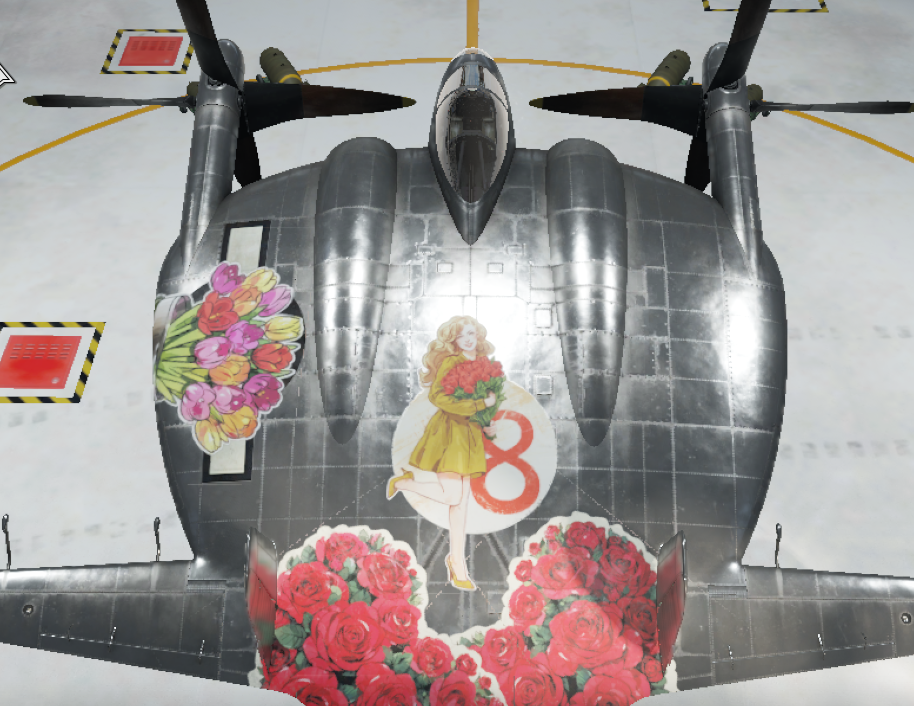
2-medium settings
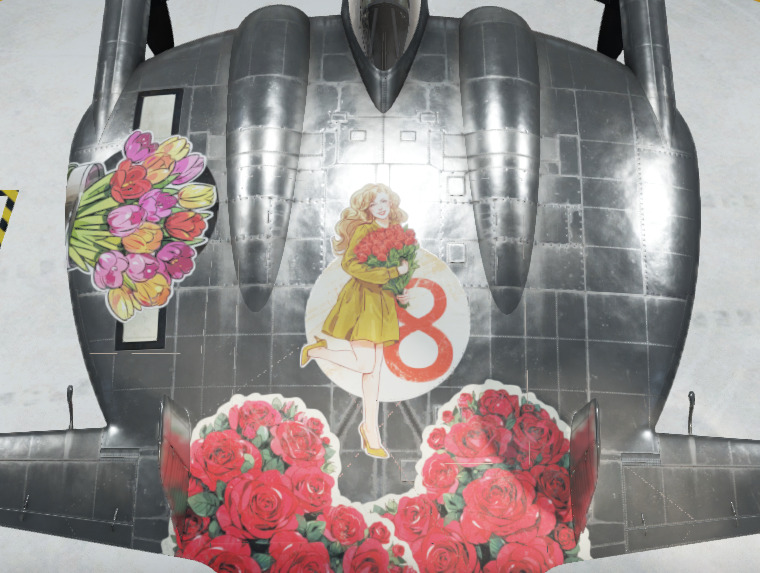
3- high settings
4-max settings
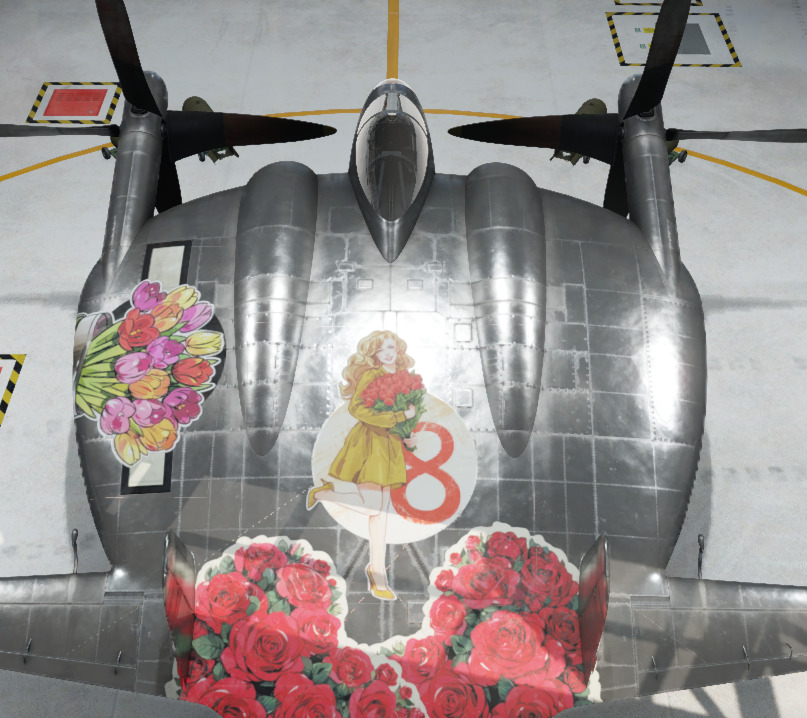
6-other settings
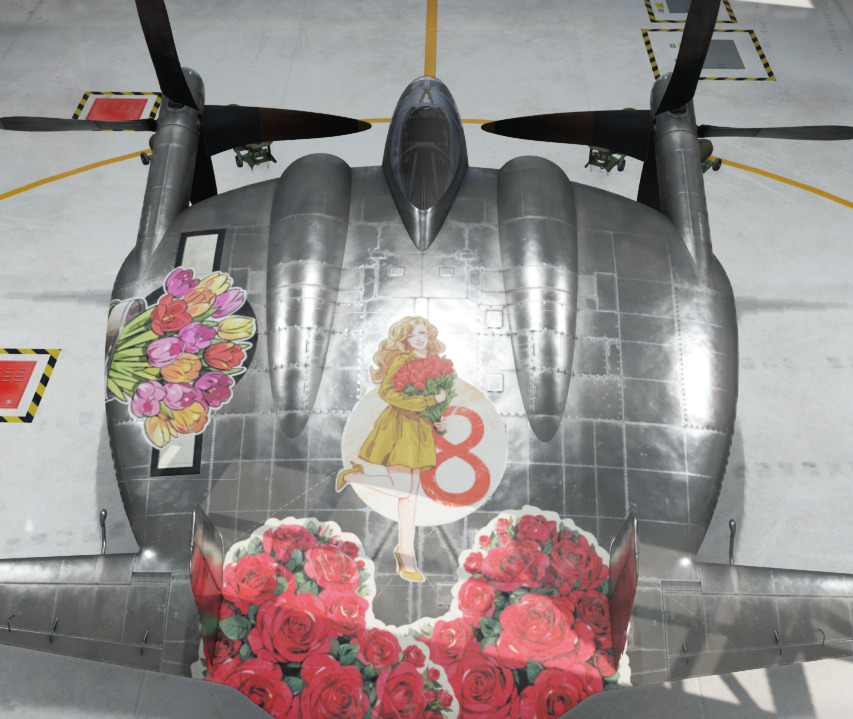
i did all of this nothing fixed it 😭
maybe pc parts are very old or don’t work with war thunder !?
i asked google they keep giving me different answers !
should i talk with windows support i saw some links that have tech support !
i apologize for long post
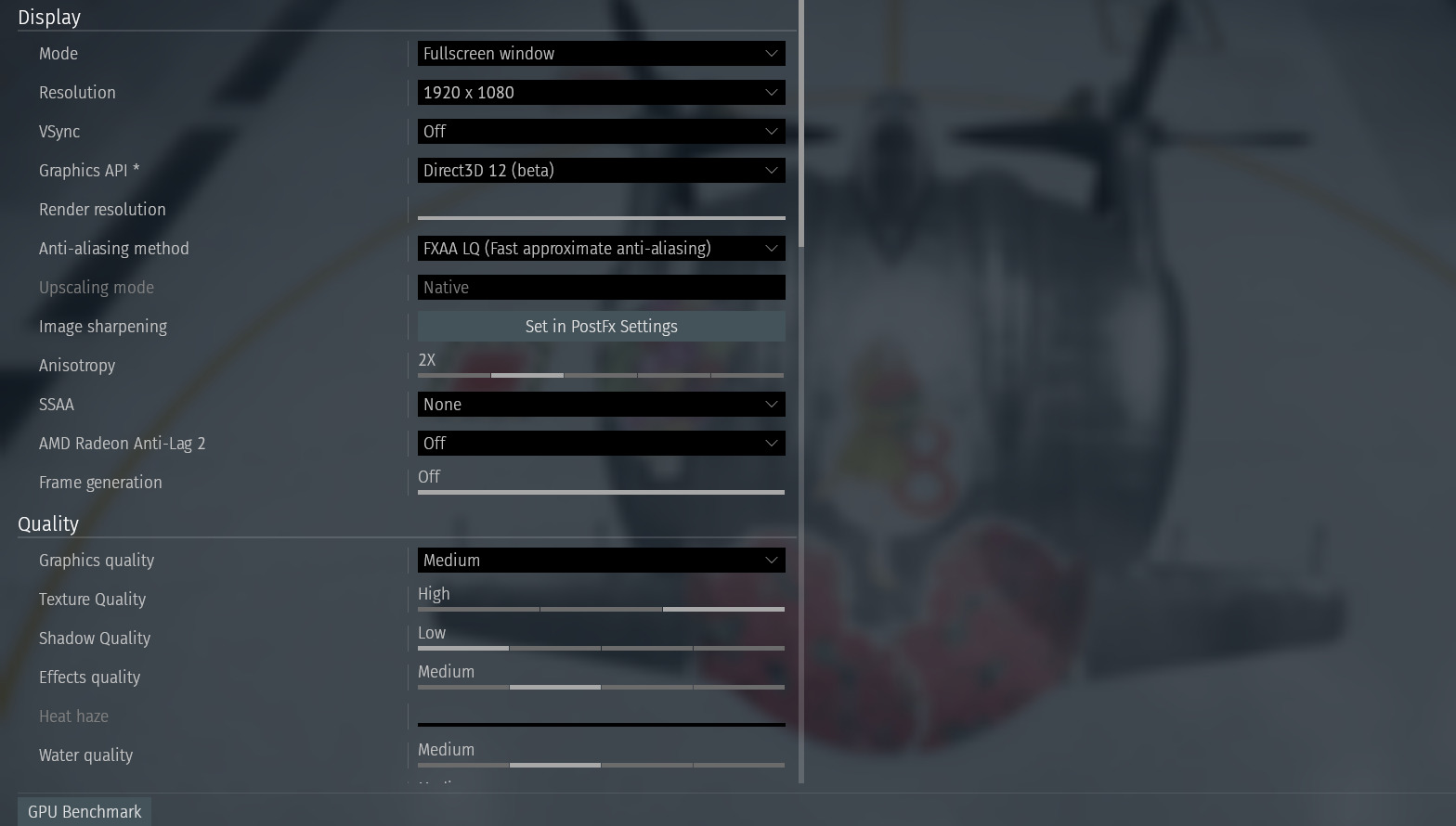
and my the screen settings
Windows support won’t be much help unless you have issues with your pc itself. As this is an in-game issue and not windows.
I found two reports on the bug report website which are similar to yours, But they are a little dated. One got replied to saying it was fixed in the next patch, So maybe it’s an amd issue since you’re using an amd card or it’s only affecting certain users which would be weird.
Post a report on Community Bug Reporting System so the team can look into it further.
i make bug report and say amd card maybe that help?
done : [new bug report ] Community Bug Reporting System
I tried it on PS5 with UHQ Packs installed, Result:I can see the lines too, so it seems its a Issue with AMD and not specially with Settings we can effect
Lets see if its also On Xbox
Result: Xbox Series S with UHQ Packs: No issue/No wierd Line, which makes it wierd as the Xbox also uses AMD
Interesting, thanks for posting your findings.
Is it just me or is it gone after the latest server update?
@Scärlett A bit of an offtopic, but:
Why are you using Vsync instead of VRR (FreeSynq) or AMD Enhanced Sync?
i have no idea what does this mean but i always use Vsync
It is an obsolete sync mode for many years now. If your monitor supports VRR, Variable Refresh rate like FreeSync, FreeSync Premium or FreeSync Premium Pro you should use that instead.