Hello everyone, maybe this is a somewhat silly request but it would help a lot of people and especially a special person for me.
A few days ago my girlfriend started playing WT from my account, everything was fine until I remembered that she suffers from color blindness, perhaps for many people this is not important but I realized that she suffers a lot, especially in arcade mode
I suggested she start with arcade mode to get her used to the game, but she discovered that she doesn’t see the reticle marker when it turns green (How much the target can be penetrated)
I researched some solution everywhere and found nothing to help her with that
So my request was the following, I hope someone sees it and helps me with this, I wanted to ask that GAIJIN put some type of configuration for that type of people, I hope one day something can be done
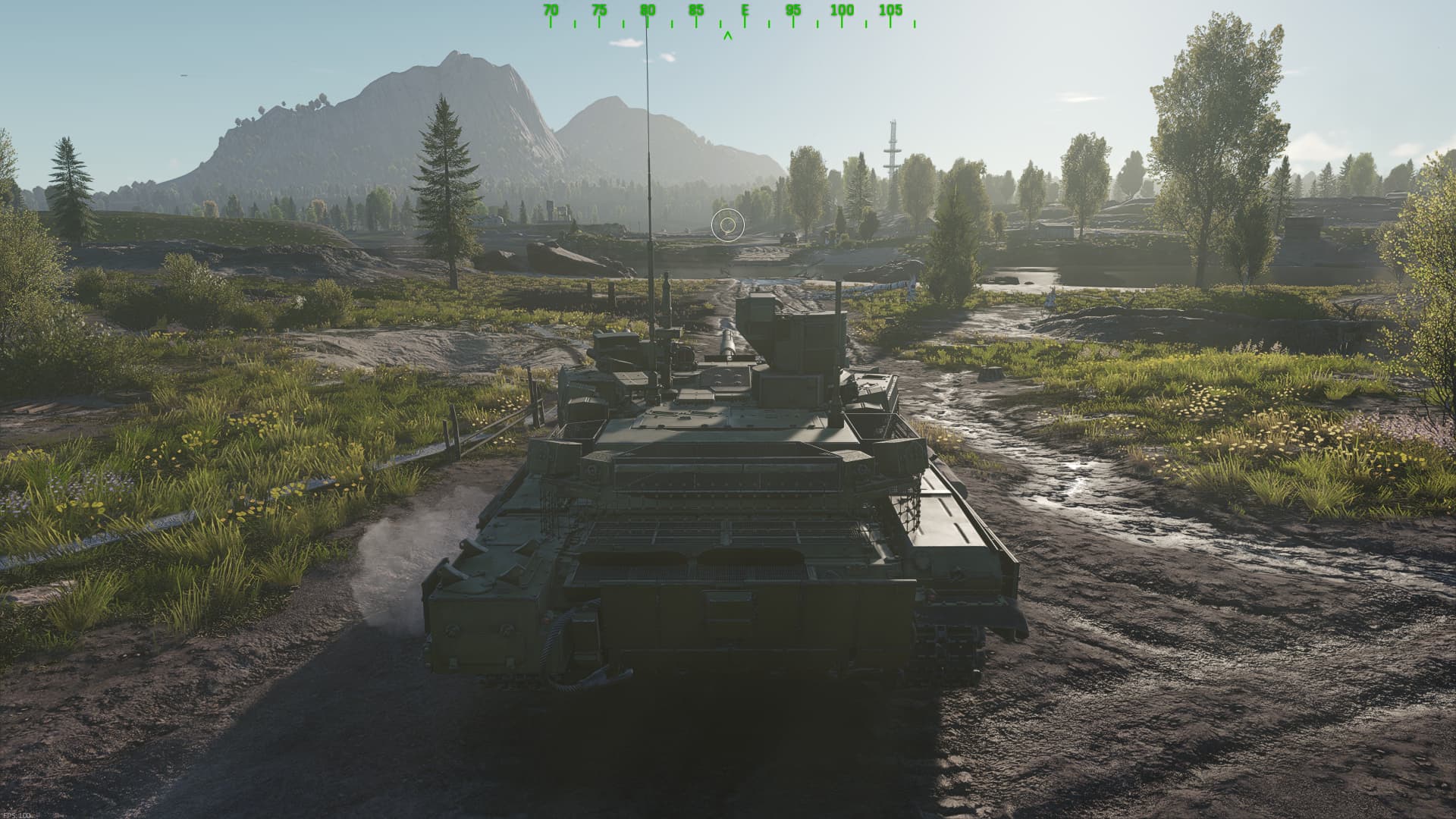
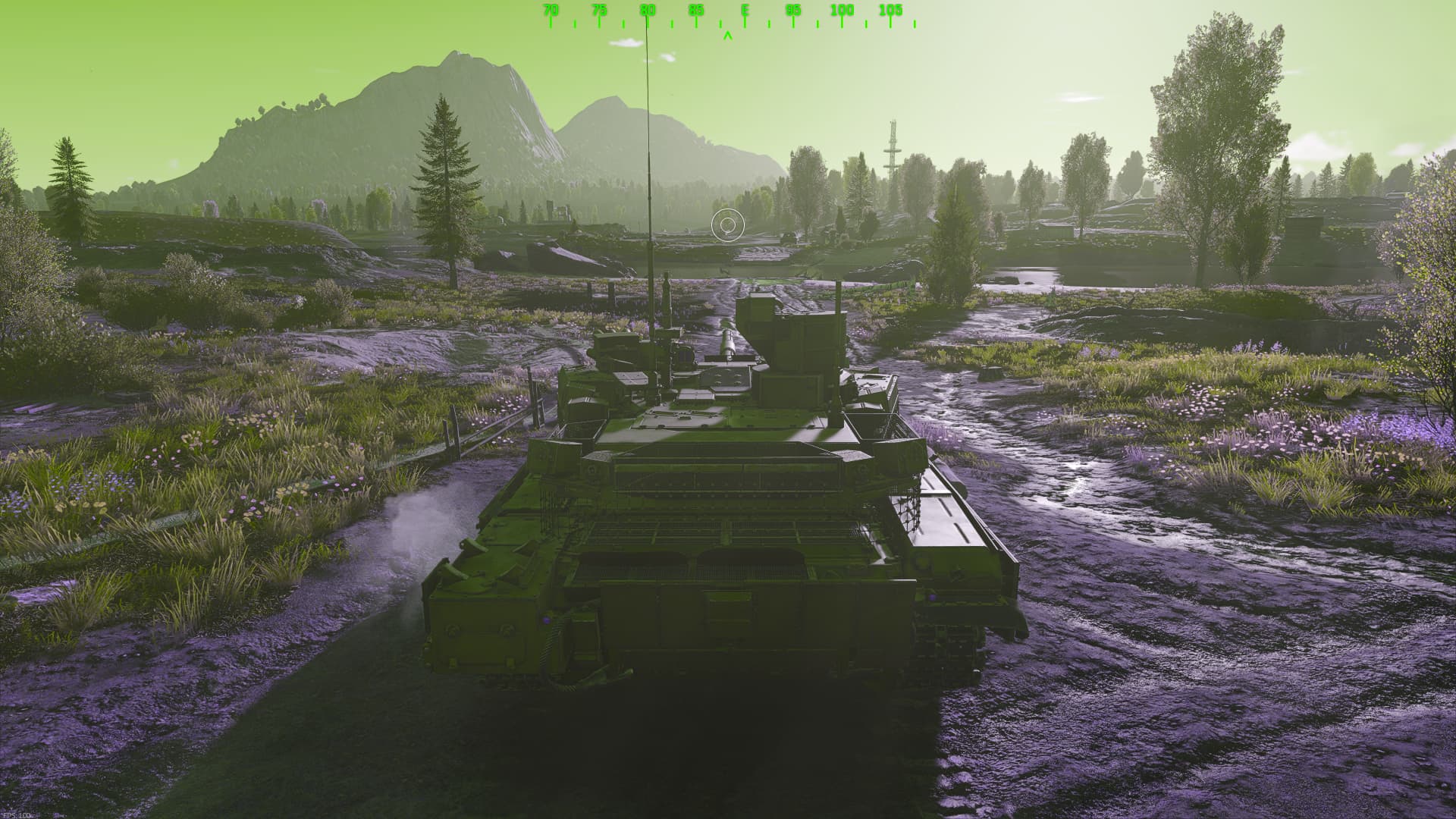
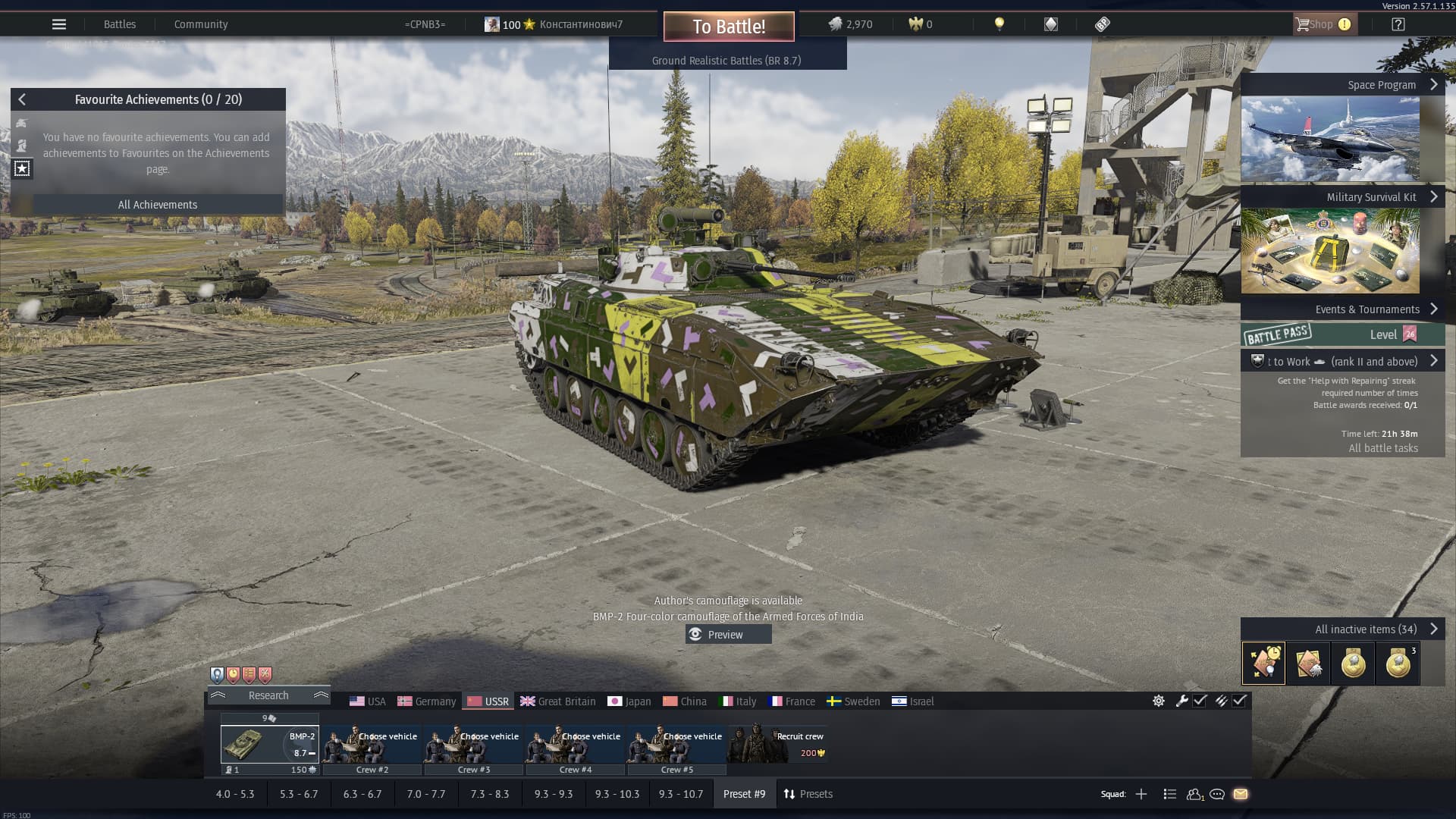
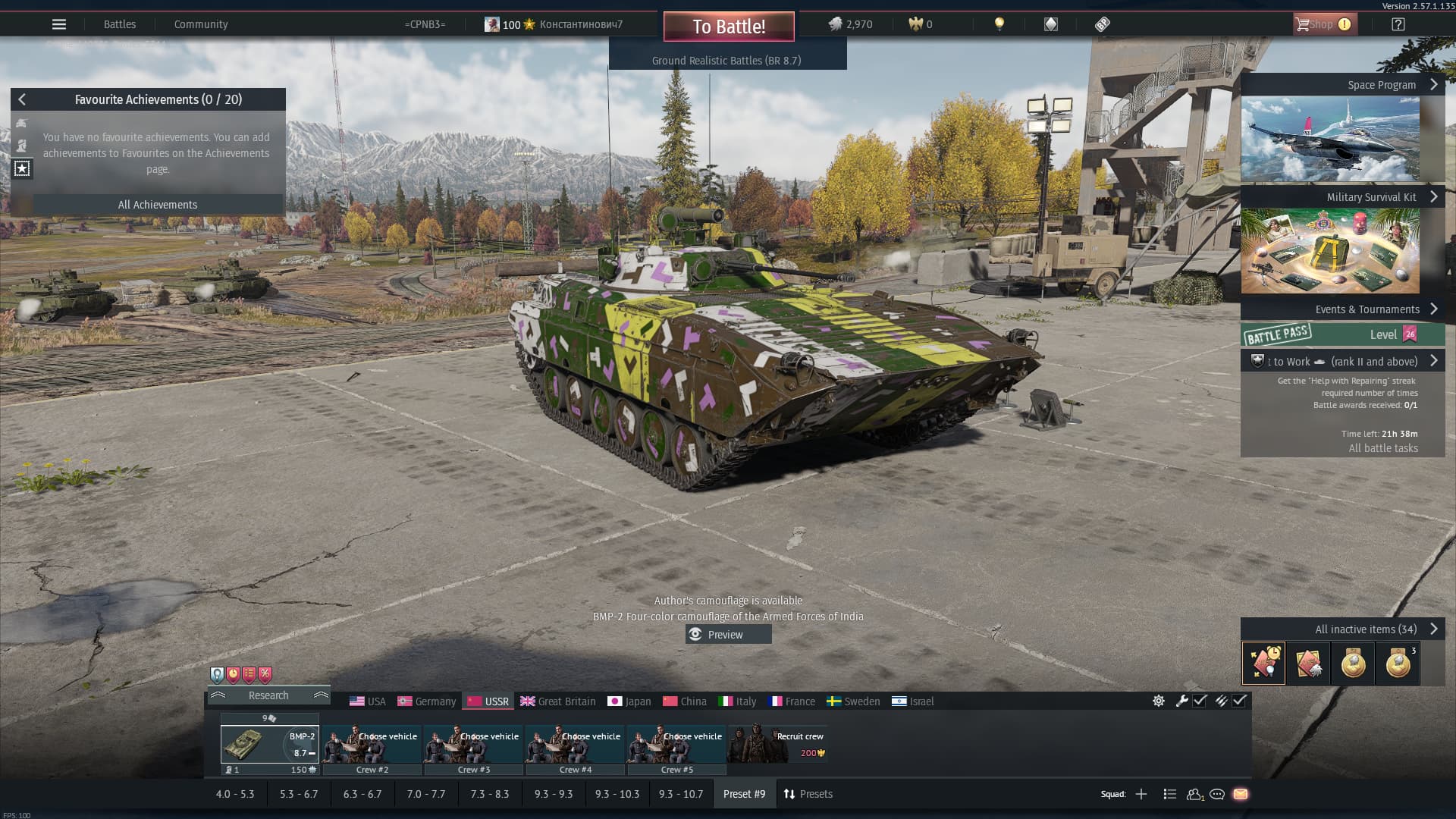
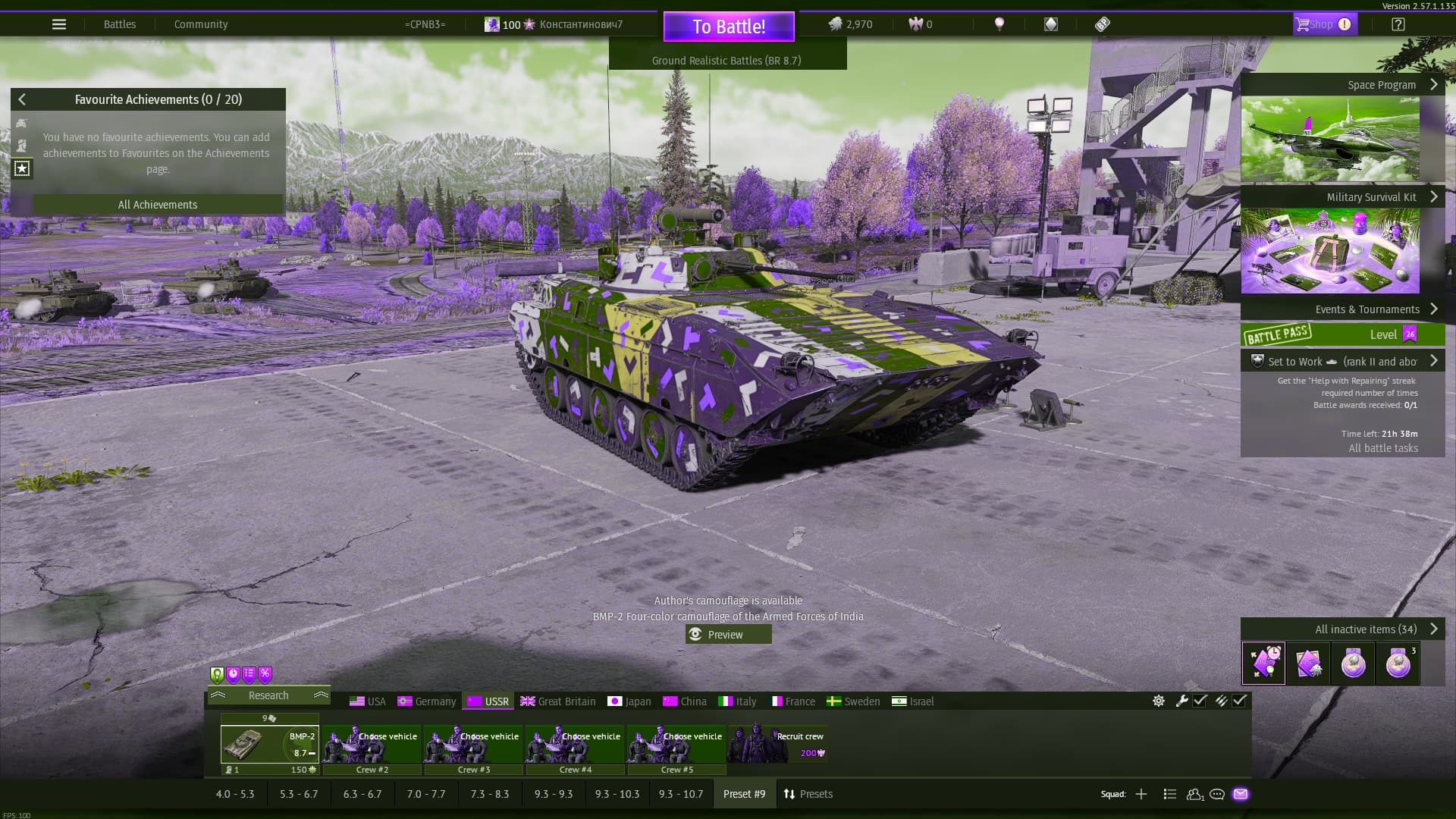
If you happen to have a NVIDIA Graphics Processing Unit you should be able to open NVIDIA Overlay (Alt + Z by default) and apply a colour blindness filter with the specific Colour blind filter in the Filters section, for example:
For sake of comparison, all colour blindness values were set to 100, you can adjust accordingly.
Alternatively the PostFx (if you have the graphics settings is set to, at least, low, not ultra low—at this graphics settings, with support for older GPUs, PostFx is not available) you should be able to tweak the image but would be more time consuming, with Polynom tone mapping you should at least be able to adjust contrast and whatever else is needed. For the time being as War Thunder don’t have proper colour blind support, NVIDIA Overlay’s color blind filter is the best fix for this issue.