I already stated the firewall was completely turned off/disabled as well as any antivirus it has nothing to do with firewall or connection. Gajin already affirmed that the IT guy is taking to long to figure out what the issue is.I honestly don’t know what’s going on from their end.
As I directly mentioned, the codes regarding yours are that it’s a file permissions issue.
And, it’s not related to this situation.
And be it that you’ve been ‘passed on’ to thier ‘IT guy’ you’re dealing with weekend help staff… Like, did they even ask you what the codes were, or even say what they meant? Think about that.
1 Like
I haven’t gotten any reply from them yet. I’ll DM you to not bog this forum
1 Like
I get a failure to connect to server (no defined error message stated) when I get to the hangar after starting the game; in this tech issue forum one of the players said there was a fix by adjusting Windows firewall settings. That’s something I won’t do. I’ve reinstalled the game and the server still won’t connect when I get to the hangar. I can’t leave a bug report as the “are you human” check box continuously loops back on itself. Nothing i’ve done has resulted in a BattleEye error but suspect a related firewall issue.
1 Like
Okay guys whenever i try to launch war thunder now it goes to the picture of the t-34s but then windows says that war thunder isn’t responding and crashes
Why not? You already have for the game… It’s not turning it off entirely as someone said, it’s adding the app to the firewall so it knows that that app is trusted.
That says more about a connection issue with your machine overall.
With Ascendings issue it seems to have been a DNS issue. Maybe try set yours manually to something. 8.8.8.8 is googles if you trust them enough.
But also though, check what error codes it’s giving. 1,28 was the connection issue, but that 12,13 was a file permission error.
And, if it were about the public/private setting for the network, it’s so if you’re a laptop and you commonly switch networks, you can set your workplace/school/public wifi as public so you can dictate to it what to share and what not to. Private is merely ‘home’ or a ‘trusted’ connection at that point, and it still has the firewall, it’s just easier to pick between the 2 when making firewall options to add.
1 Like
That there you want to clear out the cache folder, and possibly even the compiledShaders folder from in the game folder. Then verify the files in the launcher, and give it another go.
1 Like
is anyone here still having the issue where its saying that battleye is trojan? i just want to know wether its been pacthed or not
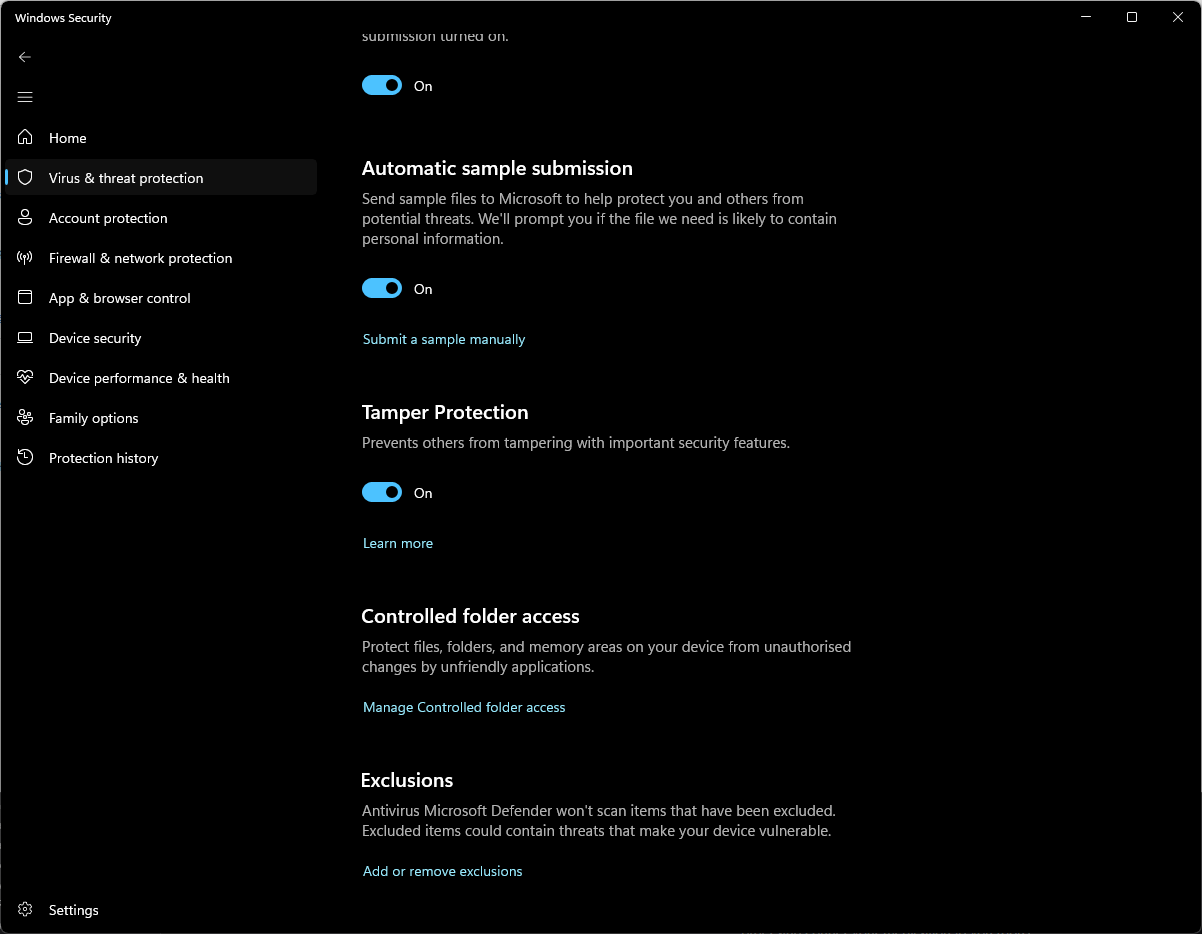
Bottom option.
Your issue could be different considering you have runtimes installed, and end up with an odd second error code from battleye.
Did you delete the folder, have it work, then after reboot have it start up again?
no it still works im just wondering if its been officially pacthed or not?
Thing is if it fixed it then it’s not a game issue. So there’s nothing to actually patch or have fixed via that bug report.
so whos to fix it then for people who may have the issue and cant access the forum?
The troubleshooting steps that I have suggested even came from google so if they’re still moaning on Reddit and people are blindly telling the the game is bugged, then those who are blindly saying that, and the ones who are deafly listening to it are at fault.
the thing i did was just delete battleye as a whole for wt
Yep, that’s what I said in the first place. Delete the wt folder and restart the game.
%localappdata% takes you to the folder faster even.
still would love if gaijin says something about it atleast tbh
But why… Why do you need affirmation from a group, just to avoid having to accept that the game itself isn’t bugged, the anticheat merely needed to be redownloaded…
This is a common troubleshooting method…
idk man tbh im bored and just want to see a response for fun.