I had the same issue, but I think it’s related to the GPU drivers. In case of War Thunder, it turns out its better to have old ones rather new ones. Also, if you want to quickly fix the issue, you can just use fullscreen instead of borderless windowed.
It doesn’t work in my case. I even changed the graphics card a few months ago, from Radeon to NVIDIA. The issue remains the same. The game freezes, but the internal debugger doesn’t register the freeze, so there is no information about it in the .clog files.
Really annoying bug that has been around for over 2 years at this point
1 Like
I have the same issue. Since the current last update alt+tabbing just freezes the game and it does seem like a game issue because it didn’t happen in previous patch.
They broke something again.
I am also getting constant crashes like described here, but that is a separate topic.
This is happening every 2-4 alt tabs i do, the game is actually unplayable anymore. Its insane that its been happening since march and still no fix.
2 Likes
Same here. I am playing with 4060(laptop) + I9 and nothing changed even when I rolled back the drivers.
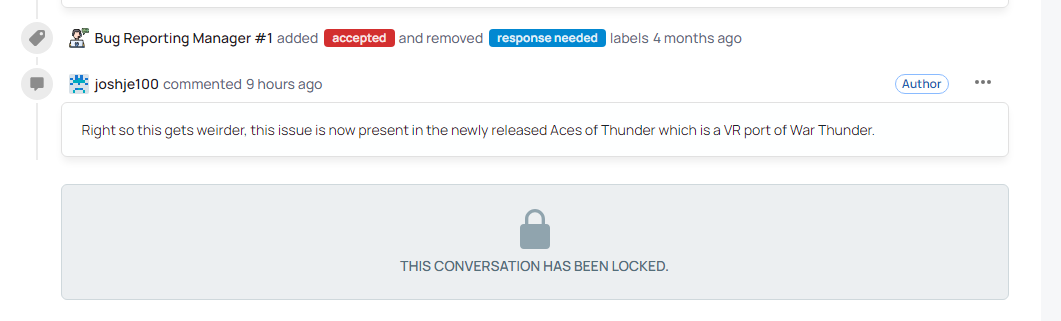
Yep, seems like it may be an engine issue. Couldn’t believe it when it happened. Thought I could escape that issue but no.
3 Likes
It’s been nearly two years since this problem started when will it ever get fixed?
GAIJIN,Are you aiming for a Guinness record for the longest-standing bug?
4 Likes
Could you check if this bugfix in Aces of Thunder help with the alt+tab freeze?
General fixes
- Fixed a freeze when switching from fullscreen to windowed mode in the game settings.
By the way, I’d like to ask—my PC monitor is a dual monitor setup with 27 inch WQHD and 23.8 inch FHD displays.
Other people experiencing freezes had the same configuration.
What kind of monitor setup do you all have?
1 Like
1440p and 1080p monitor
1 Like
Triple Monitor Setup
Experiencing crashes at a rate of 1 crash /3hrs.
Recently switched from DX12 to DX11.
Tried different graphics settings but no fix.
9800x3d/4080SUPER/NVME SSD
2x 2k / 1x 4k Monitors
What i did notice is that restarting the launcher without forceclosing the game will let you load back into your match and often even let you rejoin in your vehicle if you didnt die in the meantime.
2 Likes
Ultimately, the cause remains unknown, but what we can say here is that switching windows with Alt+Tab on monitors with different resolutions causes a freeze, or more likely, switching windows with Alt+Tab on a 1440p monitor is highly likely to cause a freeze.
I forgot to add that the second monitor is connected to the motherboard’s video output. It displays the image via the CPU’s integrated graphics. But that doesn’t matter, because the game would freeze even when I was using only the dedicated GPU.
1 Like
If you can, please send the .clog file from the WarThunder\.game_logs folder here. The file should be created when the game closes, for example due to a crash.
1 Like
i’ve used ctrl+alt+del for so long and then one day i accidentaly discovered ESC + CTRL. saved the hassle and it wont fk up my game anymore.
I’m also using double monitor setup. 4k and 3440x1440. But to my knowledge, some singe monitor setups also have the same issue.
1 Like
I hadn’t realised this could happen with a single monitor either.
Thank you for reporting it.
Another point of interest is that everyone seems to be using WQHD (1440p) monitors.
Has anyone experienced the same issue using only Full HD or 4K monitors?
I play on full HD et constant Alt tab (EC naval or air sim) and i never crashed doing this