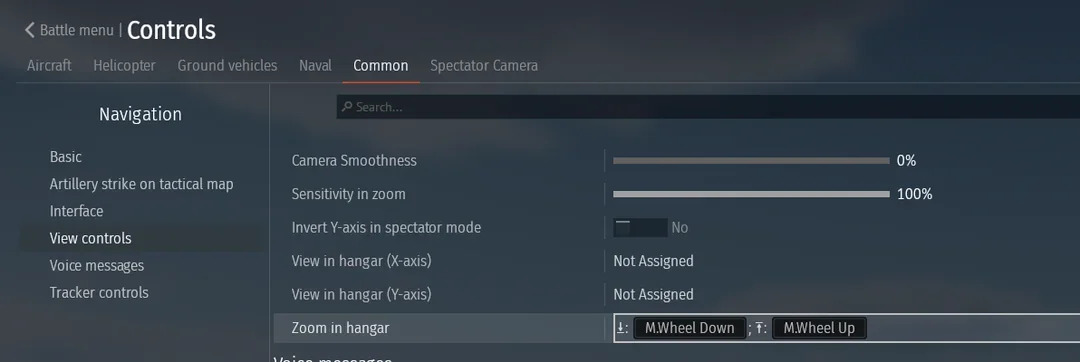
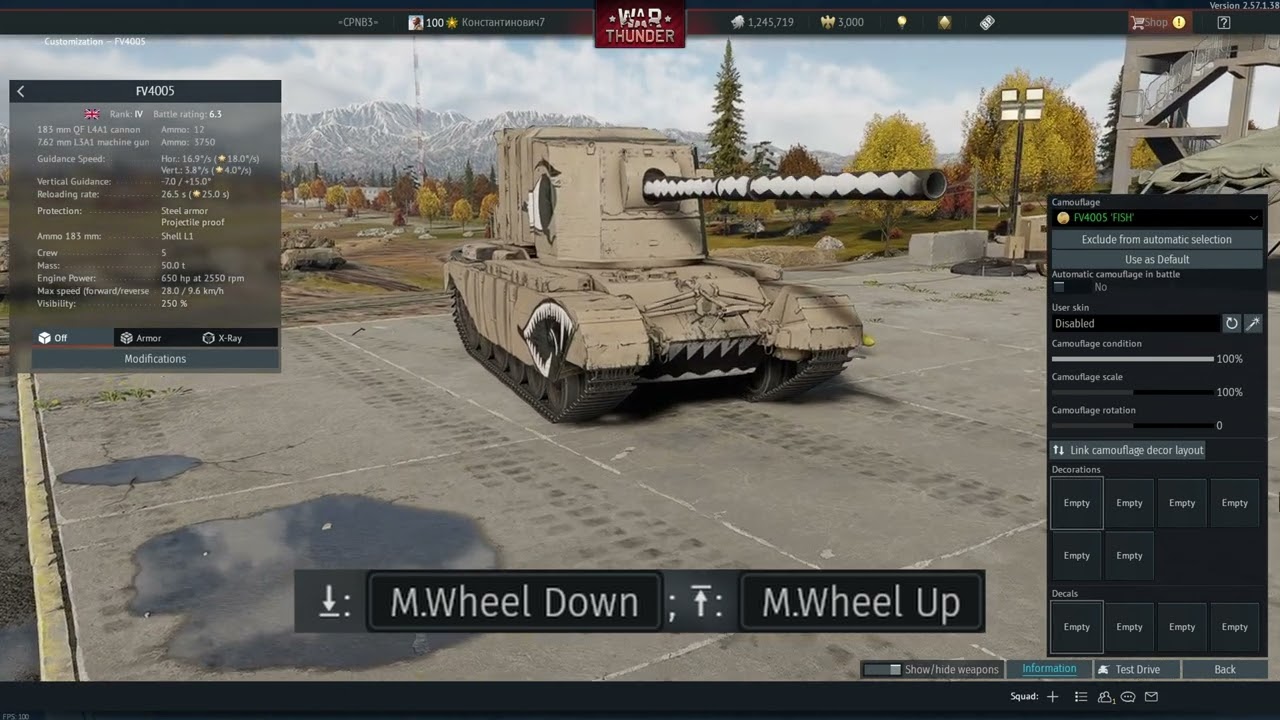
I want to zoom much faster with the mouse wheel in the hangar, but it’s impossible.
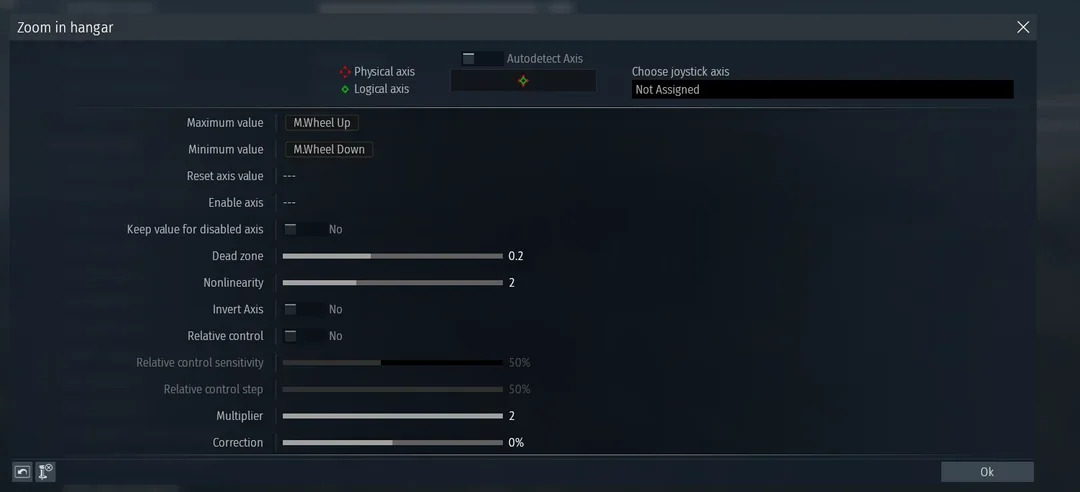
- The axis can’t be manually assigned properly.
- I can only use Max Value / Min Value.
- Multiplier has no effect at all on the zoom speed.
- Relative Control is extremely buggy — everything happens with heavy delay, and it instantly jumps to maximum or minimum zoom. No smooth scrolling possible.
What can I do?
Any help would be appreciated.
dead zone, nonlinearity etc show no effect
You can use a third party app to multiply your scroll wheel or zoom key input.
I’d recommend setting those into a physical button keyboard or mouse button instead of the wheel. Must be a War Thunder issue, that’s why I use my mouse’s secondary side buttons to move the camera around the hangar:
I also use similar buttons to scale and rotate decals and decorators, which is noticeably faster than using the mouse wheel when I need to quickly move and adjust a decal in my vehicle, which I also recommend you try.