All of my keybinds got reset and now its screw over everything is there a fix to it?
After the update of my keybinds keep to shits it self and now i have to re do everything again.
It happened to Air, Ground and Helis keybinds.
Does anyone else have this issue? or is it just me? this is the 2nd time it has happened to me.
1 Like
I always recommend backing up your keybinds. It’s very easy, very small file. There is a save icon on the keybinds screen. Hover over the icons at the bottom left, it should be a floppy disc icon. Be careful, there is also an icon that will reset your keybinds, do not use that one.
Save the file to your computer. I also attach the file to an email and email it to myself as an extra backup so it is impossible to lose it.
I try and backup my keybinds about every month, and especially before any major update.
1 Like
It happened to me years and years ago. I just keep a saved backup of the keybinds just in case.
2 Likes
New issue???
Update -
Randomly engaging in matches when using CAS in GRB…
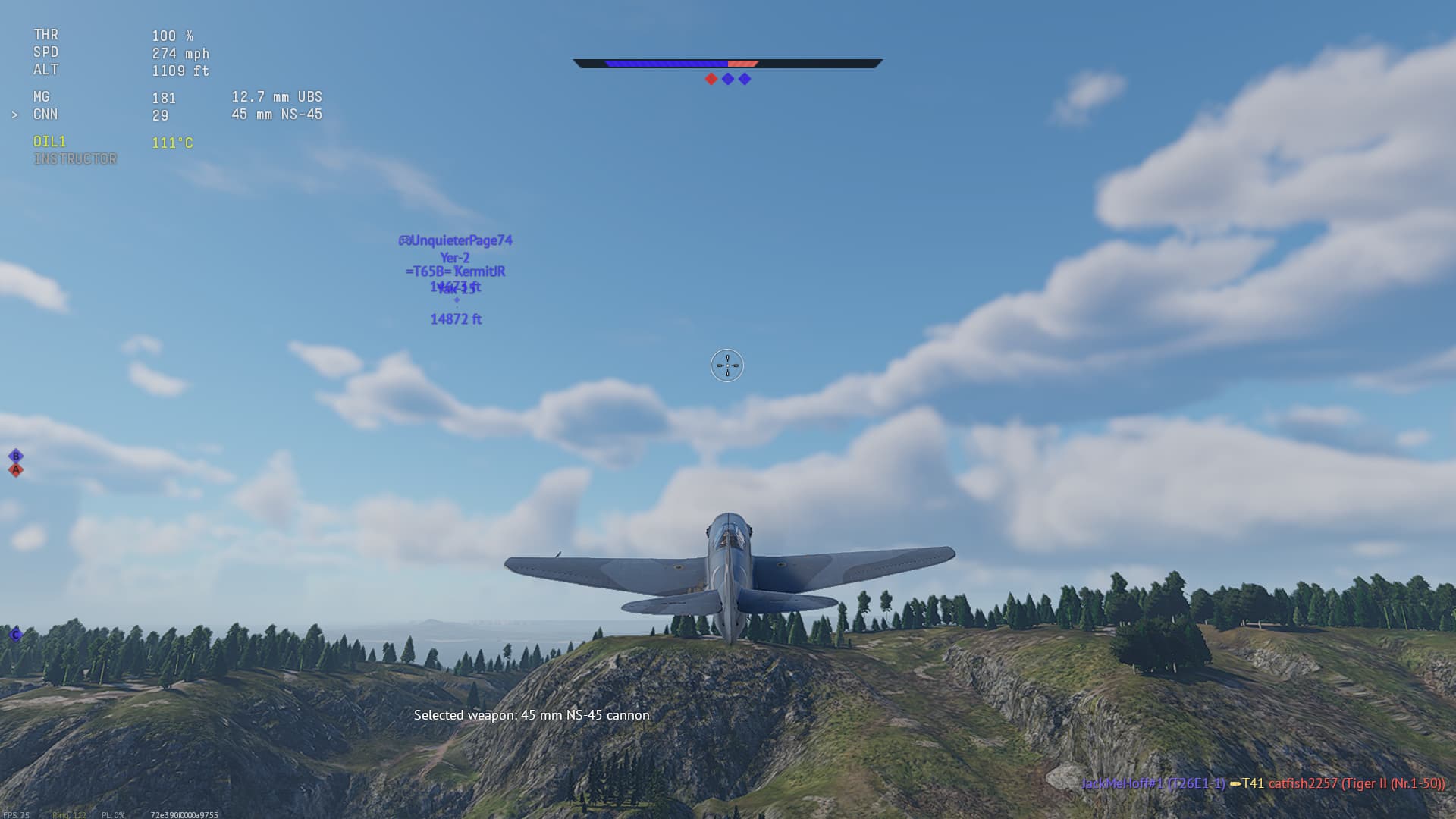
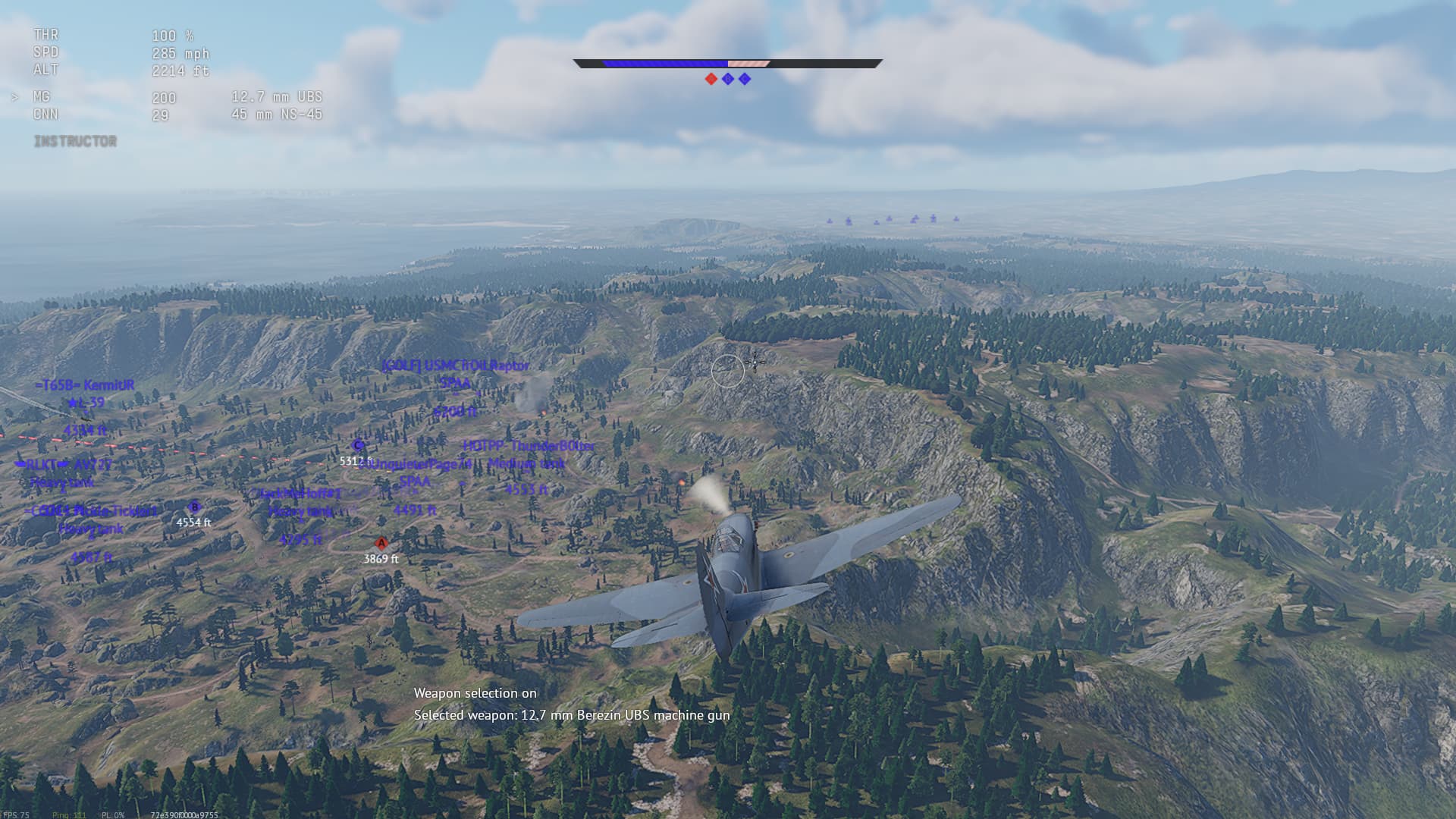
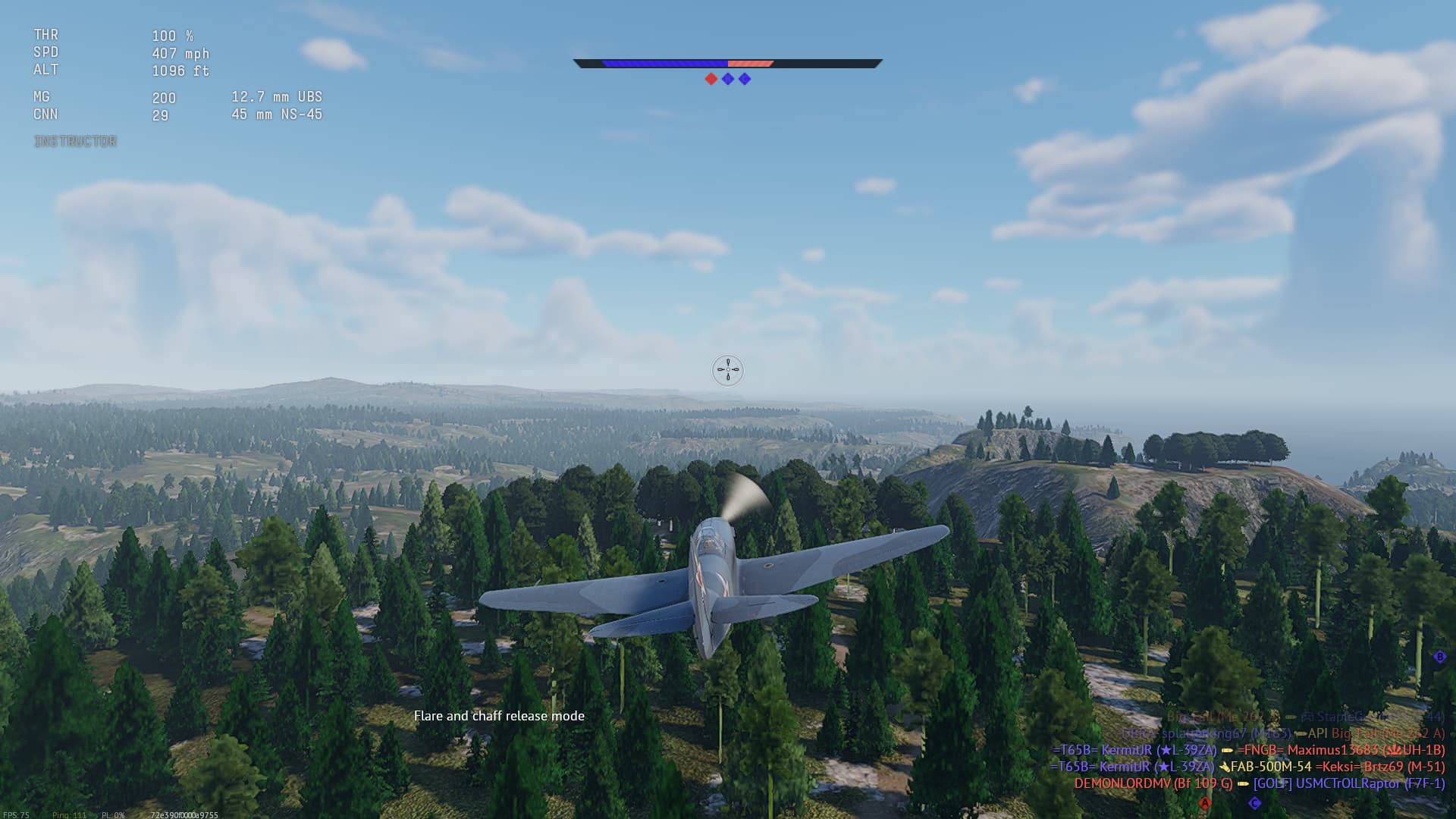
Flare / Chaff / Chaff release mode on off.???
Also you temporarily lose control of the plane when using the standard ASWD controls?#
anyone else noticed this?
This will happen to me if I am using the in game chat, and try to start using WASD before I press enter to send the message. Hitting enter again twice without pressing any other buttons should stop it. The game thinks you are holding one of the WASD keys. Try that next time it happens, especially if you were using chat. Even if you were NOT using the in game chat, still hit the Enter key twice asap (open the chat box, and close it). See if it stops the uncontrollable issue.
wasnt in game chat, I literally lost the ability to use more specifically the A and D controls, temporarily during random matches. When pressing the relelvant buttons the “Chaff flare” notification would activate on screen for no reason, this would stop rolling the aircraft. After a short span of time, the controls would reset back to the original left right roll.
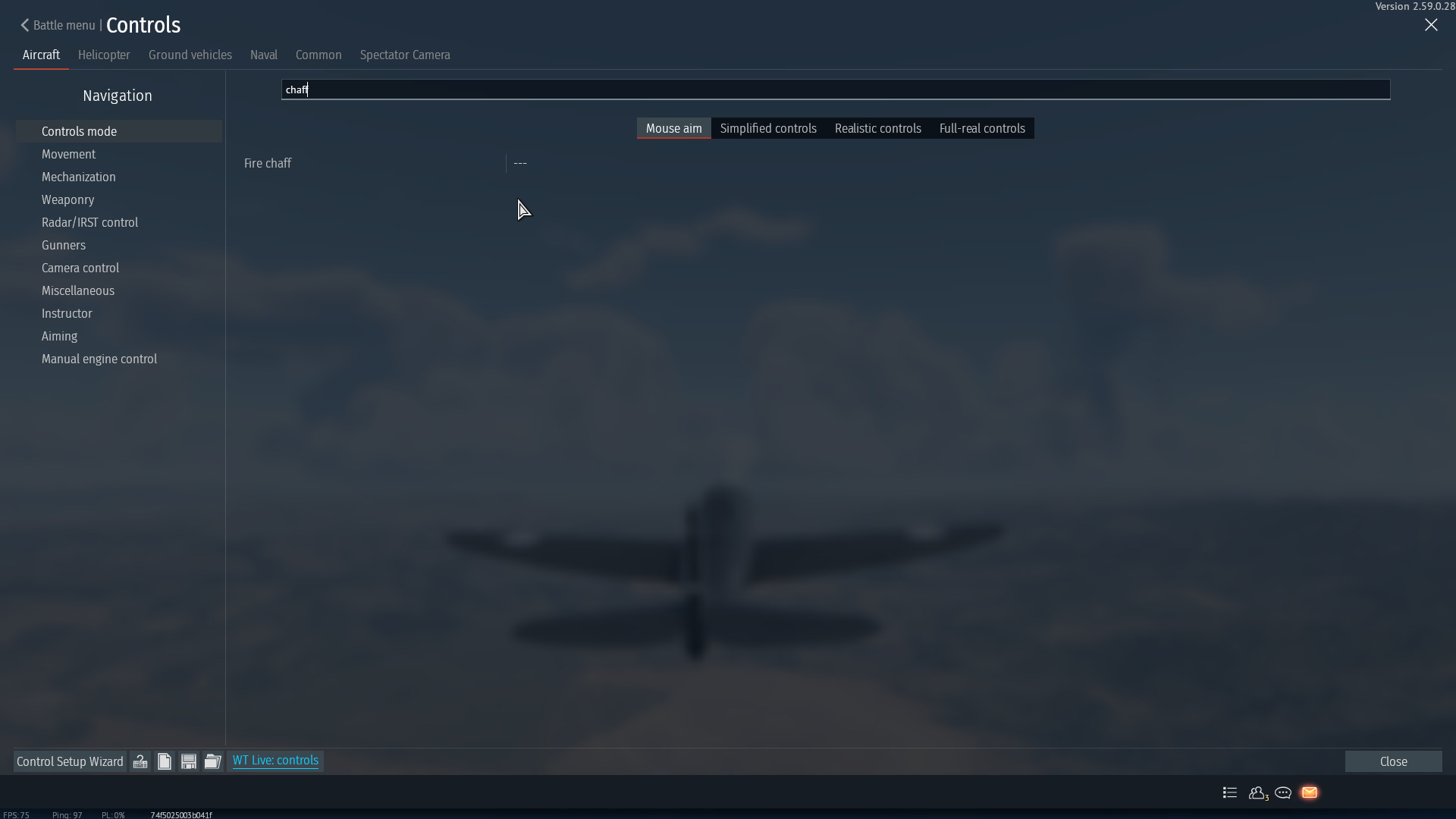
Very odd… also I checked the control options in Key binds, everything deactivated and or no key bind for Chaff/Flare… sooo no clue??
So there’s a bug I reported AGGGEEEESSSS back, which if you hold shift, and wsdec or some combo, it’ll lock out the moving controls of planes…
https://community.gaijin.net/issues/p/warthunder/i/wQPEtibEUvEF?comment=terpVYVDdo80ah5bkilVhfxr
https://community.gaijin.net/issues/p/warthunder/i/lYykKbmANzvV
Sooooo yeaaaaa…
1 Like
Doc - Im getting this… wasd again are screwing up.
It’s a common bug.
Export your keybinds.
Keep it in Downloads. If it resets. You just use the file again.
Shift f or something does the weapon selection or something.
I think shift W resets the weapon selection.
The defaults do this, literally…
I have literally had to wipe all keybinds and start again… utterly pathetic imo. Only started after the update.
You only noticed it after the update.
As I said, it’s been around for 3 years already lol.
1 Like
lol well, its only started happening to ME SINCE the last update - otherwise why would I post about this only recently… YES YOU SAID 3 YEARS AGO, in the old forums by and possibility,.??
I sometimes forget you are the master of arguments and never take any other persons point of view… MR Right has to be Right.! Well in this case, you’re Right and Wrong.! lol lmao
Sometimes my alt key gets stuck and it tries to use my combination keybjnds. Hitting alt again usually fixes it.
2 Likes