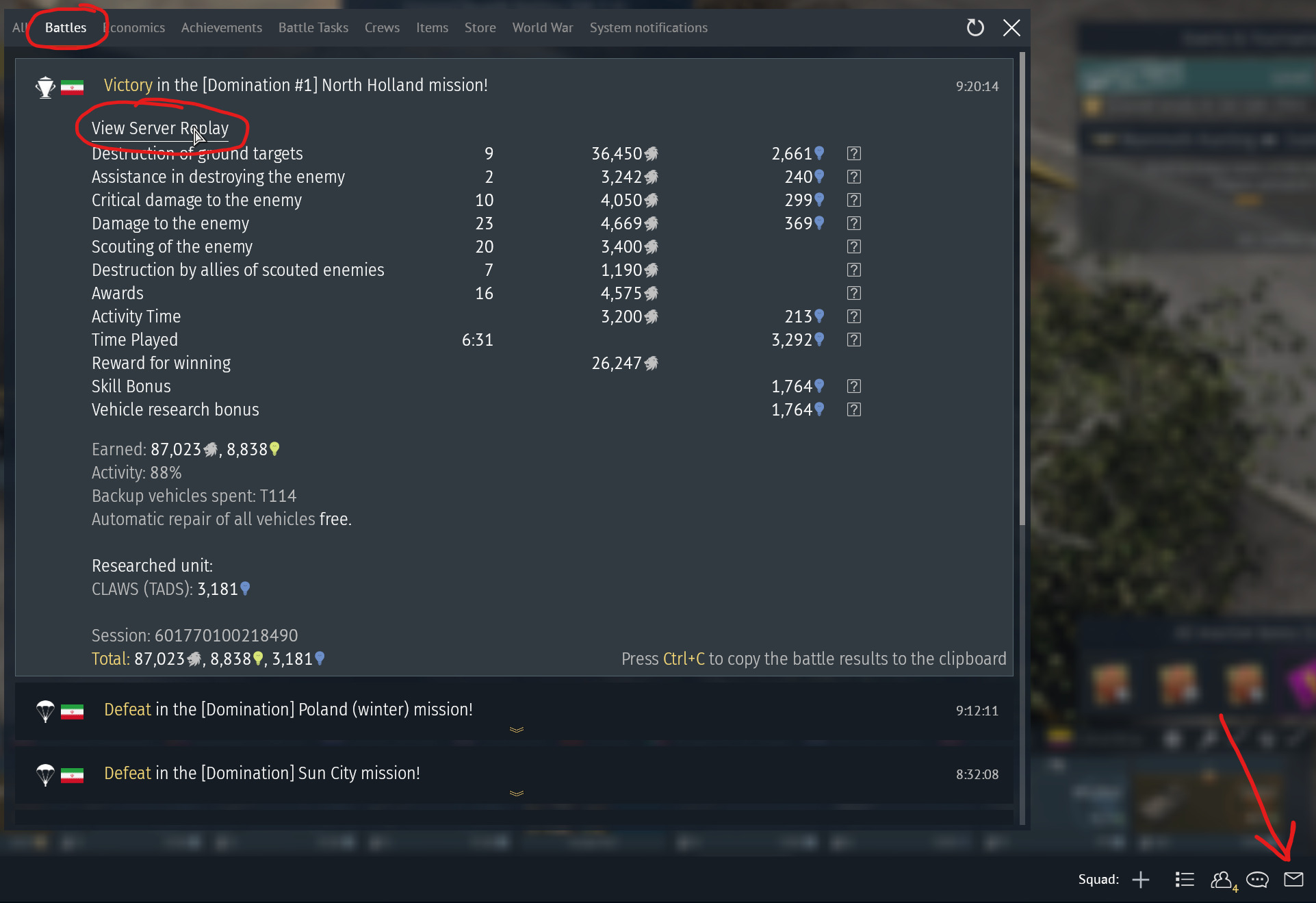
In the “messages” (the little envelope bottom right in hangar), under the tab “battles” you have a list of all your recent matches and a link to the server replay for each match at the top of the post battle info. I don’t know exactly how it works on console but for pc clicking that opens a browser page with the server replay info and some options to report players, start the replay, download it and copy the link.
You can also go to the main War Thunder website and under the “Community” tab you can find “Replays”, there you can filter by “games with my participation” (or something like that) to find your latest matches, there you also get the option to download the replay and copy a link to it.
Once you have found the match and copied the link you can just paste it into a post here on the forum and any player will be able to view the match for about two weeks after the match was played (unless they download it to keep it stored).
All good brother! Most of us have no idea how/or what is possible on console 😂 You are doing great, we all appreciate you going the extra mile to find your replay 👍
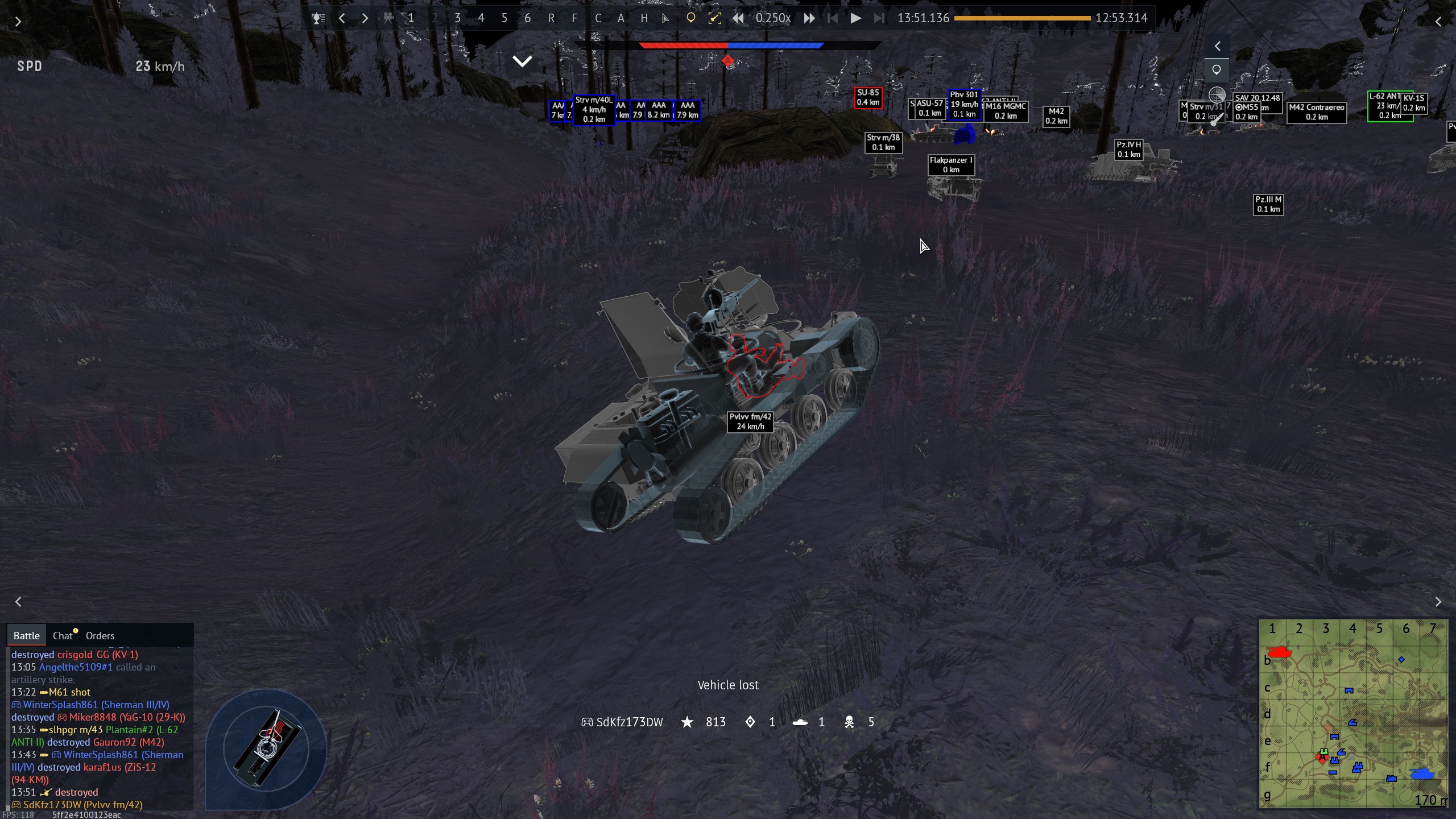
That explains it then :P And since it’s a 2 crew vehicle it gets auto destroyed as soon as only one of the crew members get knocked out.
You can test things in test drive as well, take a few vehicles and drive them relatively fast into a wall and see what happens to the different parts and crew :)
Eh, putting a couple/few bars into driver skill will def help. Also the tracks and suspension modifications like I mentioned. Shouldn’t take too long for a low BR vehicle 🙂
Also also, since they are low BR vehicles, I would highly recommend getting Expert training for SL’s ASAP. I assume you prob have to do some crew training first, but the requirements should be very low for Expert training at low/reserve BR’s.
Just a little bit, but technically in this case realistic think of it like this your driver got whiplashed in to a metal bulkhead with no seatbelt or airbag…