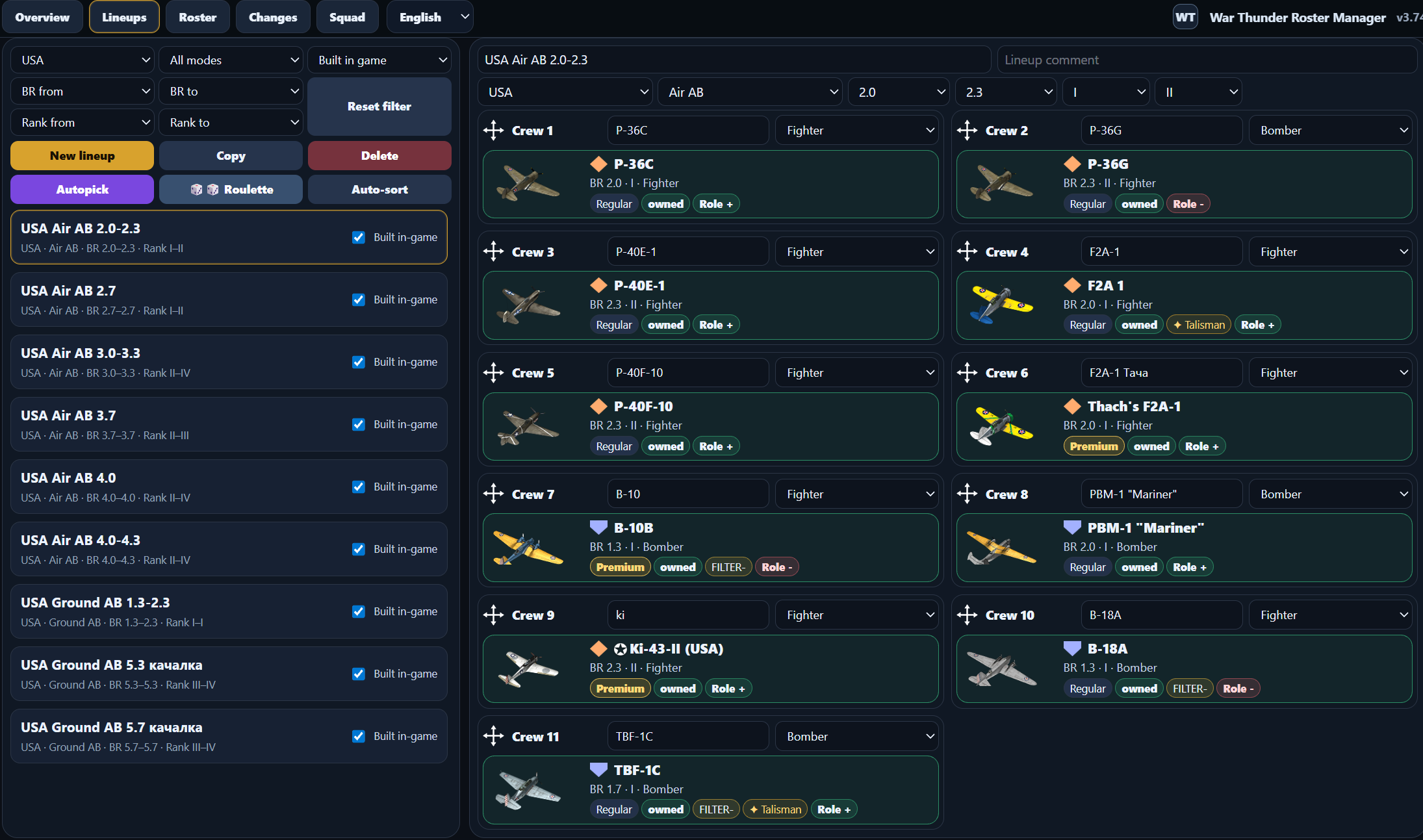
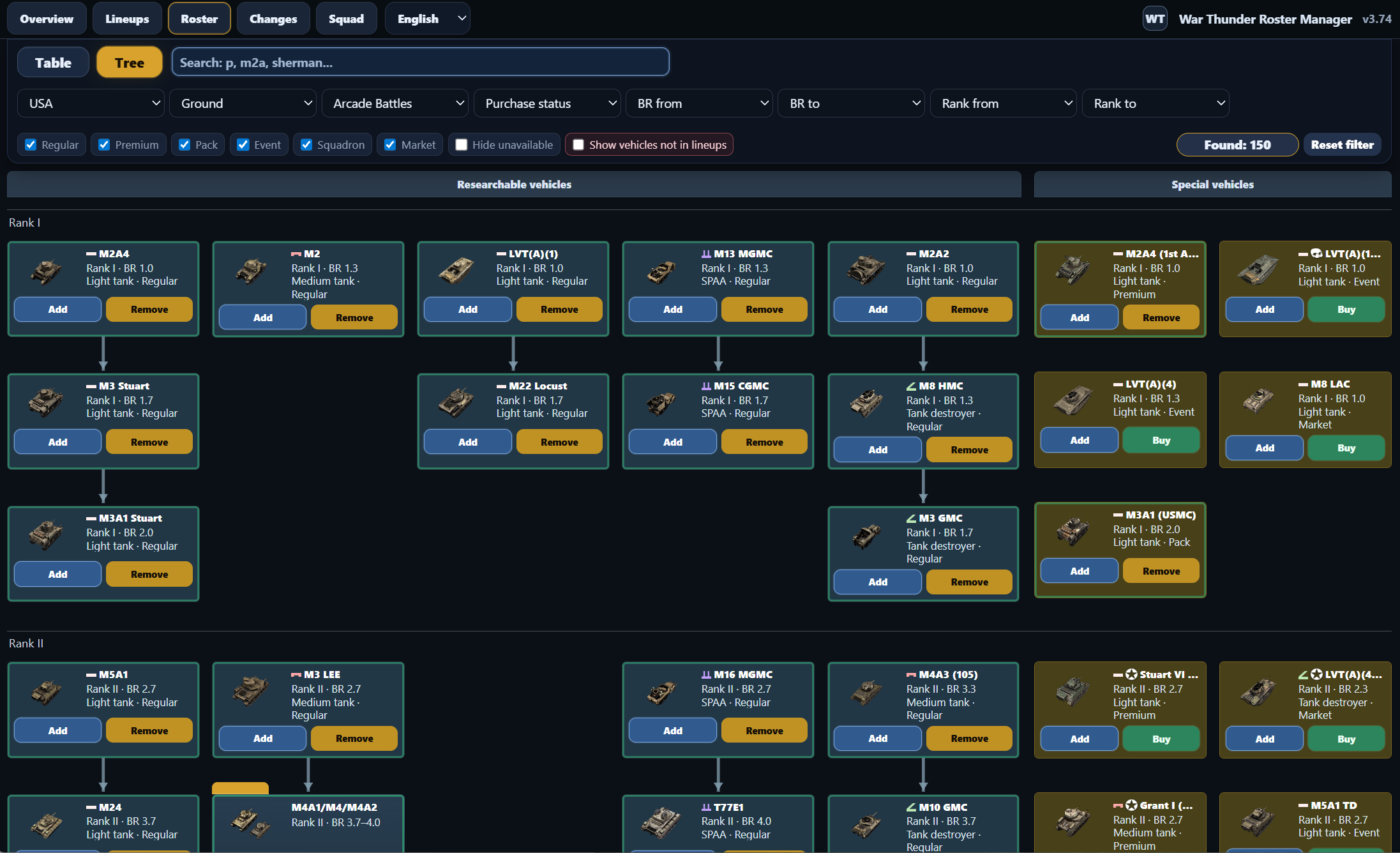
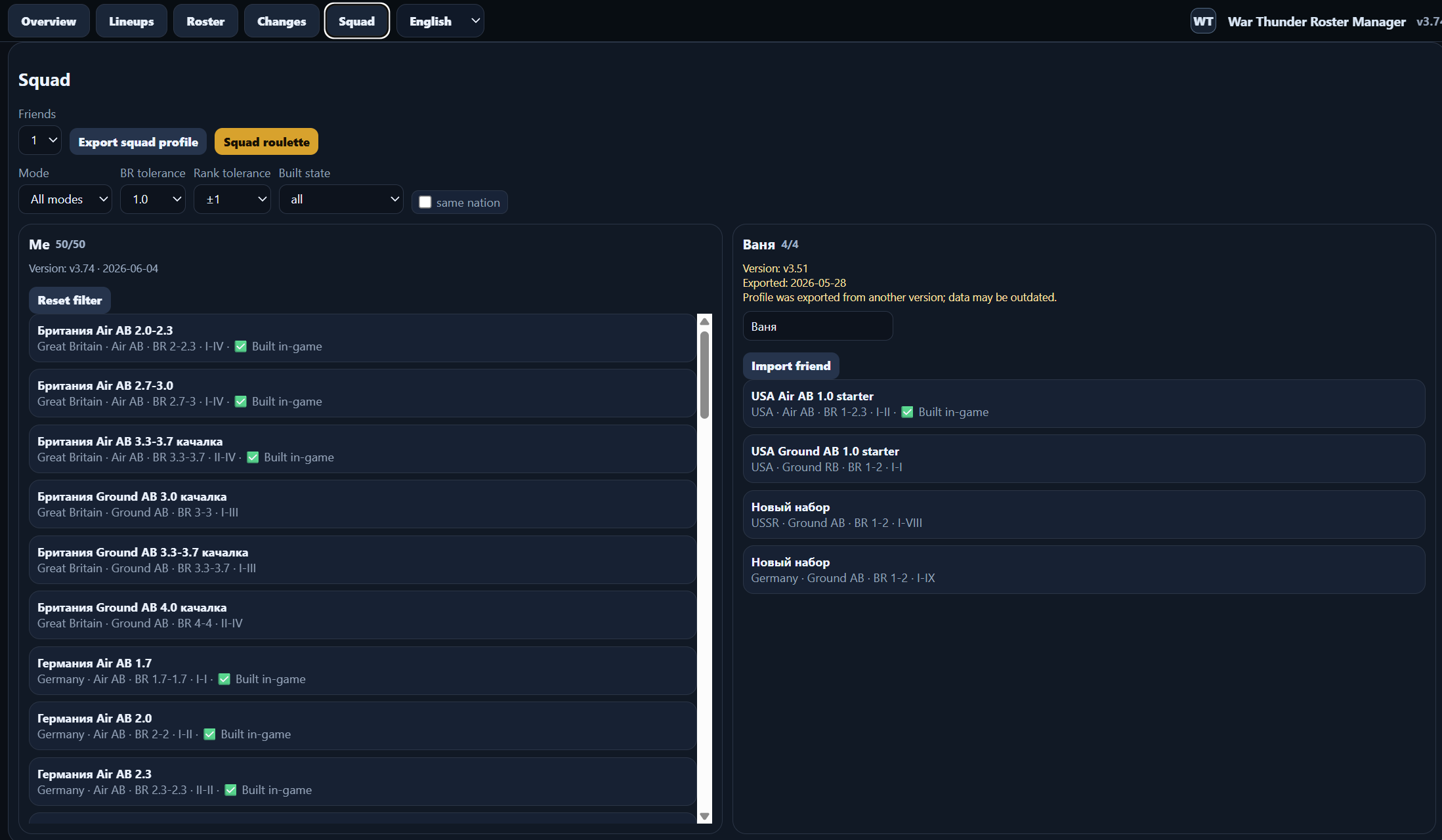
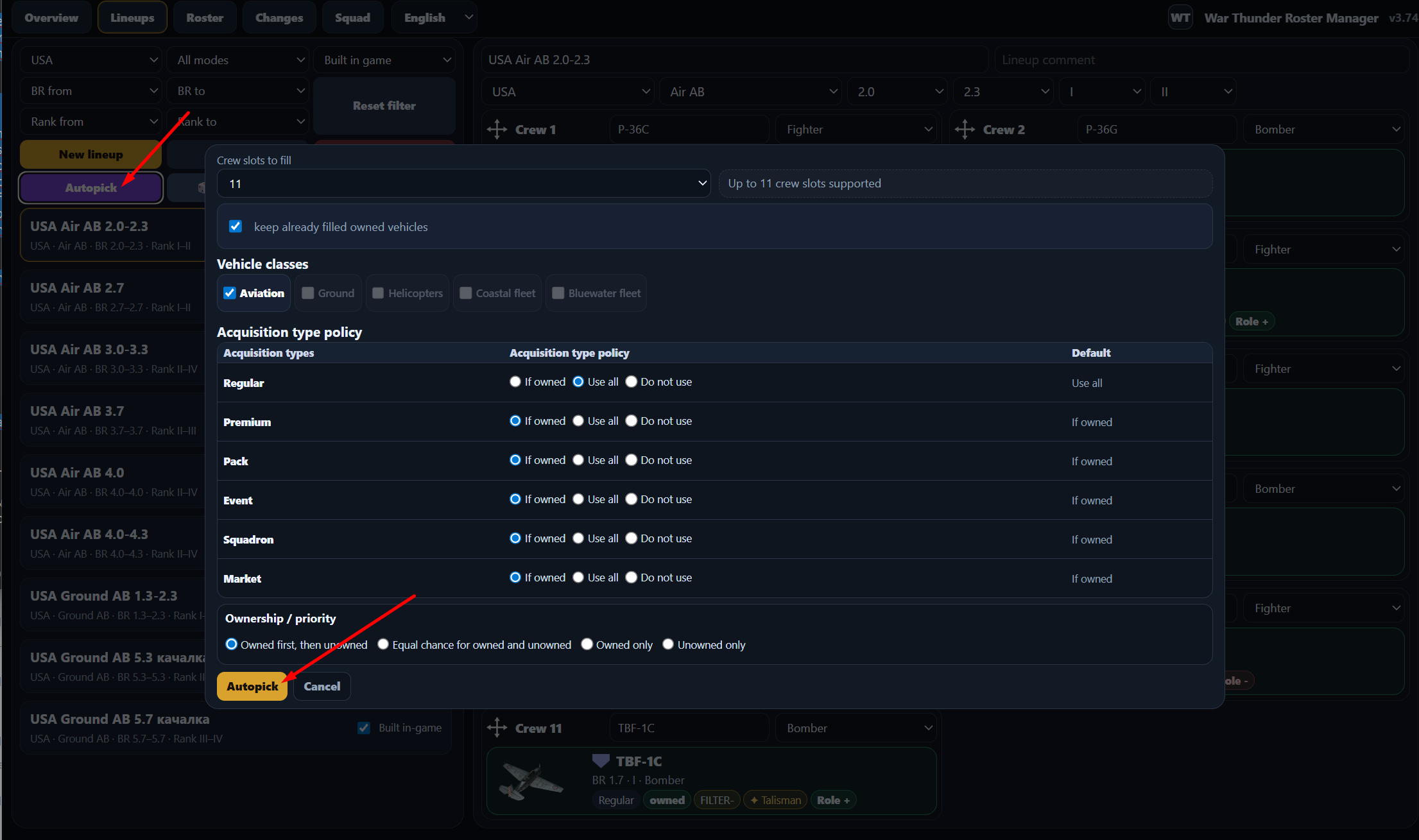
I made a free local utility for War Thunder players: War Thunder Roster Manager.
It is not an official Gaijin tool and it does not modify the game client. It runs locally in your browser through 127.0.0.1 and stores your data on your PC.
Main idea: provide an external planning layer for your hangar and lineups, especially when the in-game preset limit is not enough or you want to restore old setups without guessing which crew was trained for which vehicle.
Features:
mark owned vehicles and talismans;
keep unlimited external lineup plans by nation, mode, BR and rank;
auto-pick lineups by configurable rules;
use auto-pick as progression planning for future research goals;
control how premium, pack, event, squadron and market vehicles are used;
find owned vehicles that are not used in any lineup;
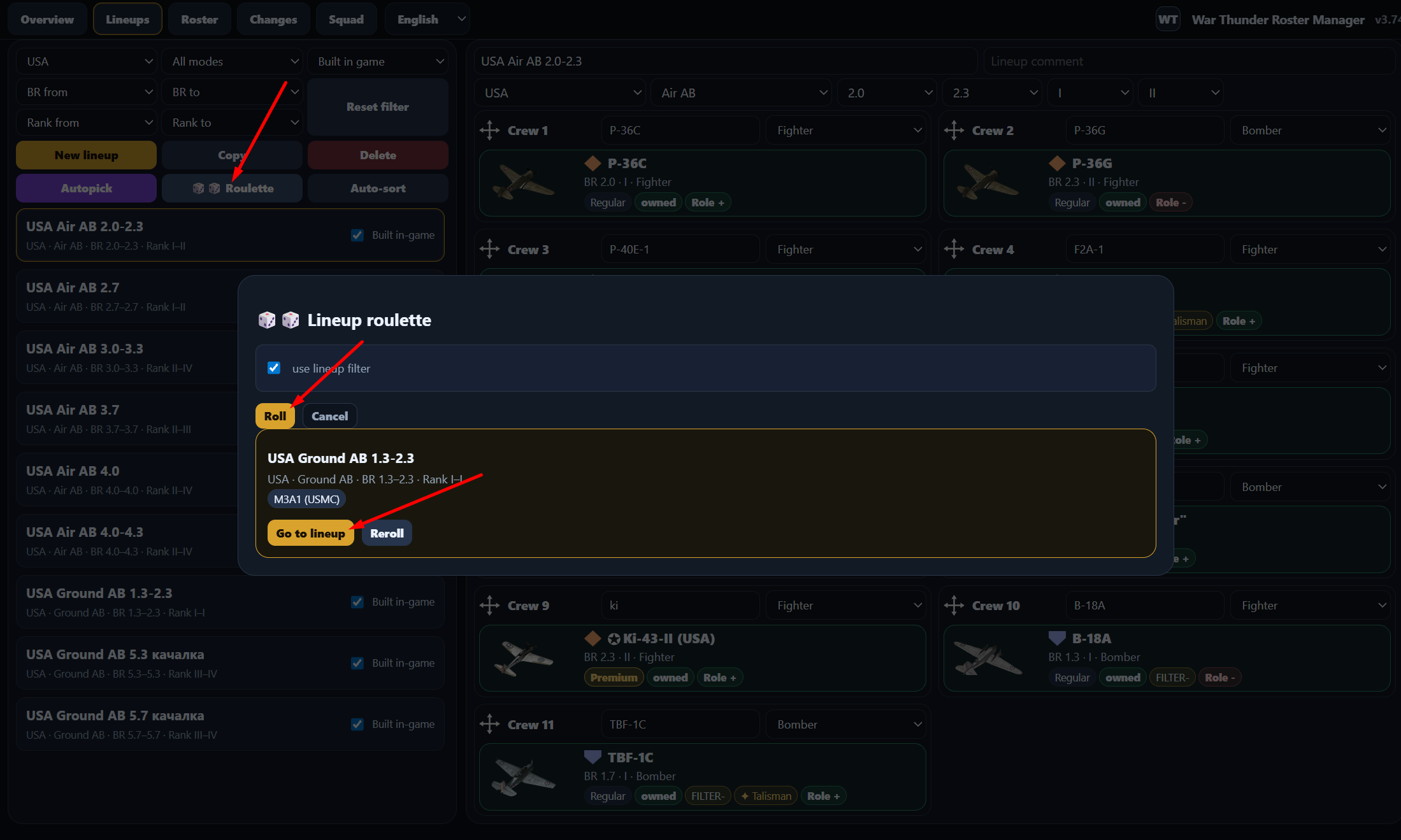
random lineup roulette for variety;
squad profile export/import to compare compatible lineups with a friend;
vehicle database updater based on the community WarThunder Vehicles API and War Thunder Wiki data.
The app does not read your in-game hangar automatically, so ownership is marked manually.
The vehicle database has been refreshed after the War Thunder “Heavy Cavalry” update. This version also adds support for separate aircraft battle ratings in combined battles, so Ground/Naval RB and Ground SB lineups can use the correct aircraft BR values when they differ from normal Air RB/SB.
Linux can be tried experimentally. The app itself is a local Python server + HTML interface, so in principle it is not Windows-only. The release ZIP includes Launch_App.sh; I also updated it in v3.83 so it opens the correct current app URL.
If you have Python 3.9+ installed, you can try running it from the app folder:
./Launch_App.sh
or, if the executable flag is not preserved after downloading / extracting:
bash Launch_App.sh
It should start the local server and open:
http://127.0.0.1:8765/index.html?v=3.83
I have not properly tested the Linux workflow myself yet, so I would call it experimental rather than officially supported. Feedback from Linux users would be very welcome.
macOS may also work in principle for the same reason — local Python server + browser UI — but I do not provide a separately tested Mac version at the moment.
Android / iOS versions are not planned. This tool is designed for the desktop War Thunder client and works as a local external roster / lineup planner, not as a mobile app.
This is a large data update: the August 2026 War Thunder BR changes have been applied. A lot of vehicles are affected, so if you have many saved external lineups, some of them may need review.
Added support for separate naval_rb aircraft BR values in Naval RB lineups.
Recommended workflow
Open the Changes tab.
Start with the “Owned vehicles” and/or “Only vehicles in lineups” filters.
Check rows that show your saved lineups on the right.
Open the affected lineup and decide whether the new BR requires reshuffling.
Mark the row as reviewed when done.
If you have dozens or hundreds of external lineups, this update may require some work. The BR changes are global, and the app is only trying to help you find which saved lineups were affected.
I checked it and released v3.85 with a curated data supplement for these cases.
The update completes / normalizes the World War I / The Great War event vehicle set:
Mark V
St-Chamond
H.P.12
Garford
A7V
Beutepanzer IV
Garford-Beute
It also adds separate Senrai Maidens / SM pack variants:
M1A1 HC (Senrai Maidens)
Leopard 2A4M (Senrai Maidens)
T-80U-E1 (Senrai Maidens)
Challenger 2 OES (SM)
MBT-2000 (SM)
Type 90 (B) (SM)
These are special event / pack / collector variants, and some of them do not come through the normal API update cleanly as separate regular vehicles, so I added them through the curated supplement layer.
For the Senrai / SM vehicles, the app uses the technical data of the corresponding base vehicles where a separate API entry is not available.
This update adds a new crew-training-aware lineup building layer.
The app can now use your saved lineups as local memory of which bought vehicles were probably trained on which crew slots. This is mainly useful for mixed Ground RB / Naval RB lineups, where aircraft often use different BR values than in normal air presets.
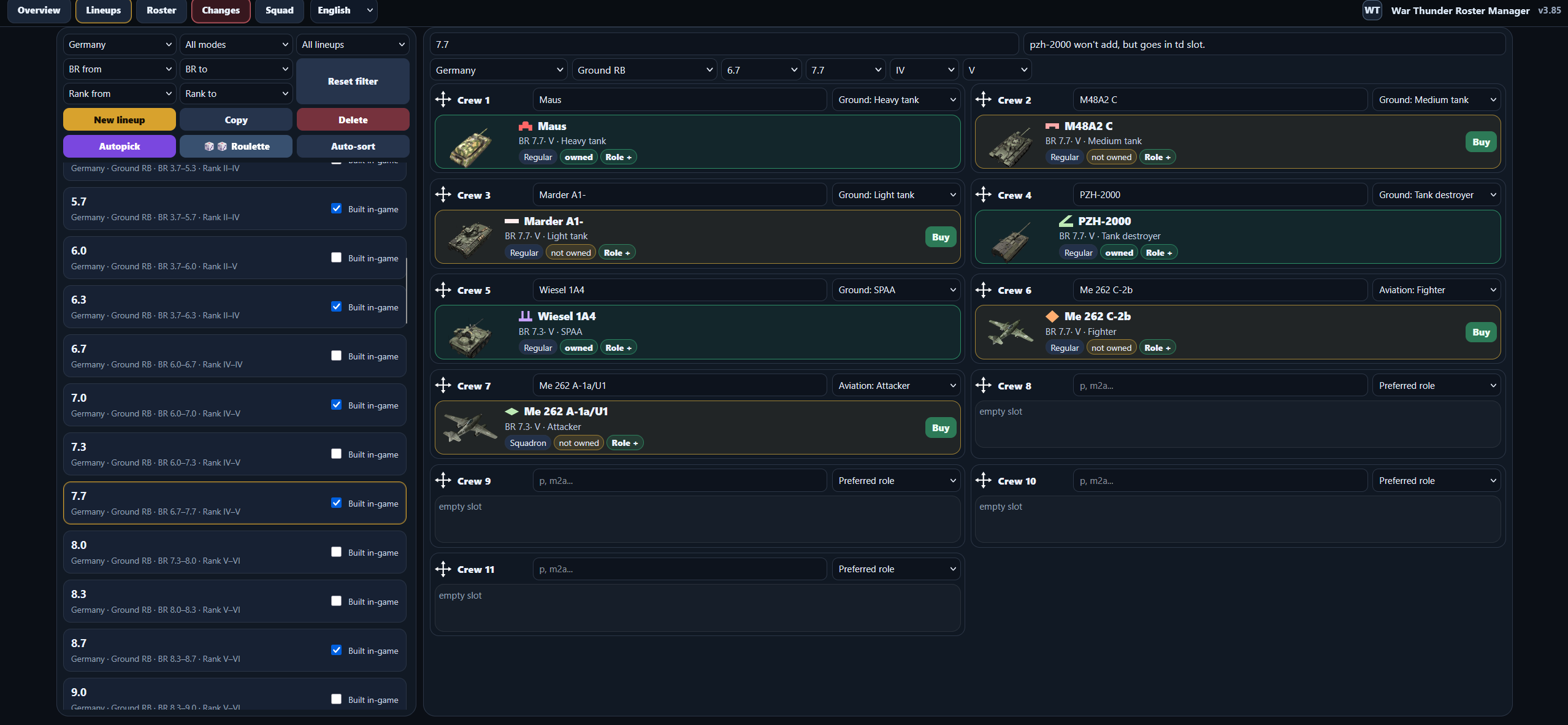
Sweet! Love your tool you made. Just wanted to let you know nice job. (PS. You might want to check the PZH-2000 for Germany out, as you can’t add it to lineups for some reason, or make a new lineup for it.)
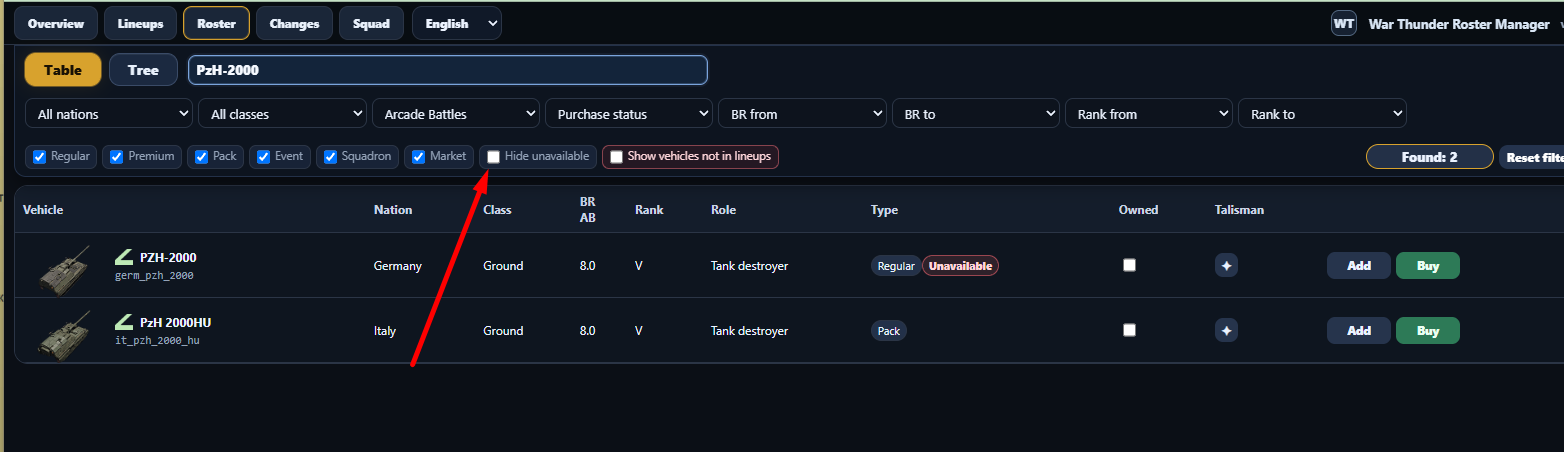
Hello, have you tried to tick out the option to hide unavailable vehicles? (Vehicles that are no longer sold). After you click “Buy” - it can be added to presets, because on the base level App uses only purchased machines in the presets, if they are marked as unavailable in the game. Please tell me if you have some more problems after that.
First one is if I have it unpurchased, second if I flag it as purchased. I’m curios why this is the only one that does it. (Yes I have tried the hide unavailable vehicles on and off.) At least falsely marking it as owned gets it to show up. :)
Hello, yes, it is intended to work like that - unavailable machines do not show up in presets if they are not owned. Logic is simple - these machines are not available anymore (usually), so on the fundamental level it is not correct to “plan” presets with them if you don’t own them. I made it specifically like that, because otherwise pool of machines to put into slots is too large and filled with something most users don’t own and will never own. If you have some additions to that logic, please tell me, as I am not a hardcore player, and may not know some small isssues with this. PZH-2000 is available in the game? Can you buy it? If not, do you own it? Also you should know that I use 3rd party API to download all information about machines to the app, and availability/unavailability may be distorted by other side, so I may need to manually change it to “available”. I am open to criticizm and feedback, please let me know. And thanks for your information.
I checked it, and you are right — the German PzH 2000 should be available/researchable; I mixed it up with the PzH 2000HU pack availability.
I will make it available in the closest patch, ok?
That is fine. I’m in no hurry. Just wanted to let you know in case it was a bug so it could be fixed in the next patch whenever it is. As I said love the app and best of luck to you.