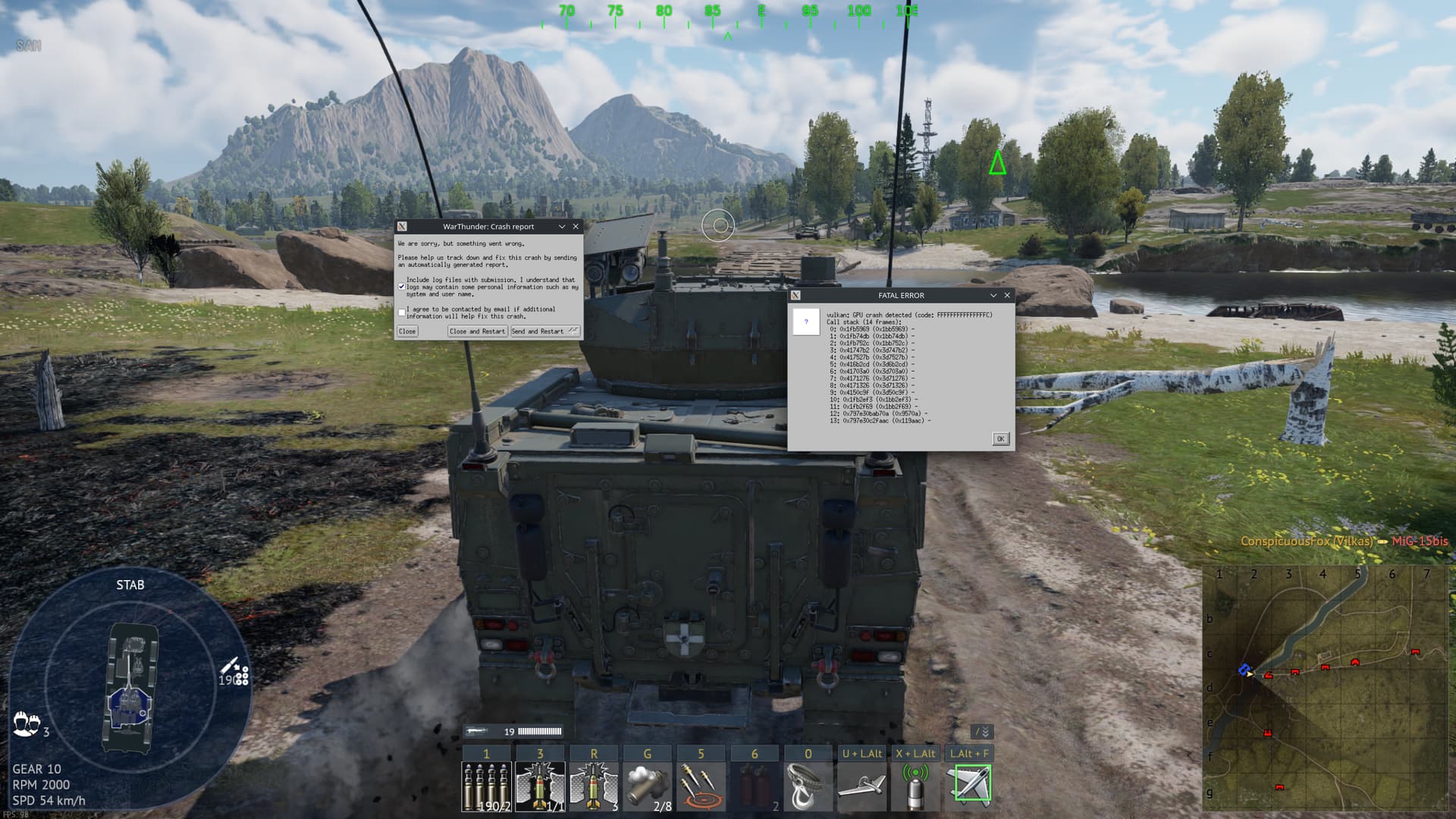
I’m encountering a crash when playing the game on Linux. The time it takes to crash seems to roughly scale with how many assets are being loaded into the game. I’ve tested this mostly in test flights/drives so I don’t force my team to end up with someone out of the game for the last half but it seems like being in the air takes a lot longer for the crashes to happen than on the ground.
It basically involves the entire game freezing then I get a Vulkan error about a GPU crash. After which the game dumps out. I attached a screenshot with the error, I was not able to see anything in journalctl regarding the error.
The game works just fine in my Windows 11 dual boot, however I have a very limited amount of space available on my Windows 11 system which means running Warthunder there is not a permanent solution. Necessary specs to follow, I will provide more information upon request
OS: Endeavor OS (Kernel 6.13.6-arch1-1)
DE: KDE Plasma on the Wayland compositor
OS/Refresh: 1440p@60hz running in fullscreen borderless
CPU: Ryzen 5800X
Memory: 32GB@3600 XMP
GPU: Acer Predator Bifrost Arc A770 (Driver: Mesa 24.3.4)
I have insured Vulkan is functioning, other games using OpenGL and Vulkan have not had any issues so far, this appears to only be seen on Warthunder at this time.
Don’t really think that version is out of date while 25 is still in testing for Arch, but I did so, this did not seem to change the behavior, if anything this crash happened sooner and now with some stuttering that was not present before
The specific crash you are be experiencing seems to be only happening with Intel Arc GPUs, So seems like it might be more of a driver issue. Would it be possible for you to submit a bug report to the Mesa/ANV Devs for this crash?
Unfortunately I don’t have a Intel Arch GPU so can’t really submit a bug report myself.
Bug report has been submitted. I take it we don’t have any way of mitigating this for now? I suppose I can temporarily clear some space on my W11 install for the time being
This issue appears to have been resolved with Mesa update 25.1 along with its accompanying vulkan-intel update. However I appear to be getting a new error. Takes a while for this one to occur. Doesn’t seem to have anything show up in the log files either.
Thank you for letting me know this crash has been resolved with Mesa 25.1.
Regarding your new crash, I’ve only noticed one or two other players reporting this specific error message ( vulkan: vkAcquireNextImageKHR failed) and so far it seems like it only happens with the Mesa drivers, Although the other players that have reported it have been AMD GPU users.
Could you please report this crash to the Mesa Devs as well? Just in case it is a driver issue.
I am confirming that this issue is real.
Intel ARC A770 with War Thunder on Tumbleweed has been wonky since September 2024 right after the update that dropped back then.
I have sent those crash reports,
Yeah I’m at my wits end with it myself. This has survived many Mesa updates at this point which squashed several other bugs. I’m thinking this isn’t an issue with Mesa and the game itself has a bug that the devs just aren’t interested in solving due to low marketshare
I’d like to add I used to get this error on Arch, even using an RX 6700. It was rather intermittent, only really seeming to happen after a couple hours of gameplay.
Yes I believe the crashes on AMD with the same error was a different cause as that error has only been reported on Intel Arc GPUs for a while now. It also was around before Intel Arc GPU users started reporting the same error.
Necroing this post as it appears distressingly this bug still exists nearly a year later, and has gotten worse. I am now running on a system that is almost entirely different from the previous one and the symptoms still remain the same.
OS: CachyOS Kernel 7.1.5-1-cachyos
WM: Wayland using Plasma 6.7.3 for the DE
Driver: Mesa 26.1.5-arch3.1
The game is running 1440@180 in borderless window mode, issue still occurs when running in exclusive fullscreen. Multiple adjustments of graphics setting did not change the behavior. I am running an undervolt on both my CPU and GPU however returning both of these to stock settings also failed to resolve the error, as well as the error existing before undervolts were applied.
When I upgraded the system I performed a full reinstall of my operating system moving over to Cachy at the same time, there is 0 chance of packages remaining from the previous install.
There is a new pattern of behavior now where it will distressingly cause the OS to catastrophically fail, not leaving behind any logs whatsoever and forcing a reboot. I’ve had one “normal” crash since then however unfortunately I am having difficulties grabbing the log of the incident as I had forgotten to save it.
No other game, including games that are more stressful to run, have caused this behavior, and the last time I reported this behavior I was told it was a Mesa bug and to report it to them. The team working on Mesa then informed me that they’d seen this often with this game, and that the problem lies in how Warthunder works with Mesa, and not with Mesa itself. On top of the fact that Mesa has undergone several major versions since this initially reappeared tells me there is almost no chance this is anything else than a bug with Warthunder.
Please take this bug seriously, I like to play this as a break when working on projects and it is seriously disruptive to have to open everything back up because of a bug likely over a year old.
Nothing, when reading my logs in the time frame of the crash it’s just normal operation until it continues onto next boot.
I’ve had a few crashes that did replicate the behavior seen before, but for those I can’t seem to find where the crashes are logged as the last one of those happened days ago
The drives are the only actual component that still remain. I’ve already ruled out the drives being the error. No FS or I/O errors, tried moving the game between 3 different drives, no luck.
I’m having some issues locating this directory, I’m not seeing it in the directory the game i installed in, or the usual directories I’ve seen game logs stored. Does Warthunder store these somewhere else?
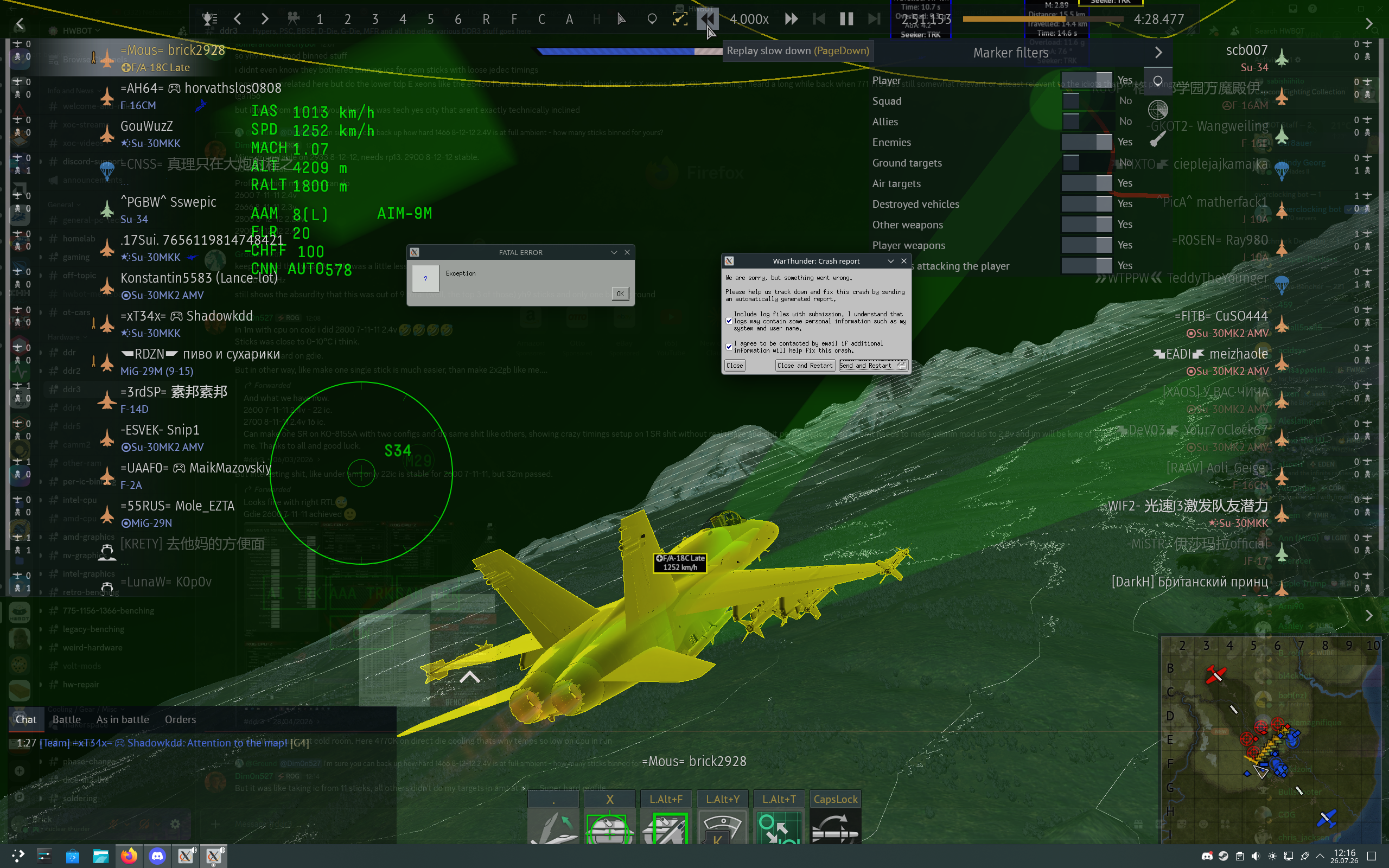
Yeeeaaaahhhh the first crash was happening due to mesa this new one is 99% probably because of war thunder itself. They arent going to fix this. I experience constant exception errors on Linux myself:
(Lenovo Legion 5i, Ultra 7 255HX, RTX 5060M, 32 gig 5600mt/s ram on Arch with KDE.)
Gaijin refuses to fix or even pay attention because we are too small of a marketshare. Do you know whats even funnier? The proton version of this game runs better than native! Its true, try it. Maybe it will fix this issue. Only problem gaijin didnt enable battleeye through proton so you cannot play with anti cheat which limits you a lot.