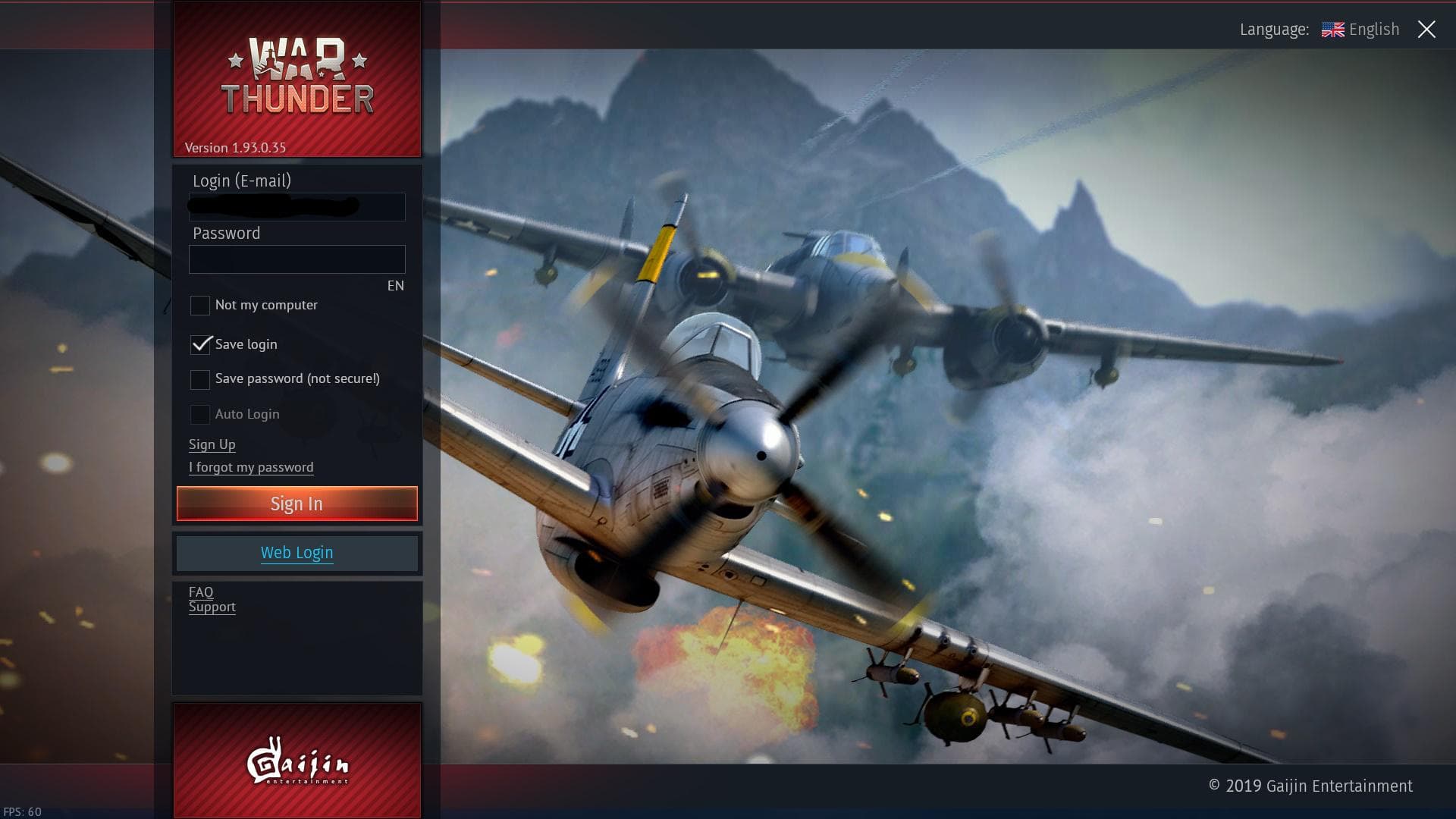
This is the part people are stuck on, it’s either a Gaijin account OR Console account, it can’t be both (or it shouldn’t be able to be both). Additionally none of those two should be able to log into a steam started game either.
Did you solve the voice chat issue?
I did, I manually found it instead of using the search tool for it like a few people said.
If it’s gonna be either a Gaijin or Console account, then this is a console account lol because when trying to enter the market it says “console accounts can only buy GE etc etc”
2 Likes
Wow, so did your live account use the same email as your steam? Or how’d you get it to use the steam client?
Or are you merely using the steam client to get the game, and are actually using the launcher.exe from the game folder to launch?
As I mentioned earlier, the more common method to use is the MS Store install, with a live account logged into Windows.
I believe I can log in through 2 different emails lol.
But Steam used to or maybe still allows you to change log in accounts.
I was able to use my Xbox log in email for this I believe.
Interesting, it helps me because I commonly talk to people about how to switch to PC from consoles, and this is all news to me overall as I am a PC player only, with a migrated Gaijin - Steam account, and don’t use the switch user option.
Do give the voice chat a go another time though, as chances are it was just a squadron member hotmicing, and if you can, a headset could help by making the voice chat able to go through another output compared to the main speakers style.
It is hard when you have someones voice randomly coming through the main output to the speakers making a fuss.
Also the steam client gives less loading screen information than the vanilla client so you’ll see it sitting there with no messages but just sitting, where on the vanilla client it tells you that it’s connecting or loading a profile.