You would just launch the game in steam then enter you Xbox login when the game asks you to log in wouldn’t you?
1 Like
Launching on steam should only automatically log you in to an account bound to your Steam login. You can’t bind an already existing Gaijin account to your Steam either.
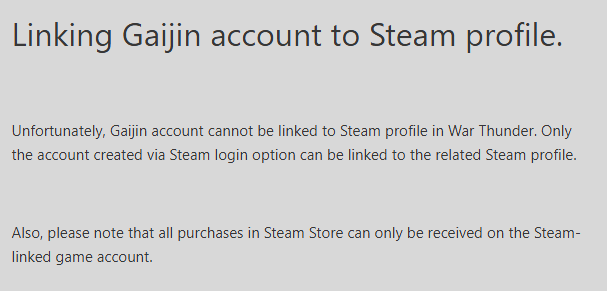
and if you want to bind an email to the steam account you can’t use an email already in use for a Gaijin account: ( https://support.gaijin.net/hc/en-us/articles/209617049-Binding-a-Steam-account-to-your-e-mail-address )

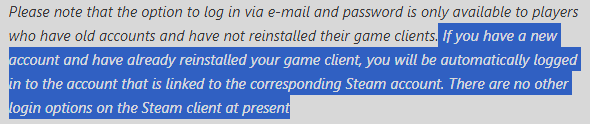
I started playing long before War thunder was on steam, then I played through steam for years, bought vehicles and GE and stuff through my steam account too, then I moved back to playing through the gaijin launcher.
So I dunno what to tell you
Well yeah, that’s the non-highlighted part of this:
I have uninstalled and reinstalled a few times though.
So you probably then first had a Gaijin account that got linked to your steam when that was first released so now you effectively have a steam account with the same Email linked as your first Gaijin account. That’s what i’m guessing at least. It is no longer possible to do that though (as far as i know) and especially not with console accounts (at least in theory).
Yeah, who knows, the great mysteries of Gaijin coding .
It’s more that our accounts (As mine is the same, linked to my steam account) are sent as a token to Steams setup, that makes us able to just login via steam.
And that’s because we linked our accounts to steam.
PSN users can link their emails to their gaijin account, same as the XBox users to play on the vanilla launcher without being able to use the store.
But no idea how the OP is actually using Steam, and I’d wonder if they’ve inadvertantly made the msitake many others have made where they’ve made a second account without noticing.
After all, we’ve been unable to use the steam linking setup for at least 4-5 years now.
2 Likes
Ahh, so it’s sort of a legacy feature from when WT first came to steam or something, there was a small window where we could make a “hybrid” account linking our OG Gaijin account to your steam account, a bit like @Necronomica was speculating?
Yea, Necronomica is right in their thinking. It happened before the consoles were able to do any migration which would even qualify them for a steam migration.
1 Like
Ahh, OK, thanks for the explanation.
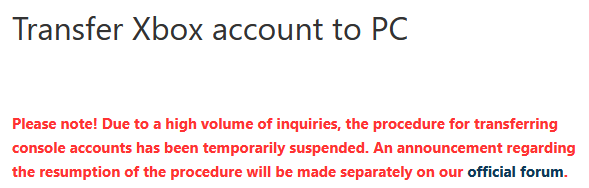
Also this has been “temporarily suspended” for like 5 years now.
Yea, so how are you using the Steam version, with your XBox account? You haven’t answered that directly.
Like, that’s the simplest way of making mention of what we’re asking, compared to trying to say someone is wrong.
Literally just log in with my Gaijin account which is a console account
Idfk what you people are on about and frankly I don’t care either lol
This is the part people are stuck on, it’s either a Gaijin account OR Console account, it can’t be both (or it shouldn’t be able to be both). Additionally none of those two should be able to log into a steam started game either.
Did you solve the voice chat issue?
I did, I manually found it instead of using the search tool for it like a few people said.
If it’s gonna be either a Gaijin or Console account, then this is a console account lol because when trying to enter the market it says “console accounts can only buy GE etc etc”
2 Likes
Wow, so did your live account use the same email as your steam? Or how’d you get it to use the steam client?
Or are you merely using the steam client to get the game, and are actually using the launcher.exe from the game folder to launch?
As I mentioned earlier, the more common method to use is the MS Store install, with a live account logged into Windows.
I believe I can log in through 2 different emails lol.
But Steam used to or maybe still allows you to change log in accounts.
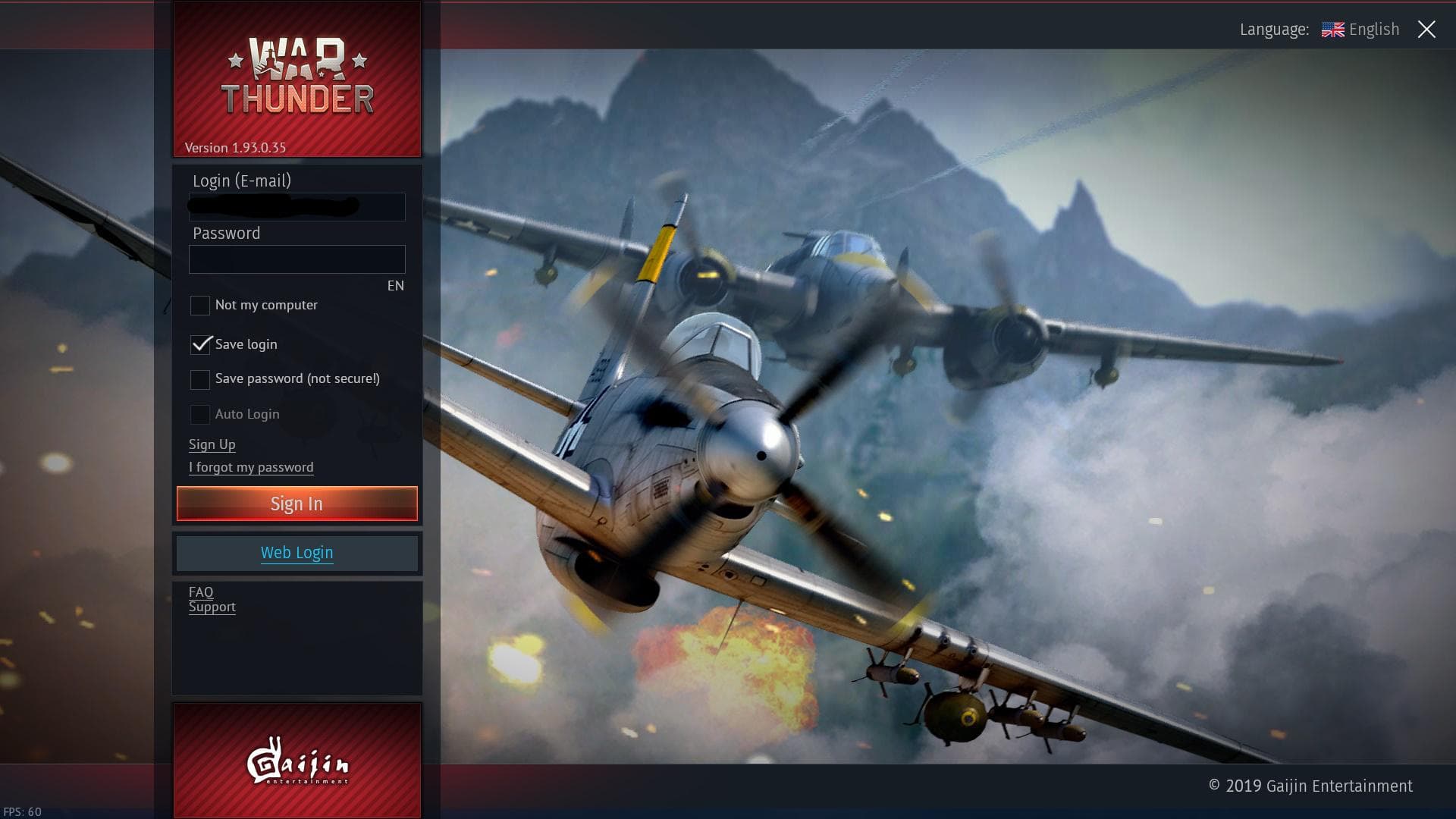
I was able to use my Xbox log in email for this I believe.
Interesting, it helps me because I commonly talk to people about how to switch to PC from consoles, and this is all news to me overall as I am a PC player only, with a migrated Gaijin - Steam account, and don’t use the switch user option.
Do give the voice chat a go another time though, as chances are it was just a squadron member hotmicing, and if you can, a headset could help by making the voice chat able to go through another output compared to the main speakers style.
It is hard when you have someones voice randomly coming through the main output to the speakers making a fuss.
Also the steam client gives less loading screen information than the vanilla client so you’ll see it sitting there with no messages but just sitting, where on the vanilla client it tells you that it’s connecting or loading a profile.