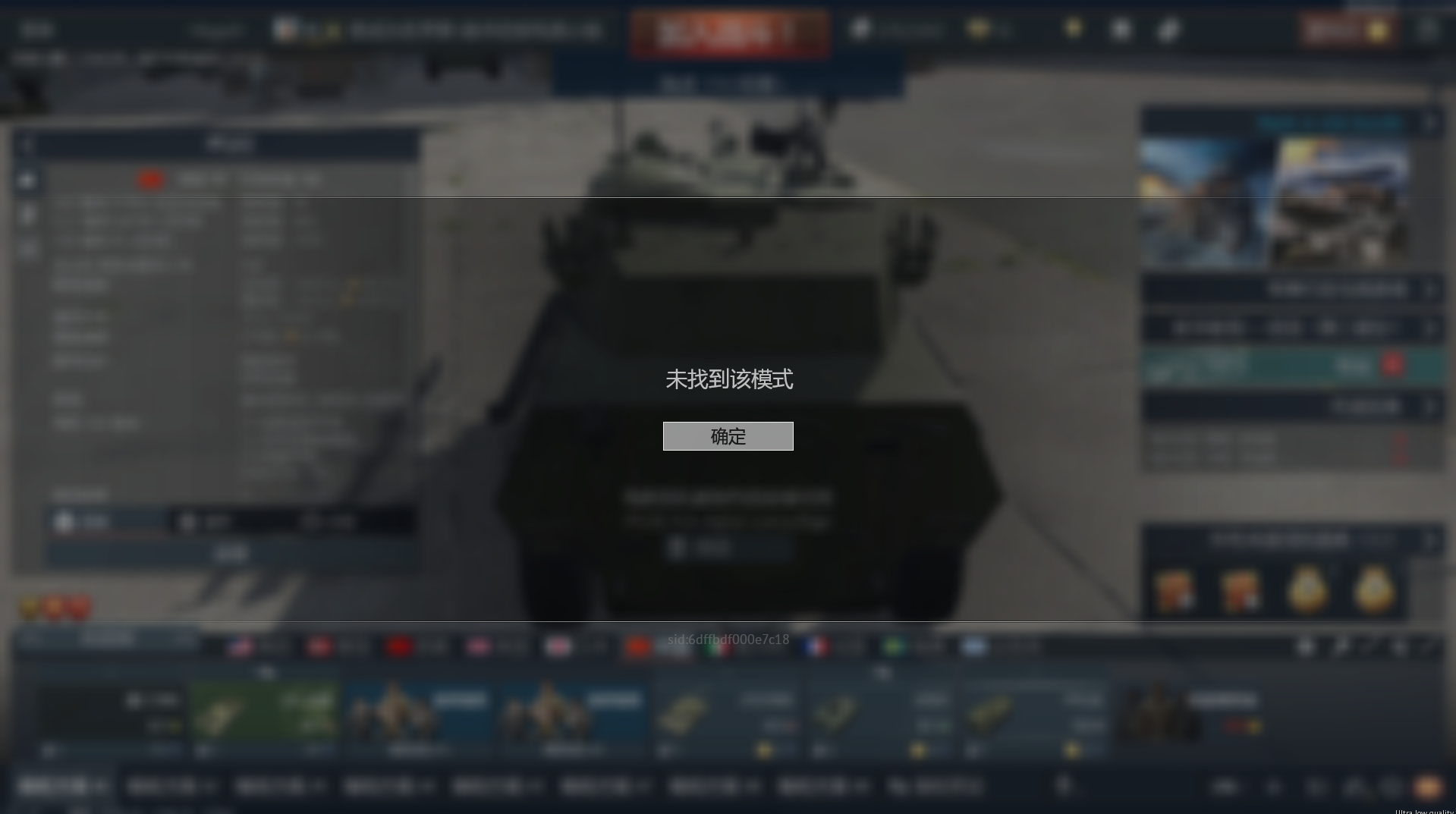
mine started on july 6 after 8:30 am , really need to fix this. i hope it’s because they are trying to fix some of the problems. if not, it’ll be time to move on like i did with wargaming.
What ‘problems’ do you think they need to fix?
It’s not actually broken broken, there’s just an issue that’s happening at the moment.
I cleared my cache folder and it let me get in.
And there are other modes to play.
what kind of cache folder, exactly?
I am having the same issue. I was also unable to find a cache folder. Where might it be located?
If you’re having a problem like this—I had it too, as I couldn’t find the Ground Arcade Battles mode—and you can’t locate the folder, follow this path on your computer: C:\Users\USER\AppData\Local (replace “USER” with your profile name). Delete the “cache” folder, restart the game, and check if it worked. It worked for me; the game automatically recreates the folder and doesn’t delete any specific settings, such as pre-existing controls or graphics configurations.
In the game folder itself, there’s is a cache folder. That folder is safe to empty.
That’s not the cache folder I refer to, it’s actually in the games install folder, and in there is a cache folder.
In the games install folder is also the other main 'clear out if trouble happens folder named ‘compiledShaders’ (Mainly for clearing if you have graphics related issues).