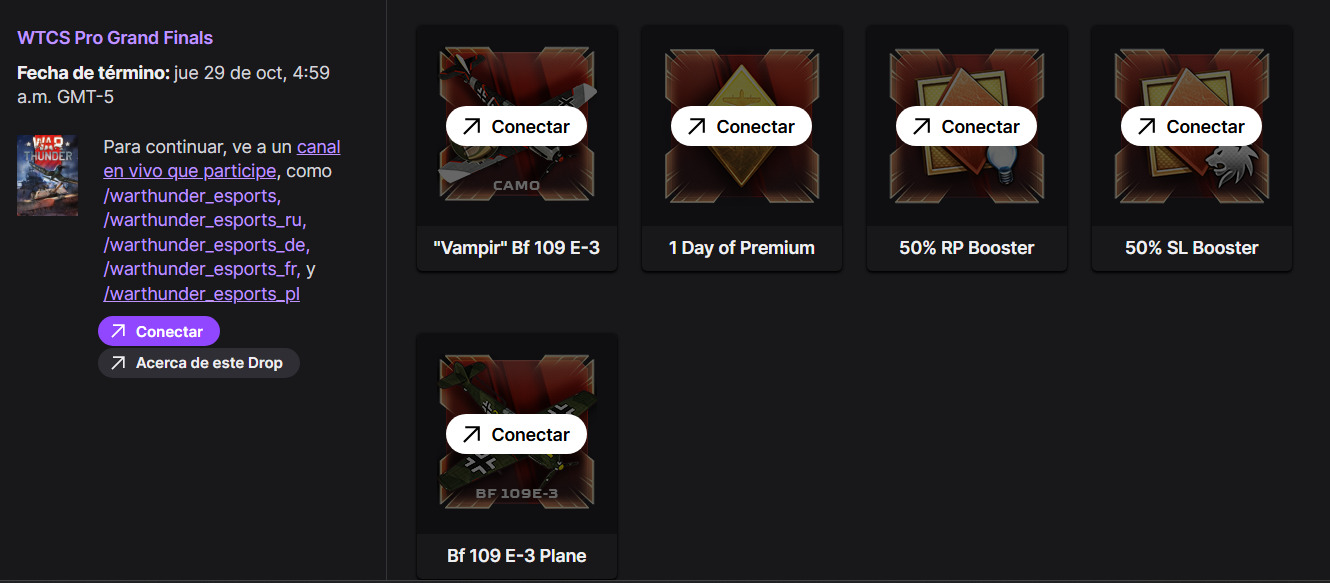
I am writing to formally report an issue regarding Twitch Drops rewards that I have not received in my War Thunder account.
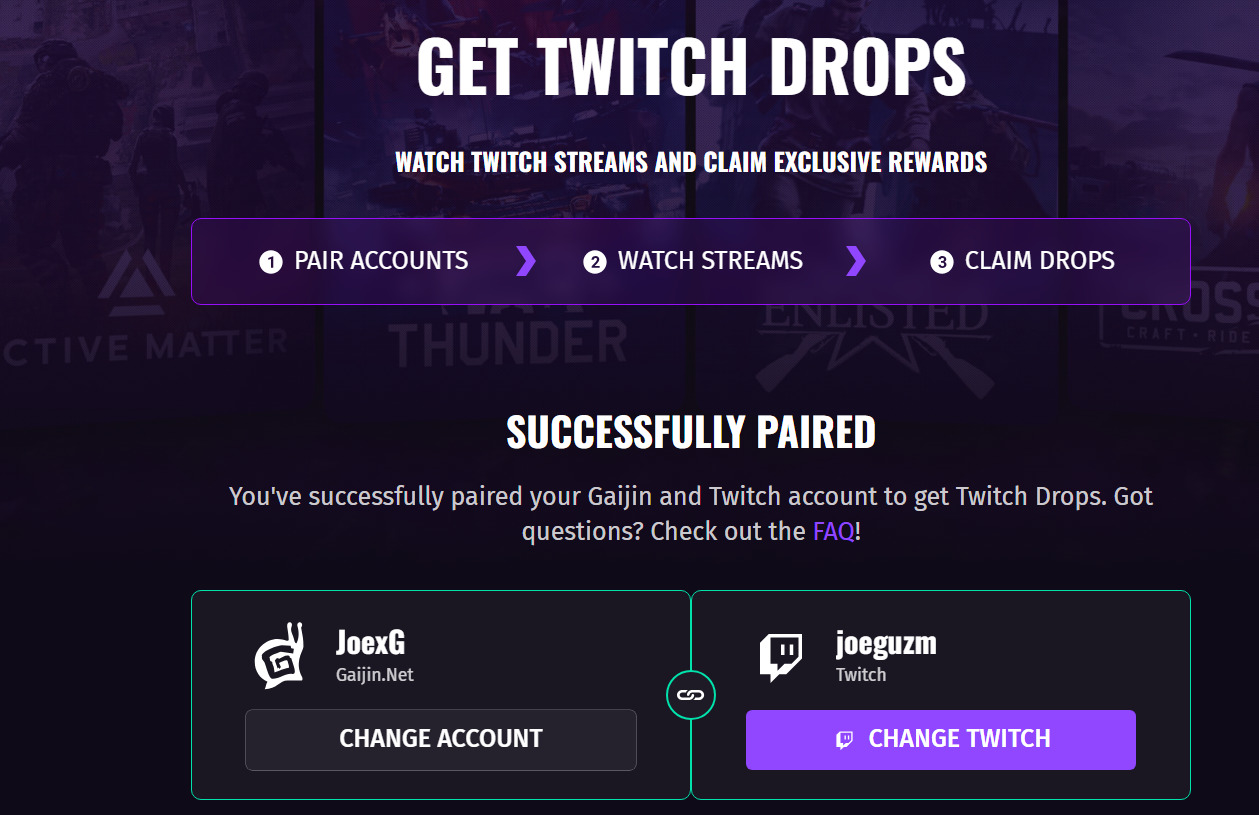
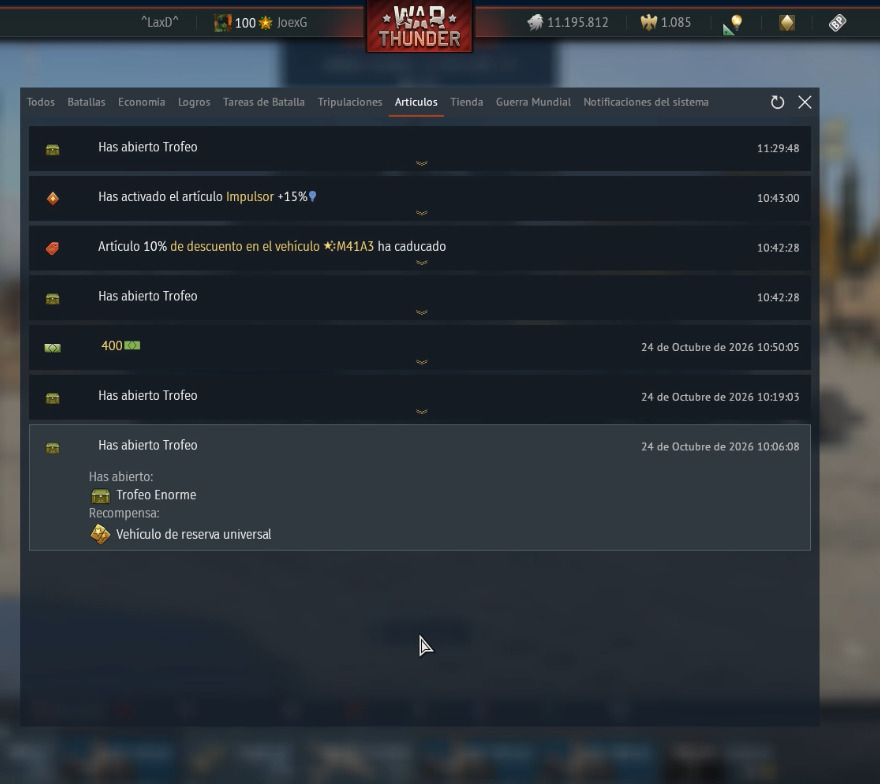
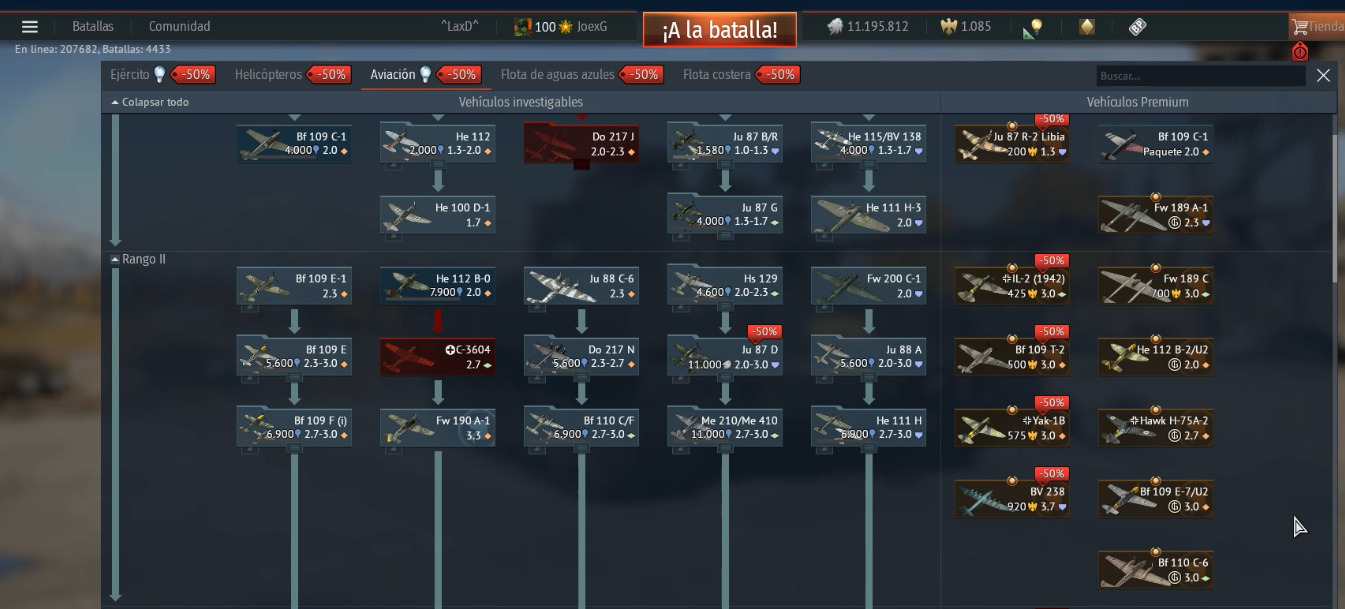
Although the rewards are shown as claimed in my Twitch account, they have still not appeared in my War Thunder inventory. I have checked the connection between my accounts and attempted to reconnect them several times, but the issue persists and the rewards remain missing.
Despite completing the necessary requirements and claiming the rewards successfully on Twitch, I have been unable to receive them in-game. I have repeatedly tried to resolve this issue by reconnecting my accounts, but none of these attempts has worked.
I would appreciate a definitive solution to this problem and the delivery of all outstanding rewards I am entitled to receive.
Thank you for your time and assistance. I look forward to your response and hope this issue can be resolved as soon as possible
I would do it at 9 a.m., giving myself an hour to see if I could make it to the game, and so I did it again at 12 p.m. and 4 p.m. on Saturday.
Right now, I logged back into the game after you told me to re-authenticate, but I still haven’t received my rewards.