I’m relatively new here so if I violate any policies by accident just let me know,
I just installed the CDK that I downloaded from the Wiki (27/11/2024 Version) and upon opening the location editor after the initial loading, the screen for the location editor began to have what I can only describe as a seizure and promptly replaced any text visible in the editor under normal circumstances in black blocks, I have included a video of me opening the editor if that helps, P.S skip to about a minute in for the action; my computer does not load very fast. I decided to look in the other two CDK programs and upon opening the mission editor and the asset viewer I did not have any issues at all, it appears only the location editor is having a hissy fit. Any help at all would be appreciated and I am happy to provide any extra information if you need it. I also uninstalled CDK and reinstalled it twice and on both occasions the issue still persisted. Additionally the Location Editor functions well in every aspect in this situation with the exception of the text, aside from that I can still interact with the editor without crashing.
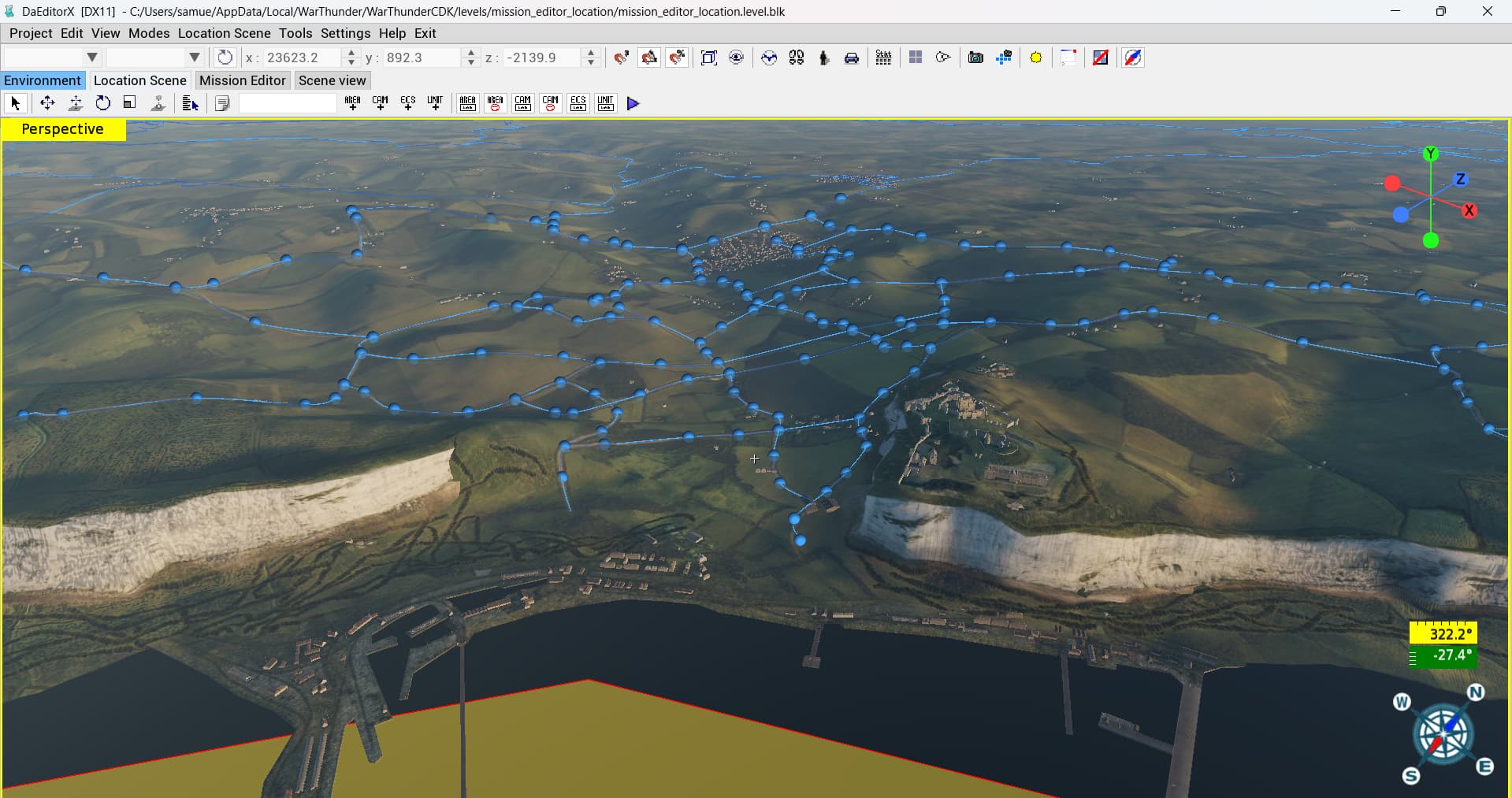
- Screenshot of mission editor for referance
- Video of launching the Location Editor
I realized that the above information I have given may be a bit scattered and much so here is a BLUF;
Problem:
The War Thunder CDK is experiencing an isolated graphical based distortion of any written text or symbols in the Location Editor application with the exception of external windows such as that presented at 1:24 in the provided video asking about saving changes, I’ll look further into the problem this afternoon and see what I can turn up as for when the problem does and does not occur, although I have been able to confirm it’s isolated to the Location Editor application and does not have any impact on either the Mission Editor or the Asset Viewer application. For reference I downloaded the CDK .exe file through the War Thunder Wiki page using the version released on the 27th of November 2024, if anyone could let me know where I can find a more recent release that would also be useful.
I have tried:
-
Uninstalling & reinstalling the CDK using the same CDK .exe file - Did not work
-
Uninstalling & reinstalling the CDK using a new download of the CDK .exe file - Did not work
-
Selecting a different language for the CDK - Same problem occurred
(I’ll add to the list once I get more information/suggestions)