I’d like to know if there’s any fix to solve this.
I’ve tried to verify the files, and still happens.
Anyone that this happens too?
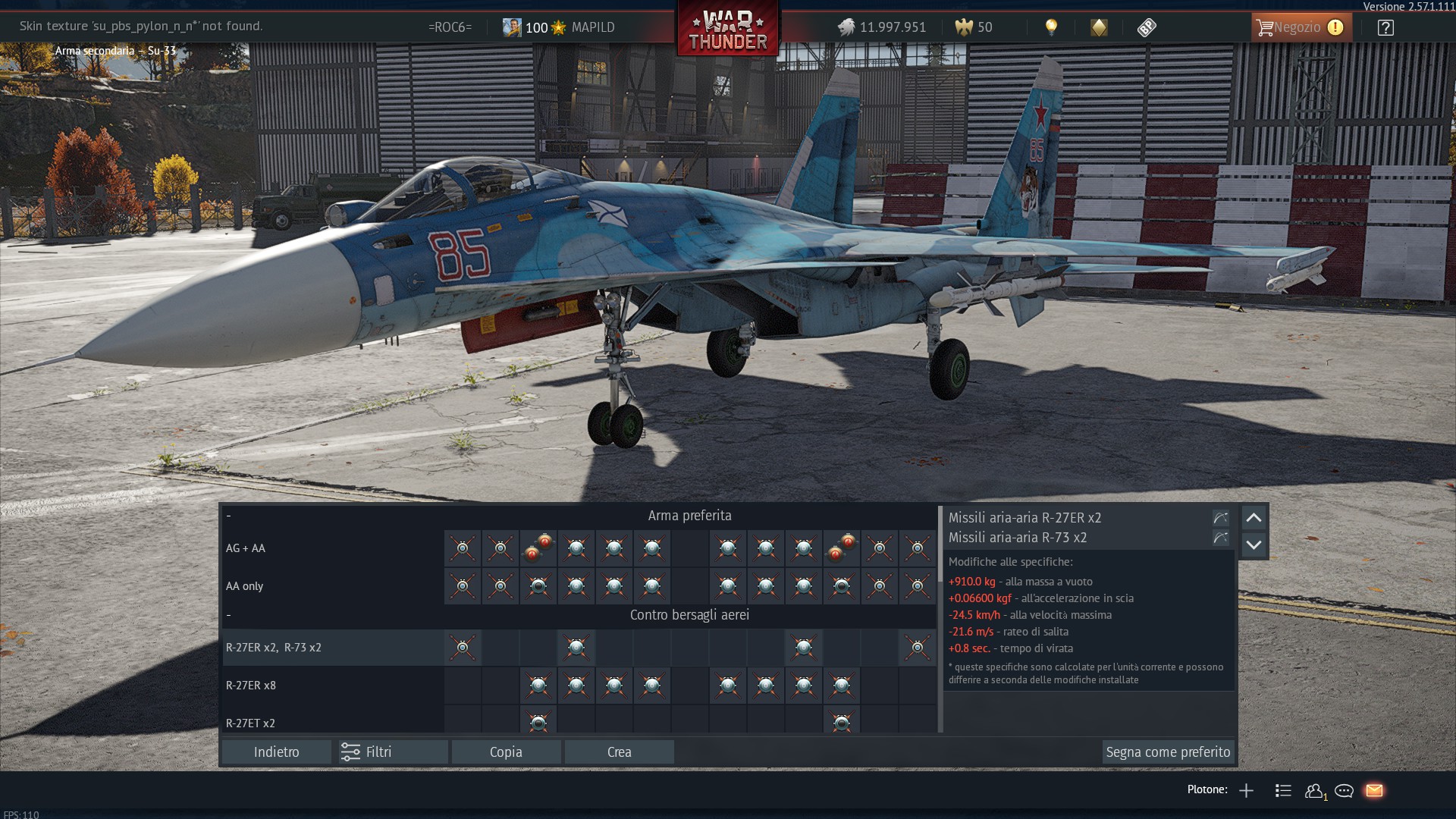
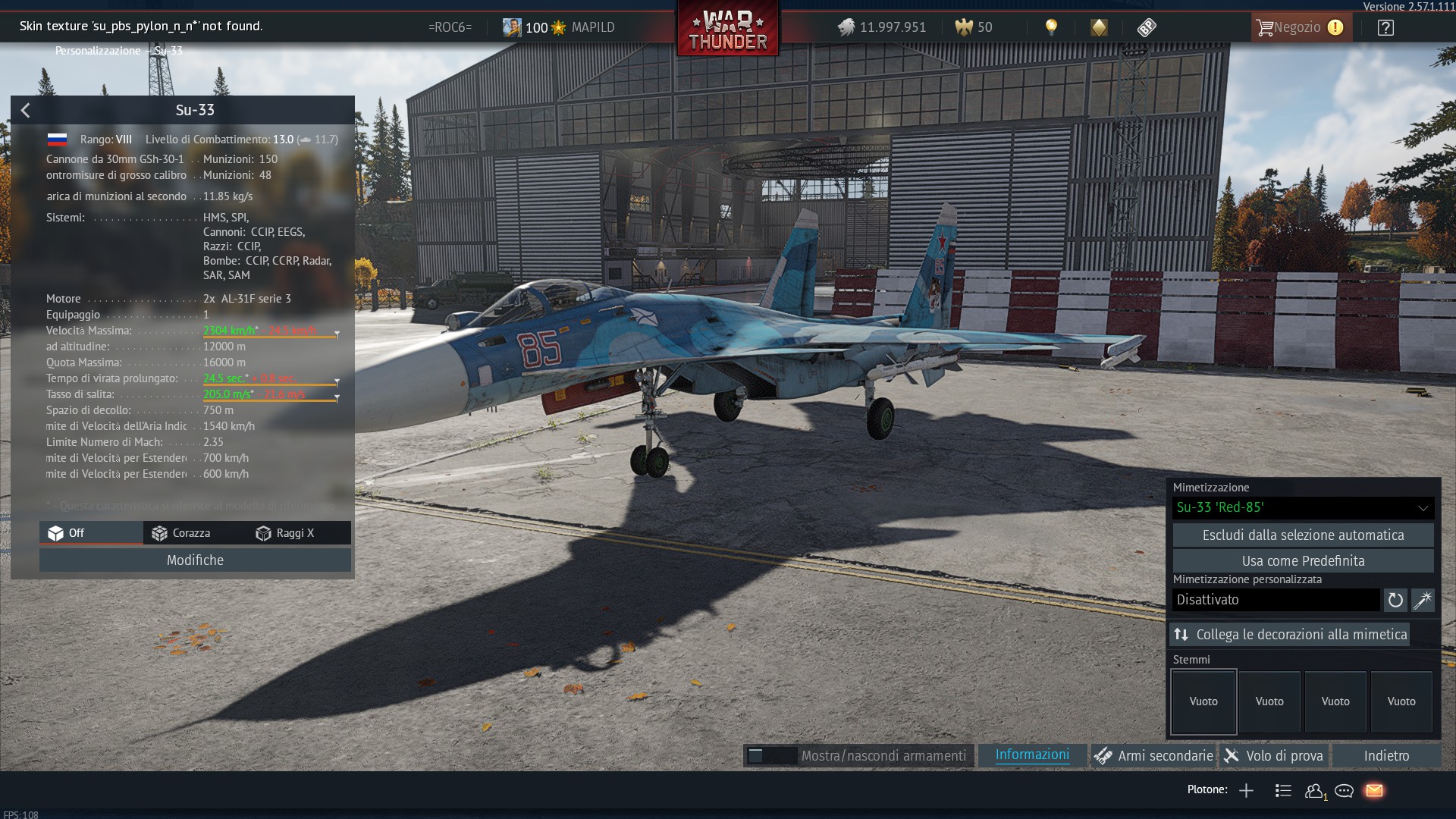
Edit: I’ve added the skin I do have the problem with
I’d like to know if there’s any fix to solve this.
I’ve tried to verify the files, and still happens.
Anyone that this happens too?
Edit: I’ve added the skin I do have the problem with
what’s wrong with it?
The error message points to a missing asset inside the custom skin rather than a general installation failure:
Skin texture 'su_pbs_pylon_n_n' not found.File verification usually cannot recreate a missing texture in a local UserSkins folder. Please reset the Su-33 to its default camouflage and test once:
.blk file..dds or .tga file.su_pbs_pylon_n_n is absent, reinstall or regenerate the skin from a current template. A recent model update may also have changed the required texture names.If the default camouflage fails as well, please add the exact client version/platform and an in-game screenshot showing the error. The current screenshot appears to show client build 2.57.1.111.
The official wiki documents that custom camouflage is local and that .blk texture references must match the actual files exactly:
It is not a custom skin, downloaded from WT live, it’s a skin that I bought from the Gaijin marketplace
That’s the thing, idk, its annoying that the text appears of the error