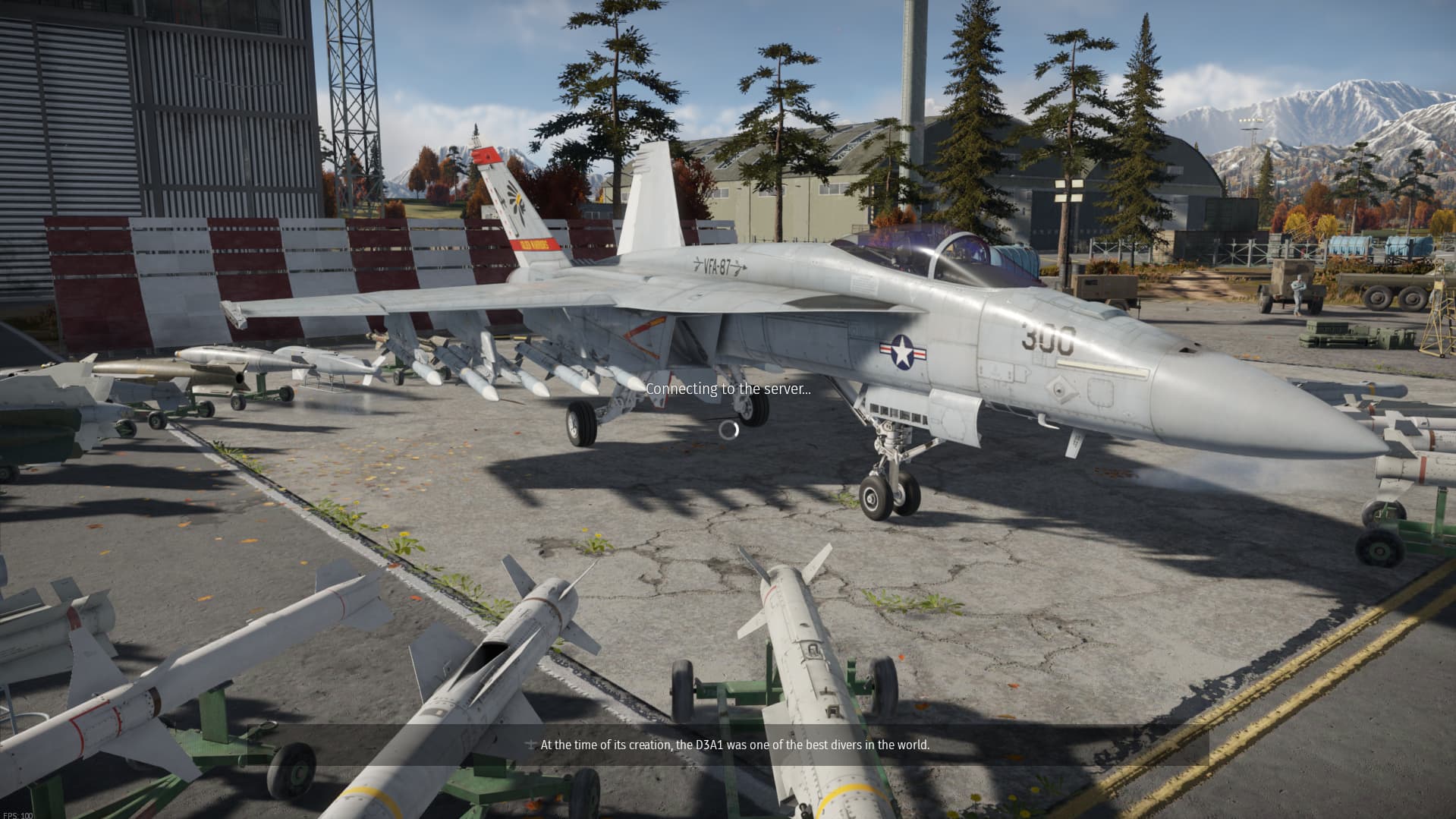
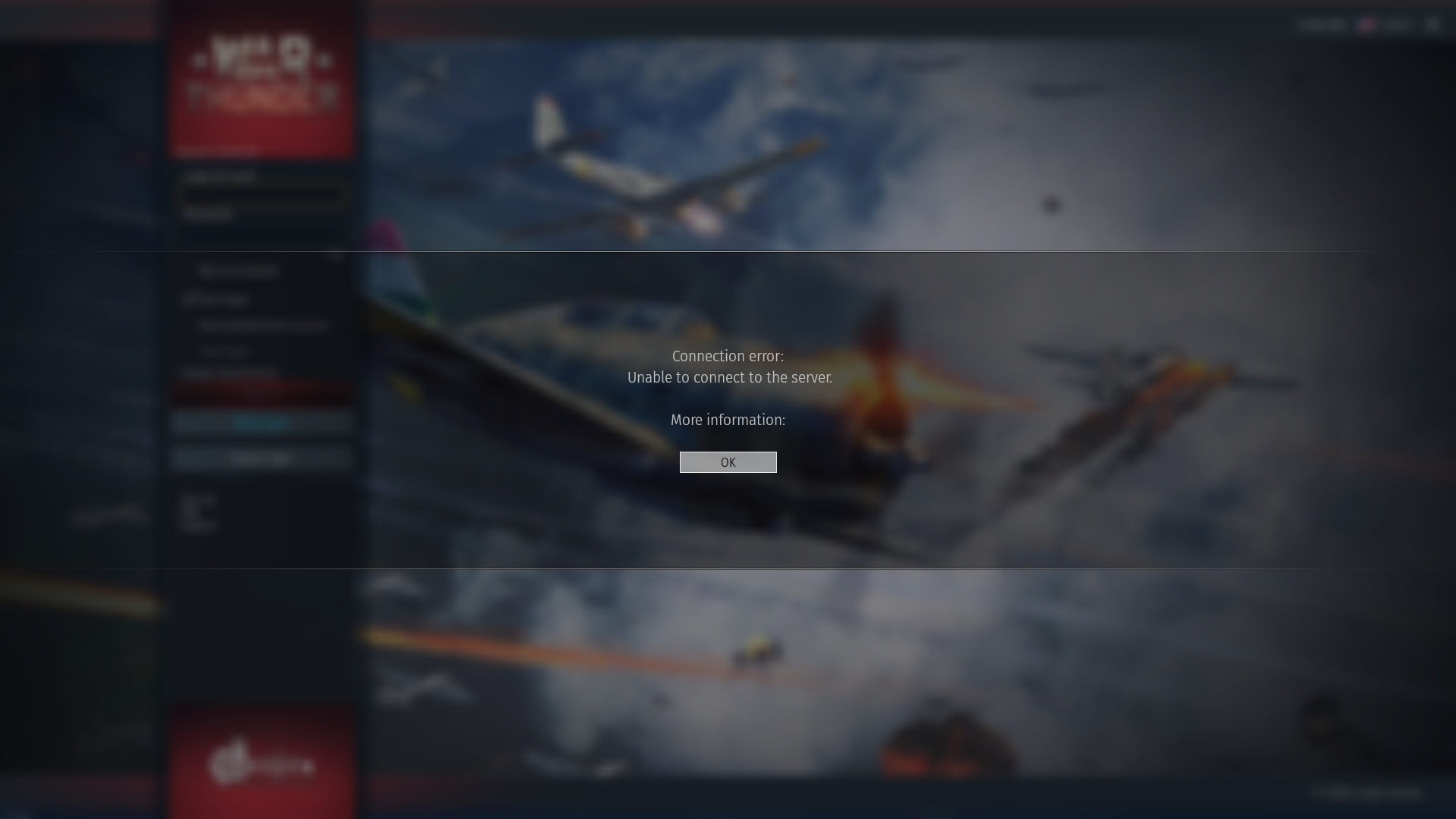
While attempting to connect to the server using (Web Login) to connect to your, PSN, Xbox, And Steam account. You will be stuck loading in your hanger with the text “Connecting to server” for about 2 minutes, until you eventually get automatically kicked and sent back to the launcher log in screen. Also displaying an error message with “More information” with nothing underneath. This appears to be only for web login as when i tried to log in using a temporary “guest” account, it was perfectly fine.
Same. Copied from a post I was about to do:
As the title states. When logging in i get to the hangar and the timer runs roughly 4.5 minutes, then I get the message “Connection Error: Unable to connect to the server.” Then “More info” (not a button) but no error code, then the “Ok” button. Over two days I’ve attempted multiple logins with the same result. I even attempted a guest login - same result. I’ve attempted to leave a bug report but after logging in by name and password, the security verification “I’m not a robot” continuously loops me back to the check box, so I can’t even leave a bug report.