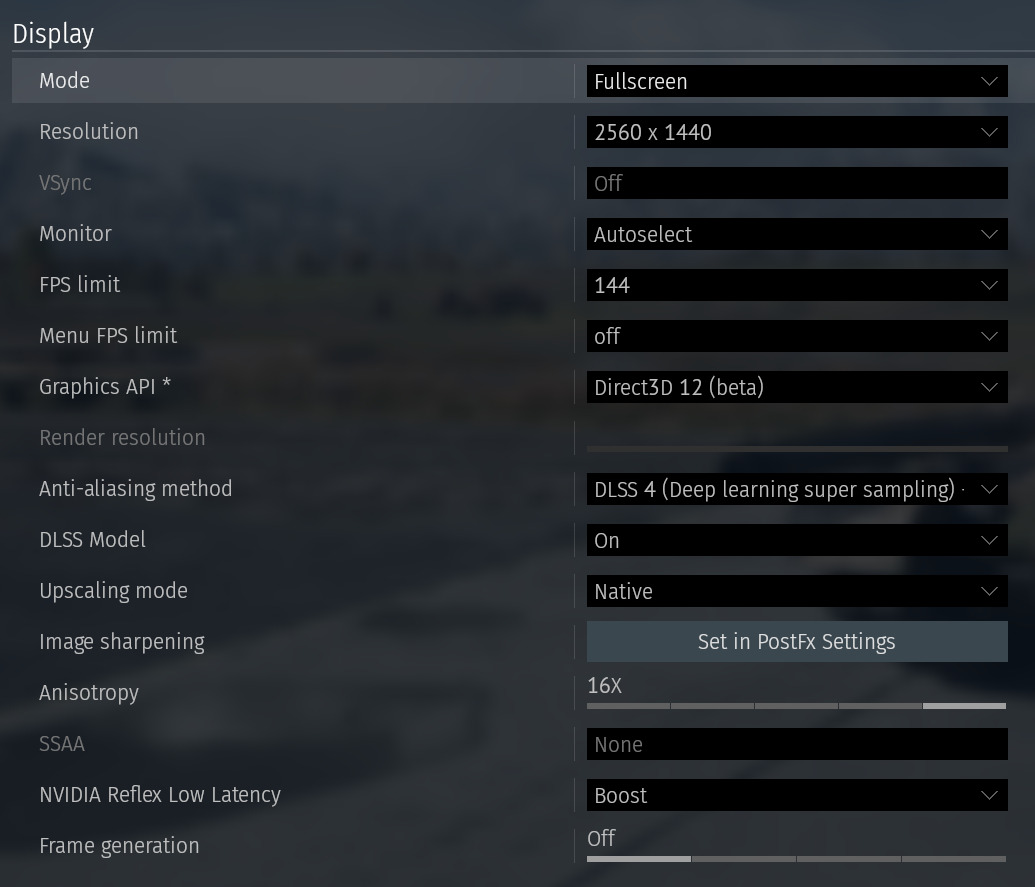
I’m having an issue with my graphic settings. If I use optimal settings for my rig I have to turn NVIDIA Low Reflex Latency to “boost” mode to have a bearable display latency (<10ms). This forces VSync to “off” and causes annoying screen tearing.
Capping the FPS to 142 or 144 does not help (I have a 144Hz monitor). If I turn the Low Reflex Latency off and VSync on the screen tearing exists no more but the display latency jumps up to 30ms which I can’t stand.
What can I do to get rid of the screen tearing (whilst having low display latency) without turning my graphic settings to low or medium?
My PC
RTX 5080
Ryzen 7 9850X3D
32GB DDR5 6000mHz CL30 1.4V
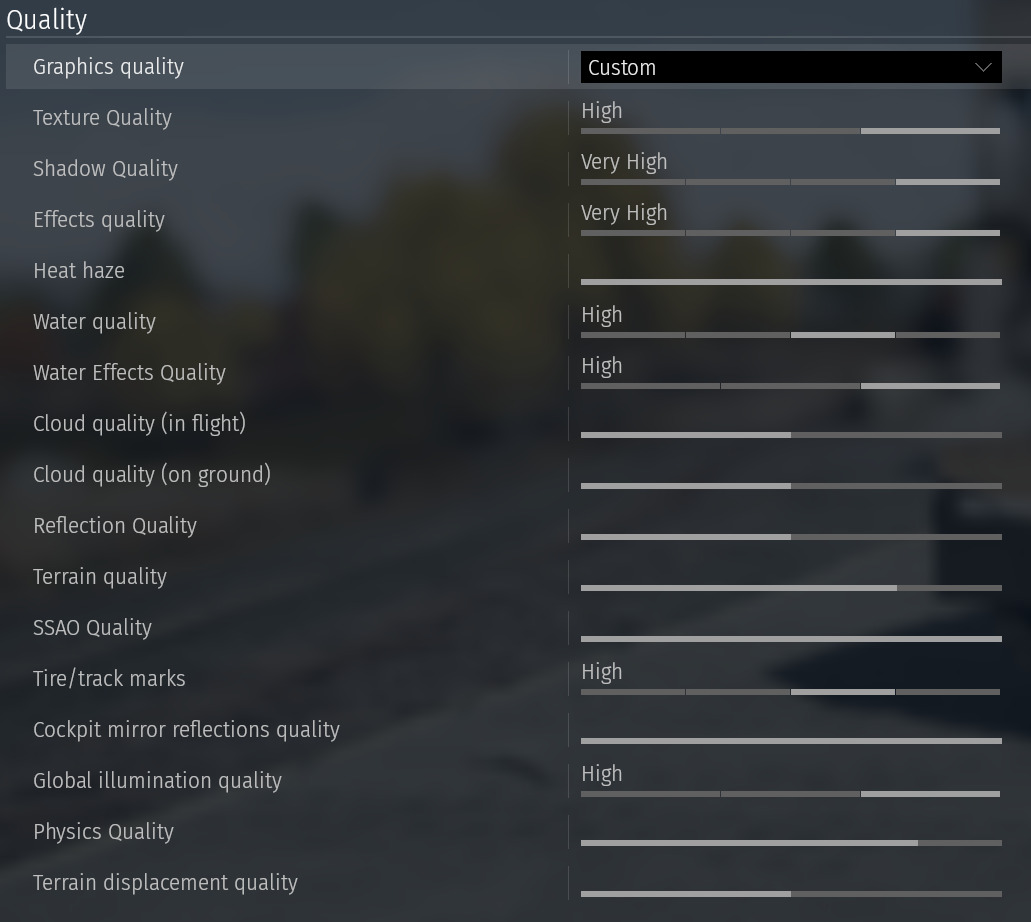
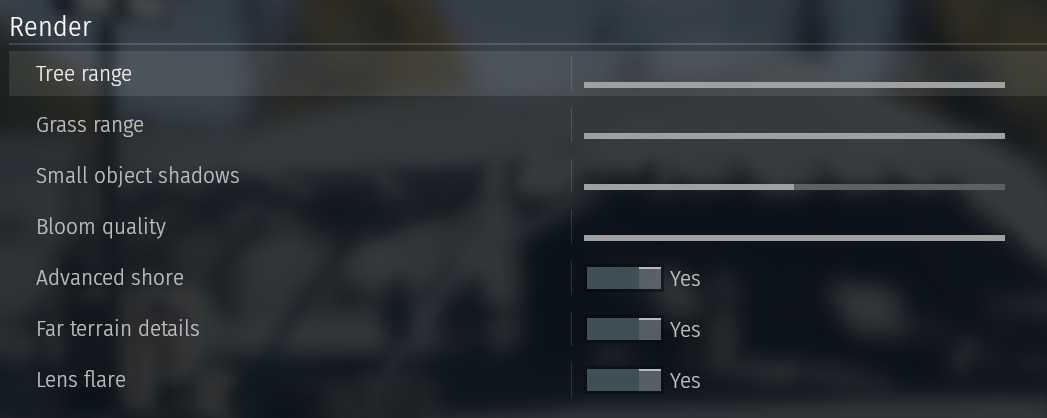
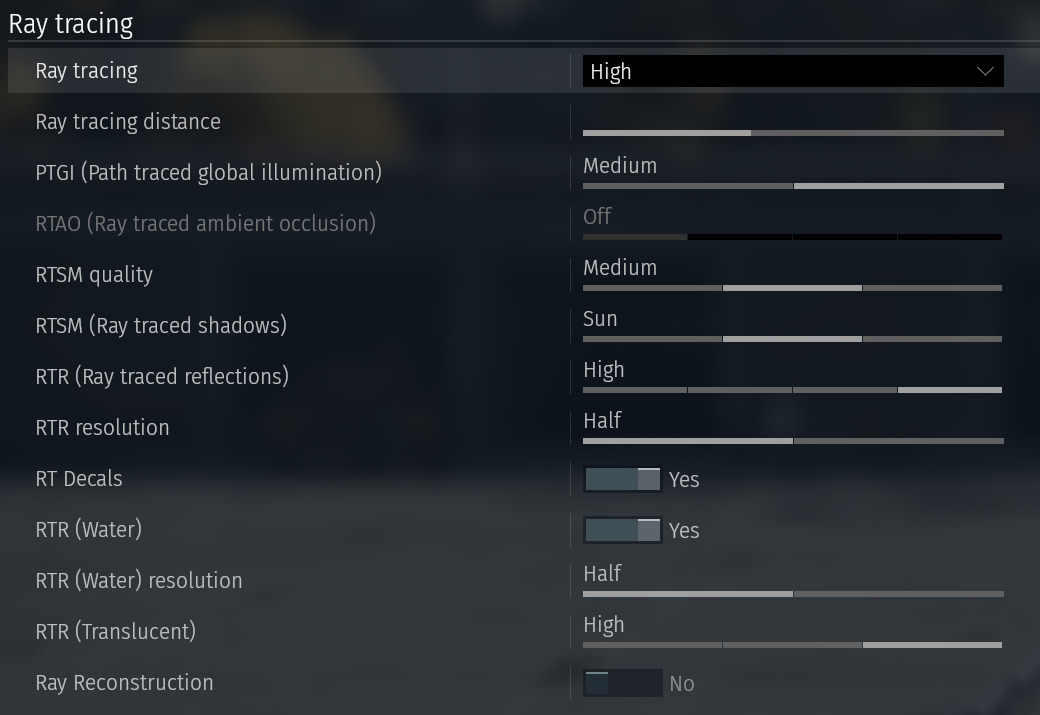
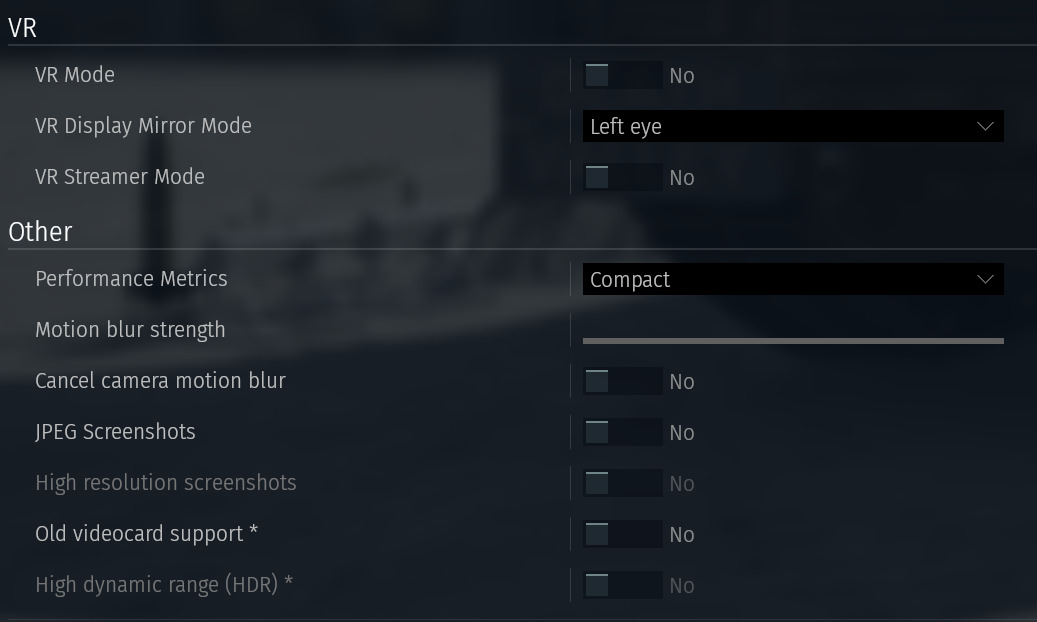
These are my current settings
Thanks for the report.
Screen tearing in War Thunder is often caused by a mismatch between your FPS and monitor refresh rate. Please check your in-game Graphics settings, try V-Sync On or Adaptive, and set an FPS limit slightly below your monitor’s refresh rate. If the issue continues, please share your full PC specs, monitor refresh rate, GPU driver version, and whether you are using fullscreen, borderless, G-Sync/FreeSync, or any overlays, as those details help narrow it down.
The same thing started happening to me lately, too. My FPS doesn’t drop below 100, but I’m still getting Screen tearing. I have VRR and Nvidia G-Sync Compatible enabled, but I’m still having these issues.
A!
…and I have my FPS capped at 141.