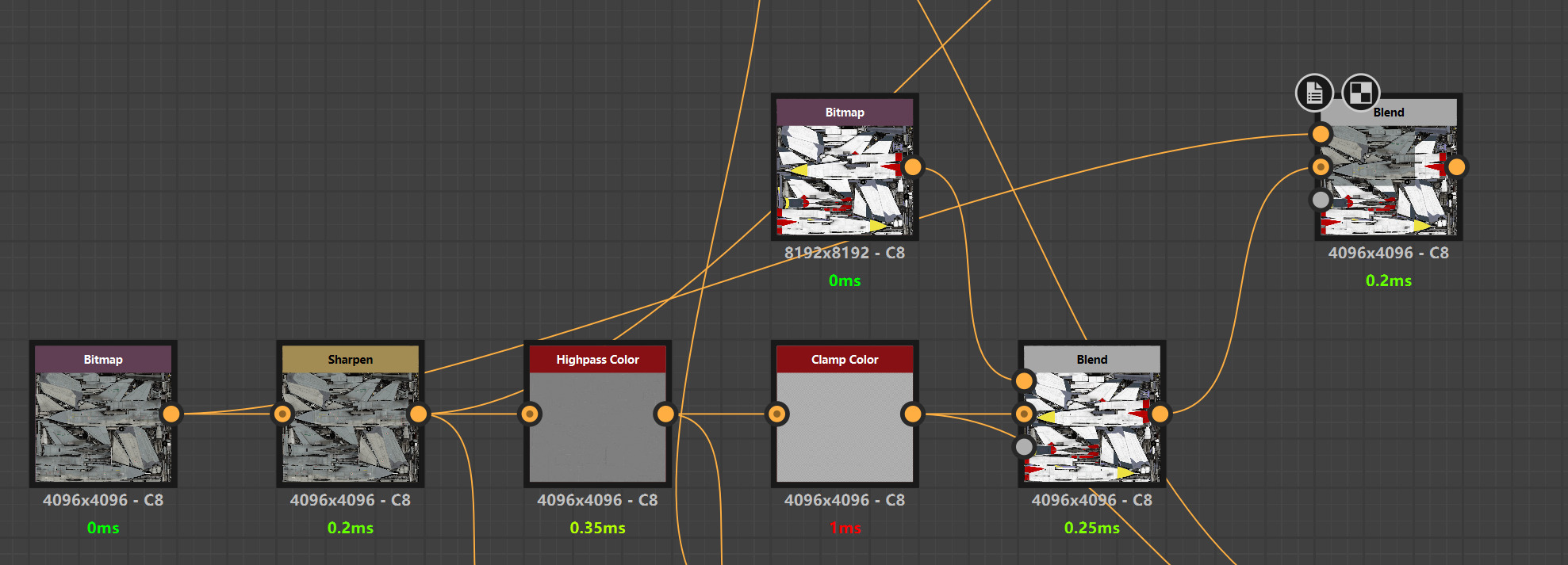
Recently, while upgrading War Thunder aircraft skins to higher resolution, I ran into a common issue:
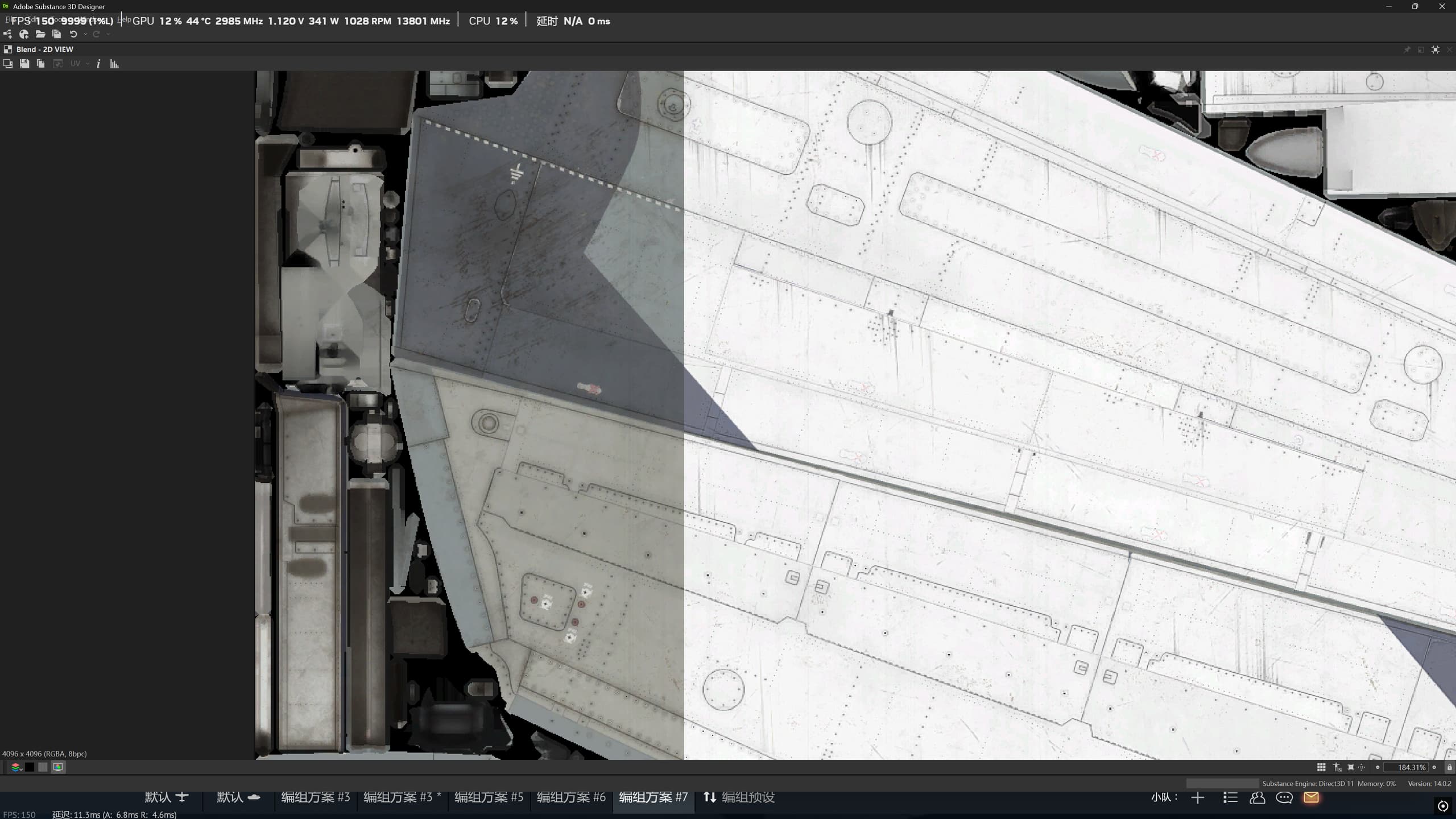
when sharpening or enhancing details, the Base Color tends to get damaged, and the original color blocks become overly bright or washed out.
After applying Highpass in particular, the bright edges often get pushed so high that they nearly “blow out.”

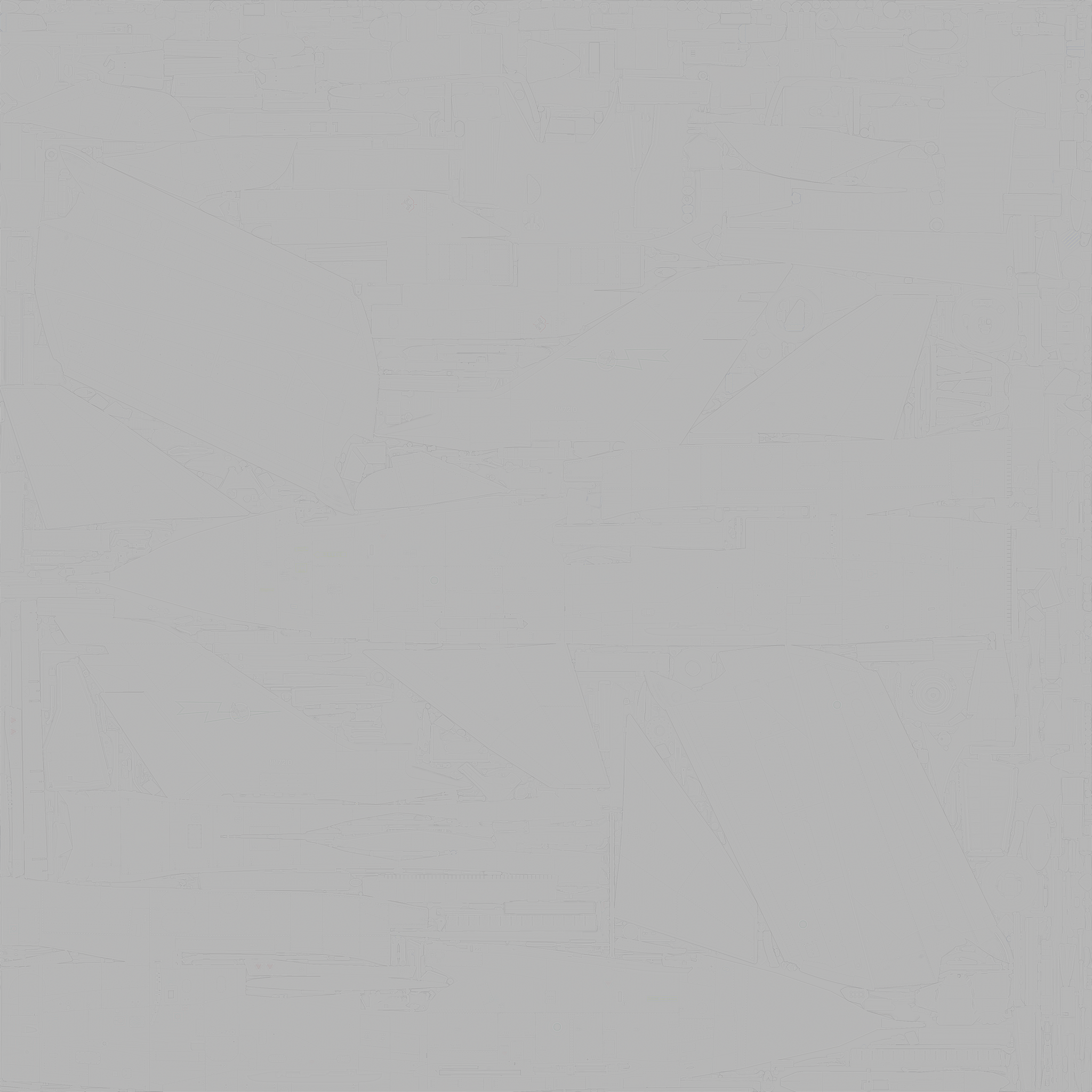
The reason Highpass creates bright halos along the edges is that the UV islands sit next to empty black areas. Highpass treats that contrast as detail and generates a large amount of out-of-range brightness.
In theory, filling the non-UV areas with 50% gray would prevent this, but it isn’t practical or fast.
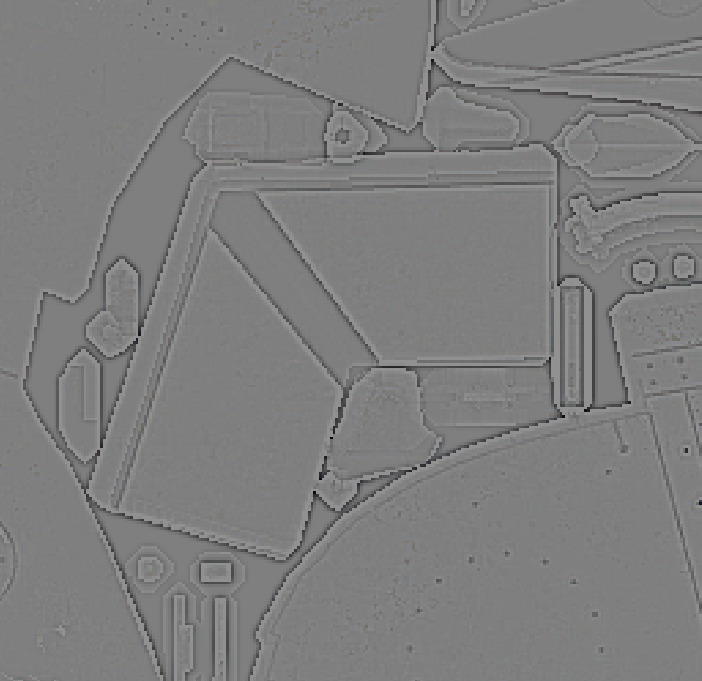
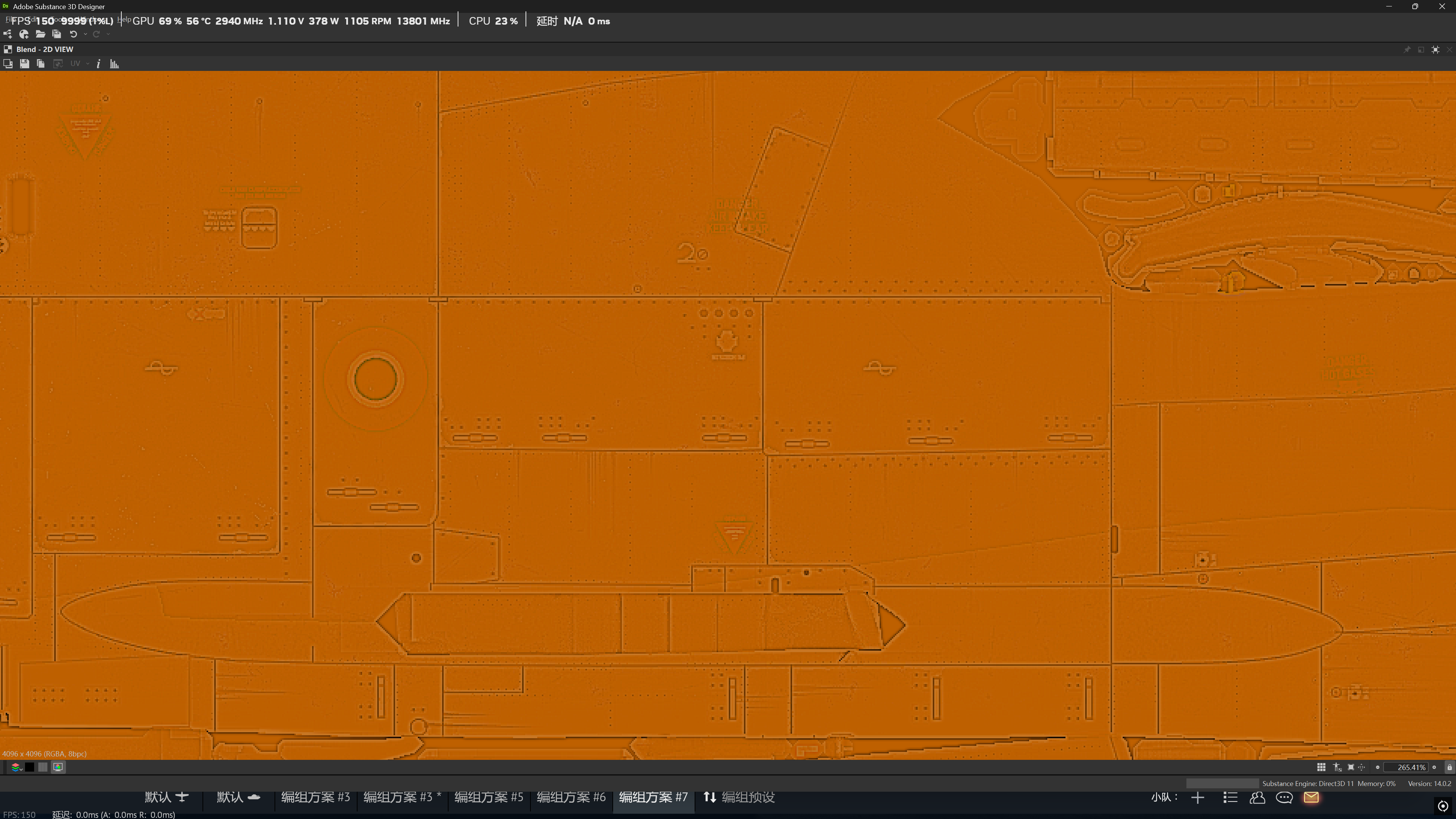
Using a Clamp node to pull the brightest values back down to an average level solves the problem far more efficiently.