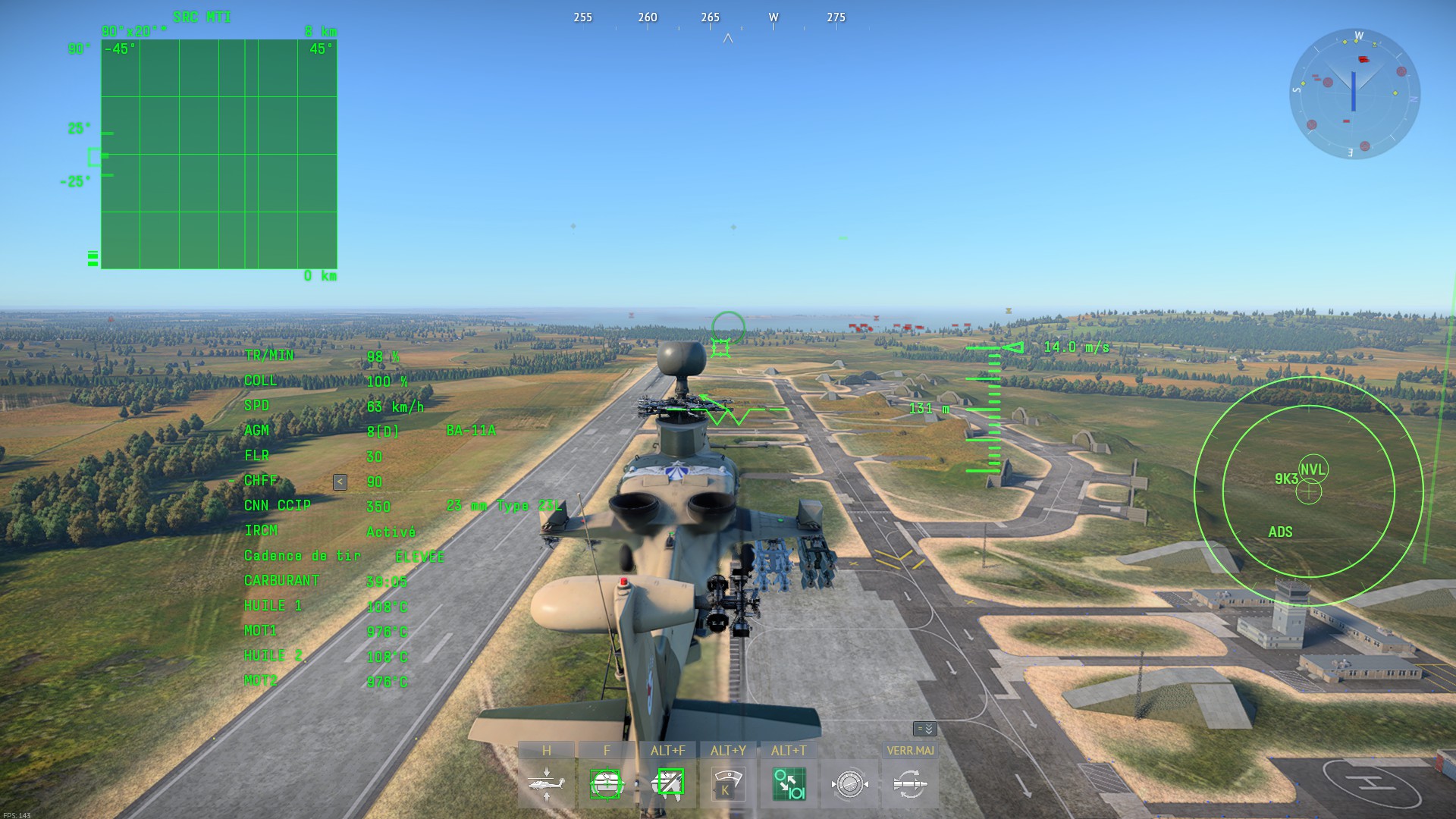
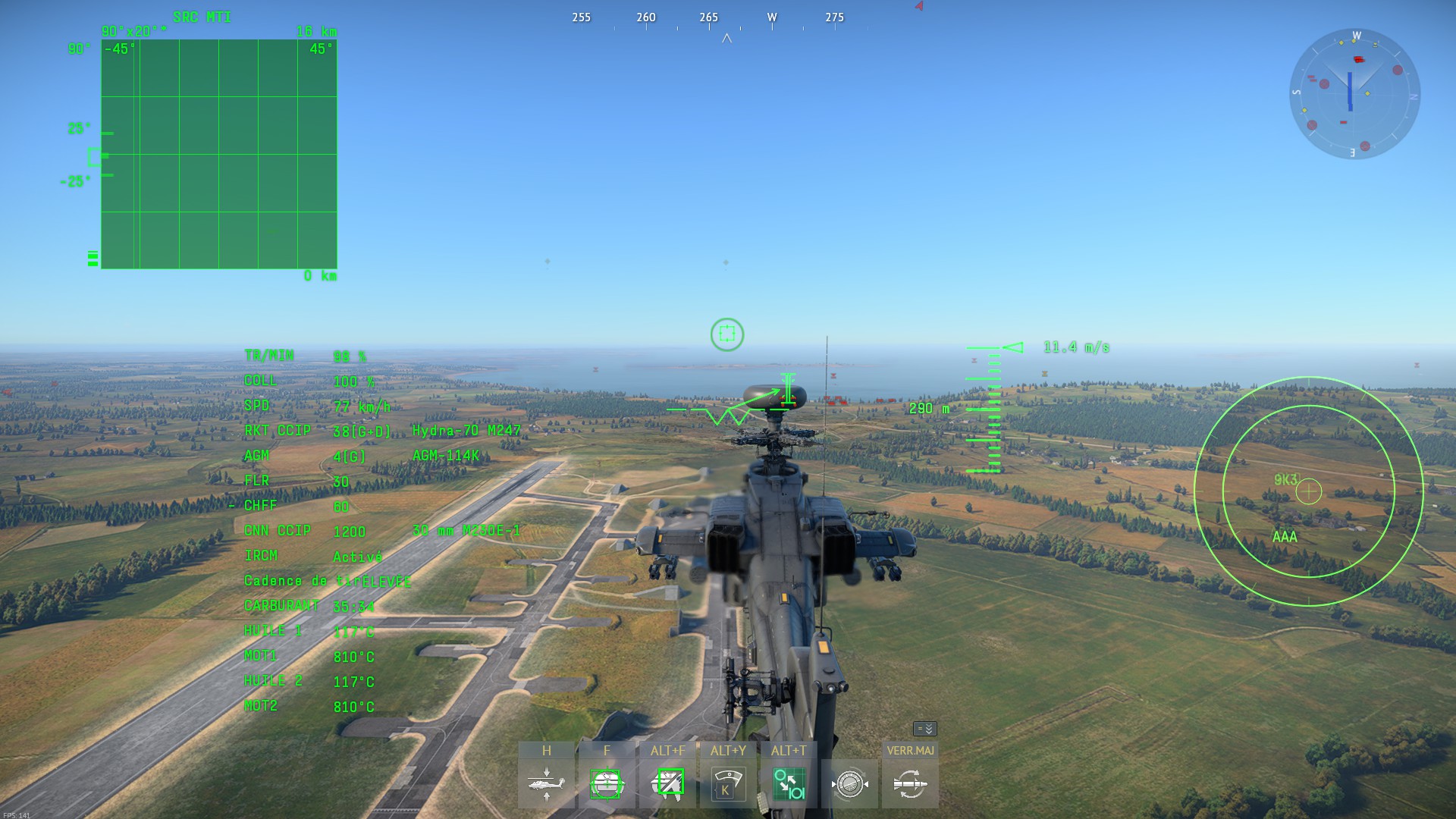
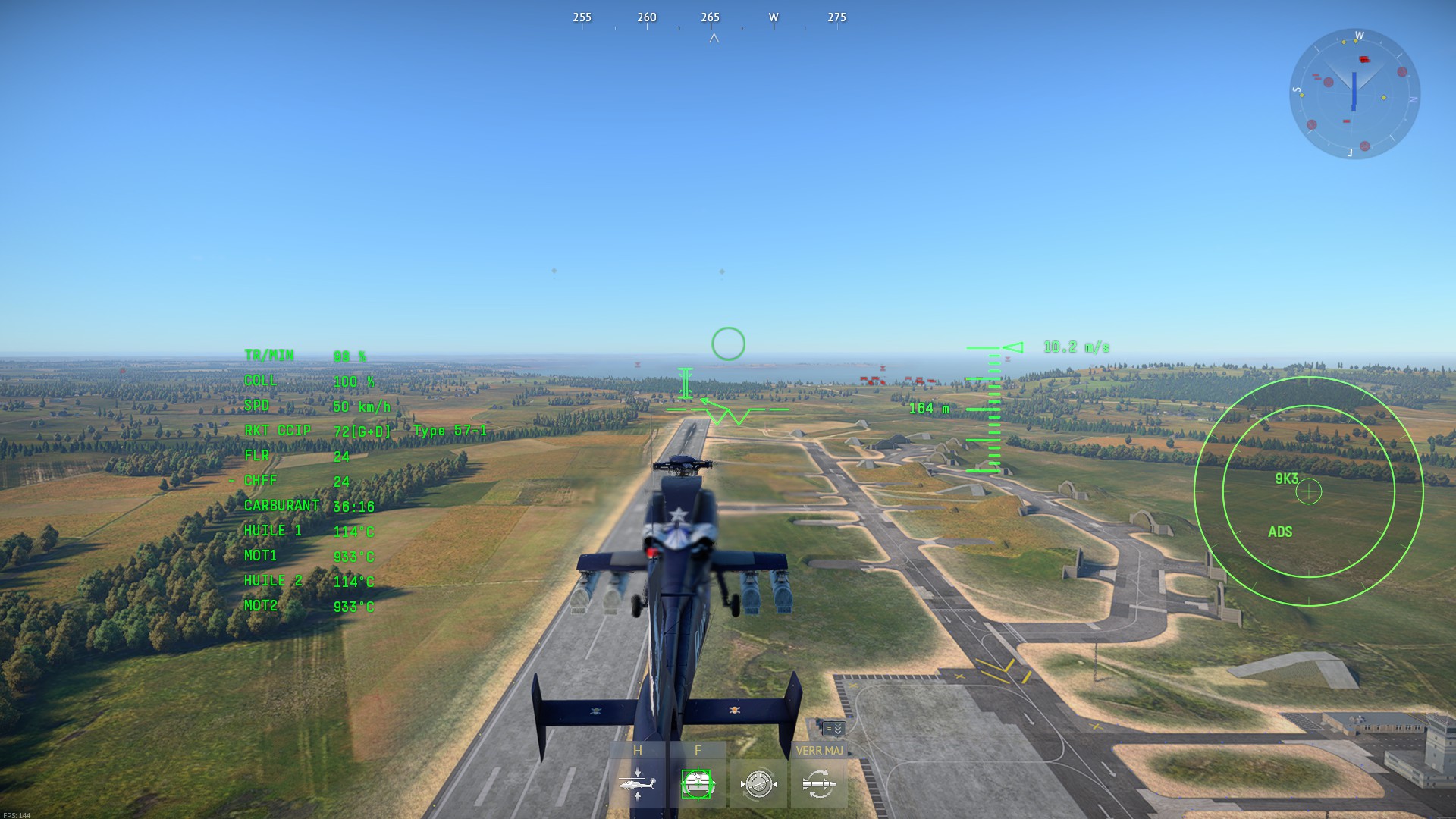
Hello, im coming here to ask for advice because i have no idea how to resolve this problem.
I would like to ask whether its normal for helicopters to tilt in one direction, or if its a bug. It actually ends up affecting my helicopter gameplay quite a bit.
The scenario is :
I spawn at the airfield (on the ground) and just press the accelerator.
Try lowering your collective a little bit (“accelerator”). Try 90%. Even on helis with 1 main rotor and 1 tail rotor, full collective can reduce the control you have.
Furthermore, I find that using 90% collective max normally gives you better speed: if your rotor is over or under 100%, you should probably adjust your collective, up OR down. Play around with it some. 100% collective is usually not the optimal %.
HUH, interesting. I am not quite sure what the issue could be then.
Before doing anything else, before testing anything else, I would STRONGLY recommend that you backup your keybinds first. It is very quick and easy, instructions below if you have not backed them up before:
First, open your Menu (3 dashes top left of your screen), then Controls. Next, look for the “Floppy Disc” icon at the bottom left. BEFORE clicking, hover first and make sure it says “Export to File”. One of the buttons CLEARS/RESETS your keybinds, so don’t rush 👍
Save the keybind file to your computer somewhere, preferably OUTSIDE of your War Thunder folder just to lower the odds of it getting deleted/modified if you ever have to reinstall War Thunder etc. I also like to email that keybind file to myself a few times a year, as a very easy backup for the backup. The file is very tiny, only takes a moment.
(I also like to name my keybind backups with YEAR.MONTH.DATE at the start of the name, so I can easily tell which is the newest, or roll back to a previous keybind backup if needed. Something like this: 2026.11.02.keybinds.blk etc)
Then after that, I need to try and think if I know someone who is experienced with Helis in game, because I am not sure that I have encountered an issue like this 🤔
Can you also tell me if you are doing Arcade, Realistic, or SIM test drives? And, does this issue happen in all game modes that you use your Helis in?
Its pretty common. I don’t even notice it anymore until you mentioned it.
I thought it might be wind but its consistent no matter which way you point.
Seems like an out of trim rotor condition. I don’t know how to null it out, I just give a little bit of roll (A or D on my control set up) and that counters the drift.
Helis in sim pretty much require stick and foot pedals.
The effect you are describing is normal behavior. I will explain.
According to Newton’s Third Law, for every action, there is an equal and opposite reaction. For example, the downwards gravity force Fg on exerted by you onto the ground is opposed by the normal force FN, which is the force of the ground pushing back against you.
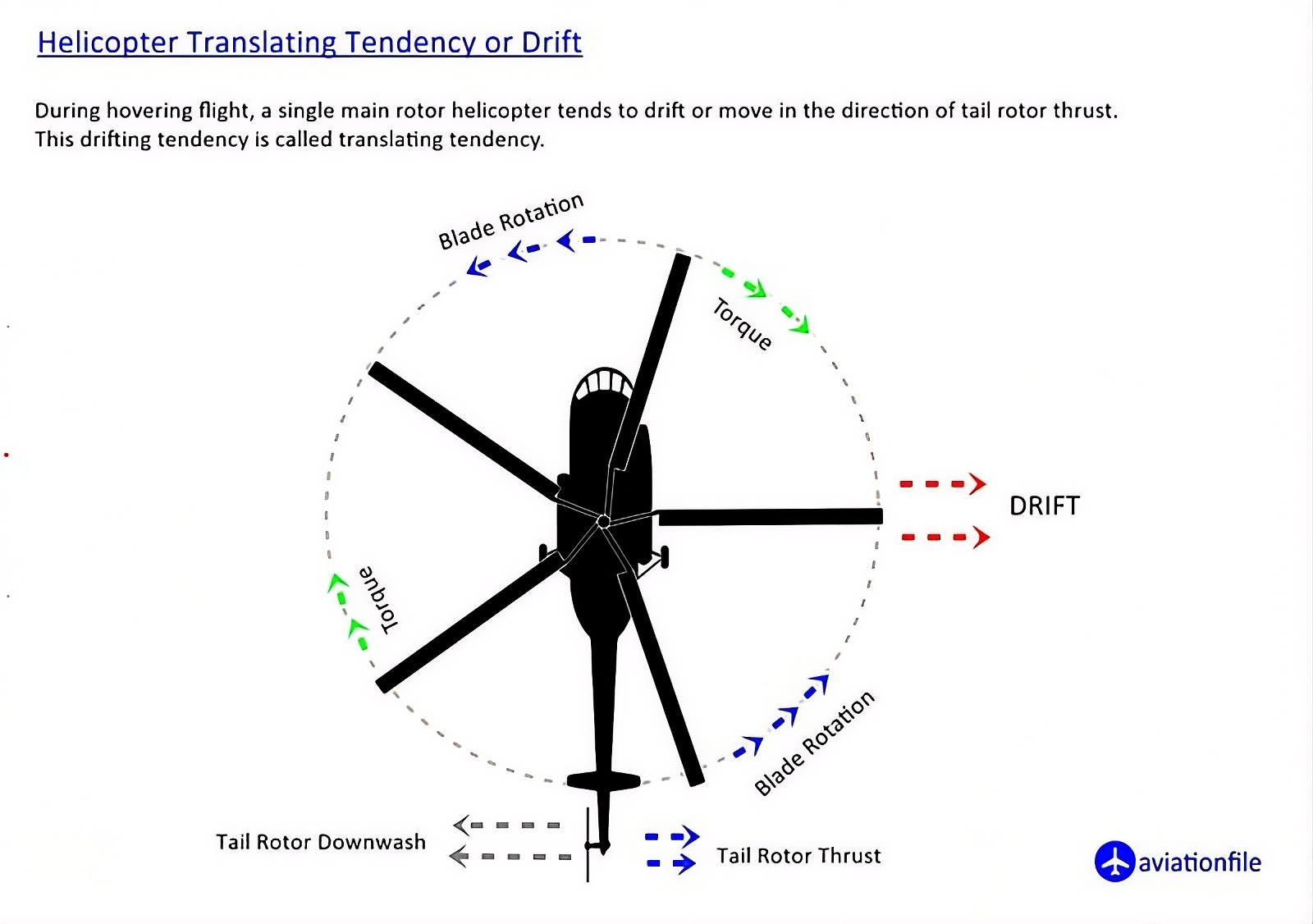
Similarly, in helicopters the direction of spin of the rotor creates torque (moment) in the opposite direction. If unopposed, it would cause the main helicopter body to spin accordingly.
In most helicopters, this is corrected using a tail rotor which exerts lateral force to counter the main rotor torque. Since the tail rotor is some distance away from the CoG, the helicopter is basically a giant lever arm, and the tail rotor’s force creates torque. However it also just pushes the helicopter sideways, which is probably obvious.
In the top-down view, the rotor of most Chinese helicopters spins CW, while the rotor of most American helicopters spins CCW; therefore, the rotor torque on the main helicopter body is CCW for the former and CW for the latter. To stop the helicopter from yawing in that direction, the tail rotor on the former blows air to the right (creating a force to the left) and the tail rotor on the latter blows air to the left (creating a force to the right). So that’s why the helicopters go in different directions.
I found a random diagram which illustrates the forces conveniently, it describes a CCW rotating rotor.
To fix this problem, you can simply roll towards the opposite direction of the drift. In normal mode, this requires continuous control inputs. If you want to maintain any angle of roll other than normal, just create and use a keybind for “Manual roll mode” in controls. This allows you to maintain the helicopter in a roll without constantly pressing the keys for rolling. It’s useful for both this problem and also if you just want to move to the side.