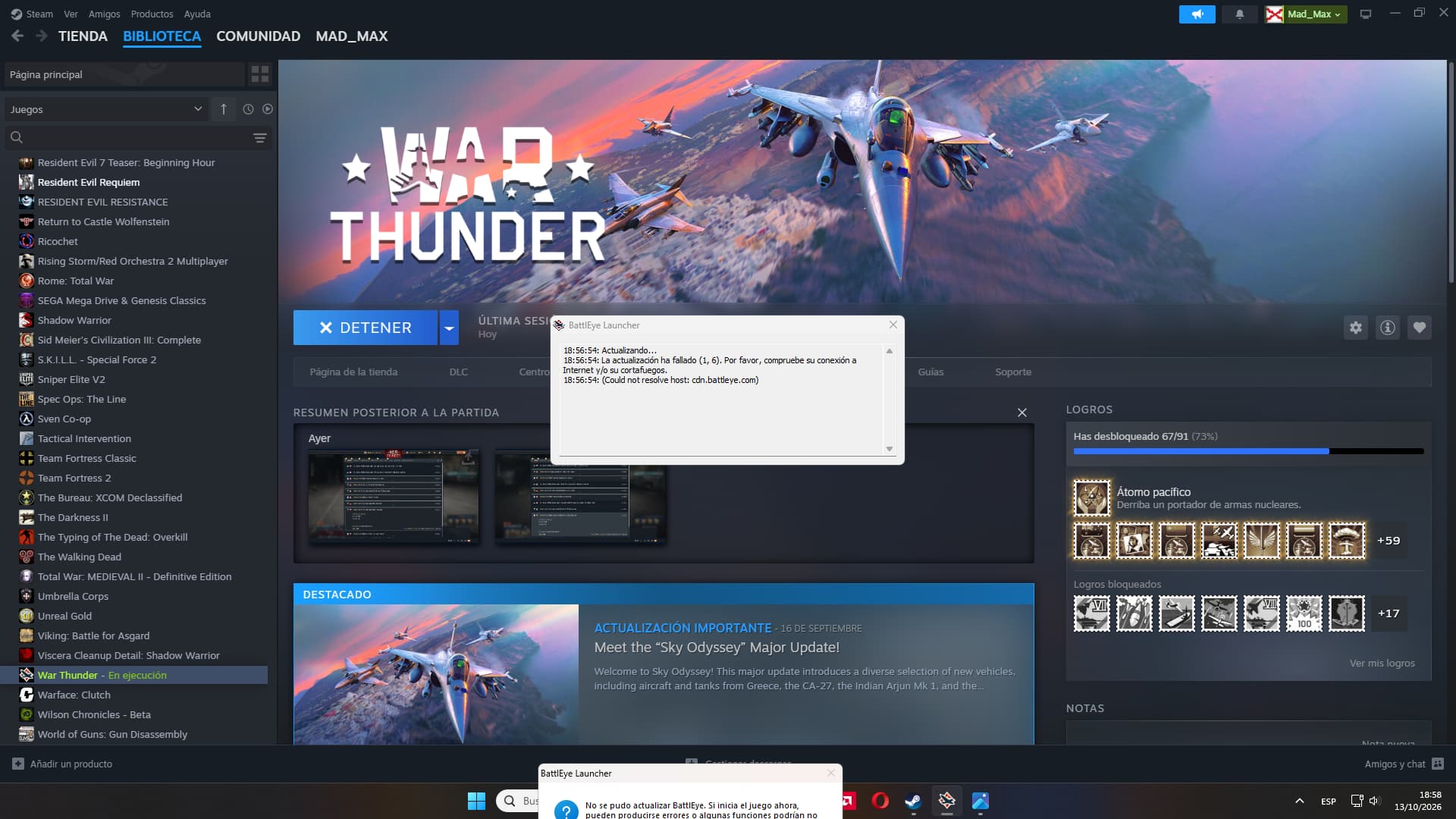
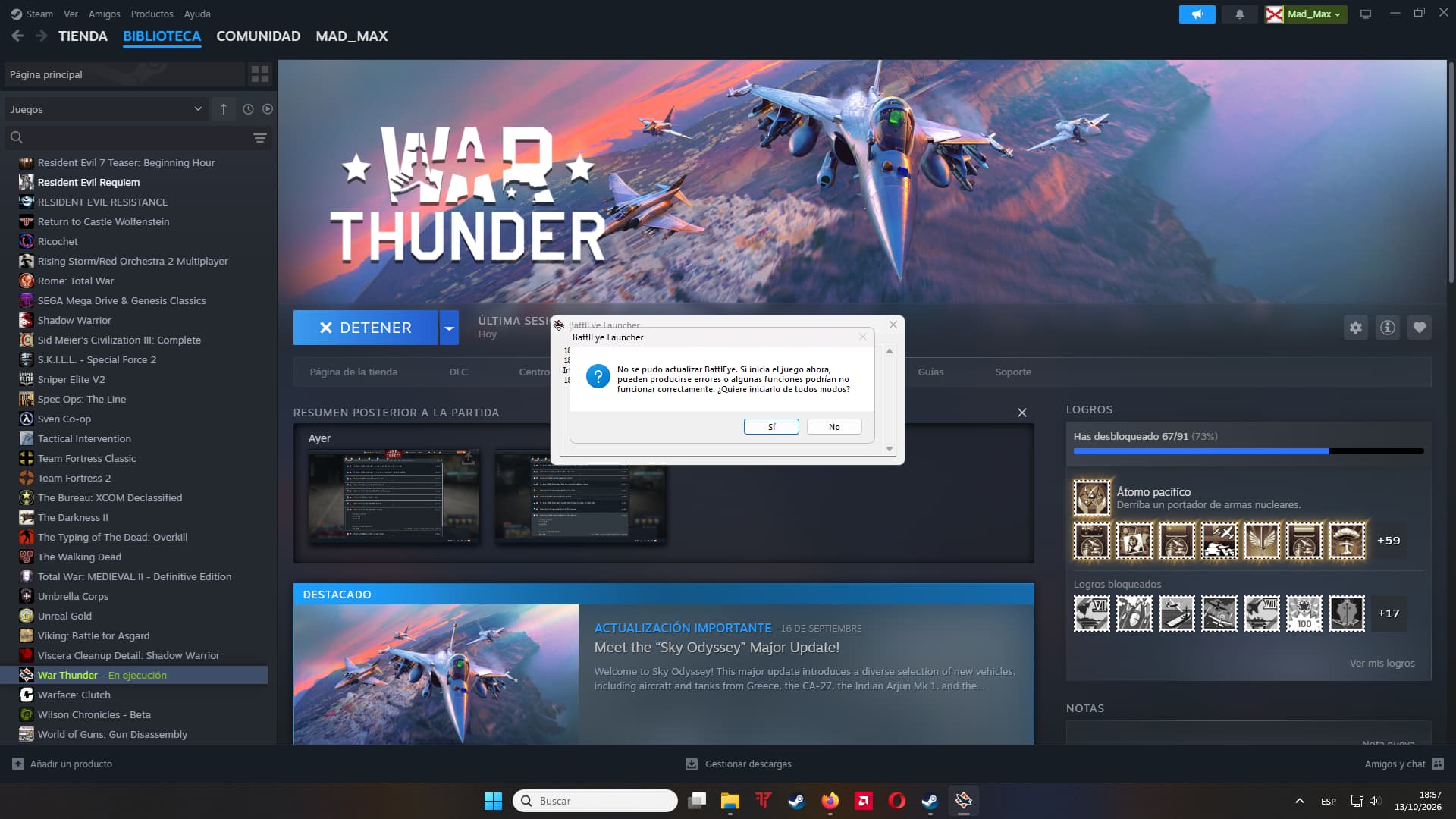
Suddenly i have this error when try to start the game.
“(Could not resolve host: cdn.battleye.com)”
Any idea how fix this ???
Suddenly i have this error when try to start the game.
“(Could not resolve host: cdn.battleye.com)”
Any idea how fix this ???
I mean… if it ain’t broke don’t fix it?
Other than that you could try verifying your files one steam
I do it and nothing. I do a new install in another hardrive and nothing. Is very weird because yesterday im playing wohtout problems and today this bug appear.
It happened to me recently with the same code error Could not resolve host: cdn.battleeye.com because of a maintenance with my internet provider, which means this problem is caused by a issue in your network.
Thanks for the info.
And how you solved the problem ? i need do somethong just wait ? I can still playing or i can be banned for playing with issues in Battleye ???
I haven’t solved the problem actually, as I said it my internet provider had a maintenance in the network—something out of my control so I naturally just waited and eventually everything settled and I’m playing the game normally. Firstly I will suggest you get in contact with your internet provider to see if there’s any problem in the overall network. If there no problem in the network, try running the beac_wt_mlauncher.exe in the game’s root file \Steam\steamapps\common\War Thunder and verify the files through War Thunder’s launcher instead if you verified through Steam and it didn’t fixed the issue. If nothing else works try contacting support at support.gaijin.net.
Regarding that I’ll not be sure and any reply I give you have to take with a grain of salt since I’m no official Gaijin representative; though I recommend you wait for the support reply if none of whatever I said previously to that works. The game requires anti-cheat for a certain minimum rank in arcade battles and for all matches in realistic and simulator battles. If you can still play I assume that the anti-cheat is working, naturally the game will kick you out of the match if the anti-cheat isn’t working or not start matchmaking in the first place.
Thanks !!!
im not entirely sure but maybe you can fix it if you edit the host archive in c:/windows/system32/drivers/etc/host
i remember in other games we used to fix similar problems by adding a line in the hosts archive on notepad with the IP of the server
maybe you can try to reinstall the game itself, have you changed something about your internet lately before this error was showing up?
Hi guys.
Today i started the game and in the first attempt Battleeye failed in updated/install. So i closed the game and try again and in the second attempt the game just load perfectly.
I closed the game and opened again and looks like the problem is gone.
I going leave this open a few days more just in case.