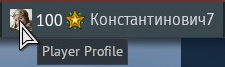
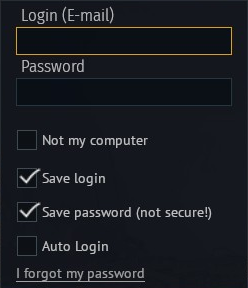
Unfortunately, the switch user botton doesn’t exist. The major update went in today and when i logged in, I found myself logged in under my steam name. Went to userprofule and found the switch user isn’t there. Went to online store through game, logged out and logged into my gaijin account and still found my account logged into a randomly made steam account. Went to in-game settings and made sure auto login was disabled but it still logs me into a steam account. Loaded war thunder through the manual laucher and was able to get into my gaijin account but when I log back into the game through steam, it auto logs me in through the random steam account. Soon as the major update went in, it’s like gaijin made it impossible to get to the sign-in screen when lauching it through steam. I have also tried diconnecting my internet and still can’t get the sign-in screen. I have uninstalled and reinstalled the game, still no sign-in option and no switch user botton in sight anywhere.