Need ultra graphics setting

Hello

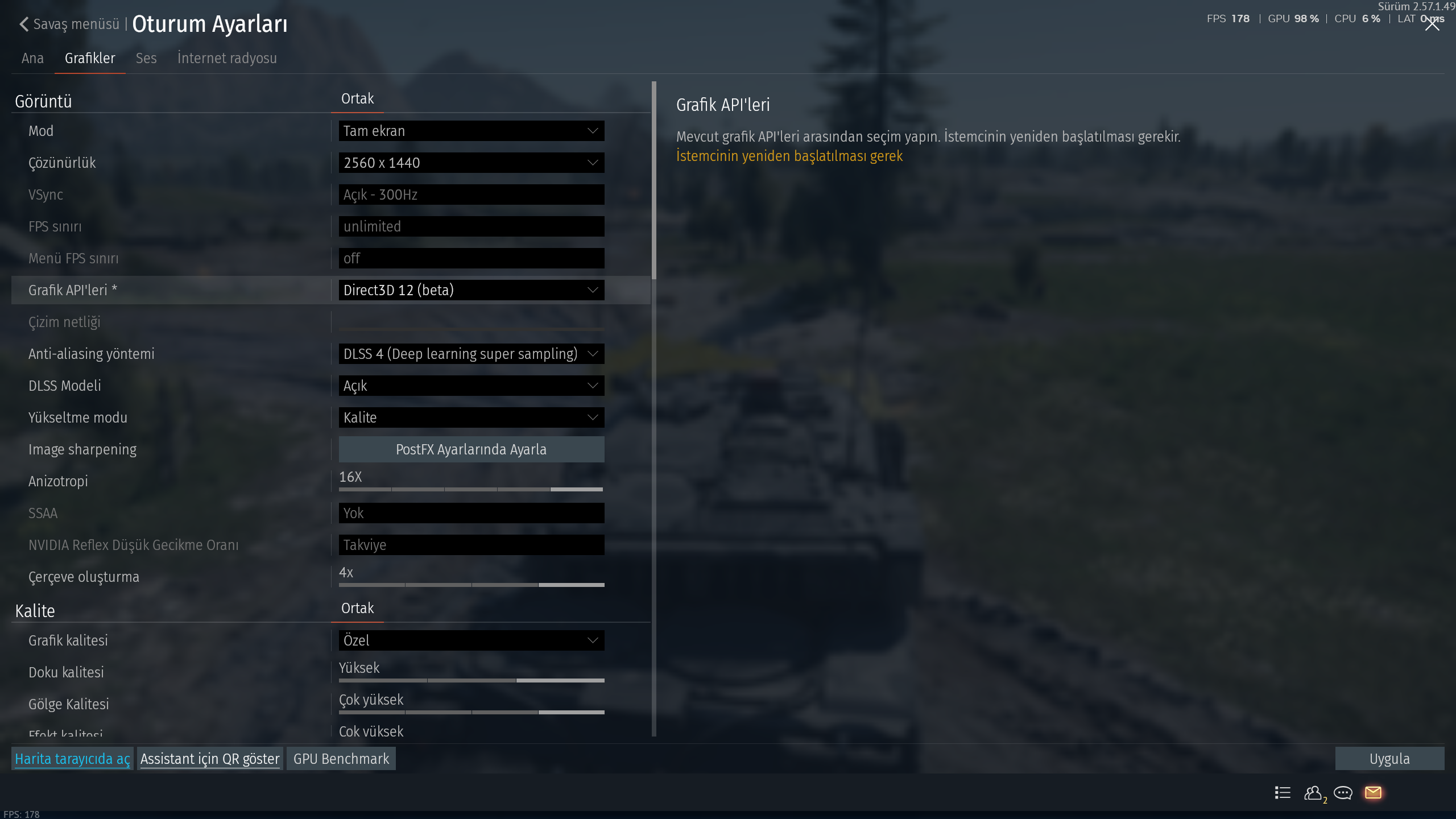
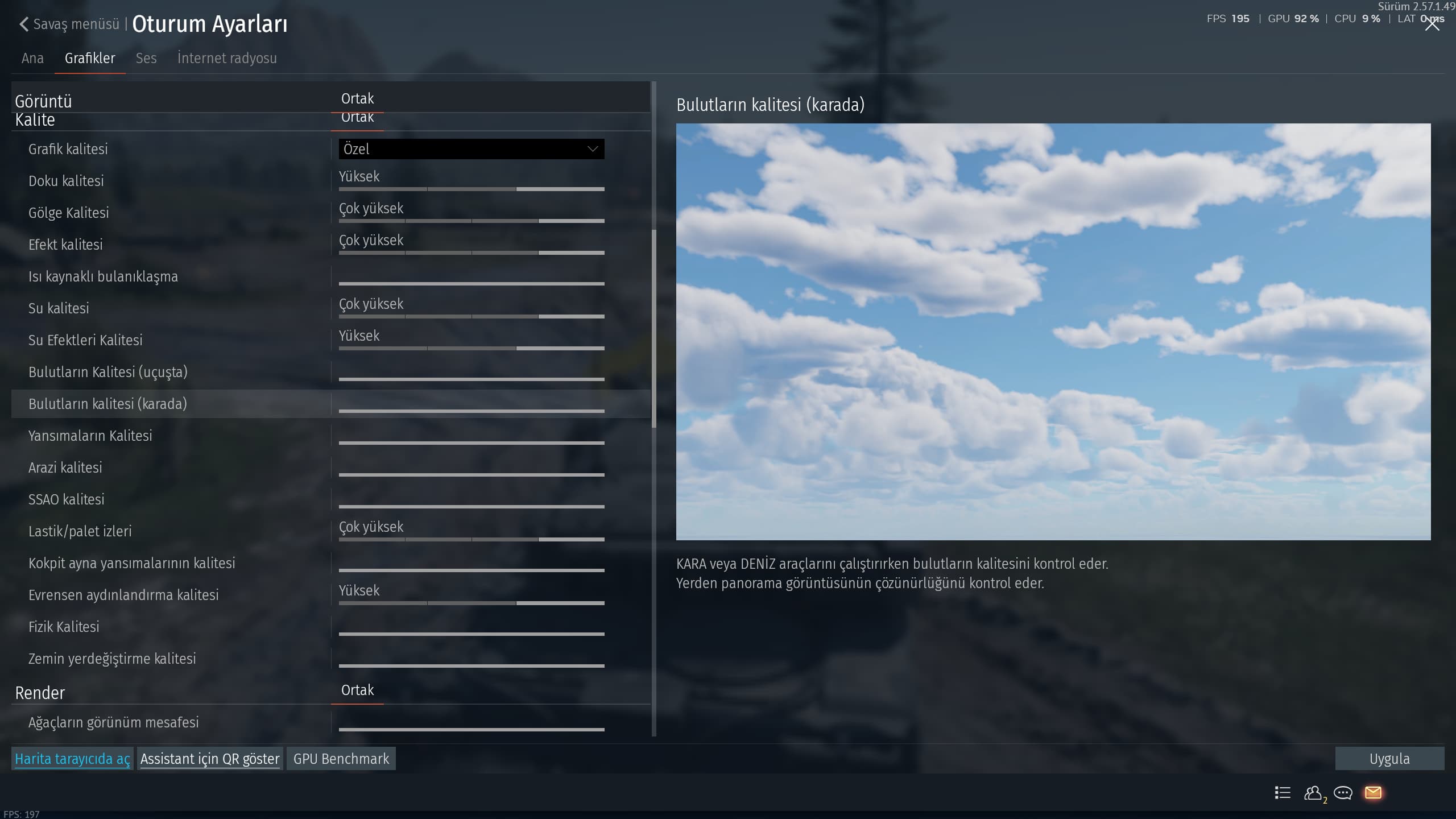
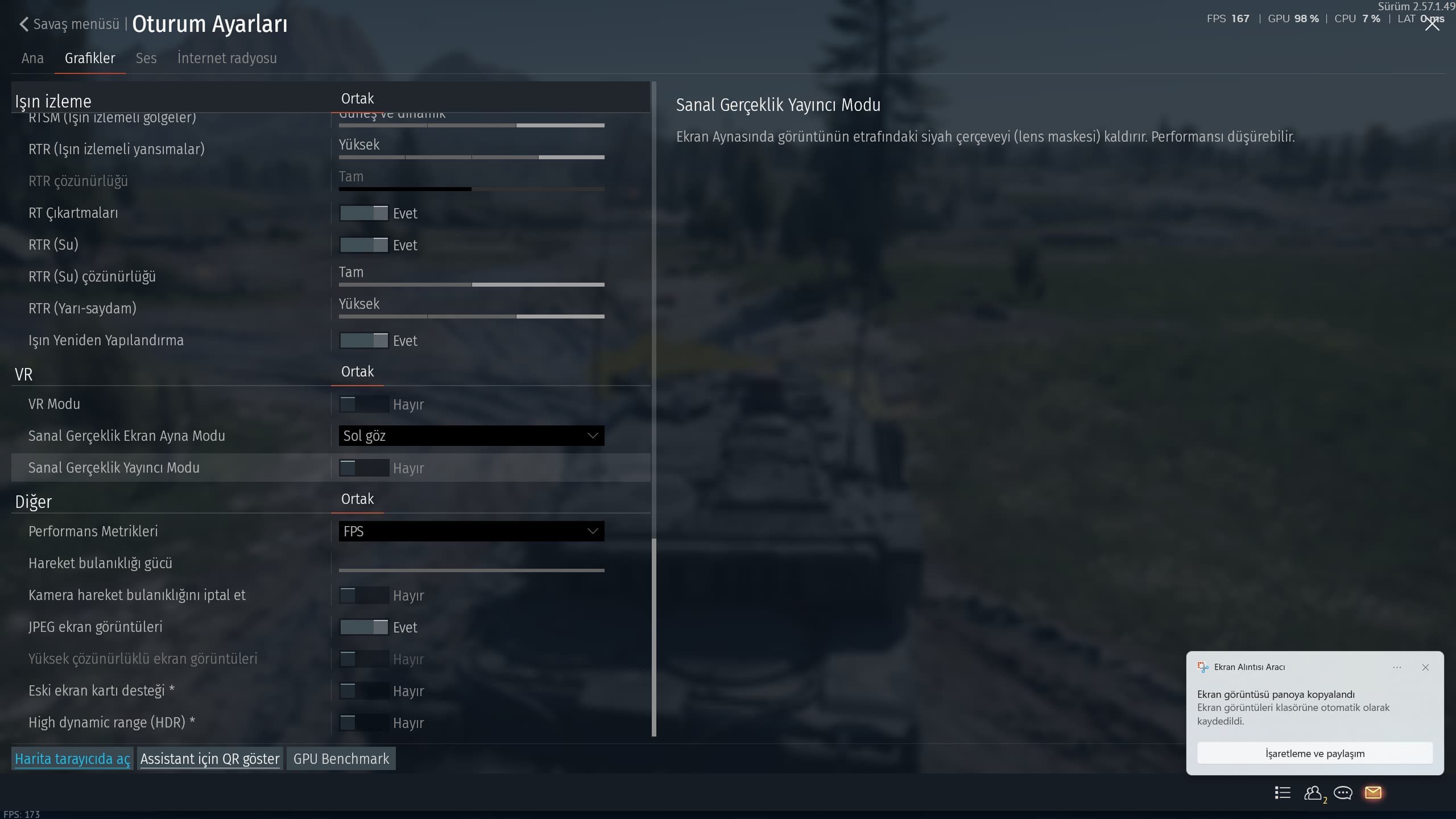
I have an i7 14700kf, 5060ti 16gb, 32mb RAM, and an MSI 300hz 2k monitor. However, even when I set the game to the highest ultra graphics settings, including ray tracing, the graphics don’t seem to change that much. When I watch gameplay videos of players on YouTube playing in 2k resolution, my graphics look low even with ultra settings. Is this related to the game’s mechanics, or am I doing something wrong?
I want to play the game realistically, like players on YouTube playing in 2k resolution, with very high quality. How can I achieve this? Can you help me?
Thanks


my graphics setting that SS

PostFX settings help a ton, look some up by other youtubers or on reddit threads.
Better question, why even bother to use maxed ray tracing when u dont even have close to 50 real FPS without frame gen? Movie + RT Ultra requires a much better GPU to run good natively.

To give you some tips, with a 5060ti turn the RT down to Medium or High, max out the RT Global Illumination setting tho if you wish.
Don’t use Frame gen if your base FPS will be below 70, Nvidia themselves recommend a base frame rate of that, and the higher framegen multiplier you use the more demanding it itself becomes for your gpu, and it will lower frame rate further. Use x2 maybe x3 at most. Use DLSS 4 instead of 4.5 (i dont speak turkish, if you already use it with that enabler setting) 4.5 is much heavier.

Again i dont speak turkish but use DLSS Quality (i assume Kalite means that?), maybe Balanced but definetly never Performance below 4k resolution.

The game doesn’t even have DX12 stable.

2 Likes

DX12 is a hit or miss with each gpu anyway, overall it is quite unstable on WT tho yeah.

What should I do?

I gave you the tips above. Unless you get severe crashing on DX12 stay on it

1 Like

Very unstable and costly on FPS for a PvP. Though it would be nice to have beautiful graphics all the time. I don’t Gajin has their focus on stabilizing ray tracing on.

I have more FPS on DX12 (as it realistically should be for all, but its a hit or miss still today)

my 5080 does dx12 very well, but my 9070xt was a nightmare

I had a 3090 and now 5070ti and everytime i ran dx 12 the ray tracing was just killer. There were also a lot more glitches so i settled for dx11 at custom settings. Maybe it’s just the ray tracing part?

1 Like

when i tried it with my 9070xt that was max settings without ray tracing, and that was really bad. but on my 5080 i run max settings inc ray tracing and it is pretty stable. DX12 is very GPU to GPU for some reason

Yeah thats its nature, on my RX 9070 (non XT) im running Movie + RT Ultra no issues at 120fps (granted since this major update came it just the RT itself kinda fucked the RT up a bit and does crash once or twice, besides that never any issues at all)

its a weird thing that it behaves like that.

Should I upgrade to DirectX 11 or leave it as 12?

I said already, if you have no issues stay on DX12, otherwise follow my other tips. If you have any other questions just reply

Regardless of your gpu, DX12 is still in “beta”, can be unstable and give you issues
doing some things, certain maps, etc. I’m not saying you can’t or don’t use it,
just something to think about for your set up. Everyone has different hardware, ISP’s,
location(distance from the various server groups) so there will always be a lot of
variables. So what works good for one, may not for another, and so on.

No matter what you decide on for YOUR set up, chances are it will take some time,
tweaking and experimenting to find what works for you system, monitor, etc.

Another thing, the game has never been designed to be played on “Movie” settings,
that is for viewing replays, editing them and that sort of thing. The mode selections
are a good starting point, something to go by . . . see what you system can handle,
and so forth. But it would be very lucky if that was the best setting for your set up.
But many do not take the time to see what works better.

Some settings do not look much different from off/low to on/high/max, so some you
can turn some down/off and game play stills looks great(most of it does really, even on potatoes)
Bloom Quality . … looks very close top to bottom, Effects Quality . . . same thing,
you will get great KaBlooies regardless of the setting. So people with lower end gpus
(I’m still running a 3080TI . . . works great) can drop some of those kinds of things down
and still have a great looking game & gaming exerience. I have Shadows maxed.

Personal preference . . . these things you will need to sort out yourself, those are
just examples. But a “preset” graphics setting, while handy and easy, may not be
“optimal” for all.

You can go thru and munkey around with a lot of that in a test drive/flight and see
what works best for you, then try a few live games with it.

Ray Tracing is pretty good for people that mainly play tanks, but not a real “advantage”
on all maps anyway, so . . . have to really think how much you may want/need that.
That “stability” thing again.

You also have the Nvidia Control Panel and Nvidia App you can use as well, but it
will change how everything you do works, so . . . also something to consider.

It may take a little time and some effort, but once you find the “sweet spot”
it’s all worth it.
Good Luck . . many good suggestions
(I am no PC nerd/techie, but have spent some time fiddling around with this stuff,
but having the biggest numbers on everything does not guarantee quality/performance)
B10

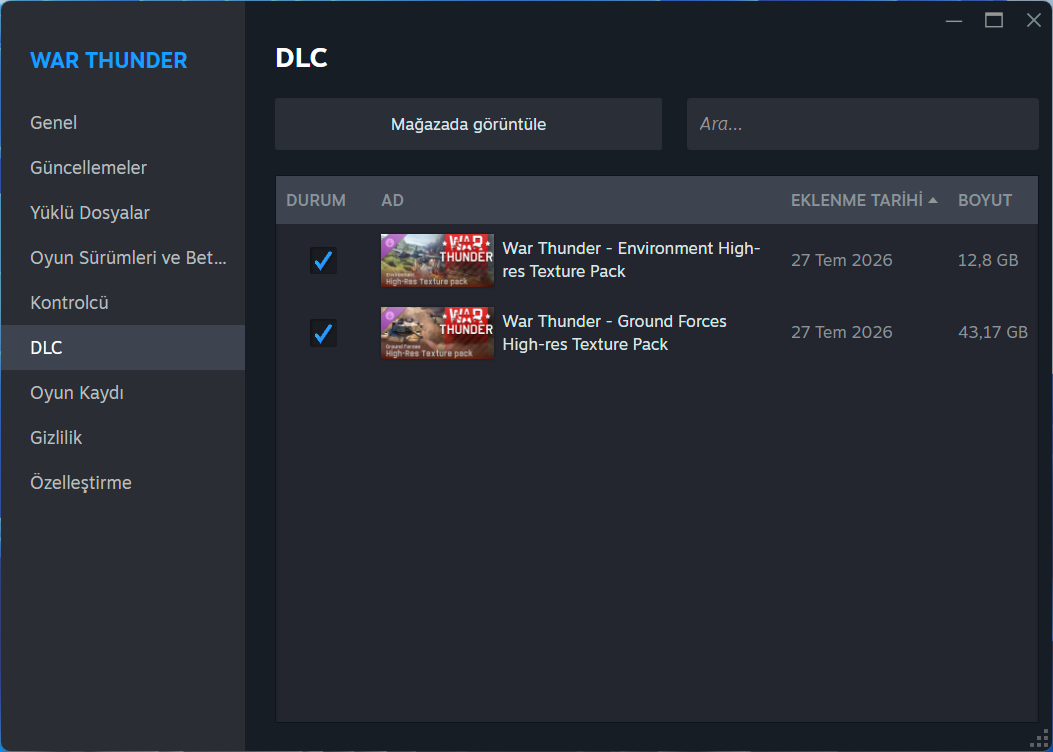
@XromAzero do you have the full graphics texture installed ?