My Kirov airship module needs assistance
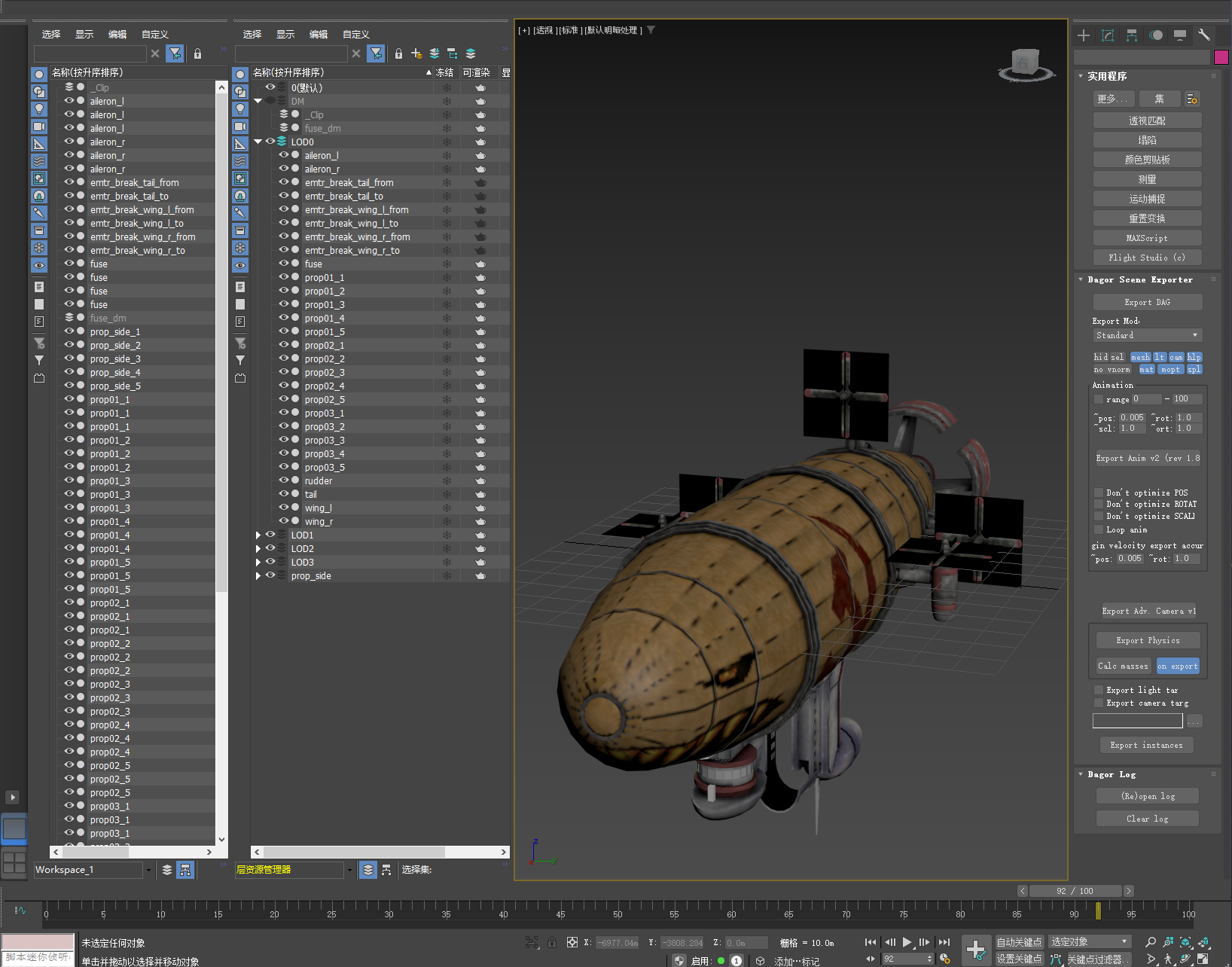
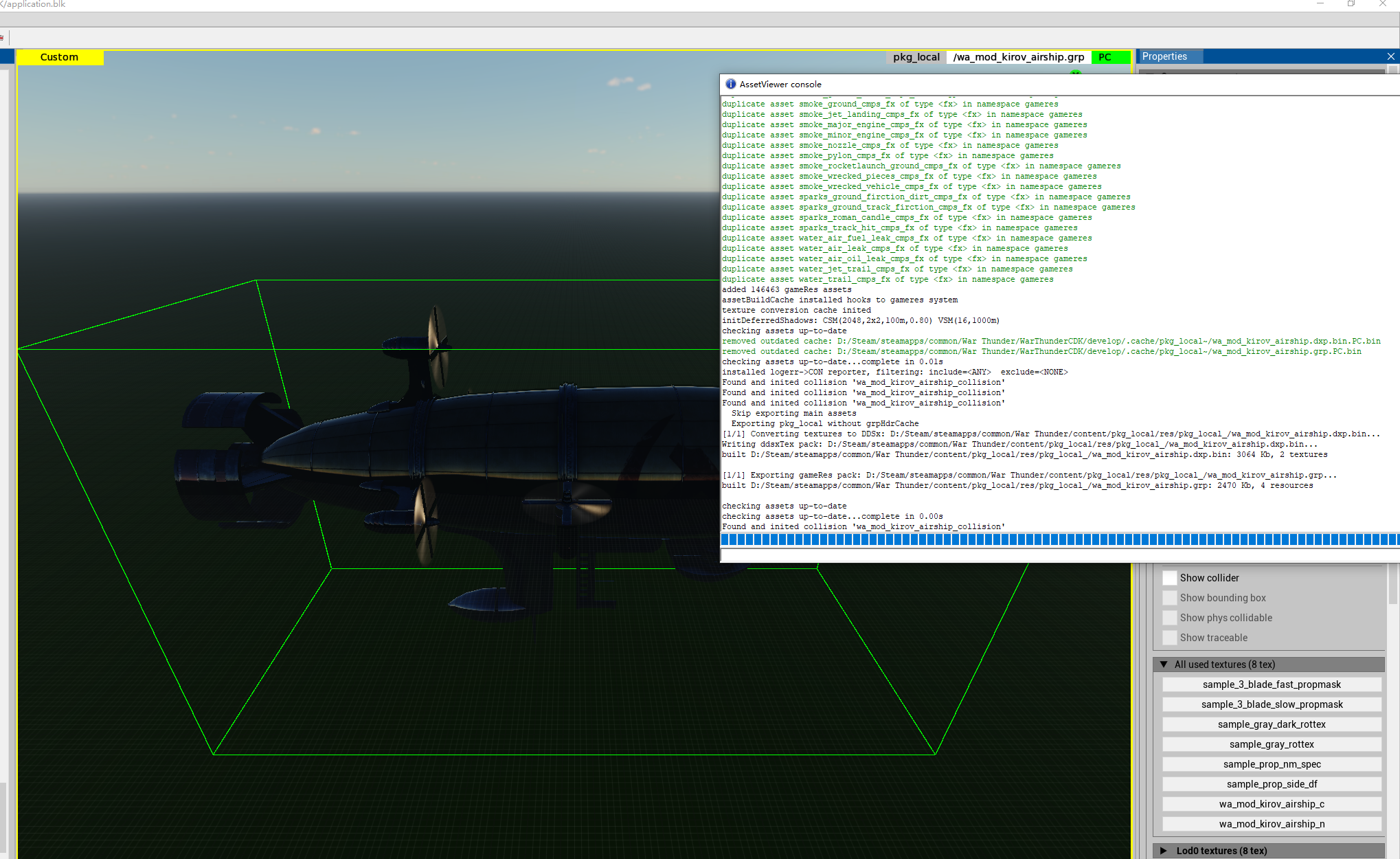
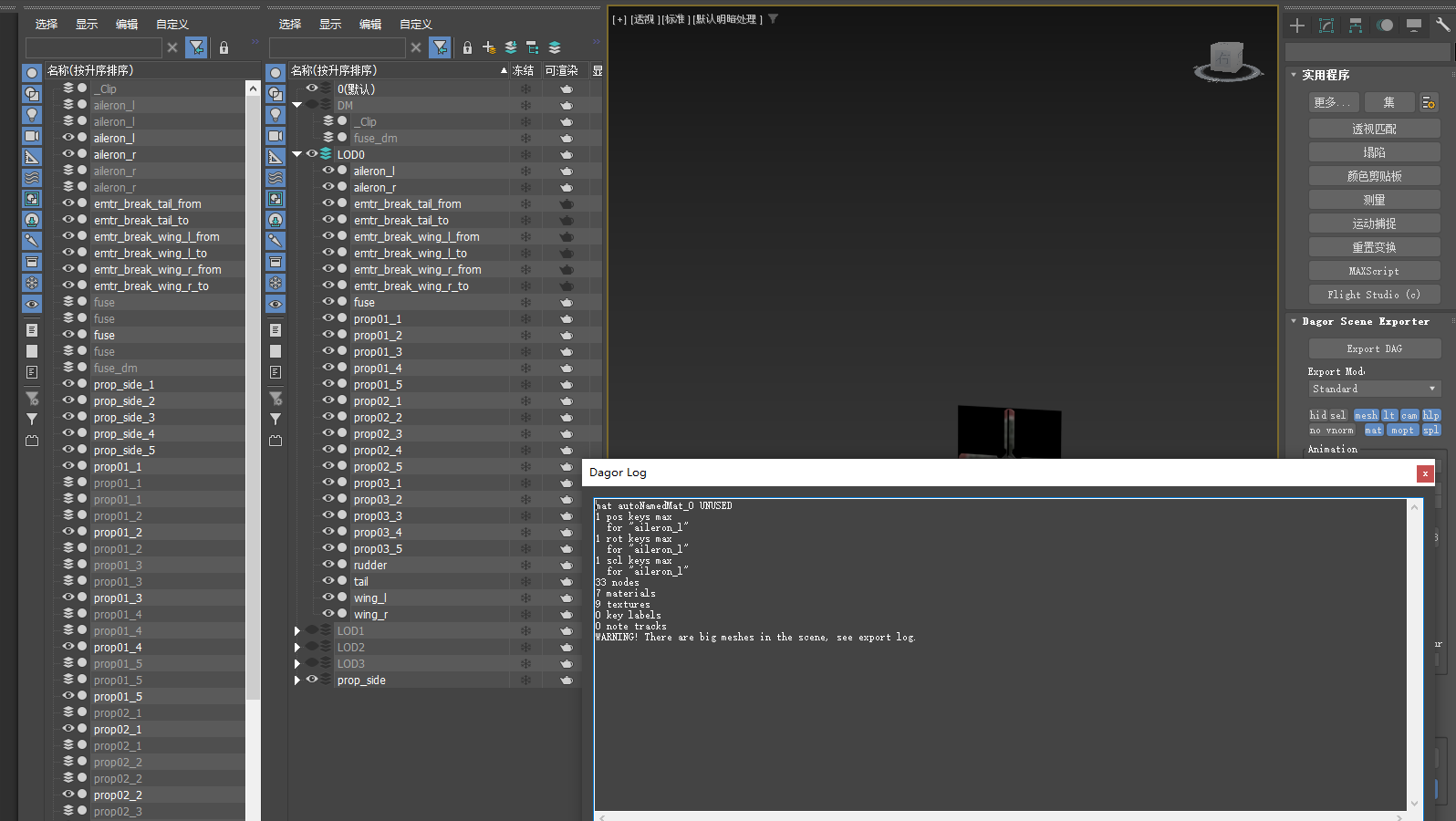
I attempted to create a model of a Kirov airship. The model is now basically complete. I tried to open it in the game, but there was a problem: it is transparent in the game! It can fire ammunition and fly normally. Pressing the “o” key allows you to view the “_dm” model. There were no errors when exporting using “WTAssetViewer”.
This was my first time making a mod, and I had no idea what the problem was. I hope someone can help me. Thank you very much.
1 Like
Gaijin broke the default shader a while ago so instead of using dynamic masked chromebump you have to use synsmic_simple
1 Like
It can already be seen. Thank you very much.
膜拜大佬
bro,I’ve encountered another problem. The propeller of the model is not functioning properly. When the propeller is in operation, it doesn’t rotate; instead, it merely switches rapidly between different rotational speeds of the models. For example, “prop01” is switched to “prop02”. During the switching process, there is no animation of the propeller rotating. How should I go about fixing this issue?
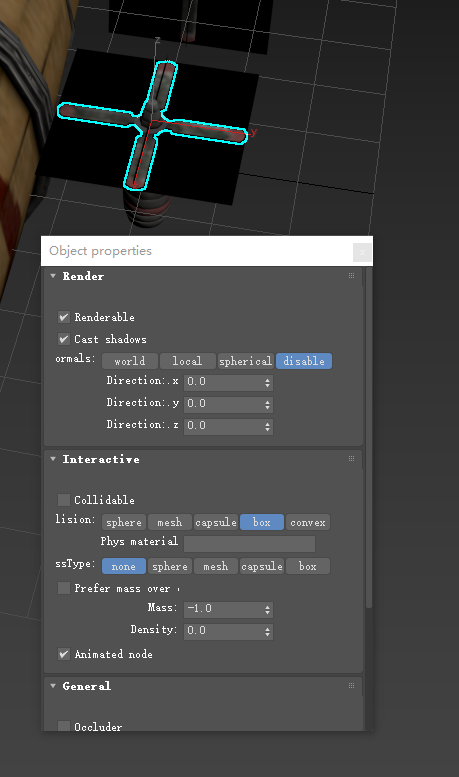
are their object properties set to “animated_node”?
Yes, I have set the “animated_node” attribute.
I attempted to open the “_animtree” of the model in “asset_viewer”, but the console displayed errors and garbled characters. Could this be the cause of the problem?
no that is normal you shouldnt edit anim tree in the asset viewer however you say all spin tho when prop01?
I followed the instructions in the official documentation to set it up. In the game, when I turn off the engine, it will display “prop01”. When I open the throttle valve, “prop01” will disappear immediately and be replaced by “prop02”. There are a total of 5 propellers in the model, of which 4 are like this. The last one only displays “prop01” and does not respond to the throttle valve. Someone told me that it might be a problem with “aircraft_animtree.blk”, but I couldn’t find any documentation about “animtree.blk” in the official manual. I have no idea how to fix it.
hmm it should be set up right are you using this?
Thank you very much. The propeller has returned to normal. Thank you so much for helping me solve the problem in your busy schedule. The module has come one step closer to completion. Thank you again.
1 Like
No problem!
@LudendorffVT-live Bro, I’m truly sorry to bother you again. Currently, I’m working on a model of a wheeled combat vehicle. However, this vehicle can only fire once, after which it will prompt that the ammunition is exhausted. Moreover, at the bottom of the screen, only the trailer hook is displayed, but no information about the ammunition quantity or fire extinguisher is shown. What should I do?
1 Like
Well fire extinguisher you can’t show in custom units not possible