you can download it from WTlive, check his first comment at the top
1 Like
Bro can’t move two files and add a single line of text

1 Like
At the time he sent that i had actually buggered up and not all the information on how to do so was there
It is not at all too late, it would be changing a line of code, just because a stupid decision has been planned doesn’t mean they have to go through with it.
The MiG-25 does not fit what an event vehicle should be at all. It was a mass-produced jet and shouldn’t be added to the game as some limited time thing.
Tutorial on how to test fly / view Mig-25 on DEV
Here is how to do it:
- Select a Premium Vehicle: Go to the tech tree and select a premium vehicle (one that allows a test drive).
- Generate the file: Go into the Protection Analysis, set up a scenario, and “Save” the shot/mission.
- Locate the file: Open the .blk file created from that save in.
- Edit the code: Open that .blk file with Notepad. Search for the line that looks like object:t=“” and offenderObject:t=“” (both worked for me)
- Swap the vehicle: Change the text inside the quotation marks to the ID of the vehicle you want to fly.
- Example: Change it to target:t=“mig_25pd” to fly the Foxbat.
- Fly it: Save the text file. Go back into the game, load that hit file, andthe vehicle should load in the protection analysis and back to test flight.
Important Note:
To my knowledge, this method primarily works for Event vehicles and Premiums (vehicles that are fully modeled in the files but hidden or locked). It may not work for every single standard tech tree vehicle or unfinished assets, but it works for the MiG-25PD and the Zeppelin (cant test fly the zeppelin unfortunately)
Heres a file for the mig 25 if you cant be bothered to do everything above
(also you have to be in the dev server for dev server vehicles, i didnt test this in stable yet)
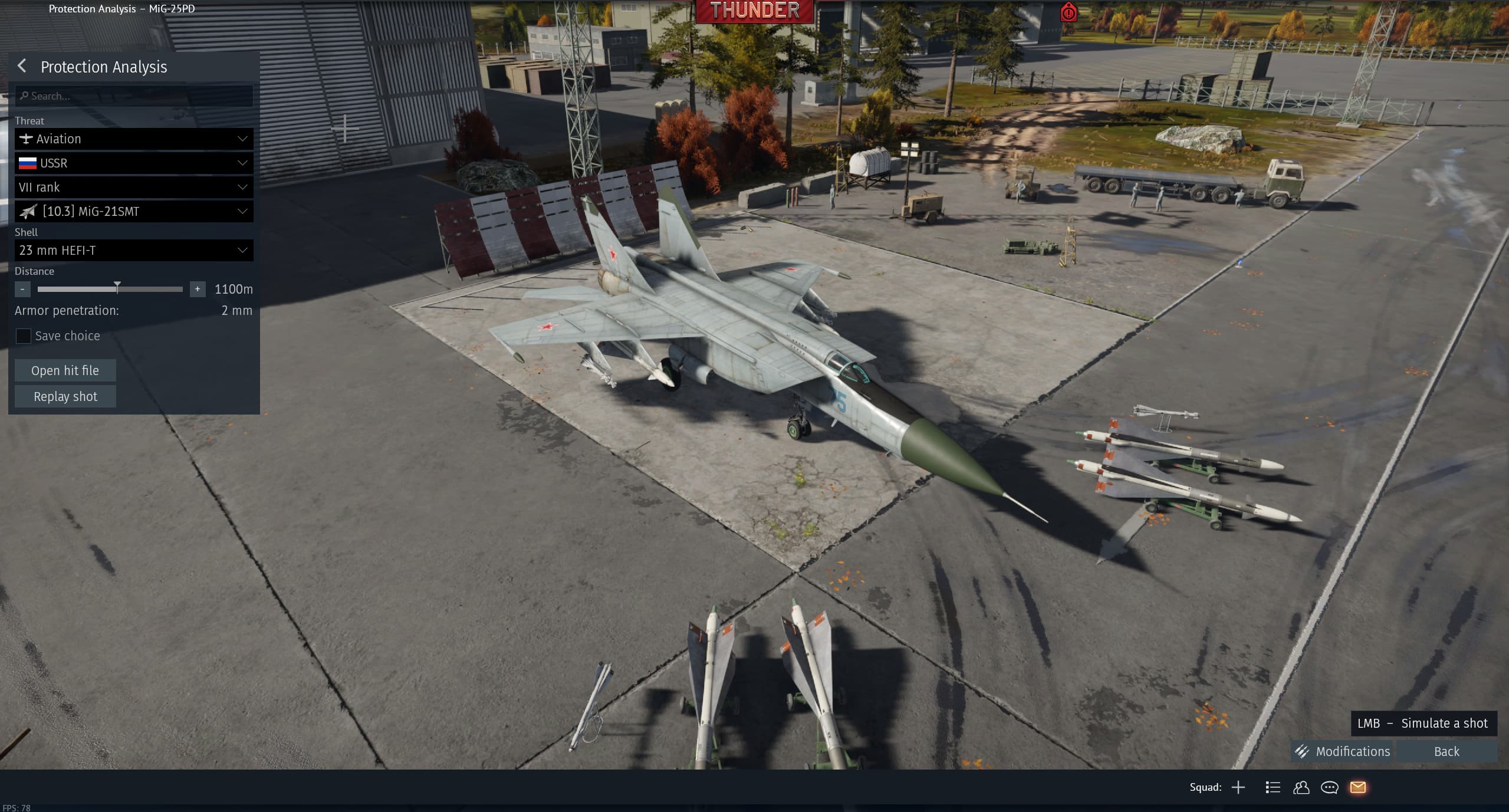
1 Like
with this I can see it but dont Test it
What if i dont have “Dev Sh
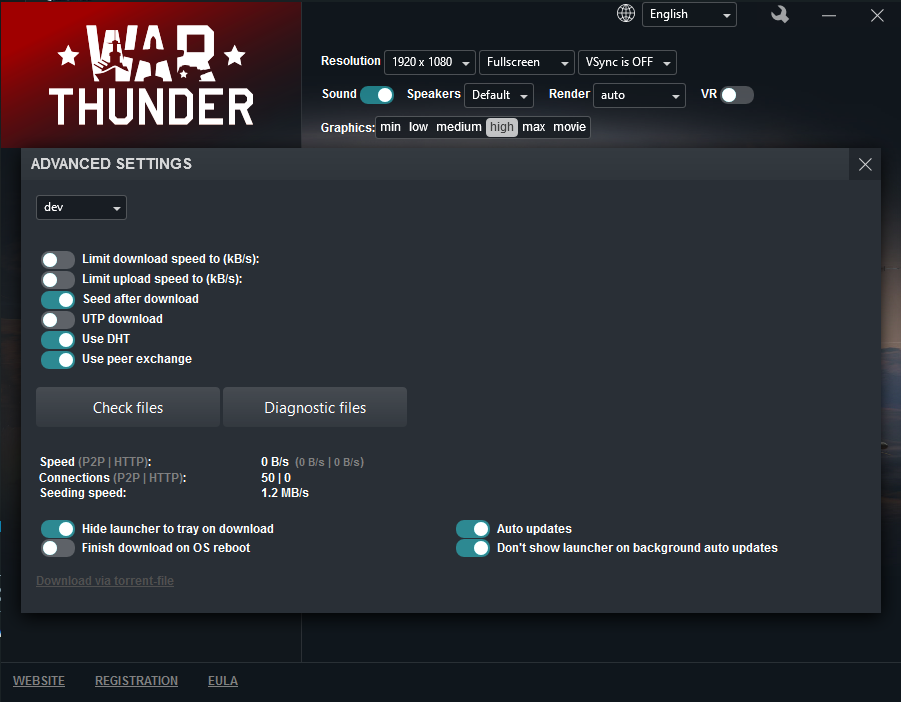
ortcut” or “WarThunderDev”? i am just switching between production and dev
just place it inside the shared root folder, i am unaware if it would cause issues for the live
On the live it’d probably just give an “Asset failed to load” error, and carry on as per normal
thank u bro god save the king
yo guys support my bug reports on the mig
general post for my bug reports
1 Like
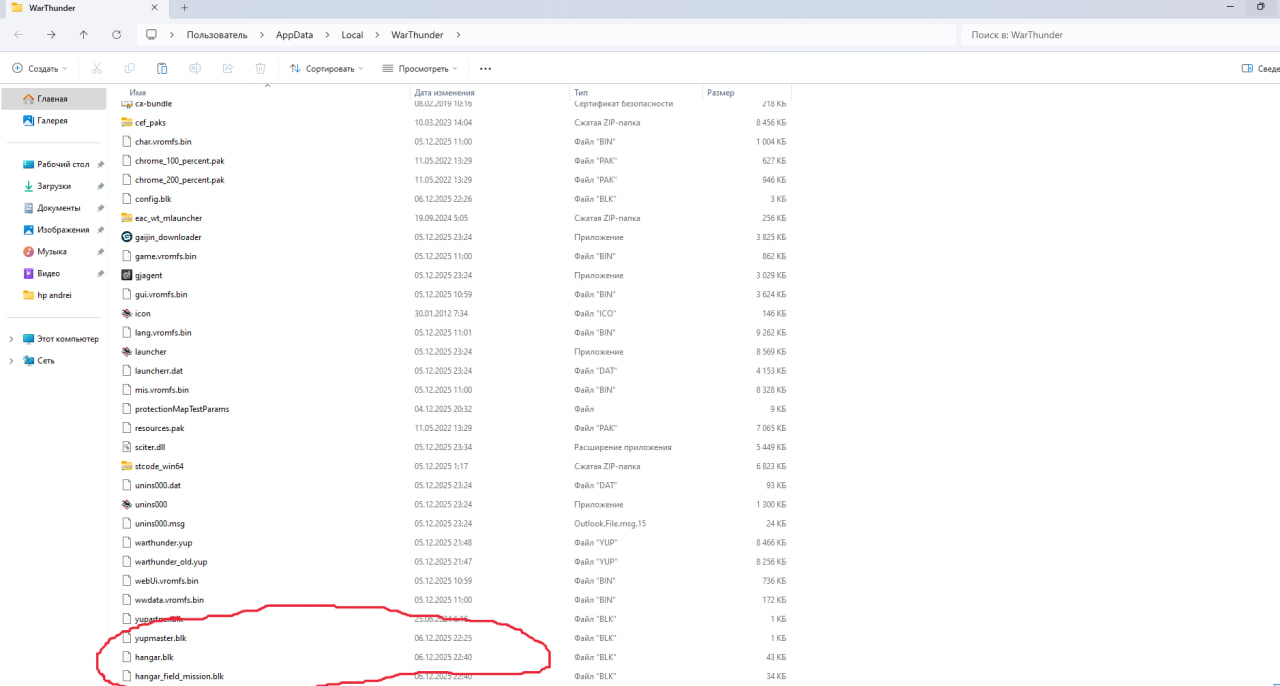
So do i just paste “hangar blk” and “hangar_field_mision” into war thunder files as shown on photo? is notes fine?
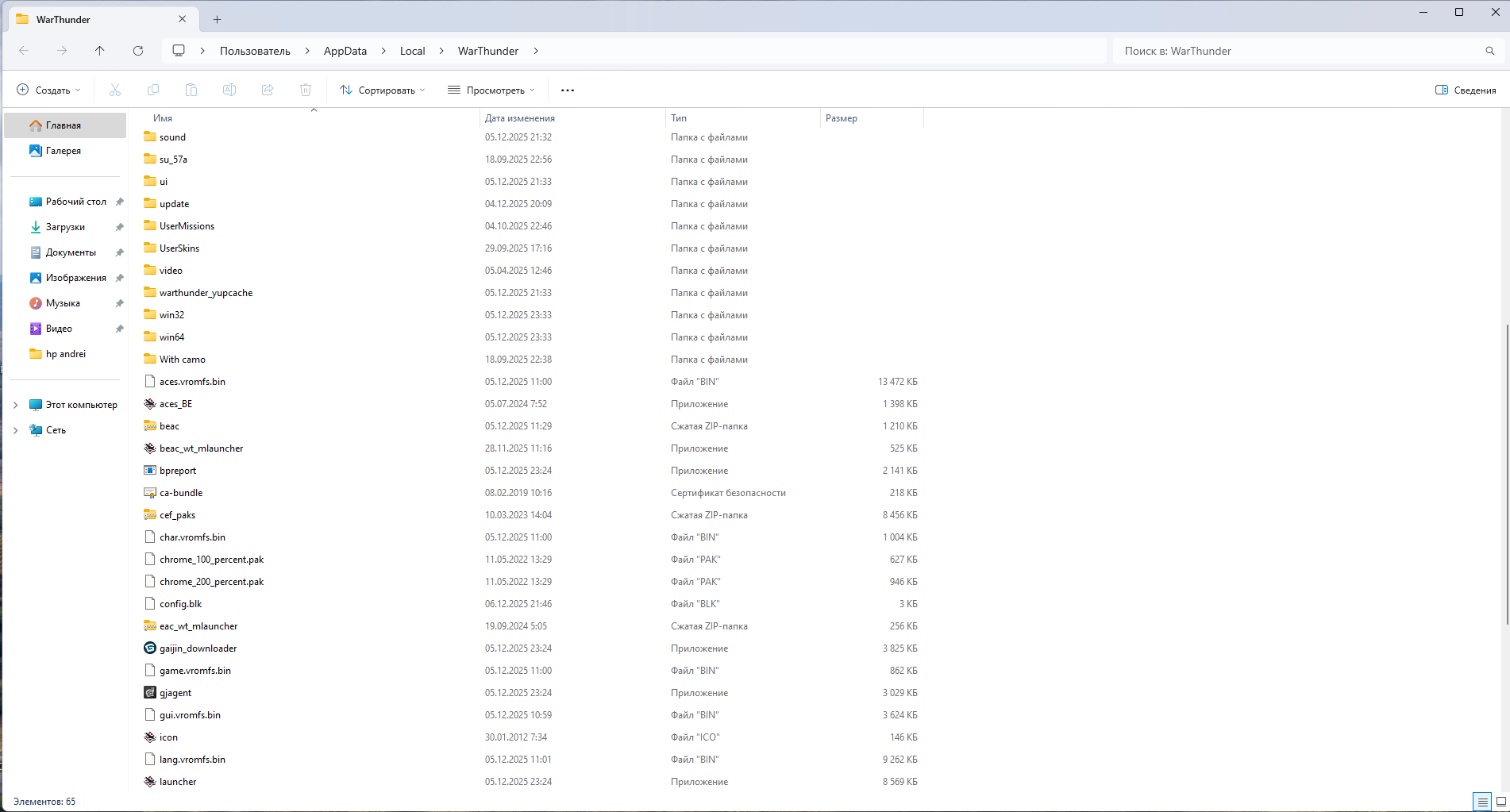

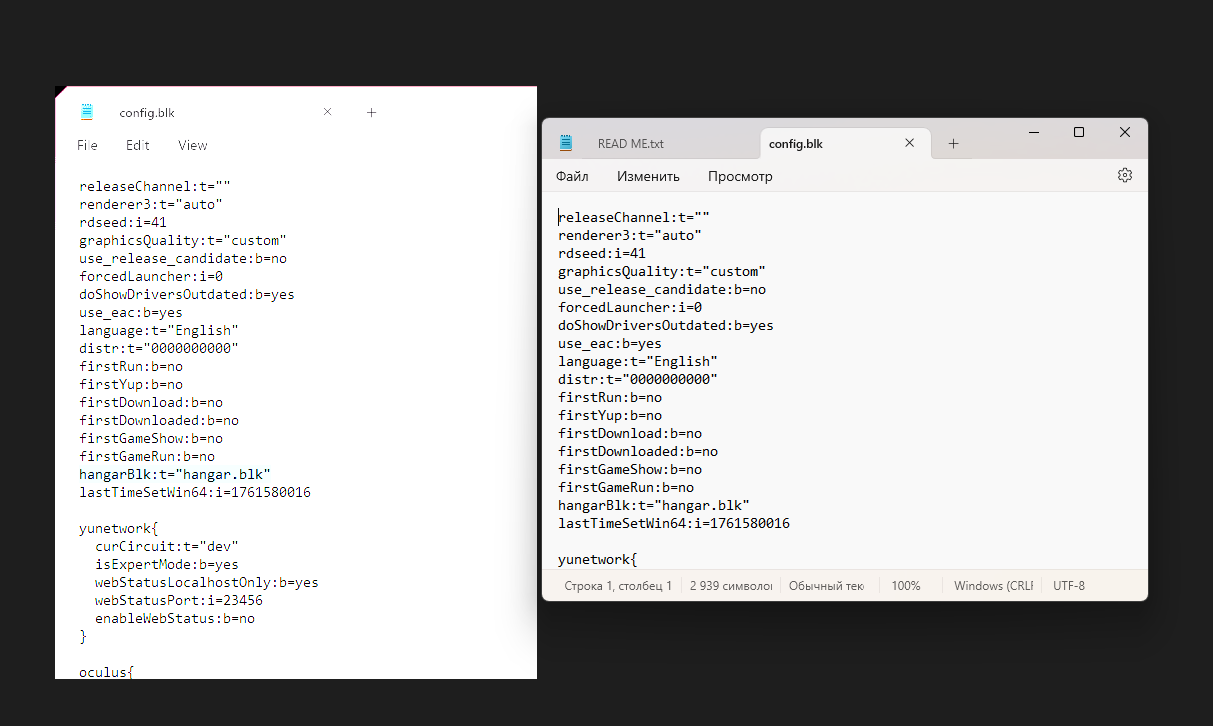
Yes, and appears so, remember to save the config file first though
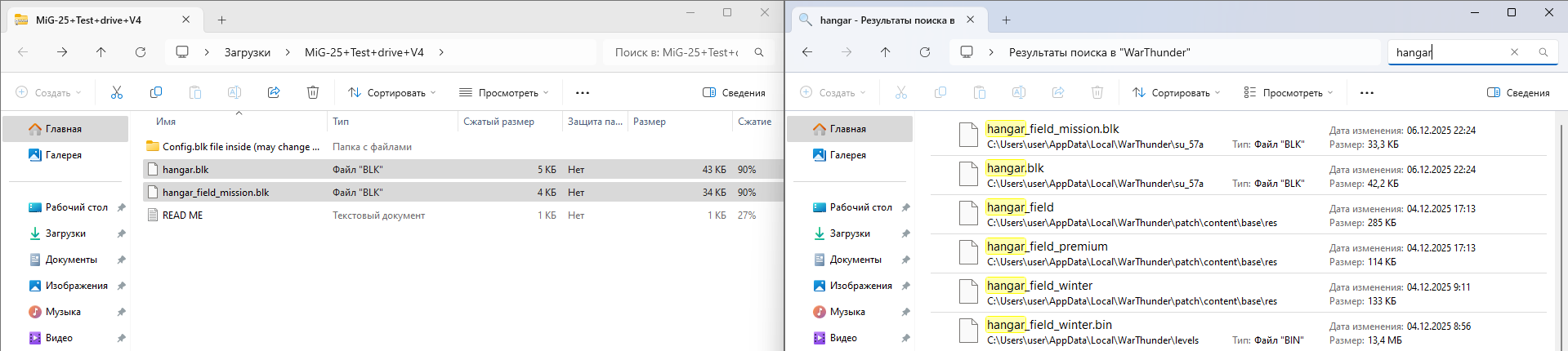
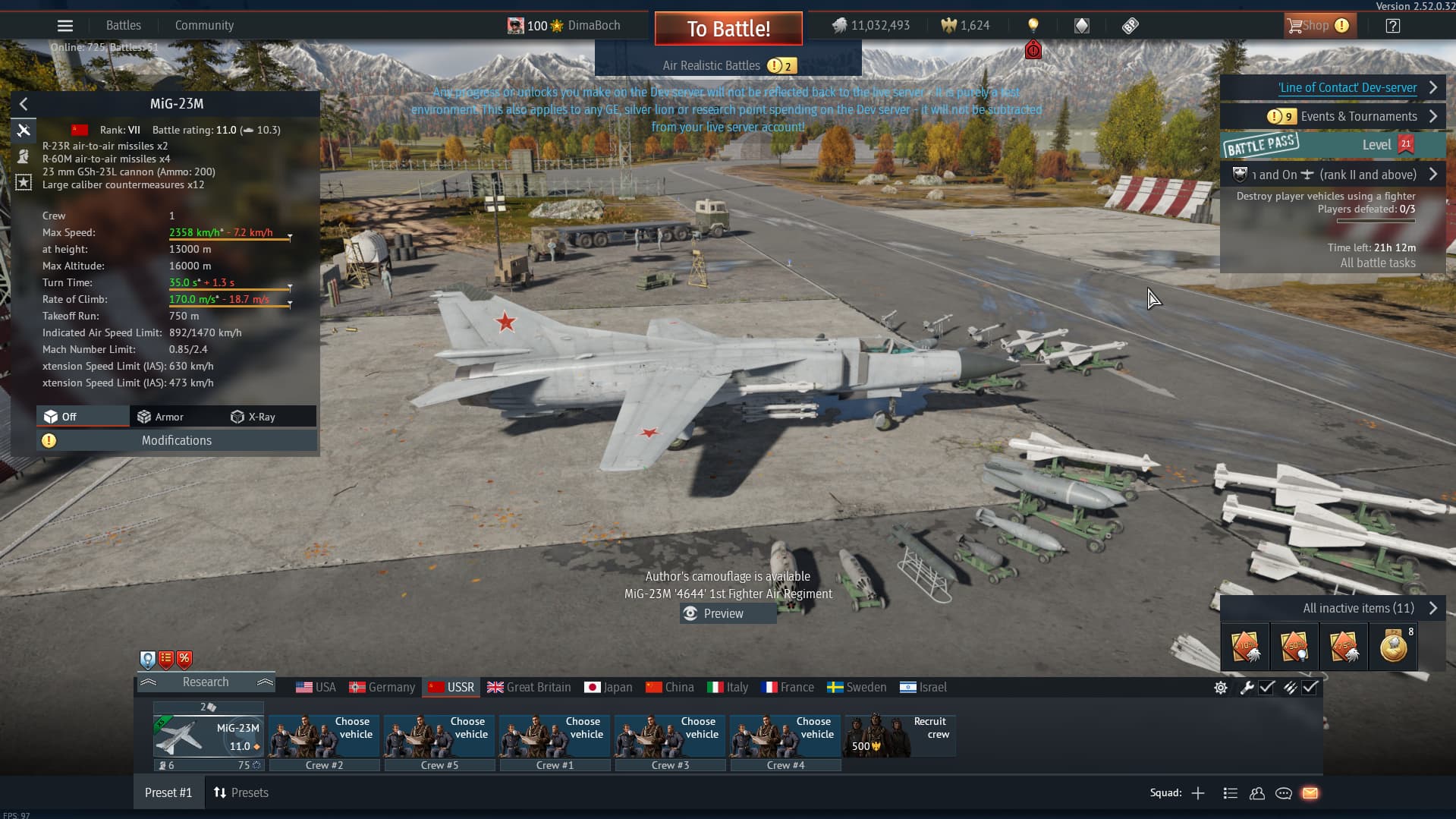
The two hangar files should be in the main “War thunder” folder, not the su-57a folder

Did you save the edits to the config file?
yes
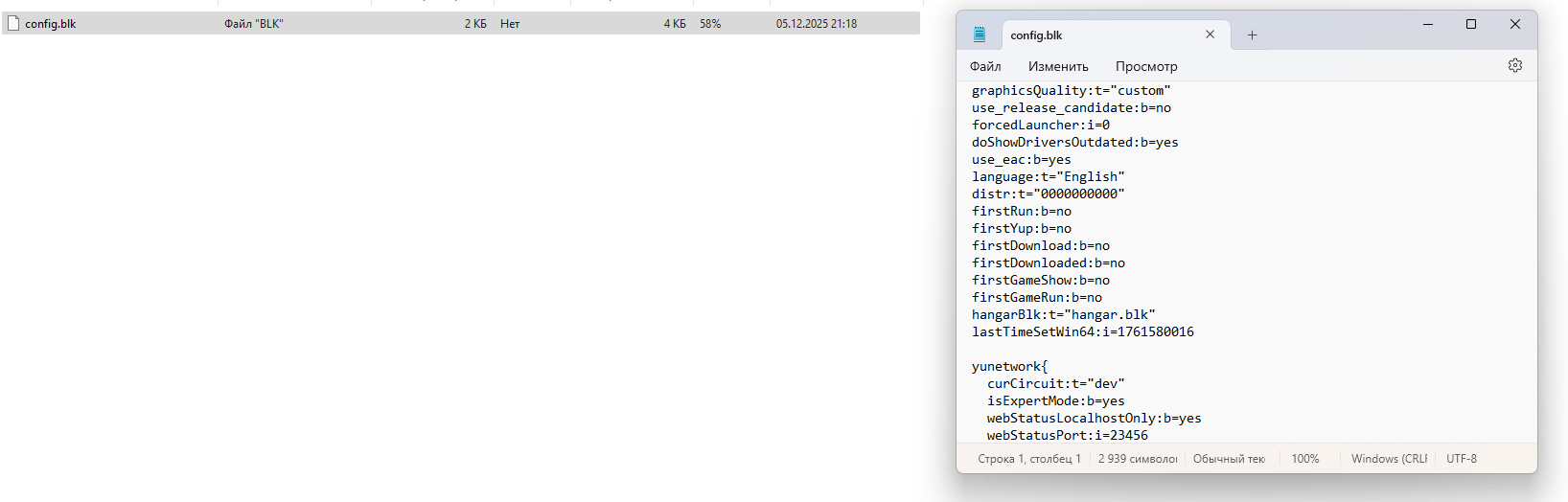
wait, do i have to paste this config into war tnuder too?
You can try, i included that as its known good, but it changes some settings (config.blk is user specific due to personal setting choices, like graphics)