Hi,
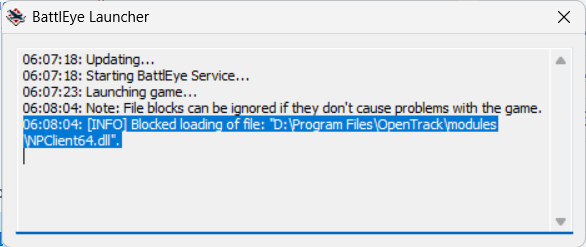
My War Thunder Keeps blocking NPClient64.dll
I know this might have been a problem for a while now, I’ve experienced it multiple times. But most of the times some restarts would solve the problem. Not this time. I’ve tried everything i can think of,
Turning OpenTrack on before launching warthunder
- Uninstall and reinstalling OpenTrack to the latest version
- Deleting BattlEye and reinstalling it
- Lauching OpenTrack using Administrator
- Turning Anti-Cheat off and relaunch.
- Restarting my computer (Yeah that didn’t work)
- Doing manual update on War Thunder
- Reinstalling War Thunder
- Trying different OpenTrack versions
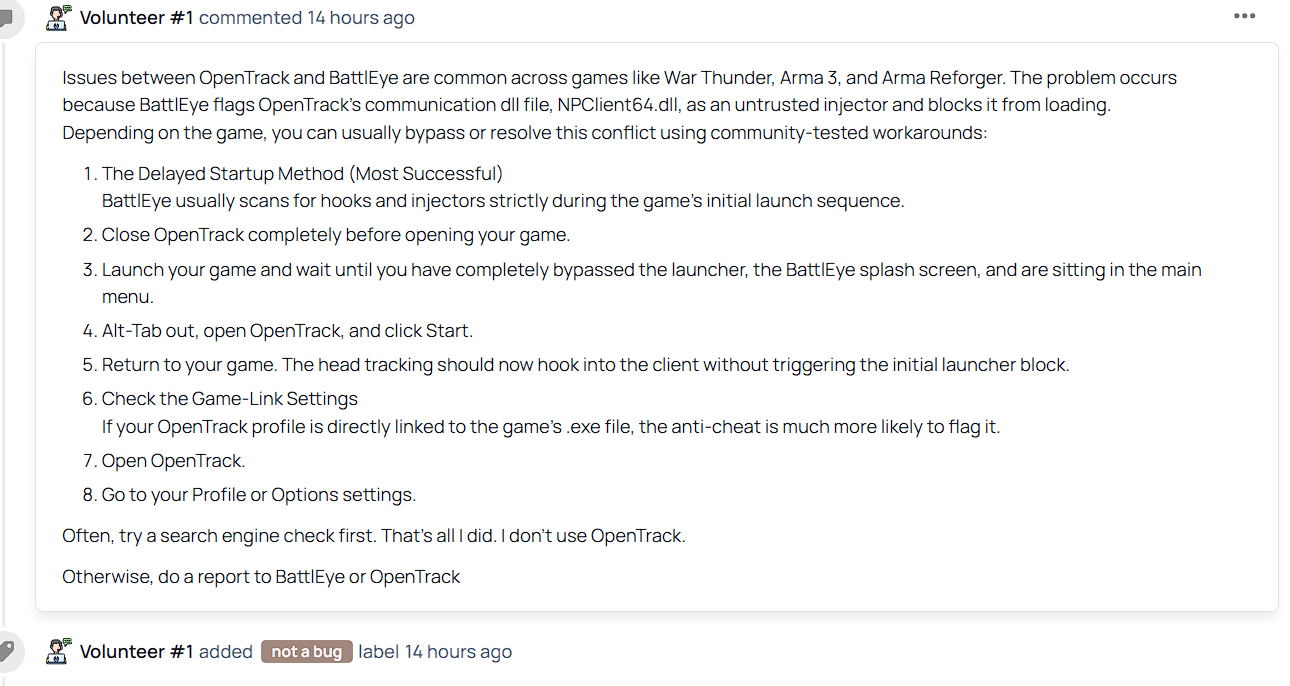
- Trying to do the soft start method (lauch war thunder with no AntiCheat, and later click To Battle and restart the game with anticheat) didn’t work
- tried using TrackIR,
- I tried deleting the NPClient64.dll
That’s all that I can think of. I’ve sent a bug report to Community Bug Reporting System. Here’s the link to it : Community Bug Reporting System. I’ve sent it over 11days ago, and not a single reply. And gaijin didn’t patch it too. I’ve also sent report and Email to Battleye, asking if they could put NPClient64.dll on a white list. Still no reply.
I’m kind of stuck here with nothing to do with my IR tracker. and basically cannot enjoy Air Sim like I used to. The IR tracker and Opentrack works perfectly fine with Il-2 Sturmovik and war thunder with anticheat off. But will get blocked as long as I enable anticheat.
Please, if anyone have a solution or have the same issue, please let me know.
Thanks a lot.